 ProMapRanker
Which App Is Best for Recruiting New Talent in 2026


Sourcing passive candidates · Pricing starts at: See website
Key takeaways
- LinkedIn Recruiter is the strongest pick for finding passive candidates who are not actively applying.
- Indeed and ZipRecruiter are better when you need a large number of applications fast.
- Greenhouse, Lever and Workable suit teams that want a structured hiring process with clear stages.
- SeekOut suits specialist and hard-to-fill roles where a standard job post does not reach enough people.
- Handshake is a useful extra channel for early-career hires, rather than a replacement for a main hiring tool.
Quick comparison
| Pick | Great for | Pricing starts at | Free tier | |
|---|---|---|---|---|
| LinkedIn Recruiter | Sourcing passive candidates | See website | No | Visit |
 Indeed | High-volume job applications | See website | Yes | Visit |
 ZipRecruiter | Fast distribution to many boards | See website | Free trial | Visit |
 Greenhouse | Structured hiring workflows | See website | No | Visit |
 Lever | Sourcing plus applicant tracking | See website | No | Visit |
 Workable | Small team hiring in one place | See website | Free trial | Visit |
 SeekOut | AI sourcing for specialist roles | See website | No | Visit |
 Handshake | Early-career and campus hiring | See website | Yes | Visit |
The best apps for recruiting new talent
There is no single best recruiting app, because sourcing, job posting and applicant tracking are different jobs. This list covers all three, so you can pick the tool that matches your bottleneck, whether that is finding people, getting applications, or moving candidates through interviews.
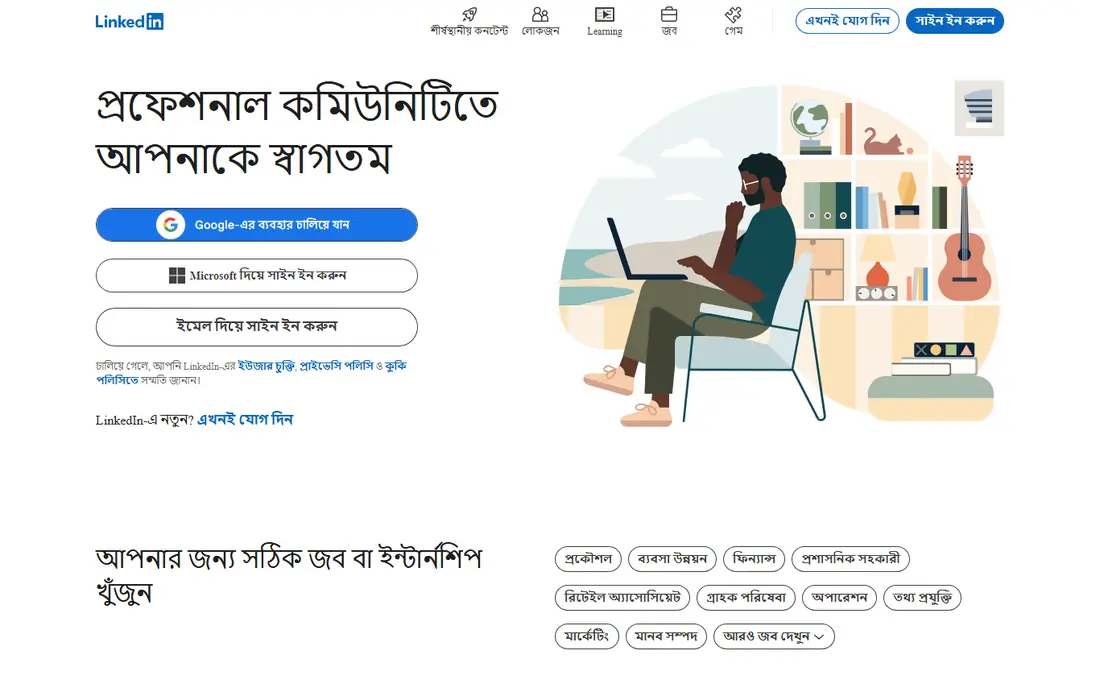
LinkedIn Recruiter is built for proactive hiring, which means finding people who are not looking for a job and starting a conversation with them. Its search filters let you narrow by role, skill, location, company and experience, and its talent pool is large enough to support specialist searches that a job board alone would miss. For technical, leadership and hard-to-fill roles, that reach is the main reason teams pay for it.
The cost is the honest catch. Recruiter is priced per seat and is expensive for a small business that hires only a few times a year. It also rewards effort, since a generic InMail rarely gets a reply, while a short, specific message about the role and the person does far better. If your main problem is reaching people who are not applying, LinkedIn Recruiter is still the first tool to consider, and it works best paired with a job board for inbound applications.
- Very large professional network
- Strong search filters for skills and experience
- InMail for direct outreach
- Seat-based pricing is costly for small teams
- Best results need regular, personal outreach
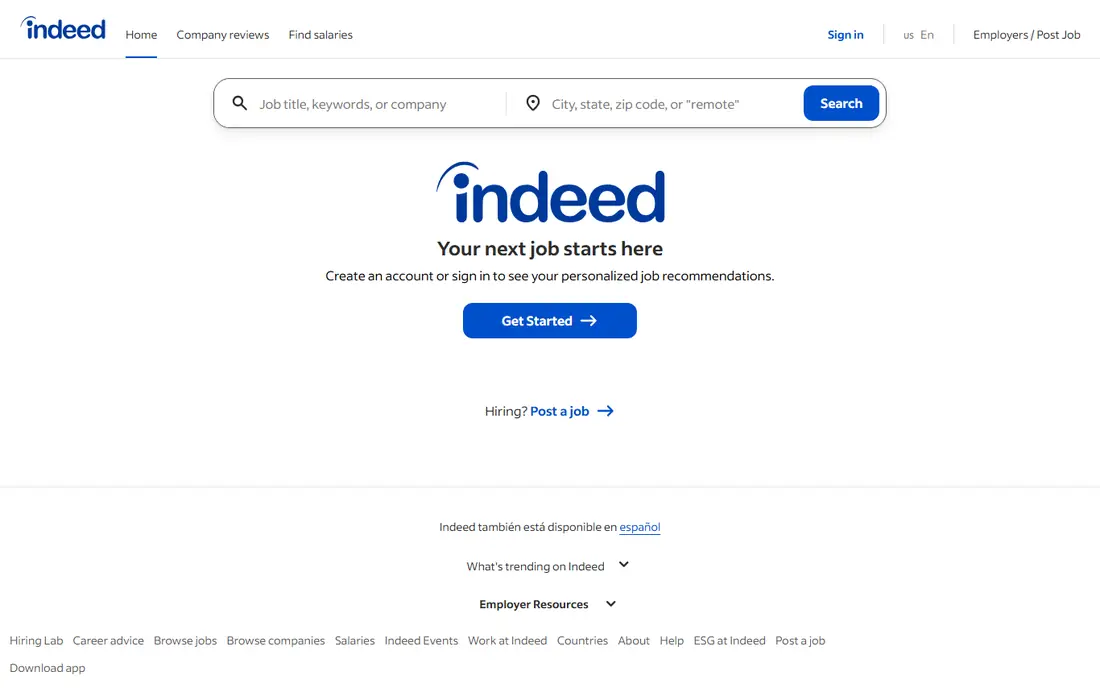
Indeed is the workhorse for inbound hiring. Job seekers already use it in large numbers, so a clear posting can bring in applications quickly, especially for frontline, hourly and entry-level roles. Basic posting is free, and sponsored posts let you pay for extra visibility when a role is urgent or competitive.
Volume is both the strength and the problem. You may get many applications, and a good share will not fit the role, so you need screening questions and a fast review process. Sponsored costs can also climb in competitive markets, so set a budget and watch the cost per qualified applicant rather than the raw number of applications. For most small businesses, Indeed is the simplest first channel, and it pairs well with LinkedIn for passive sourcing.
- Huge pool of active job seekers
- Free basic posting option
- Sponsored posts to boost visibility
- High volume can mean many unqualified applications
- Sponsored costs can rise for competitive roles
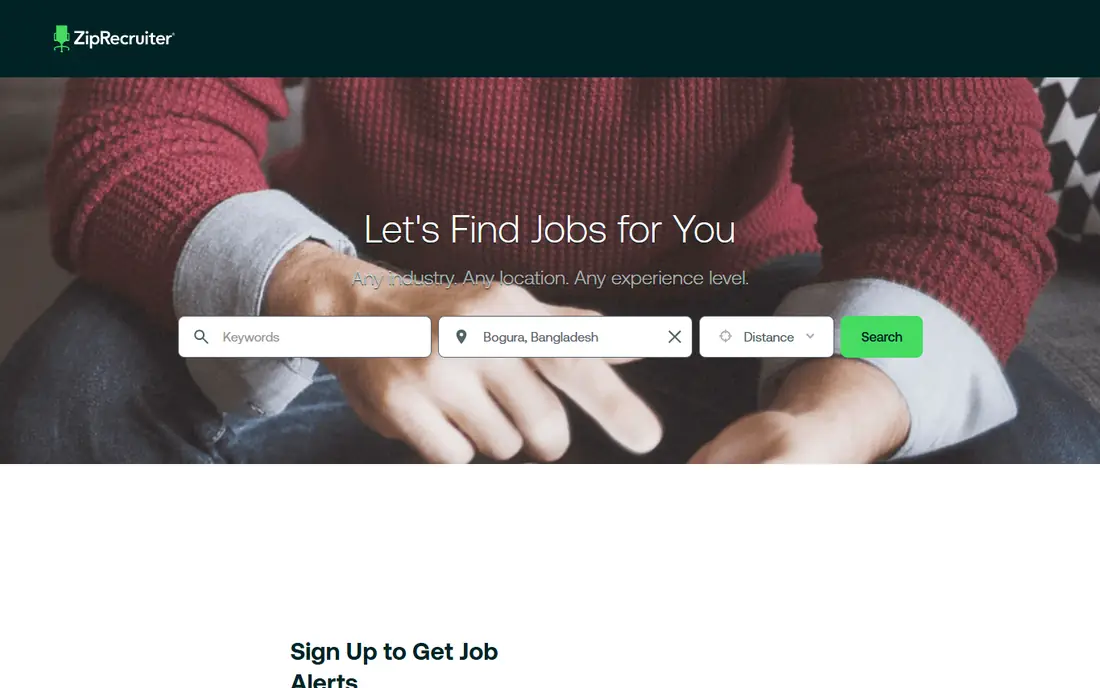
ZipRecruiter suits employers who want to post once and reach a wide set of job boards without managing each one separately. Its matching system highlights candidates who look like a strong fit, and its mobile app lets a hiring manager review applications between other tasks. That speed matters when a role has been open for weeks and you need momentum.
The subscription model means it is less flexible than a pay-per-post option for a one-off hire, so check the plan length before you start. Matching also depends on your posting, so a vague job description will bring vague matches. Write the role, the must-have skills and the location clearly, and ZipRecruiter becomes a fast way to widen your reach without extra admin work.
- One post reaches many job boards
- Candidate matching highlights strong fits
- Mobile app for quick review
- Pricing is subscription-based
- Matching quality depends on how well the posting is written
Greenhouse is an applicant tracking system, which means it manages candidates after they apply rather than finding them for you. It gives each role clear stages, interview scorecards and a shared view for everyone involved in hiring, so decisions are based on the same notes instead of scattered emails. That structure helps teams hire fairly and consistently, especially when several people interview the same candidate.
Setup takes more time than posting on a job board, and pricing is quote-based, so it suits teams that hire regularly rather than once a year. If your problem is a messy hiring process, lost candidates or inconsistent interviews, Greenhouse fixes that problem directly. Pair it with LinkedIn or Indeed for sourcing, and you have a complete hiring setup.
- Clear hiring stages and scorecards
- Strong interview scheduling and collaboration
- Good reporting for hiring teams
- Quote-based pricing
- More setup than a simple job board
Lever tries to cover both sides of hiring in one place. It tracks applicants through stages like an applicant tracking system, and it also gives recruiters tools to source candidates, build pipelines and keep in touch with people who are not ready yet. That combination suits teams that hire for similar roles again and again, since a pipeline built for one opening can feed the next.
The price and the feature set mean it is aimed at growing teams rather than a single hire. A very small business may find a simpler tool plus a job board is enough, and Lever will feel heavy for that use. For a team that sources actively and wants to keep good candidates warm for future roles, Lever is a strong middle ground between a pure sourcing tool and a pure tracking system.
- Combines sourcing and tracking in one system
- Strong candidate relationship tools
- Useful for nurture over time
- Quote-based pricing
- May be more than a very small team needs
Workable is a practical choice for a small business that wants one place to post jobs, review candidates and schedule interviews without a long setup. It distributes postings to job boards, offers screening questions, and gives hiring managers a clear pipeline view. The interface is straightforward, which helps when the person hiring is also running the business.
It is not the strongest sourcing tool on this list, so teams that need to hunt for passive candidates should pair it with LinkedIn. Costs also rise as you add users, so check the plan for your team size. For a small team that hires steadily and wants hiring to feel organised rather than chaotic, Workable hits a good balance between power and simplicity.
- Easy setup for small teams
- Posts to many boards from one place
- Built-in screening and scheduling
- Advanced sourcing is weaker than specialist tools
- Costs rise with team size
SeekOut is a sourcing tool for roles where a job post alone does not bring enough qualified people. It searches across public professional profiles and uses AI to match skills, experience and background, which helps for technical roles, specialist roles and teams that want a wider talent pool. Recruiters can build a shortlist faster than by searching one network at a time.
Pricing leans toward larger teams, and the tool works best when you give it a clear brief, including must-have skills and deal-breakers. A vague search will return a vague list, just as with any sourcing tool. If your hardest roles stay open for months, SeekOut is worth a demo, especially alongside LinkedIn, since the two together cover a much wider set of candidates than either alone.
- AI-powered search across many public profiles
- Useful for technical and diverse talent pools
- Strong filters for skills
- Enterprise-leaning pricing
- Needs a clear search brief to work well
Handshake connects employers with students and recent graduates, and it is one of the few recruiting tools built specifically for early-career hiring. Employers can post jobs, search for candidates, and run virtual events or campus sessions, which helps when you need interns, graduates or entry-level staff. A free posting option makes it easy to test without a large budget.
Its focus is also its limit. It is not the right place for senior or highly specialist hires, and the fit will vary by school, field and location. Treat Handshake as a specialist channel for early talent, alongside Indeed for general applications and LinkedIn for experienced hires. Used that way, it can fill a gap that general job boards often miss.
- Direct access to students and recent graduates
- Free employer posting option
- Campus and virtual event tools
- Focused on early-career talent, so less useful for senior roles
- Candidate quality varies by school and field
How we picked these
We compared official product pages, pricing pages and public hiring guides, and we kept tools that help an employer find, attract or manage candidates for a real job. A tool had to be available in the United States in October 2026 and offer a clear recruiting use, whether sourcing, posting or tracking. We left out pure job seeker apps with no employer hiring tools, and we noted where pricing is quote-based so you can request a current price before deciding. Prices shown as See website reflect vendor pricing that varies by seats, plan or hiring volume.
How to choose a recruiting app for your next hire
Start with the role, not the tool. If the role is common and you need applications fast, post on Indeed and ZipRecruiter first, and use screening questions to cut the noise. If the role is specialist, senior or hard to fill, start with LinkedIn Recruiter or SeekOut, and plan time for personal outreach, since passive candidates rarely apply on their own. If you hire early-career staff, add Handshake to the mix.
Next, look at your process. If candidates get lost in email, if interview notes are scattered, or if nobody knows who is at which stage, an applicant tracking system such as Greenhouse, Lever or Workable will help more than another job board. A good hiring stack is often two tools, not one, with a sourcing or posting channel feeding a tracking system. Finally, write a clear posting before you pay for anything, since a vague role description wastes money on every platform, no matter how good the tool is.
A note on fair hiring
Use the same stages, questions and scorecards for every candidate for a role, and keep notes based on the job, not on personal traits. Recruiting tools can help with structure, but they do not replace human judgment. Check that any AI sourcing or screening feature you use is explained by the vendor, and review its shortlists for bias before you rely on them.
Frequently asked questions
Which app is best for recruiting new talent overall?
LinkedIn Recruiter is the best overall pick for finding talent, especially passive candidates, while Indeed is the best for generating many applications. Most teams get better results by using one of each, plus a tracking system if they hire often.
Is there a free app for recruiting?
Indeed offers free basic job posting, and Handshake offers a free employer option for early-career hiring. Free options work for a single role, but paid plans add visibility, sourcing and better tracking.
Which app is best for small businesses hiring for the first time?
Workable or Indeed are good first choices for a small business, since setup is simple and costs are easier to control. Start with one posting, learn what a good application looks like, and add a sourcing tool only if applications are thin.
How is LinkedIn Recruiter different from Indeed?
LinkedIn Recruiter is built for finding and contacting people who are not actively applying, while Indeed is built for attracting applications from active job seekers. The first suits specialist and senior roles, and the second suits high-volume and entry-level hiring.
Do I need an applicant tracking system?
You need one if you hire regularly, if several people interview candidates, or if candidates are getting lost. For a rare single hire, a job board plus a simple spreadsheet may be enough, but a tracking system saves time once hiring becomes regular.
Can one app handle sourcing, posting and tracking?
Lever comes closest on this list, since it combines sourcing and tracking, and Workable covers posting and tracking well. Even so, most teams still pair a tracking system with LinkedIn or Indeed for reach, since no single tool is best at every stage.
Sources
See where you really rank - block by block
ProMapRanker scans Google Maps across a grid of your service area. Simple monthly plans from $19, white-label on every plan.
Start freeKeep reading
 worlds best local seo company
8 Worlds Best Local SEO Companies for Map Pack Growth in 2026
Compare the worlds best local seo company options for Google Business Profile work, citations, reviews, and multi-location rankings and reporting in 2026.
Read → world's best web hosting company
World's Best Web Hosting Company in 2026
Searching for the world's best web hosting company? We compared 10 hosts on price, renewal rates, speed, and support to help you choose well today in 2026.
Read → who's got the best nanny tax services
Who's Got the Best Nanny Tax Services in 2026
We answer who's got the best nanny tax services, comparing full filing, back taxes, software, and pricing so families can handle nanny taxes correctly.
Read →