 ProMapRanker
Which App Is Best for Automated Job Applications in 2026


Career page auto apply with per role tailoring · Pricing starts at: See website
Key takeaways
- JobCopilot and LoopCV offer the clearest control, with approval queues or review options that stop blind volume.
- Simplify is the best free starting point, because its free autofill never submits for you without a click.
- LazyApply suits high volume on major boards, but it reuses one resume and needs a browser open.
- No auto apply tool replaces tailoring, so keep manual applications for roles you care about most.
Quick comparison
| Pick | Great for | Pricing starts at | Free tier | |
|---|---|---|---|---|
| JobCopilot | Career page auto apply with per role tailoring | See website | No | Visit |
 LoopCV | Approval queue job search | Free | Yes | Visit |
 LazyApply | High volume applications on major boards | $99 per year | No | Visit |
 Simplify | Free autofill and job tracking | Free | Yes | Visit |
 AIApply | Resume, cover letter, and interview preparation in one kit | See website | No | Visit |
 FastApply | Reviewable auto apply with per role rewrites | See website | Yes | Visit |
 Jobright | Matched roles with referral and fit checks | Free | Yes | Visit |
 Jobhire.AI | Controlled automation with submission review | See website | No | Visit |
The best automated job application apps
Automated job application tools save time on repetitive forms, but they also raise a real risk: a poorly matched application can hurt your chances and, in some cases, break an employer rule. The tools below differ mainly in how much control you keep. Read that difference before you pay, and use automation only with honest, accurate applications that you could defend in an interview.
A plain note on honesty: tailor applications honestly, check each employer rules before you automate, and never suggest or submit false experience, qualifications, or availability. If a tool rewrites your resume, review the rewrite before it goes out.
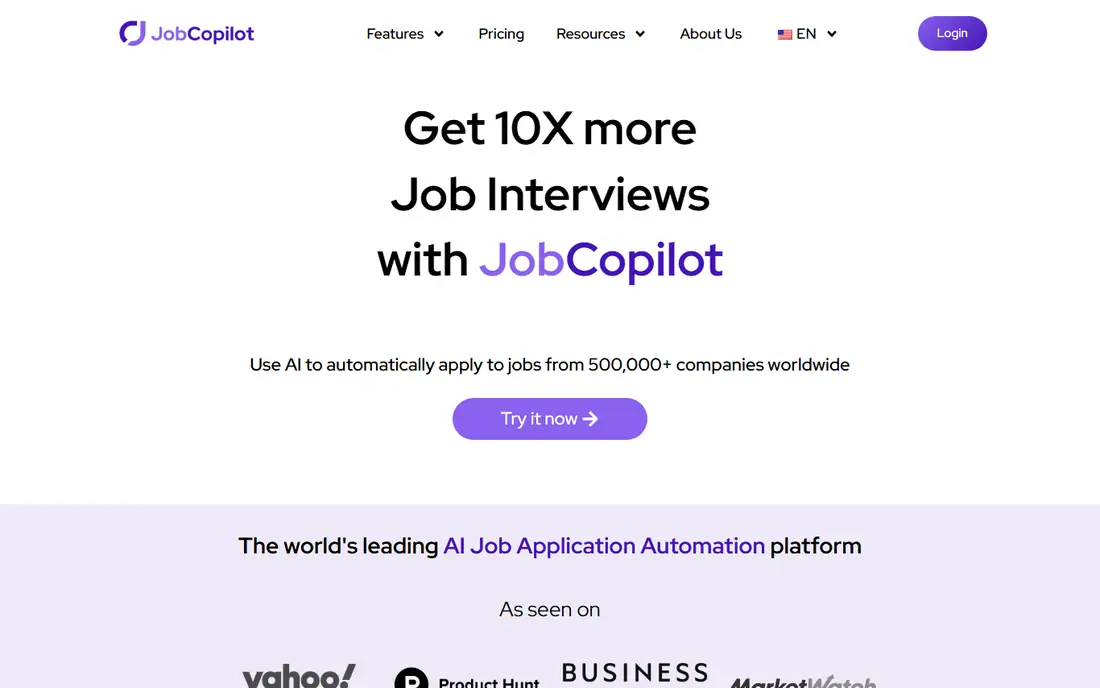
JobCopilot is a strong answer to which app is best for automated job applications when you want career pages covered rather than only job boards. It matches roles to your preferences, then applies with a resume and cover letter tailored to each posting. That tailoring is the main reason to prefer it over a tool that sends the same resume everywhere.
The catch is control and cost. Check whether your plan allows automatic applying or autofill that you review and submit, and set tight filters before you switch automation on. Loose filters produce more applications, but they also produce more weak matches, so review early submissions and tighten titles, locations, and seniority as needed.
- Scans company career pages
- Generates tailored resumes and cover letters per role
- Tracking dashboard for submitted applications
- Pricing and limits are not always clear on public pages
- High volume can lower relevance if filters are loose
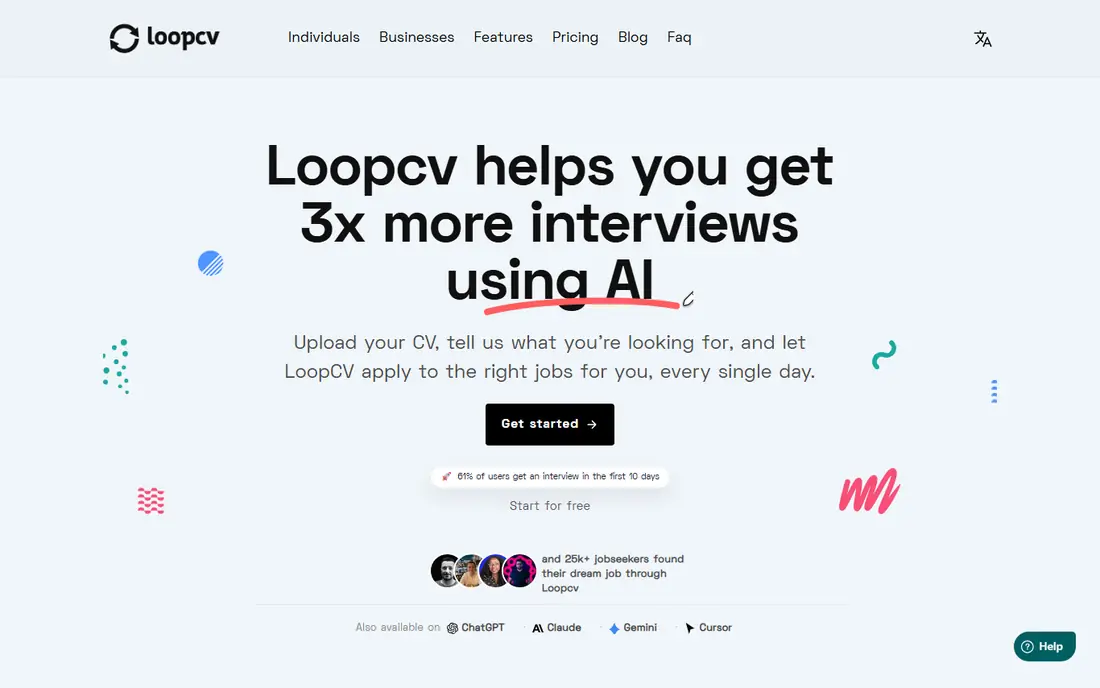
LoopCV stands out for its approval queue. Nothing sends without your sign off if you choose that setting, which makes it one of the safest best automated job application tools for people who worry about blind submissions. It searches job boards, matches roles, and lets you manage several CV versions for different job types.
The limit is volume and tailoring. The free tier covers only a small number of applications or emails per month, and paid plans are needed for larger searches. LoopCV also does not rewrite your resume automatically for each role, so you still need strong base CVs. For a careful, steady search, that trade is worth it.
- Free tier with a small monthly application allowance
- You can approve matches before anything sends
- Supports multiple CV versions
- Free allowance is small
- It does not automatically rewrite your CV for each role
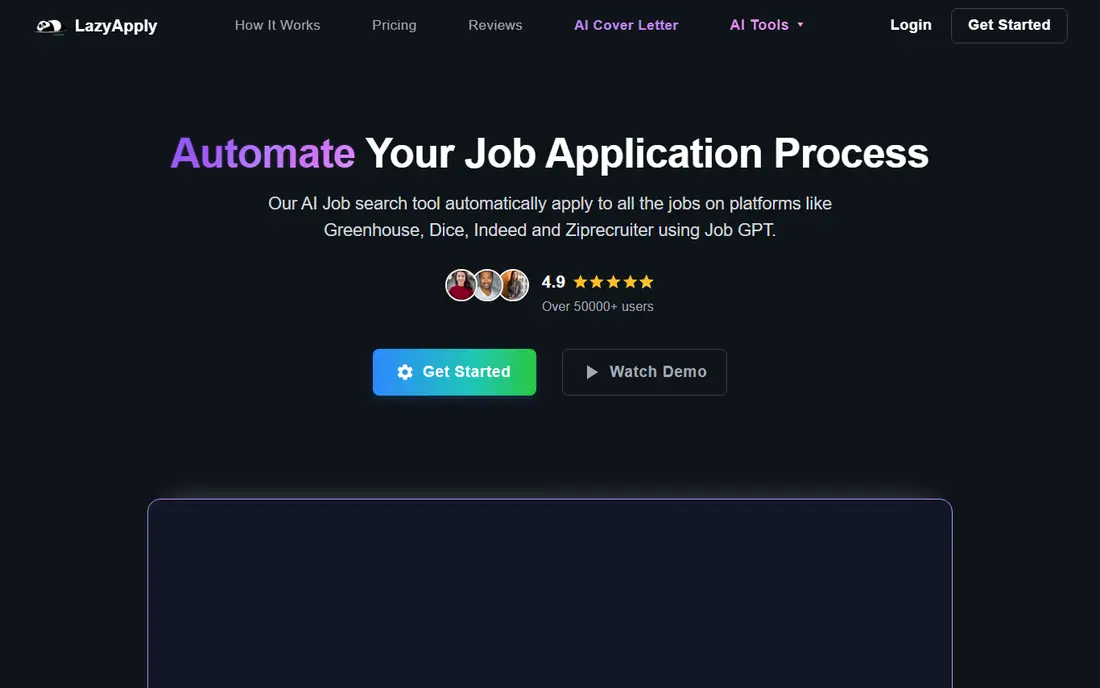
LazyApply is built for volume. Its annual plan, starting at 99 dollars per year for a basic daily cap, suits job seekers who want many applications on major boards without paying monthly. The extension workflow is simple, and the daily cap keeps runs from looking like a burst of identical submissions.
That simplicity has costs. There is no free tier, the resume is not tailored per role, and the browser must stay open while it works. Public feedback is also mixed, so treat LazyApply as a volume booster for broad roles, not as a precision tool for a short list of target employers.
- Annual pricing with daily application caps
- Covers Greenhouse, Dice, Indeed, and ZipRecruiter in its stated coverage
- Simple browser extension workflow
- No free tier or free trial
- Reuses one resume rather than tailoring per role
- Browser must stay open during runs
Simplify is our pick for most people starting out, because the free version helps without taking the final click away from you. Its extension fills common forms on boards and portals, including Workday and Greenhouse, and its tracker keeps applications in one place. That alone saves hours in a long search.
The paid Simplify Plus tier adds Autopilot, but that feature is capped weekly and should still be used with care. If you want full automation, Simplify is more limited than JobCopilot. If you want help with forms while keeping final control, it is the most balanced free tool on this list.
- Free autofill and tracking across many boards
- Paid Autopilot is capped weekly
- You click submit in the free Copilot mode
- Free version never submits for you
- Autopilot is a paid beta with a weekly cap
- Best for US boards and portals
AIApply is a broader job search kit than a single purpose auto apply bot. It helps with resumes, cover letters, and interview preparation, and it offers auto apply as a separate feature rather than the only product. That breadth suits job seekers who want one account for several stages of the search.
Check the plan details before you buy, because auto apply availability and pricing differ by plan and have been reported differently by third parties. As with every tool here, set narrow filters, review drafts where the tool allows it, and keep a record of what was submitted and where.
- Per role resume and cover letter tools
- Auto apply sold as a separate feature
- Interview preparation tools in the same account
- Auto apply is not included in every plan
- Pricing details need checking on the vendor site
- Volume still needs careful filters
FastApply is notable because it separates review modes from fully automatic modes. In Copilot mode, you can review the filled form before it goes out, which is the setting we recommend for important roles. Higher plans add per role rewrites, which help avoid the same generic resume landing everywhere.
The free tier is small, so it works as a trial rather than a long term free plan. Read the mode settings carefully, because other modes submit without a pause. For a job seeker who wants automation with a checkpoint, FastApply is a sensible middle ground.
- Free tier with a small number of applications
- Copilot mode lets you review the filled form
- Per role resume rewrites on higher plans
- Full auto apply modes submit without a pause in some settings
- Coverage and limits vary by plan
Jobright combines job matching with a fit check and a referral scan, which helps you spot roles where a connection may matter more than volume. Its free tier covers matching and tracking, so you can test fit before paying for faster application features.
The main uncertainty is pricing transparency for paid plans, so check the vendor site before subscribing. Jobright works best as a best app for automated job applications when you use its matching to choose roles, then apply manually or with review to the strongest ones.
- Free tier for matching and tracking
- Resume rewrite and referral scan features
- Manual review step before submission on some flows
- Paid Turbo pricing is not always published clearly
- Auto apply strength depends on how well matches fit your profile
Jobhire.AI positions itself as controlled automation rather than raw volume. It aims to handle matching, tailoring, and submission in one flow, with controls that let you see what is going out. That positioning suits job seekers who want help but do not want to lose sight of their applications.
There is no free tier in current listings, so budget for a paid plan and test it on a small set of roles first. Review early submissions closely, and keep manual applications for your top employers. Automation should widen a good search, not replace judgment about fit.
- End to end automation with submission control
- Tailored application approach
- Interview related support in some plans
- No free tier in current listings
- Pricing needs checking on the vendor site
- Still needs tight filters to avoid weak matches
How we picked these
We compared official feature pages, pricing pages, and recent third party comparisons for auto apply tools, and we kept only tools that operate in October 2026 and truly automate or speed up applications. We excluded Sonara, because recent reports state it has shut down, and we excluded tools that only track jobs without applying. We favored tools with review controls, clear coverage, and honest limits, and we did not claim hands on testing.
How to choose an automated job application tool
Start with control, not volume. A tool that lets you approve matches or review filled forms will protect your reputation far better than a tool that sends hundreds of generic applications. Next, check coverage for your field. Some tools cover company career pages well, others cover major boards, and the best choice depends on where your target roles are posted.
Then check resume handling. A tool that tailors per role is stronger than one that sends the same resume everywhere, but even tailored drafts need a human review. Finally, set a weekly limit and a review routine. Check what was submitted, fix bad matches, and keep a short list of employers for fully manual applications.
Employer rules and honest applications
Some employers and platforms restrict automated submissions, and some application systems flag bot like behavior. Read the rules for each platform, keep your experience and qualifications accurate, and never let a tool invent skills, dates, or degrees. If you are unsure about a role, apply manually.
What to track each week
Track roles applied to, replies, interviews, and any application that looked wrong. That record helps you spot a bad filter early and avoids duplicate applications to the same employer, which look careless.
Frequently asked questions
Which app is best for automated job applications overall?
JobCopilot is a strong overall pick for career page coverage and per role tailoring, while LoopCV is the safer pick if you want an approval queue. Simplify is best if you want free help with forms while keeping the final click yourself.
What are the best automated job application tools with a free tier?
Simplify, LoopCV, FastApply, and Jobright all offer free tiers, but free allowances are small and often cover autofill or matching rather than full auto apply. Use free tiers to test control and match quality before paying.
What are the best apps for automated job applications on major boards?
LazyApply and Simplify cover major boards and portals well, while JobCopilot focuses more on company career pages. Check coverage for the boards where your target roles appear most often.
Is automated job applying safe with employers?
It can be risky if submissions are inaccurate, generic, or against a platform rule. Use review modes, tailor honestly, check employer rules, and keep manual applications for roles you care about most.
Can an auto apply tool tailor my resume for each job?
Some can, including JobCopilot, AIApply, and FastApply on higher plans, while others reuse one resume. Always review tailored drafts for errors before they are submitted.
How many applications should I automate each day?
There is no safe universal number, and quality matters more than count. Start with a small daily set, review results, tighten filters, and increase only if replies and match quality stay strong.
Sources
See where you really rank - block by block
ProMapRanker scans Google Maps across a grid of your service area. Simple monthly plans from $19, white-label on every plan.
Start freeKeep reading
 zscaler alternatives
Best Zscaler Alternatives in 2026
Looking for zscaler alternatives? We compare 9 SASE and zero trust platforms on architecture, data protection, pricing, and fit for your network and team.
Read → zapier alternatives free
Best Zapier Alternatives Free in 2026
Nine automation tools for zapier alternatives free in 2026, all with genuinely free tiers, plus free plan limits, starting prices and upgrade paths explained.
Read → which platform is best for online reputation
Which Platform Is Best for Online Reputation in 2026
Wondering which platform is best for online reputation? We compare 8 review, listing, and response tools for small and multi-location businesses and agencies.
Read →