 ProMapRanker
Which AI Text to Image Service Is Best in 2026

Key takeaways
- Midjourney still leads for artistic and cinematic looks, while ChatGPT image tools lead for following detailed prompts.
- Adobe Firefly is the safest pick for commercial client work because it is trained on licensed content.
- Ideogram is the best specialist choice when readable text inside the image matters most.
- Free plans are useful for trying a tool, but paid plans are usually needed for regular or commercial use.
Quick comparison
| Pick | Great for | Pricing starts at | Free tier | |
|---|---|---|---|---|
 Midjourney | Artistic and cinematic images | $10 per month | No | Visit |
 ChatGPT | Following detailed prompts | See website | Yes | Visit |
 Adobe Firefly | Commercial-safe client work | See website | Yes | Visit |
 Google Gemini | Photorealistic scenes | See website | Yes | Visit |
 Ideogram | Readable text in images | See website | Yes | Visit |
 Leonardo AI | Game and design assets | See website | Yes | Visit |
 Flux | Photorealistic product images | See website | Yes | Visit |
 Stable Diffusion | Local control and custom models | Free | Yes | Visit |
The best ai text to image services
Text to image tools turn a written description into a picture, but they differ sharply in style, accuracy, and rights. The eight services below cover the main strengths in this market. A plain warning applies to all of them: do not use these tools to create images of real people without their consent, and do not use them to make deceptive images that pretend to be real photos of real events.
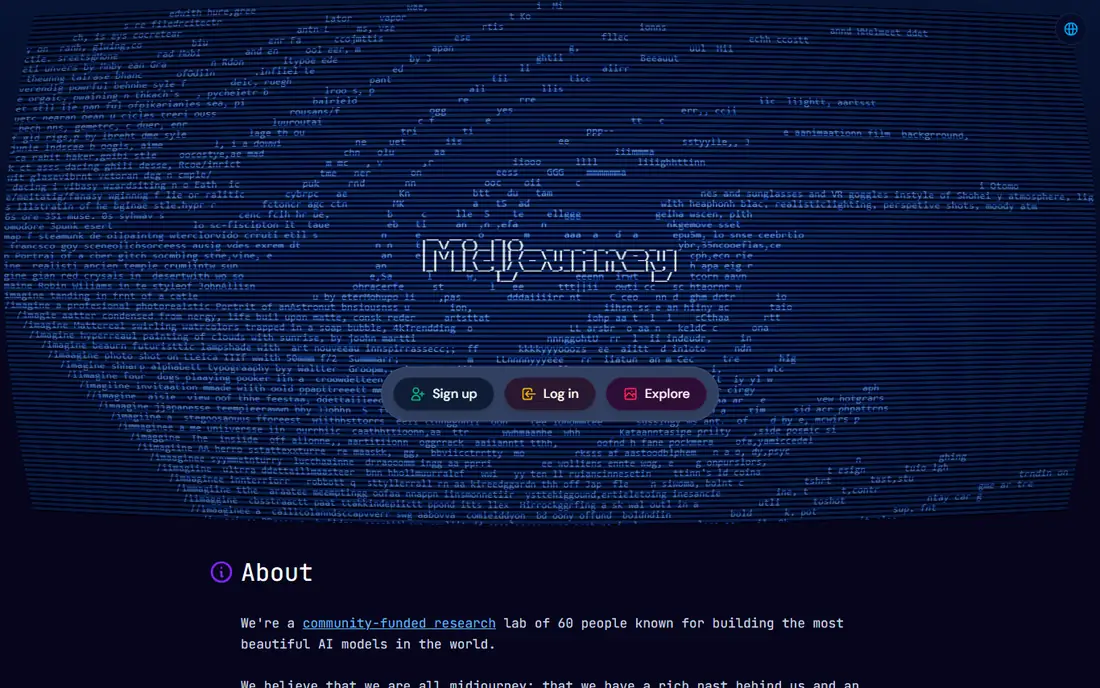
Midjourney is our pick for most people who care first about how the image looks. Its output has a polished, cinematic quality that suits posters, book covers, concept art, and social visuals. The web app now lets you work without Discord, and style references help you keep a consistent look across a series.
The trade-offs are real. There is no free tier, so you pay to try it properly, and it is not the best tool for a poster that needs exact wording spelled correctly. If your brief is mostly visual and you can tolerate a few retries, Midjourney is hard to beat. If the brief is strict and text heavy, pair it with or replace it by a more literal tool below.
- Strong artistic quality
- Good style control
- Web app with style and character reference tools
- No free plan
- Weaker at exact text rendering
- Prompt following can be less literal than rivals
ChatGPT, with its GPT image tools, is the easiest starting point for most beginners. You describe the image in plain words, then ask for changes in conversation, such as a different background or a warmer light. That back-and-forth editing is genuinely useful when a first result is close but not quite right.
It also follows complex prompts well, including scenes with several elements and readable short text. The downside is that its default look can feel less distinctive than Midjourney for pure art, and free access is limited. For everyday marketing visuals, product mockups, and illustrations that must match a brief, ChatGPT is a practical all-round choice.
- Strong prompt following
- Conversational editing
- Useful for refining an image in steps
- Style range is narrower than Midjourney
- Free use is limited
- Image quality varies by prompt complexity

Adobe Firefly is the pick when the image will be used for a client, a brand, or a paid campaign. Because it is trained on licensed content, it avoids many of the rights questions that hang over other generators. Integration with Photoshop also means you can generate, extend, and edit in one workflow rather than moving files between apps.
Firefly is not always the most striking generator for free-form art, and its credit system means heavy users need a paid plan. For agencies, publishers, and in-house teams that need defensible commercial use, those limits are a fair trade. Check the current plan terms before using output in a high-value campaign.
- Trained on licensed content
- Integrates with Photoshop and other Adobe apps
- Free plan for trying it
- Creative range can feel narrower
- Best value inside a Creative Cloud plan
- Credit limits apply
Google Gemini, which includes Imagen image generation, is a strong choice for natural scenes and realistic images. Outdoor scenes, interiors, and everyday objects tend to look convincing, and the tool is easy to reach if you already use Google services. The free tier is enough to learn the tool and make casual images.
For precise brand work, Gemini is less flexible than Midjourney or Firefly, and keeping the same character identical across many images can take extra effort. It shines as a fast, accessible generator for blog images, presentations, and social posts where realism matters more than fine art direction.
- Strong photorealistic results
- Works inside Google apps
- Free tier for casual use
- Character consistency can vary
- Controls are simpler than specialist tools
- Paid features sit inside Google plans
Ideogram solves the problem that frustrates many users of other tools: text that comes out misspelled or garbled. Posters, book titles, social graphics, and simple logos with words are its home ground. If your image must carry a headline, a product name, or a short slogan, start here before trying a general-purpose generator.
Outside text-heavy work, Ideogram is less distinctive. Its artistic range is narrower than Midjourney, and photorealistic scenes are not its main strength. Treat it as a specialist tool. Use it when words in the image are the point, and use another tool when the image is purely visual.
- Best readable text in images
- Good for posters and logos
- Free tier for testing
- Narrower style range
- Paid plans needed for higher volume
- Less strong for pure photorealism
Leonardo AI fits creators who make many related images, such as game assets, characters, and concept sets. It offers a range of models and styles, which helps when you need a consistent fantasy, sci-fi, or illustration look across a project. The free tier lets you learn the workflow before paying.
Beginners may find the number of settings a lot at first, and results vary more with model choice than with simpler tools. Check the plan terms for commercial use before selling work made with it. For game developers, illustrators, and design teams producing asset sets, Leonardo is a strong mid-priced option.
- Good for game art and characters
- Useful model and style choices
- Free tier for learning
- Interface can feel busy for beginners
- Commercial terms vary by plan
- Quality depends on model choice
Flux, from Black Forest Labs, has earned a reputation for photorealistic images that hold up at a closer look. Product shots, realistic scenes, and images with clean text are its strengths, and it is widely available through partner apps and APIs. That flexibility makes it popular with developers and with tools that bundle several models.
The catch is access. Flux is not always a single simple app with one price, so you may use it through another platform with its own credits and limits. Beginners who want one app and one subscription may prefer ChatGPT or Gemini. For product photography style images and API workflows, Flux is a top contender.
- Strong photorealism
- Good text rendering
- Fast generation on many platforms
- Access is often through partner apps or APIs
- Pricing varies by provider
- Setup can confuse beginners
Stable Diffusion is the choice for users who want control rather than convenience. You can run it on your own computer, choose community models, and adjust settings in ways hosted tools do not allow. That makes it ideal for privacy-minded users, hobbyists, and developers building custom workflows.
It is not a beginner pick. Setup takes technical effort, good hardware helps a lot, and results depend on the model and settings you choose. If you want to type a prompt and get a polished image in seconds, choose a hosted tool above. If you want to own the process and tune every detail, Stable Diffusion is unmatched.
- Free to run locally
- Full control over models and settings
- Large community of models and tools
- Needs technical setup and capable hardware
- Results depend on your skill
- No simple hosted free app from the maker
How we picked these
We compared official product pages, pricing pages, and public feature descriptions, and we focused on tools that are live and usable in October 2026. We favored tools with distinct strengths rather than listing near-identical apps, and we checked that each one offers a real text to image workflow, not just editing or stock photos. We did not list Sora as an image service, since it is a video tool, and we excluded tools built for non-consensual or deceptive imagery.
How to choose the right tool for your brief
Start with the job, not the hype. If the image is art-led, Midjourney or Leonardo will likely please you most. If the brief is detailed and must be followed closely, ChatGPT or Gemini is a better starting point. If the image carries words, try Ideogram first. If the image will be sold or used for a client, Adobe Firefly deserves serious weight because of its licensed training data.
Budget also shapes the choice. Free tiers are fine for learning and occasional images, but check credit limits and commercial terms before committing to a tool for client work. Try the same prompt in two tools before paying, and judge the results on your actual brief, not on sample galleries. Pay attention to editing too, since a tool that lets you refine an image in steps can save more time than a tool that produces a slightly prettier first draft.
Frequently asked questions
Which AI text to image service is best overall?
There is no single winner for every brief. Midjourney leads for artistic quality, ChatGPT leads for following detailed prompts, and Adobe Firefly leads for commercial-safe work. Pick by the job: art, accuracy, text, or client rights.
Can I use AI images for commercial work?
It depends on the tool and plan. Adobe Firefly is designed for commercial use with licensed training data, while other tools have plan-specific terms. Read the current terms for your plan, and keep records of which tool and plan produced each image used commercially.
Which tool is best for text inside images?
Ideogram is the strongest specialist for readable text, followed by ChatGPT image tools and Flux for short phrases. Keep text short, use a simple font style in your prompt, and check spelling closely before publishing.
Is there a good free AI image generator?
Yes, for casual use. ChatGPT, Gemini, Adobe Firefly, Ideogram, Leonardo, and Flux partners all offer free tiers or free access with limits. Free plans usually cap daily images or credits, so regular or commercial users will likely need a paid plan.
Can AI images show real people?
They can generate people who look real, which is why consent matters. Do not create images of real people without their permission, and do not present AI images as real photos of real events. Label AI images clearly when the context could mislead viewers.
Sources
See where you really rank - block by block
ProMapRanker scans Google Maps across a grid of your service area. Simple monthly plans from $19, white-label on every plan.
Start freeKeep reading
 zscaler alternatives
Best Zscaler Alternatives in 2026
Looking for zscaler alternatives? We compare 9 SASE and zero trust platforms on architecture, data protection, pricing, and fit for your network and team.
Read → zapier alternatives free
Best Zapier Alternatives Free in 2026
Nine automation tools for zapier alternatives free in 2026, all with genuinely free tiers, plus free plan limits, starting prices and upgrade paths explained.
Read → which platform is best for online reputation
Which Platform Is Best for Online Reputation in 2026
Wondering which platform is best for online reputation? We compare 8 review, listing, and response tools for small and multi-location businesses and agencies.
Read →