 ProMapRanker
Where to Find Best AI Recolor Service in 2026

Key takeaways
- Recolorify suits product teams that need exact colour matching, while ImageColorizer suits family photos that need black and white prints brought to colour.
- AI colours are estimates, not a historical record, so check results closely when accuracy matters for a product or an archive.
- Use only images you own or have a licence for, and get consent before recolouring real photos of identifiable people.
- Free tiers are useful for testing, but high-resolution exports, batch work, and commercial use usually need a paid plan.
Quick comparison
| Pick | Great for | Pricing starts at | Free tier | |
|---|---|---|---|---|
 Recolorify | Exact product colour matching | See website | Yes | Visit |
 ImageColorizer | Colourising old photos | See website | Yes | Visit |
 Colourise | Quick free colourisation | Free | Yes | Visit |
 Hotpot.ai | Historical portraits | See website | Yes | Visit |
 VanceAI | High-resolution colourisation | See website | Yes | Visit |
 Wondershare Repairit Online | Repair plus colourisation | See website | Yes | Visit |
 Adobe Photoshop | Full manual colour control | $22.99 per month | Free trial | Visit |
 Canva | Recolouring inside designs | $15 per month | Yes | Visit |
The best AI recolor services
We compared official feature pages, pricing pages, app store listings, privacy policies, and public reviews for tools that recolour images in October 2026. We kept only legitimate creative tools, and we focus on two different jobs here: changing the colour of an object in a colour photo, and adding plausible colour to a black and white photo. Use only images you own or have a licence to edit, and get consent before editing real photos of identifiable people.
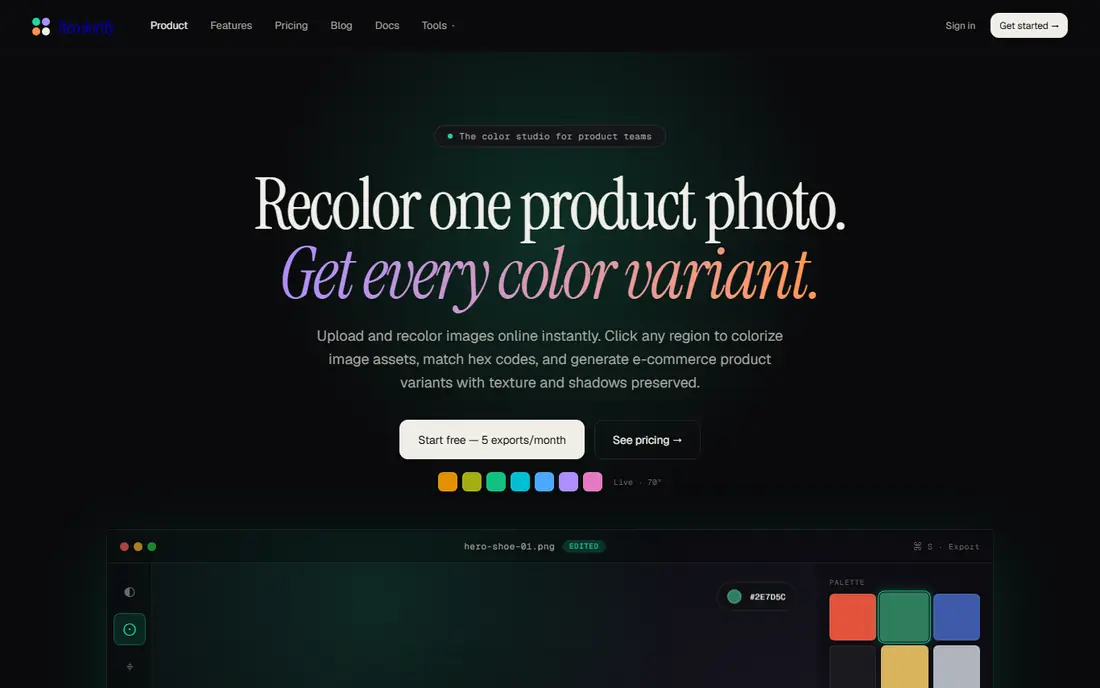
Recolorify is built for e-commerce teams and designers who need a product in a new colour without reshooting it. You upload a product photo, pick a region, enter an exact hex code, and the tool changes that region while keeping shading, folds, and texture intact. That precision matters for a store, because a shirt that looks painted over will put buyers off, while a shade that matches the listed colour code builds trust.
Batch processing is the other strength, since a catalogue with many colour variants can be produced far faster than by manual editing alone. The honest catch is scope, because Recolorify is not an old photo restoration tool, and heavy damage or missing detail still needs a different workflow. For product variants, brand colours, and listing images, it is the most focused tool on this list.
- Exact hex colour input
- Shading and texture preserved
- Batch processing for catalogues
- Focused on product and design work rather than old photo restoration
- Full features need a paid plan
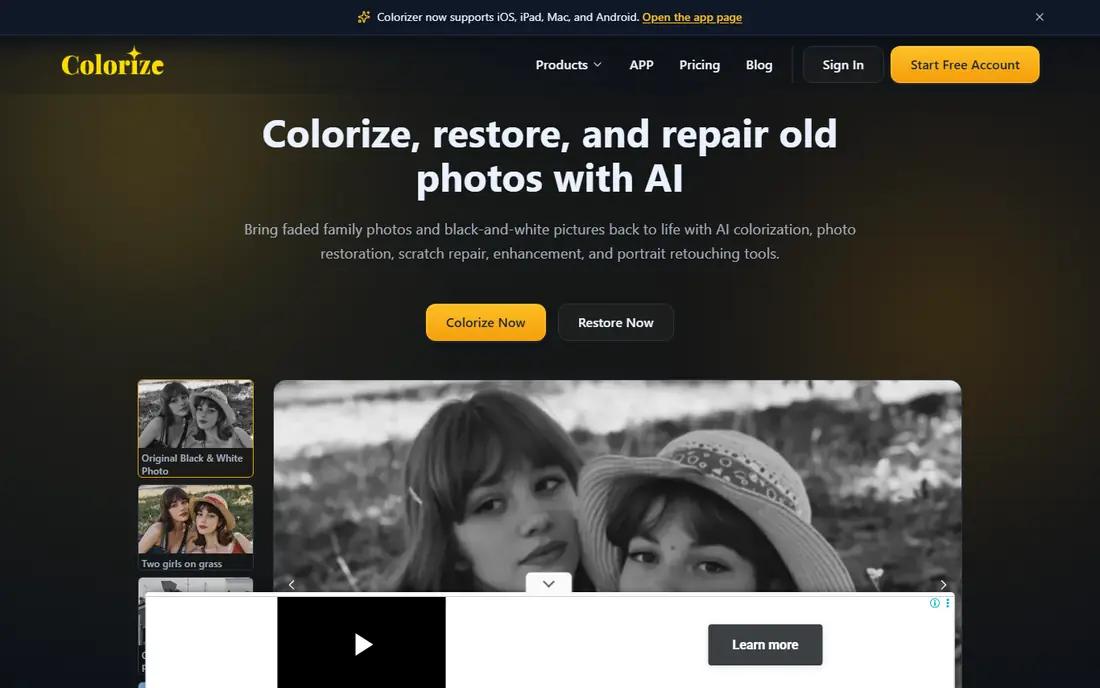
ImageColorizer takes a black and white or faded photo and returns a colour version in seconds, through a browser page with no software to install. It also bundles scratch repair, sharpening, and upscaling, which makes it a handy one-stop tool for family archives and hobbyist genealogy work. A limited free tier lets a new user test it before buying credits, and paid plans add more credits and higher-resolution output.
The limit to keep in mind is accuracy, since the AI guesses colours from tone and context rather than knowing what a dress or a wall truly looked like. Results are usually believable for skin, skies, and clothing, but they should not be presented as a historical record. For a family print to frame or share, that trade-off is usually fine, and the speed makes it easy to try several photos before settling on favourites.
- Simple browser workflow
- Restoration and upscaling bundled in
- No software to install
- Credit-based pricing adds up at volume
- Colours are plausible estimates, not verified history
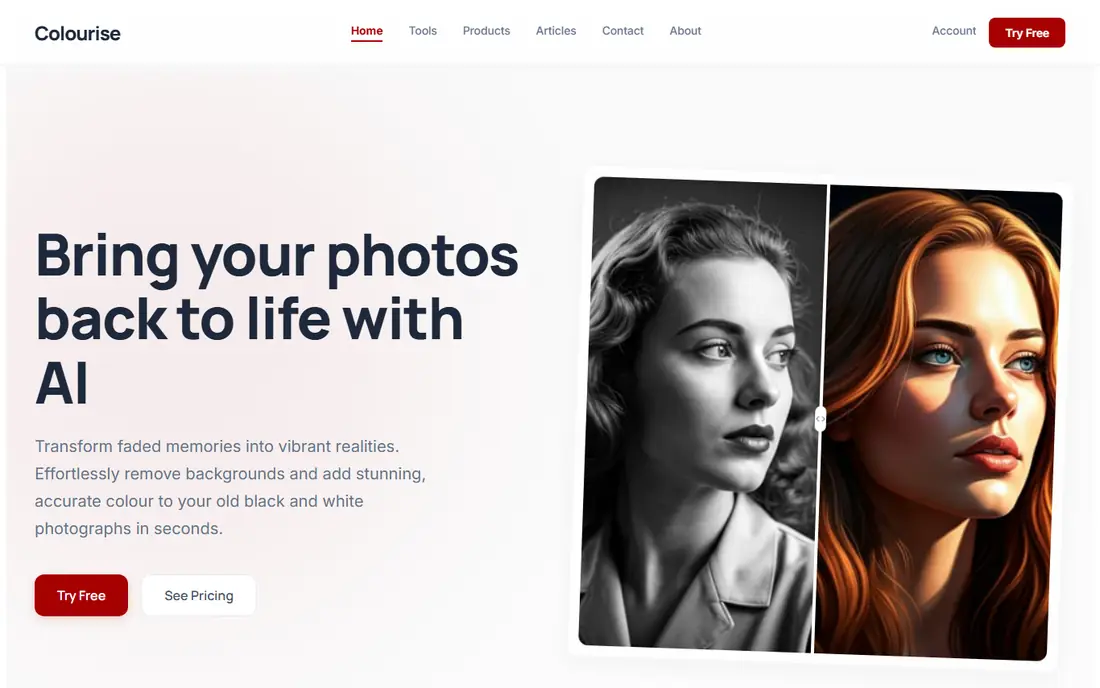
Colourise is a free online tool for turning black and white photos into colour images, and its appeal is how little stands between upload and result. There is no software to install and no long setup, which suits a one-off job such as colourising a single family photo for a gift or a school project. The tool is also useful as a first test before paying for a credit-based service, since it shows what automatic colourisation can and cannot do with your photo.
Control is the trade-off, because free tools in this class offer fewer options to steer colours, fix a wrong guess, or export at print size. A photo with heavy damage may also need repair before colourisation, which Colourise does not handle as deeply as a paid restoration suite. For a quick, free preview or a simple print, it is a good starting point, and you can move to a paid tool when you need finer control.
- Free to try with no install
- Fast results
- Simple upload and download flow
- Limited controls for fine colour choices
- Output options are basic compared with paid tools
Hotpot.ai is often recommended for historical portraits, because its colourisation handles faces and skin tones in a way that suits old studio and family portraits. The tool runs in the browser, so there is nothing to install, and the same account offers other AI image tools for repair and enhancement. That makes it a practical choice for someone working through a set of portraits rather than a single image.
Free use is limited, and complex scenes with many objects can still produce a wrong colour guess that needs correction in an editor. Portraits are the strongest case here, while busy street scenes or faded prints with heavy damage may need a restoration pass first. If your archive is mainly portraits, Hotpot.ai gives a fast route from a grey print to a colour image worth sharing.
- Portrait-focused colourisation
- Browser-based with no install
- Extra AI editing tools in the same account
- Free use is limited
- Colour choices on complex scenes can need manual correction
VanceAI suits users who need a colourised photo at a size fit for printing or for further editing, rather than a small web preview. Its photo colouriser sits alongside restoration, upscaling, and enhancement tools, so a damaged print can be repaired and colourised in one workflow. PSD export on some plans is useful for designers who want to adjust layers after the AI pass, instead of accepting a flat image.
The pricing model is the honest catch, because credits are shared across tools and the cost of a job depends on the tool and the output size. A buyer should price a typical batch before committing, and test with the free tier first. For print work and for photos that will be edited further, VanceAI offers more headroom than a free preview tool.
- Supports higher-resolution output and PSD export on some plans
- Restoration tools alongside colourisation
- Credit pricing can be confusing across tools
- Best output needs a paid plan
Wondershare Repairit Online is the pick when a photo needs repair first and colour second, because its old photo repair utility mends scratches, creases, and yellowing before colour is applied. Clean colour mapping depends on a clean base image, so that order matters, and Repairit makes it easy to follow. The online colouriser also offers colour style options, which give a little more control than a single automatic result.
The range of tools is both a strength and a weakness, since the site covers video repair, file repair, and photo tools, and a new user may need a few minutes to find the right workflow. Paid plans give access to the full output quality, while free use is best for testing. For a damaged family print that a simple colouriser would struggle with, the repair-first approach is worth the extra step.
- Old photo repair before colourisation
- Several colour options
- No size limits stated for the online colouriser
- Full features need a paid plan
- Interface covers many tools, which can feel busy
Adobe Photoshop is not a one-click colouriser, and that is exactly why it belongs on this list for buyers who need control. Hue and saturation adjustments, colour replacement, masking, and layers let an editor change one object, keep skin tones natural, and fix a wrong AI guess by hand. For product work where a brand colour must match exactly, or for archive work where a colour needs checking against a known reference, no automatic tool gives the same level of proof.
The price and the learning curve are real barriers, since Photoshop is a subscription app with a deep toolset that takes time to learn. A beginner who wants a quick colour version of one photo will be faster with ImageColorizer or Colourise. For a designer, retoucher, or store owner who recolours images regularly and needs print-ready files, Photoshop remains the standard for a reason, and its seven-day trial is enough to test the workflow.
- Precise hue, saturation, and masking controls
- Layers keep edits non-destructive
- Industry standard output
- Subscription price is high for occasional use
- Learning curve is steep for beginners
Canva suits creators who want to recolour an image and then use it at once in a social post, an ad, or a listing, without moving between apps. Colour adjustments, filters, and design templates sit in the same editor, so a recoloured product photo can become a finished graphic in minutes. The free plan covers basic design work, while Pro adds advanced editing and brand tools for teams that reuse colours and logos often.
Precision is the limit, since Canva is a design editor first and a retouching tool second, and it will not match Photoshop for masking or exact colour proofing on complex edges. For marketing graphics, social content, and quick listing images, that trade-off is usually acceptable. If you already design in Canva, keeping recolour work in the same place saves time and keeps brand colours consistent across posts.
- Recolour tools inside a full design editor
- Templates for social, ads, and listings
- Easy sharing and export
- Finest colour control is weaker than Photoshop
- Some advanced editing needs a Pro plan
How we picked these
We compared official feature pages and pricing pages, app store listings, privacy policies, and public reviews, and we kept only legitimate tools operating in October 2026. We required each tool to truly recolour an image, either by changing colours in a colour photo or by adding colour to a black and white photo, and we excluded tools that only apply a filter with no colour control. We also checked that free tiers, credit systems, and paid plans were described honestly, and we noted where AI colours are estimates rather than verified facts.
How to get a good result, and stay on the right side of consent
Start with the best source file you have, since a high-resolution scan gives the AI more detail to work with than a small phone photo of a print. Scan at a decent resolution, repair heavy damage before colourising, and compare the result with the original at full size before you share or print it. For product photos, check the recoloured shade against the real product under daylight, and against the hex code you listed, because a screen can flatter a colour that looks wrong in person.
Consent and ownership matter as much as quality. Only recolour images you own or have a licence to edit, and do not use these tools to alter photos of real people in ways that mislead, embarrass, or imply something false. Get consent from identifiable people in a photo before editing and sharing it, especially for old family photos that include living relatives. When a result will be used commercially, keep a record of the licence for the source image and the tool terms, and do not present an AI colour guess as a verified historical fact.
Frequently asked questions
Can AI recolour a black and white photo accurately?
It can produce a believable result, but the colours are estimates based on tone, context, and training data, not a record of what was truly there. Skin, skies, and common objects usually look plausible, while specific items such as a dress colour or a car paint shade may be guessed wrong. Treat the result as an interpretation, and note that when you share it.
Do I need Photoshop to recolour a product photo?
No, not for most listing work. Recolorify and Canva handle product colour changes quickly, and ImageColorizer handles old photos. Photoshop is worth it when you need exact masking, layered edits, or print proofing, or when an automatic tool keeps getting an edge or a shade wrong.
Is it legal to recolour someone else's photo?
Only with permission or a licence that covers editing and the use you plan. Do not recolour stock, client, or social media photos unless the licence allows it, and get consent from identifiable people before editing and sharing real photos of them. When in doubt, use your own photos or buy a licence that clearly covers edits.
Why does my colourised photo look wrong in places?
Common causes are a low-resolution source, heavy damage, or a scene with unusual objects the model has rarely seen. Repair the photo first, try a higher-resolution scan, and use a tool with manual colour notes or a manual editor to fix the specific area. Some photos simply need a human retoucher for a convincing result.
Can I use a recoloured image for my store?
Yes, when you own the source image or hold a licence that covers commercial use and edits, and when the recoloured shade matches the product you sell. Check the tool terms for commercial use, and keep the product colour accurate, since a mismatch can lead to returns and complaints.
Sources
- https://recolorify.com
- https://imagecolorizer.com
- https://colourise.com
- https://hotpot.ai
- https://vanceai.com
- https://repairit.wondershare.com
- https://www.adobe.com/products/photoshop.html
- https://www.canva.com
- https://colorizeoldphotos.com
- https://repairit.wondershare.com/photo-repair/things-to-know-about-photo-colorizer.html
See where you really rank - block by block
ProMapRanker scans Google Maps across a grid of your service area. Simple monthly plans from $19, white-label on every plan.
Start freeKeep reading
 worlds best local seo company
8 Worlds Best Local SEO Companies for Map Pack Growth in 2026
Compare the worlds best local seo company options for Google Business Profile work, citations, reviews, and multi-location rankings and reporting in 2026.
Read → world's best web hosting company
World's Best Web Hosting Company in 2026
Searching for the world's best web hosting company? We compared 10 hosts on price, renewal rates, speed, and support to help you choose well today in 2026.
Read → who's got the best nanny tax services
Who's Got the Best Nanny Tax Services in 2026
We answer who's got the best nanny tax services, comparing full filing, back taxes, software, and pricing so families can handle nanny taxes correctly.
Read →