 ProMapRanker
Whats the Best Unified Data Platform in 2026

Key takeaways
- Databricks and Snowflake lead for teams that need one system for warehousing, engineering and machine learning across clouds.
- Microsoft Fabric suits Microsoft and Power BI teams best, because capacity, storage and analytics sit in one Azure-based system.
- Google BigQuery suits serverless analytics best, because teams can query without managing clusters, and the first 1 TiB of queries each month is free.
- Dremio and Starburst suit teams that want to query data where it already lives, rather than moving everything into one warehouse first.
- Pricing models differ so much that a workload test on your own queries matters more than any headline rate.
Quick comparison
| Pick | Great for | Pricing starts at | Free tier | |
|---|---|---|---|---|
 Databricks | Lakehouse, analytics and AI | See website | Free trial | Visit |
 Snowflake | Multi-cloud warehousing | See website | Free trial | Visit |
 Microsoft Fabric | Microsoft and Power BI teams | See website | Free trial | Visit |
 Google BigQuery | Serverless analytics | Free | Yes | Visit |
 Dremio | Querying data in place | See website | Yes | Visit |
 Starburst | Federated analytics at scale | See website | Free trial | Visit |
 Amazon Redshift | AWS-native analytics | See website | Free trial | Visit |
 ClickHouse Cloud | Fast real-time analytics | See website | Free trial | Visit |
The best unified data platforms
A unified data platform should bring storage, processing, analytics and governance together, so teams stop stitching separate tools for every job. The platforms below do that in different ways, from lakehouse systems to serverless warehouses and federated query engines. We compared official feature pages, pricing pages, documentation, privacy policies and public reviews to build this list.
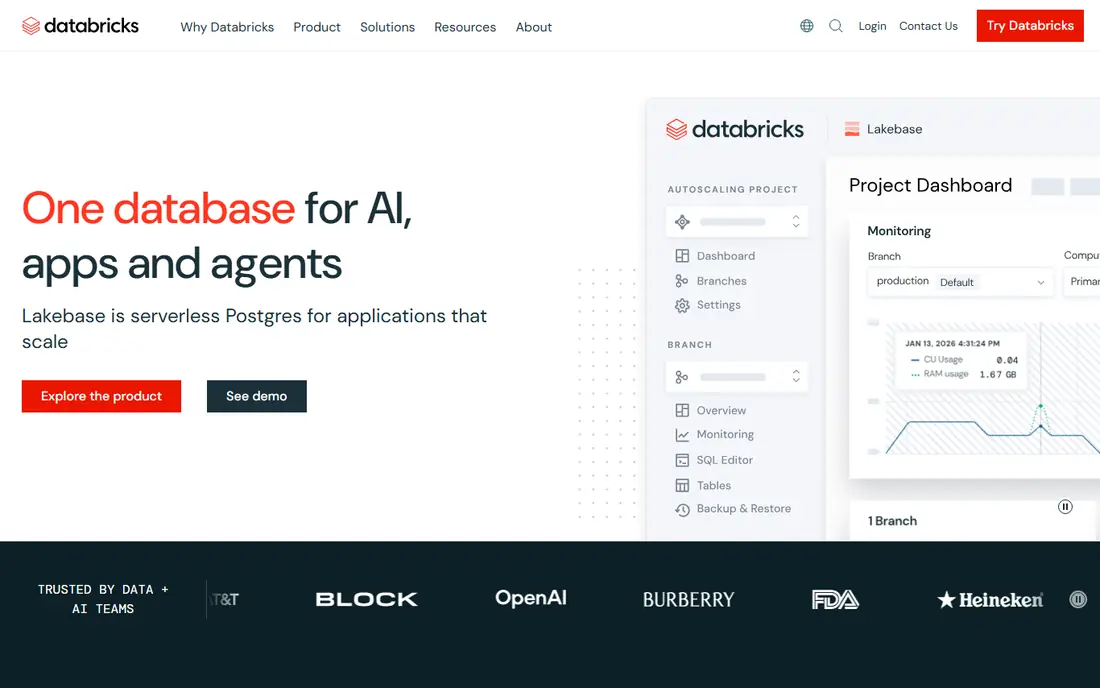
Databricks brings data engineering, SQL analytics and machine learning onto one lakehouse, so a team can prepare data, query it and train models without moving it between systems. Delta Lake gives versioned, reliable storage on cloud object storage, and SQL warehouses serve dashboards and reports. That breadth is why many data teams standardize on it.
The honest catch is cost control. Databricks bills in DBUs, and the rate varies by workload and cloud, while cloud infrastructure can add a large share on top for non-serverless setups. Teams need cost alerts, auto-stop rules and workload owners from day one, or a flexible platform can turn into a large bill.
- One lakehouse for SQL, engineering and machine learning
- Strong Delta Lake storage
- Runs on AWS, Azure and Google Cloud
- Pricing is usage-based and complex
- Underlying cloud costs add up
- Smaller teams may find setup heavy
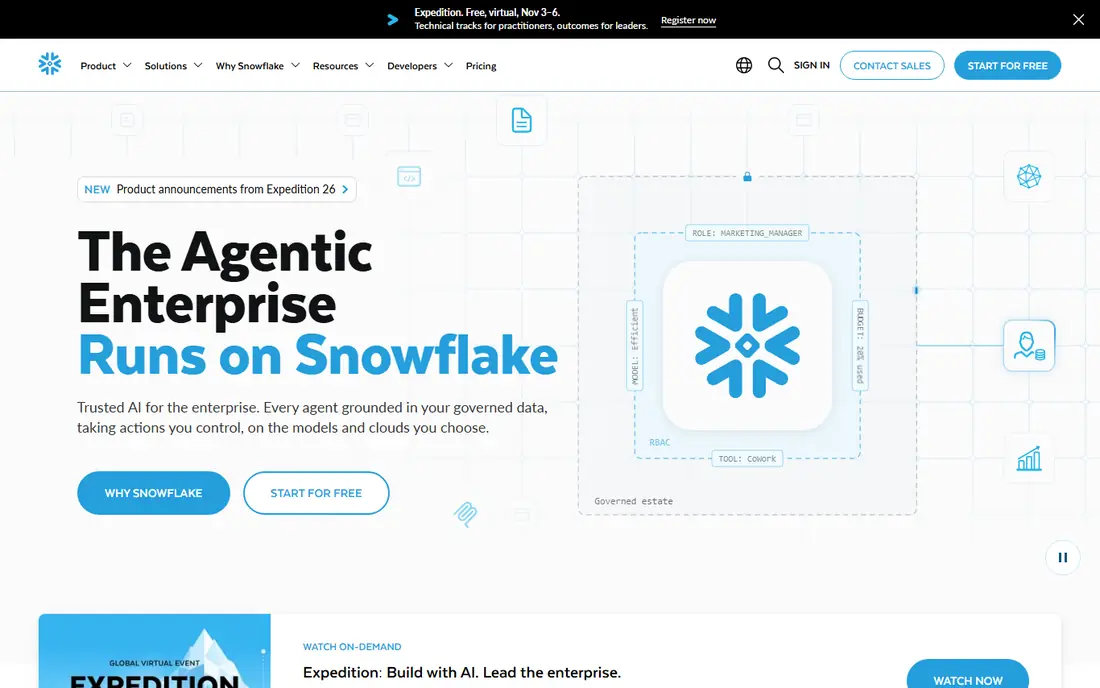
Snowflake separates storage from compute, so teams can scale each side on its own and pause warehouses when they are not in use. Data sharing lets companies share live tables without copying files, and governance tools cover access, masking and audit. For reporting and analytics teams, that model is simple to explain and manage.
The weakness is discipline. Warehouse sizing and auto-suspend settings decide the bill more than the headline credit price, and a warehouse left running can burn credits quietly. Snowflake suits teams that will own sizing and query review, and it rewards that care with predictable, controlled costs.
- Clean separation of storage and compute
- Runs on AWS, Azure and Google Cloud
- Strong data sharing and governance
- Credits cost about 2 dollars each on Standard in common regions
- Oversized warehouses waste money
- Costs rise with idle compute left running
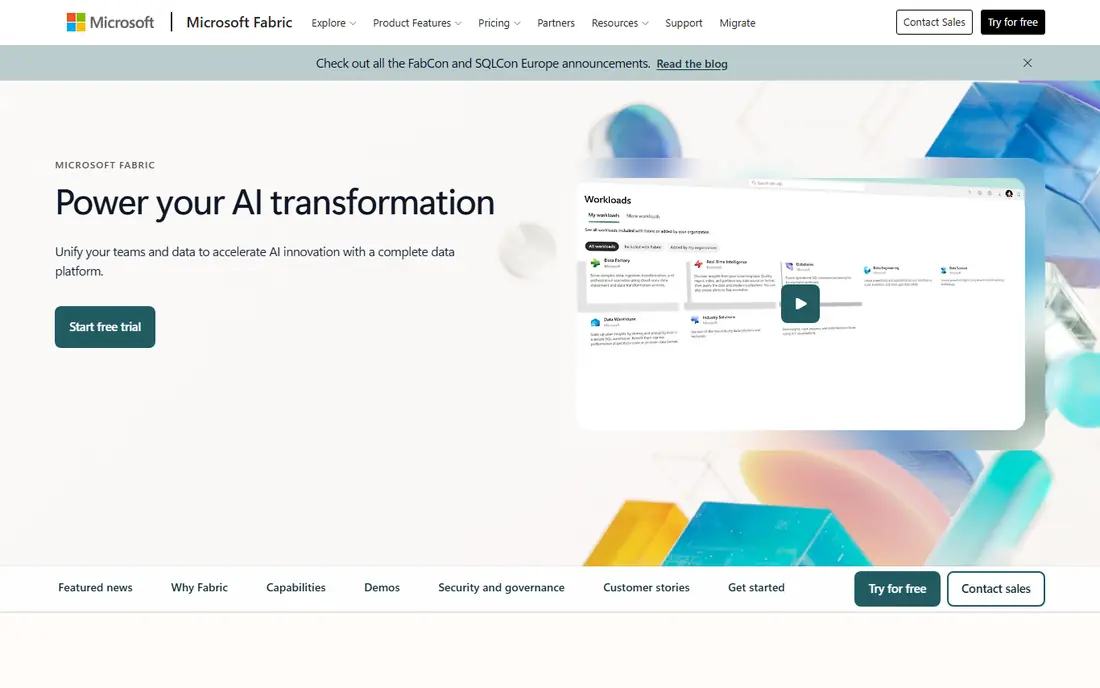
Microsoft Fabric wraps data engineering, warehousing, real-time analytics and Power BI into one SaaS system with a single capacity pool. Teams already on Microsoft 365 and Azure get a short path from raw data to a Power BI report, and OneLake provides a shared storage layer across workloads. Mirroring can bring in data from systems like Snowflake without a full migration.
The trade-off is lock-in and sizing. Capacity SKUs run from small to very large, and picking the right size takes a workload test, not a guess. Companies outside the Microsoft stack may get less value here than from a multi-cloud lakehouse or warehouse.
- One capacity meter across workloads
- Deep Power BI integration
- Data mirroring from external systems
- Azure-centered, so multi-cloud teams face friction
- Capacity sizing confuses new buyers
- Licensing depends on existing Microsoft agreements
BigQuery is the simplest starting point for analytics on Google Cloud. Teams run SQL against large tables without provisioning clusters, and on-demand pricing charges for data scanned. The free tier covers small workloads, which makes it easy to test before committing to slot-based capacity.
The risk is query hygiene. A careless query over a huge table can scan far more data than expected, so partitioning, clustering and cost controls matter. Teams that govern queries well get fast, serverless analytics at a fair price, while teams that do not can see surprising bills.
- No clusters to manage
- On-demand pricing at 6.25 dollars per TiB scanned
- First 1 TiB of queries and 10 GiB of storage free each month
- Unpartitioned tables and broad scans raise costs fast
- Slot pricing adds complexity
- Cross-cloud queries need Omni setup
Dremio takes a different route to unification: leave data where it is and query it through one SQL layer. That suits companies with data spread across object storage, warehouses and operational systems, where a full migration would take months. Its open-source roots also give smaller teams a way to start without a large contract.
The limit is maturity of the full stack. Advanced governance, support and managed cloud features come with paid plans, and query speed still depends on how well source data is organized. Dremio fits teams with engineering capacity and a clear reason to avoid moving data.
- Queries data in object storage and other systems without full migration
- Open-source edition available
- Strong SQL performance work
- Governance and enterprise features sit on paid tiers
- Performance depends on source systems
- Setup needs data engineering skill
Starburst lets analysts query data across warehouses, lakes and operational systems from one engine, built on the open-source Trino project. That helps large companies that cannot consolidate every source into one warehouse, whether for regulatory, cost or organizational reasons. Governance and access controls travel with the query layer.
The honest weakness is speed and price clarity. Federated queries will not always match a tuned warehouse on the same data, and pricing is quoted rather than published. Starburst suits enterprises with distributed data and a team that can tune and govern a federated layer.
- Federated queries across many sources
- Built on Trino and open standards
- Strong for large, distributed estates
- Pricing is quoted
- Federated queries can be slower than warehouse queries
- Needs tuning for heavy workloads
Amazon Redshift is the natural warehouse for teams already built on AWS. It connects closely with S3 data lakes, Glue catalogs and streaming sources, and the serverless option removes node sizing for variable workloads. Provisioned clusters suit steady, heavy reporting with reserved pricing.
The drawback is portability. A team planning a multi-cloud future will find Redshift tied to AWS services and pricing, and serverless bills need monitoring just like any usage-based system. For AWS-first companies, though, the integration depth is hard to beat.
- Deep AWS integration with S3, Glue and Kinesis
- Serverless option avoids node management
- Managed storage pricing is clear
- AWS-centered, so multi-cloud use is awkward
- Serverless costs rise with heavy use
- Tuning still matters for large workloads
ClickHouse Cloud serves teams that need fast answers over huge event and log tables, such as product analytics and observability. Its columnar engine handles aggregations quickly, and the open-source version lets teams self-manage if they prefer. The cloud service adds managed scaling and support.
The limit is scope. ClickHouse is an analytical engine, not a full lakehouse with every machine learning and governance feature the leaders offer. Teams that need real-time analytical speed above all else will like it, while teams that need one system for everything may pair it with another platform.
- Very fast analytical queries on large tables
- Open-source core
- Cloud trial with credits for testing
- Less suited to heavy transactional workloads
- Ecosystem is narrower than the big warehouses
- Managed pricing needs a workload test
How we picked these
We compared official feature pages, pricing pages, documentation, privacy policies and public reviews for each platform. We kept only systems that exist and work today, that combine storage and analytics in a meaningful way, and that serve real production workloads rather than demos alone. We included lakehouse, warehouse, serverless and federated approaches, because unification means different things to different teams.
What to check before you choose
Start with where your data already lives and where your team already works. A Microsoft team will get faster value from Fabric, an AWS team from Redshift, a Google Cloud team from BigQuery, and a multi-cloud team from Databricks or Snowflake. Moving data to fit a platform is expensive, so fit the platform to the estate first.
Next, run the same workload on two finalists. Use your own queries, your own tables and your own concurrency, and measure both speed and cost over a week. Headline rates hide the real drivers: warehouse sizing, scan volume, DBU rates and idle compute. Set cost alerts and auto-suspend rules before any production rollout, and name an owner for cost review each month.
Frequently asked questions
What is a unified data platform?
A unified data platform brings storage, processing, analytics and governance into one system or one control layer, so teams do not need a separate tool for every job. Some platforms do this by storing data in one lakehouse, while others federate queries across existing systems. The right model depends on where your data lives and how your team works.
Is Databricks or Snowflake better?
Databricks suits teams that combine engineering, SQL analytics and machine learning on a lakehouse, while Snowflake suits teams that want a clean, multi-cloud warehouse for reporting and sharing. Many companies use both for different jobs. Test both on your own workload before deciding, since pricing and performance vary by query type.
Does BigQuery have a free tier?
Yes, BigQuery offers the first 1 TiB of queries and the first 10 GiB of storage free each month under its published terms. On-demand queries beyond that are charged per TiB scanned. Slot-based capacity plans suit steadier, larger workloads and should be compared on your actual query volume.
Can a unified platform replace all our data tools?
It can replace many of them, but rarely every specialist tool. Most teams still keep tools for ingestion, transformation, business intelligence or real-time monitoring alongside the core platform. Judge a platform on the jobs it covers well, not on a claim to cover everything.
How do we control costs on a usage-based platform?
Set auto-suspend and auto-stop rules, partition and cluster large tables, review slow and expensive queries weekly, and set billing alerts at several thresholds. Name one owner for cost review, and test capacity or slot commitments only after a month of real usage data.
Sources
See where you really rank - block by block
ProMapRanker scans Google Maps across a grid of your service area. Simple monthly plans from $19, white-label on every plan.
Start freeKeep reading
 worlds best local seo company
8 Worlds Best Local SEO Companies for Map Pack Growth in 2026
Compare the worlds best local seo company options for Google Business Profile work, citations, reviews, and multi-location rankings and reporting in 2026.
Read → world's best web hosting company
World's Best Web Hosting Company in 2026
Searching for the world's best web hosting company? We compared 10 hosts on price, renewal rates, speed, and support to help you choose well today in 2026.
Read → who's got the best nanny tax services
Who's Got the Best Nanny Tax Services in 2026
We answer who's got the best nanny tax services, comparing full filing, back taxes, software, and pricing so families can handle nanny taxes correctly.
Read →