 ProMapRanker
What Tools Are Best for Custom Web Page Creation in 2026

Key takeaways
- Webflow suits design-led marketing pages where visual control and clean code output both matter.
- Framer suits fast design-led landing pages, while WordPress suits large content sites and stores.
- Wix Studio and Duda suit agencies and multi-site work, with client and team features built in.
- Figma is a design tool, not a host, so pair it with a builder or code workflow to publish a page.
- Elementor suits WordPress users who want visual page building without leaving WordPress.
Quick comparison
| Pick | Great for | Pricing starts at | Free tier | |
|---|---|---|---|---|
 Webflow | Design-led marketing pages | $14 per month | Yes | Visit |
 Framer | Fast landing pages | $5 per month | Yes | Visit |
 WordPress | Large content sites | Free | Yes | Visit |
 Wix Studio | Agency and client sites | See website | Yes | Visit |
 Squarespace | Small business pages | $16 per month | Free trial | Visit |
 Duda | Multi-site agency work | See website | Free trial | Visit |
 Figma | Page design and prototyping | Free | Yes | Visit |
 Elementor | Visual WordPress building | See website | Yes | Visit |
The best tools for custom web page creation
We compared visual builders, content platforms, and design tools on design control, CMS strength, hosting, and total cost, using vendor pages and October 2026 listings. The list below covers both no-code builders and tools that support custom code.
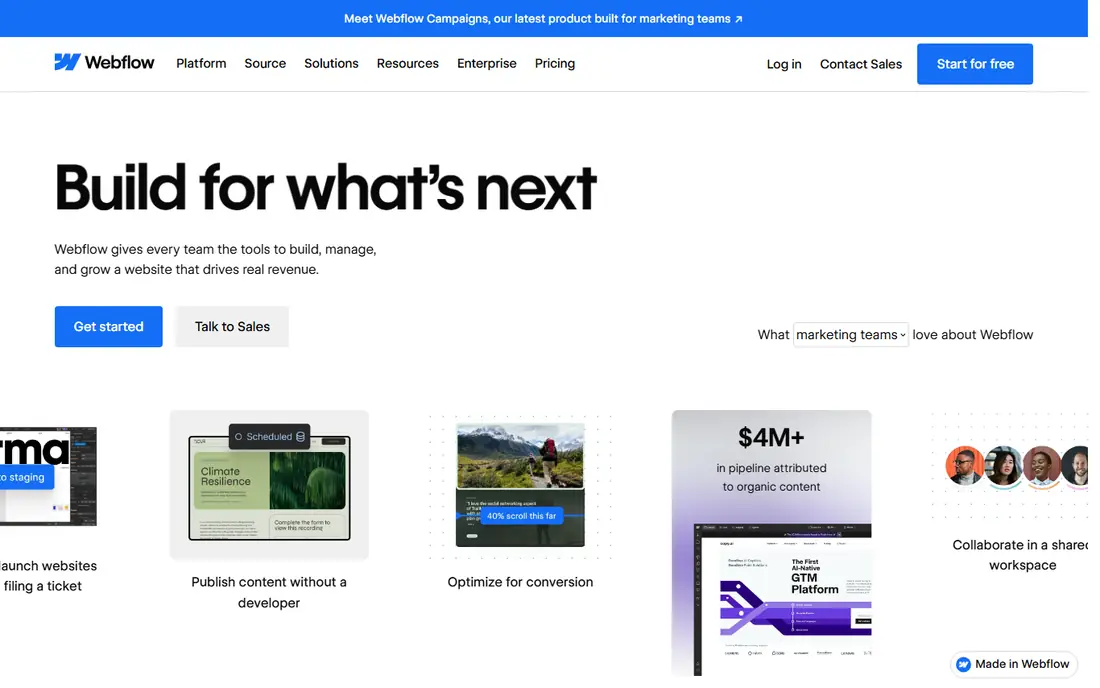
Webflow is our pick for custom marketing pages where design detail matters. The Designer gives direct control over structure, classes, breakpoints, and interactions, without writing CSS by hand for every change. Output is clean HTML, CSS, and JavaScript, which helps developers who later need to work with the page.
The learning curve is real. Beginners who want a page in an afternoon may find Framer or Squarespace faster, and per-site pricing means an agency with many sites must budget carefully. For a flagship marketing site, though, Webflow control is hard to match in a visual builder.
- Strong visual control over layout and styles
- Built-in CMS
- Hosting and SEO controls included
- Learning curve for beginners
- Site plans are per site, so multi-site costs add up

Framer suits startups and designers who need a polished landing page fast. The canvas feels familiar to Figma users, motion tools are strong, and hosting is included, so a page can go from design to live without a separate host setup. Entry pricing is also low in recent listings.
It is less suited to large content sites or complex custom logic. CMS collections and items are capped by plan, and deep custom functionality needs workarounds. For a focused landing page or portfolio, Framer speed wins. For a large content hub, look at Webflow or WordPress.
- Fast to learn for designers
- Strong motion and layout tools
- Hosting included
- CMS and complex logic are more limited than Webflow or WordPress
- Best for smaller sites
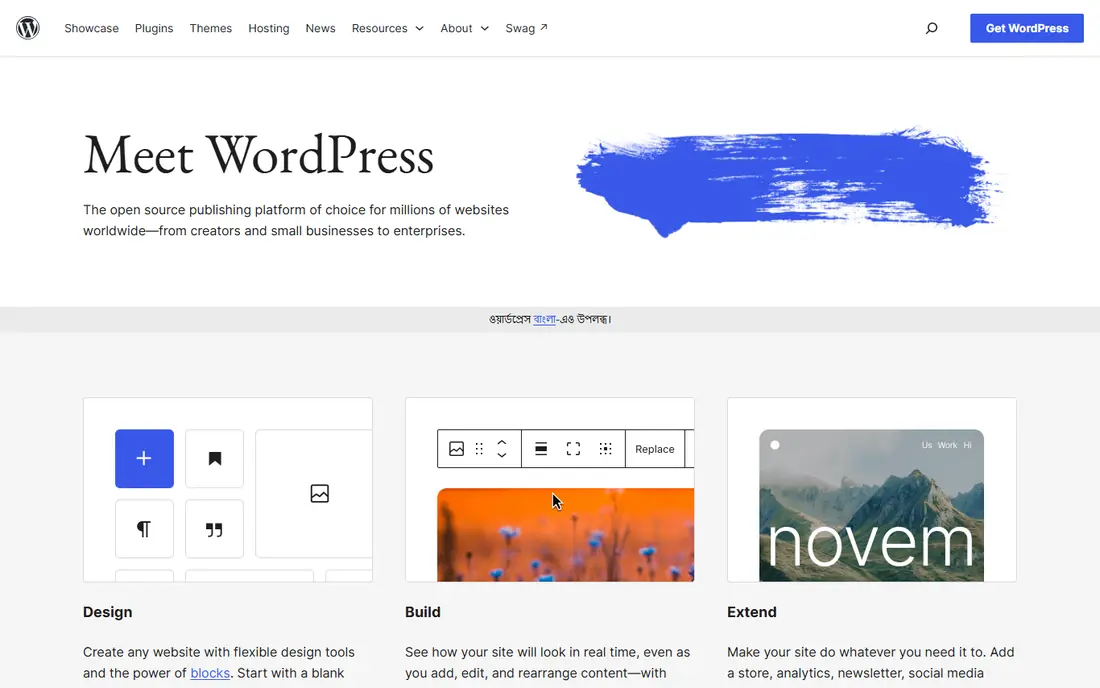
WordPress remains the most flexible route for large custom pages, blogs, and stores. The core software is free and open source, plugins cover forms, SEO, membership, and commerce, and you own the site and data. For content-heavy sites, that depth still beats most closed builders.
Flexibility brings work. You must arrange hosting, updates, backups, and security, or pay for managed hosting that handles much of it. A simple page can also become slow if too many plugins are added without care. Budget for hosting and maintenance, not just the free core.
- Open-source and flexible
- Huge plugin and theme range
- Strong for blogs and stores with WooCommerce
- Hosting, maintenance, and security are your job
- Costs rise with hosting and paid plugins
Wix Studio is the agency-focused version of Wix, with a full CMS, code options, and team and client features. It suits agencies building many client sites, since billing, roles, and reusable sections are built in. The broader Wix app range also covers bookings, stores, and forms without extra hosts.
Pricing varies by plan and region, so we list See website here. Portability is the main limit: a Wix site is not easy to move to another host in the same way as a WordPress site. If client handover and long-term portability matter most, weigh that limit carefully.
- Full CMS and code options
- Client billing and team features
- Broad app range
- Pricing varies by plan and region
- Moving a site off Wix is limited
Squarespace suits small businesses, portfolios, and restaurants that want a polished page with little maintenance. Templates look good out of the box, hosting and commerce are included, and the editor is easy to learn. For a business that needs a credible page fast, that simplicity is valuable.
Custom control is narrower than Webflow. Layout and code options exist, but deep custom structures and complex logic are harder to build. If your page needs a custom app-like workflow, a builder with stronger code or CMS options will serve you better.
- Polished templates
- Hosting, domains, and commerce in one place
- Easy to maintain
- Design control is narrower than Webflow
- Advanced custom logic needs workarounds
Duda is built for agencies that manage many small business sites. Collections handle structured content, widgets add reusable sections, and client management tools help agencies hand over sites without losing control. That focus makes it efficient for portfolios of similar sites.
Pricing is agency-oriented, so we list See website rather than a single figure. The community and plugin range are smaller than WordPress, and design control is strong but not as deep as Webflow for a single flagship page. For volume agency work, Duda efficiency can outweigh those limits.
- Built for agencies with many sites
- Collections and widgets
- Client management features
- Agency pricing needs a quote or plan check
- Smaller community than WordPress or Webflow
Figma is where many custom pages start, even though it does not host a live site on its own. Designers use it to design layouts, build components, prototype interactions, and hand off specs to developers. Real-time editing makes it easy for a team to shape a page together before any building starts.
The limit is clear: a Figma file is not a published page. You still need Webflow, Framer, WordPress, or code to turn the design into a live site. Use Figma when design collaboration matters, and budget time for the build step that follows.
- Industry-standard design and prototyping
- Real-time team editing
- Strong component system
- Not a website host
- Designs still need building in a builder or code
Elementor suits WordPress users who want visual page building without leaving WordPress. Drag sections, widgets, and templates into place, then publish inside the same WordPress site you already run. That keeps SEO plugins, forms, and commerce tools in one system.
A free version covers basic building, while Pro adds theme building, forms, and advanced widgets. Pricing varies by plan, so check the current page. As with any WordPress builder, a page loaded with widgets and animations can slow down, so keep layouts lean and test speed after publishing.
- Visual drag-and-drop building inside WordPress
- Large template and widget range
- Works with WordPress plugins
- Pro features need a paid plan
- Heavy pages can slow a site if not built carefully
How we picked these
We compared vendor pricing pages, CMS features, hosting models, and design control as listed in October 2026, and we favored tools with a live product and a clear role in custom page work. We did not claim hands-on testing. Where pricing varied by plan or region, we wrote See website, and where a tool is a design step rather than a host, we said so plainly.
How to choose a page creation tool
Decide how custom the page must be
A template with your branding is different from a page with custom layout, data, and interactions. Squarespace and Framer suit the first job, Webflow suits the second, and WordPress with code suits the third. Naming the job first prevents paying for depth you will not use.
Count total cost, not just the headline price
Add hosting, domain, per-site plans, paid plugins, and maintenance time. WordPress core is free, but hosting and plugins add up. Webflow and Framer include hosting, but per-site plans add up for agencies. Compare a full year of costs before you choose.
Check CMS and SEO needs early
If the page will grow into many articles, listings, or products, check CMS limits and SEO controls before you design. WordPress and Webflow handle larger content sets well, while Framer and Squarespace suit smaller sets. Changing platforms later costs far more than choosing well now.
Plan who will maintain the page
A page built in a tool no one on the team can edit will stall. Pick a tool your team can update, or budget for an agency retainer. Webflow and WordPress both need some training, while Squarespace and Framer are easier for a non-technical owner to update.
Frequently asked questions
What tools are best for custom web page creation for beginners?
Framer and Squarespace are the easiest starts for a polished custom-looking page, with hosting included and a gentle learning curve. Webflow gives more control but takes longer to learn. WordPress gives the most flexibility but needs hosting and maintenance skills.
Is Webflow better than WordPress?
It depends on the site. Webflow suits design-led marketing pages with built-in hosting and less maintenance. WordPress suits large content sites, blogs, and stores where plugin depth and ownership matter most. Many teams use both: Webflow for marketing pages and WordPress for content hubs.
Can I build a custom page without coding?
Yes, Webflow, Framer, Wix Studio, Squarespace, and Duda all let you build custom-looking pages visually. Custom code is optional in most of them, and it helps for advanced interactions or integrations. For very custom app-like logic, code or a developer will still be needed.
Do I need Figma to create a web page?
No, you can design directly in a builder such as Webflow or Framer. Figma helps when a team needs to design, prototype, and review a page before building it, or when a designer hands off to a developer. For a single-page site, designing in the builder itself is often faster.
How much does a custom web page tool cost?
Costs range from free core software to monthly builder plans. Recent listings show Framer from 5 dollars a month, Webflow from 14 dollars a month, and Squarespace from 16 dollars a month, with WordPress core free plus hosting. Always add domain, hosting, and any paid plugins to get a true yearly total.
Sources
See where you really rank - block by block
ProMapRanker scans Google Maps across a grid of your service area. Simple monthly plans from $19, white-label on every plan.
Start freeKeep reading
 zscaler alternatives
Best Zscaler Alternatives in 2026
Looking for zscaler alternatives? We compare 9 SASE and zero trust platforms on architecture, data protection, pricing, and fit for your network and team.
Read → zapier alternatives free
Best Zapier Alternatives Free in 2026
Nine automation tools for zapier alternatives free in 2026, all with genuinely free tiers, plus free plan limits, starting prices and upgrade paths explained.
Read → which platform is best for online reputation
Which Platform Is Best for Online Reputation in 2026
Wondering which platform is best for online reputation? We compare 8 review, listing, and response tools for small and multi-location businesses and agencies.
Read →