 ProMapRanker
What Software Is Best for Making ER Diagrams in 2026


Visual diagrams for mixed teams · Pricing starts at: $9 per month
Key takeaways
- Lucidchart suits mixed teams that need a visual diagram anyone can read.
- dbdiagram.io and QuickDBD suit developers who prefer typing a schema to dragging shapes.
- SqlDBM and Vertabelo suit teams that need proper database modelling, not just a picture.
- diagrams.net and ERDPlus are the cheapest starting points for students and one-off diagrams.
- Check export and SQL generation before you buy, since a pretty diagram that cannot become a database is only half a tool.
Quick comparison
| Pick | Great for | Pricing starts at | Free tier | |
|---|---|---|---|---|
| Lucidchart | Visual diagrams for mixed teams | $9 per month | Yes | Visit |
 diagrams.net | Free general diagramming | Free | Yes | Visit |
 dbdiagram.io | Code-first schema diagrams | $8 per month | Yes | Visit |
 SqlDBM | Cloud database modelling | See website | Free trial | Visit |
 Vertabelo | Logical and physical modelling | See website | Yes | Visit |
 QuickDBD | Fast text-to-diagram work | $14 per month | Yes | Visit |
 ERDPlus | Free classroom ER diagrams | Free | Yes | Visit |
 Creately | Template-led team diagrams | $5 per month | Yes | Visit |
 DrawSQL | Shareable database documentation | $19 per month | Yes | Visit |
The best software for making ER diagrams
An entity-relationship diagram shows tables, columns and the links between them, and a good tool does more than draw boxes. It should help you get cardinality right, export a clean image, and, where possible, generate SQL or import an existing schema. The nine tools below cover visual, code-first and database-linked approaches.
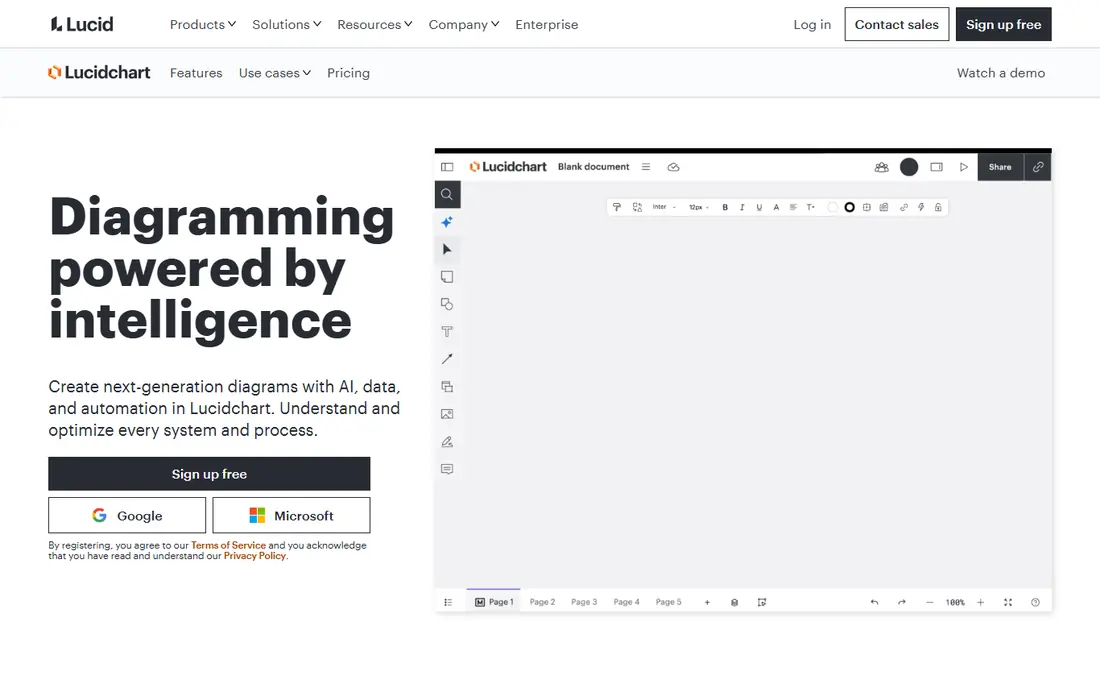
Lucidchart is the easiest tool here for a mixed team. A product manager, a designer and a developer can all read the same diagram without learning database notation first, and the template library gives a new project a sensible starting shape. Comments and real-time editing make reviews simple, and integrations with Google Workspace and Microsoft tools help teams that already live in those suites.
The limit is depth. Lucidchart draws ER diagrams well, but it does not model a database with the same rigour as SqlDBM or Vertabelo, and import from a live database is limited. The free plan allows only a small number of editable documents, so regular users will need the paid Individual plan. For communication first and modelling second, it is our general pick.
- Easy drag-and-drop editor
- Many templates
- Real-time collaboration
- Free plan limits editable documents
- Database features are lighter than specialist tools
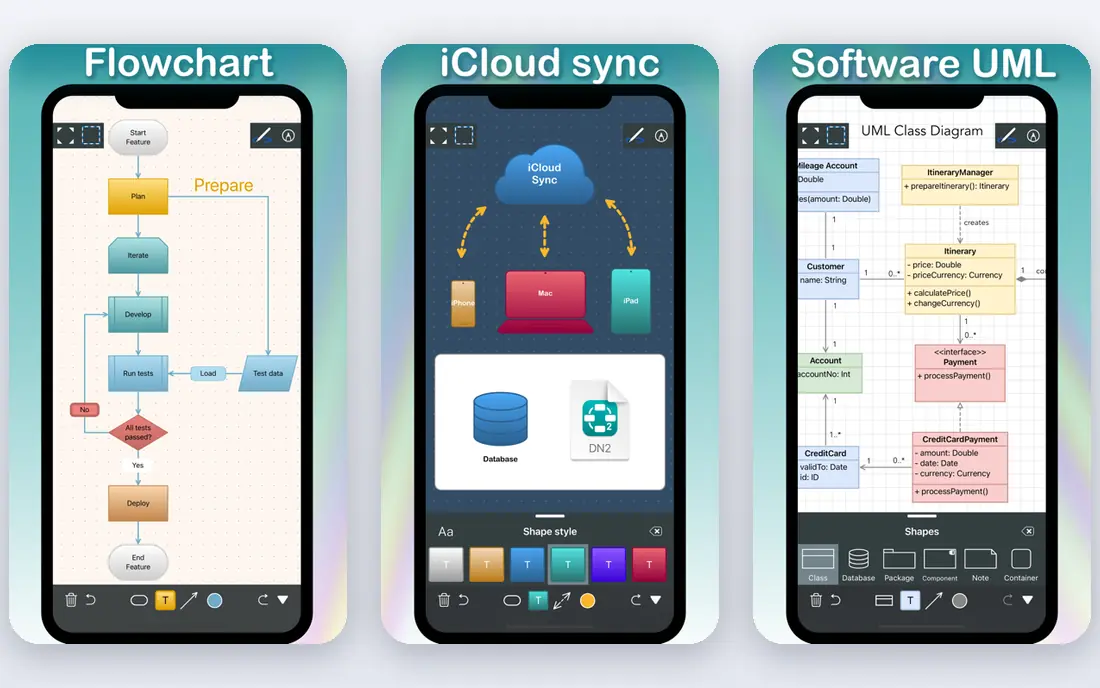
diagrams.net, formerly draw.io, is the free workhorse of diagramming. It runs in a browser or as a desktop app, saves to Google Drive, OneDrive, GitHub or a local file, and offers a wide shape library that covers ER notation alongside flowcharts and network diagrams. For a student, a freelancer or a team that needs one diagram this week, it costs nothing and does the job.
It is not a database tool. It will not check your schema, generate SQL from a model, or keep a diagram in step with a live database. That manual work is acceptable for a simple diagram, and painful for a large schema that changes often. Use it when the diagram is for discussion, and move to a specialist tool when the diagram must become a database.
- Free with no diagram cap in practice
- Works offline
- Stores files in Drive or locally
- No database-aware modelling
- SQL generation needs manual work
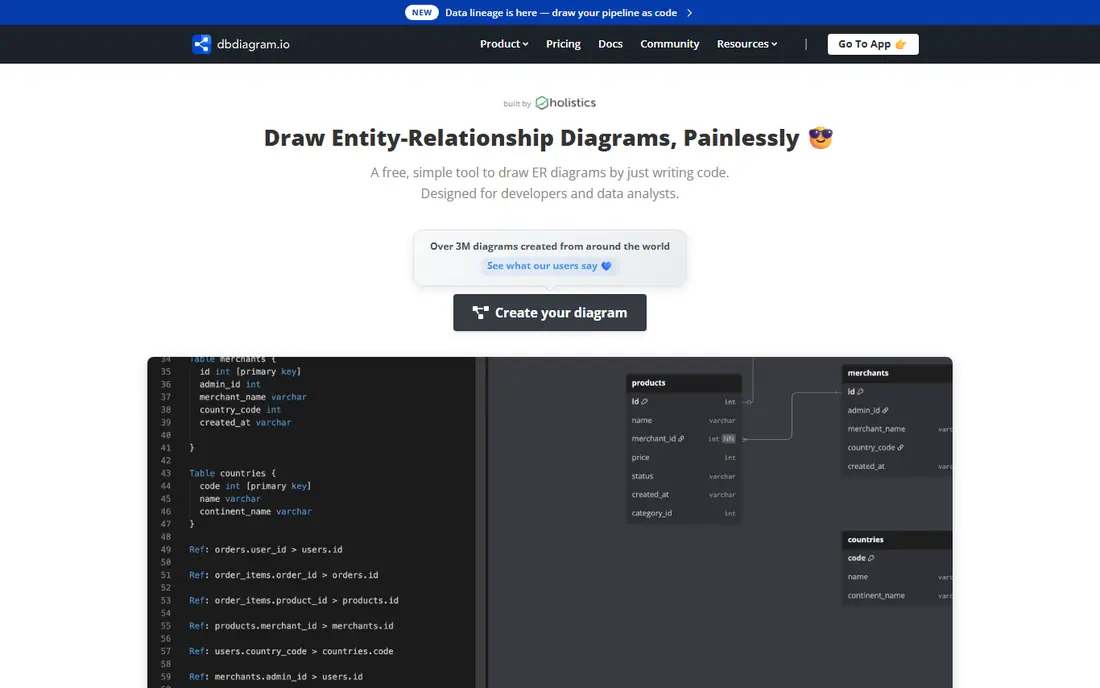
dbdiagram.io lets you type a schema in a small domain-specific language and watch the diagram build itself. For developers, that is faster than dragging tables around, and it keeps the diagram in a text form that sits well in version control. The free plan covers a small number of diagrams, and the paid plan adds team workspaces and more diagrams.
Non-technical teammates may find the code view off-putting, and the tool is focused on physical schema design rather than conceptual modelling. If your team already thinks in SQL and tables, dbdiagram.io is a pleasure to use. If your audience needs a conceptual diagram first, start with a visual tool and move here when the schema firms up.
- Fast DSL for defining tables
- Instant visual feedback
- SQL export
- Code-first style suits developers more than non-technical users
- Free plan limits diagrams
SqlDBM is a browser-based database modeller built for teams that design real schemas. It supports forward engineering to SQL, reverse engineering from an existing database, concurrent editing, comments and approvals, and it covers relational databases and cloud warehouses. That range makes it a good step up from a drawing tool when a project grows beyond a sketch.
Pricing is quote-based, which makes budgeting harder than with a published price, and the feature set is more than a one-off diagram needs. For a team that models regularly, reviews schemas and needs version history, the depth is worth the sales conversation. For a single diagram, a free tool will do.
- Forward and reverse engineering
- Team collaboration
- Supports major databases and warehouses
- Pricing is quote-based
- Can feel heavy for a single simple diagram
Vertabelo, now also known as Redgate Data Modeler, is a browser-based modeller for logical and physical diagrams across PostgreSQL, MySQL, SQL Server, Oracle and other databases. You can model from scratch, import DDL files, generate a physical model from a logical one, and export clean SQL. Real-time collaboration and built-in versioning help small teams and classrooms work together.
The main gap is live reverse engineering. Vertabelo relies on DDL file import rather than a continuous live connection, so a diagram can drift from production if no one re-imports. A free plan covers a useful number of models, while paid plans add team features. For teaching and for small to mid-size projects, it is a strong, approachable modeller.
- Logical to physical generation
- Browser-based
- Versioning and collaboration
- Reverse engineering relies on file import
- Pricing varies by plan
QuickDBD takes a plain-text description of tables and turns it into a diagram in minutes. The syntax is simple, the preview updates as you type, and the result is clean enough to share with a client or a class. For a hackathon, a prototype or a quick design discussion, that speed beats a full modelling suite.
It is not a full database modeller. It lacks the reverse engineering, governance and team features of SqlDBM, and the free version is limited. Treat QuickDBD as a sketching tool with SQL output, and move to a modeller when the schema needs review, versioning and long-term care.
- Very fast text input
- Clean diagrams
- SQL export
- Limited visual modelling depth
- Paid plan needed for regular use
ERDPlus is a free web tool built for teaching and learning ER design. It supports regular and weak entities, several attribute types and all common cardinality constraints, and it can generate SQL scripts from a diagram. Students and beginners gain from notation that is taught properly rather than simplified away.
The interface looks dated next to Lucidchart or Creately, and team features are basic. For a classroom, a coursework project or a first ER diagram, those limits hardly matter, and the price is right. For a professional team that needs polished sharing and review, a paid tool will feel smoother.
- Free
- Proper ER notation including weak entities
- SQL script generation
- Interface looks dated
- Collaboration features are basic
Creately combines diagram templates with team collaboration, so a group can start from an ER template, edit together and keep the result in a shared workspace. It covers many diagram types beyond ER diagrams, which suits teams that also draw flowcharts, org charts and wireframes in the same tool. The free plan lets a small team try it before paying.
Database depth is the limit. Creately is a visual collaboration tool first, and it does not match SqlDBM or Vertabelo for forward and reverse engineering. If your main need is a clear, shared diagram that a whole team can edit, Creately is a good value pick. If the diagram must drive a database build, pair it with a modeller.
- Many templates
- Real-time collaboration
- Visual and database diagrams in one place
- Database modelling is lighter than specialist tools
- Best features sit on paid plans
DrawSQL produces diagrams that look good in documentation and blog posts, and it treats the diagram as a shareable record of a database rather than a private sketch. Teams can build a documentation hub around their schemas, share links with new hires, and keep the design visible. The free plan is useful for public diagrams and small projects.
Privacy is the catch. Free diagrams are public, so a private schema needs a paid plan, and table limits rise with the tier. For open source projects, teaching material and public documentation, DrawSQL is an excellent fit. For a private commercial schema, budget for the Starter plan from the start.
- Clean, publication-ready diagrams
- Documentation hub
- Team sharing
- Free diagrams are public
- Private diagrams and larger tables need paid plans
How we picked these
We compared official pricing and feature pages, public documentation and user-facing descriptions in October 2026, and we favoured tools that are actively maintained and that genuinely support ER notation. We included visual, code-first and database-linked tools so readers can match a working style, not just a price. We did not claim hands-on testing we did not do.
How to choose the right style
Start with the audience for the diagram. A conceptual diagram for stakeholders needs clear entities and plain language, while a physical schema for developers needs exact column types, keys and constraints. A tool that forces one style on every audience will frustrate at least one group, so pick the tool that matches the reader who matters most for that diagram.
Match the tool to the stage
Use a free visual or code-first tool for an early sketch, then move to a modeller when the schema stabilises and needs SQL generation, review and version history. Keeping the early sketch and the final model in the same tool is convenient, but it is not required, and a clean handoff beats a messy model kept in the wrong tool.
Check export before you commit
Confirm that the tool exports the formats your team needs, such as PNG, SVG, PDF and SQL, and that exports stay readable when printed or shared. Also check who can see a free diagram, how many diagrams a plan allows, and how a team member can comment or suggest a change. Those practical limits matter more day to day than a long feature list.
Frequently asked questions
What is an ER diagram?
An ER diagram shows entities, such as customers and orders, their attributes, and the relationships between them, including how many of one entity can link to another. It helps a team agree on a database design before building it.
Is Lucidchart good for ER diagrams?
Yes, for visual diagrams and team reviews. It is easy to learn and share, but it is lighter on database modelling than SqlDBM or Vertabelo, so large schemas may need a specialist tool.
Can I make an ER diagram for free?
Yes. diagrams.net and ERDPlus are free, and dbdiagram.io, Lucidchart, Creately and DrawSQL offer free plans with limits. Free plans usually limit diagram counts, privacy or team features.
What is the difference between logical and physical modelling?
Logical modelling describes entities and relationships without database-specific details, while physical modelling adds tables, column types, keys and constraints for a specific database. Tools like Vertabelo and SqlDBM support both stages.
Should developers use a code-first tool?
Developers often prefer code-first tools such as dbdiagram.io and QuickDBD, since typing a schema is faster than dragging shapes and the text sits well in version control. Mixed teams may still need a visual tool for stakeholder reviews.
How do I turn an ER diagram into a database?
Use a tool that generates SQL from the model, such as SqlDBM, Vertabelo, dbdiagram.io or ERDPlus, then review the generated script before running it. Check keys, types and constraints, and test the script on a copy of the database first.
Sources
See where you really rank - block by block
ProMapRanker scans Google Maps across a grid of your service area. Simple monthly plans from $19, white-label on every plan.
Start freeKeep reading
 worlds best local seo company
8 Worlds Best Local SEO Companies for Map Pack Growth in 2026
Compare the worlds best local seo company options for Google Business Profile work, citations, reviews, and multi-location rankings and reporting in 2026.
Read → world's best web hosting company
World's Best Web Hosting Company in 2026
Searching for the world's best web hosting company? We compared 10 hosts on price, renewal rates, speed, and support to help you choose well today in 2026.
Read → who's got the best nanny tax services
Who's Got the Best Nanny Tax Services in 2026
We answer who's got the best nanny tax services, comparing full filing, back taxes, software, and pricing so families can handle nanny taxes correctly.
Read →