 ProMapRanker
Best Tools to Generate AI Images in 2026

Key takeaways
- Midjourney suits artistic and cinematic images, while ChatGPT image generation suits prompt accuracy, editing in plain language, and readable text.
- Adobe Firefly suits commercial work in an Adobe workflow, while Leonardo AI and Ideogram suit game assets, branding, and images with text.
- Google Gemini suits Google users who want image generation inside a chat app, while Recraft suits logos, vectors, and brand sets.
- Stable Diffusion suits users who want free, local control and are willing to learn setup, while paid tools suit users who want fast results without setup.
- Check commercial use terms, credit limits, and output rights before using generated images for client work, ads, or products for sale.
Quick comparison
| Pick | Great for | Pricing starts at | Free tier | |
|---|---|---|---|---|
 Midjourney Midjourney | Artistic image quality | $10 per month | No | Visit |
 ChatGPT ChatGPT | Prompt accuracy and editing | Free | Yes | Visit |
 Adobe Firefly Adobe Firefly | Commercial-safe Adobe work | $9.99 per month | Yes | Visit |
 Google Gemini Google Gemini | Images inside Google chat | Free | Yes | Visit |
 Leonardo AI Leonardo AI | Game and design assets | Free | Yes | Visit |
 Ideogram Ideogram | Readable text in images | Free | Yes | Visit |
 Recraft Recraft | Logos, vectors, and brands | Free | Yes | Visit |
 Stable Diffusion Stable Diffusion | Free local control | Free | Yes | Visit |
The best tools to generate AI images
We compared these tools on image quality, prompt accuracy, text rendering, editing, commercial use terms, pricing, and ease of use. The list covers artistic tools, chat-based tools, commercial tools, and open tools, so you can match the tool to the job.
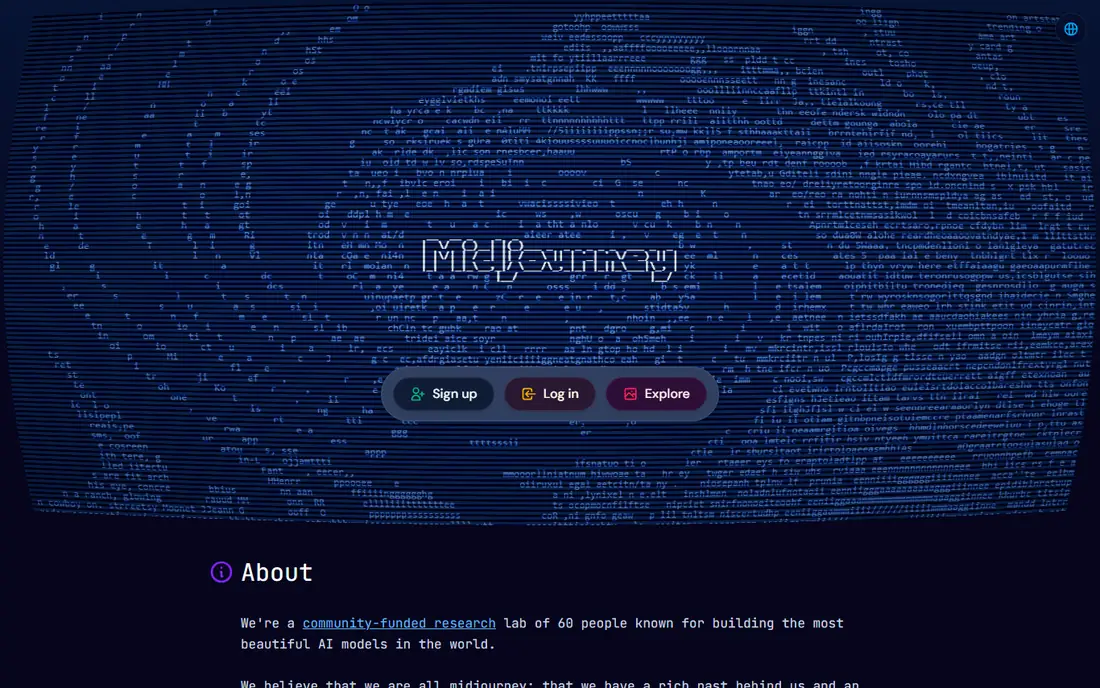
Midjourney remains the benchmark for how good an AI image can look straight from a prompt, with polished lighting, composition, and style that suit posters, book covers, social visuals, and concept art. The web app now lets you generate without Discord, and style references, character consistency tools, and variations help you keep a look across a series of images. That control matters when a project needs ten images in the same style, not just one good image. Pricing starts at $10 per month for the Basic plan, with higher plans adding more fast generation time and, on Standard and above, unlimited slower Relax mode generation. There is no free tier, so Midjourney is a paid choice from the start. Text inside images has improved, but for posters with long, exact wording, Ideogram or ChatGPT image generation may be more reliable.
- Strong artistic and cinematic quality
- Style references and character consistency
- Web app plus community
- Fast generation
- No free tier
- Text rendering is weaker than some rivals
- Prompt style takes practice to learn
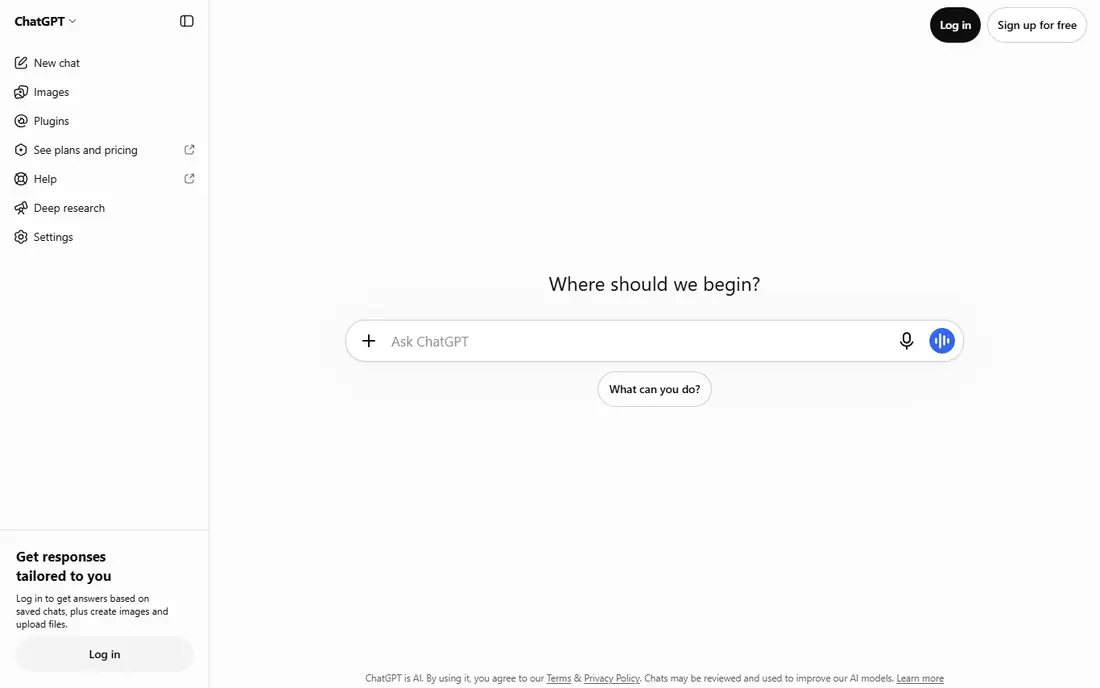
ChatGPT image generation, which replaced the standalone DALL-E brand in late 2025 with GPT Image inside ChatGPT, is the easiest tool for most people to start with. You describe an image in plain language, then ask for changes in plain language, such as changing the background, the lighting, or the text on a sign, without learning prompt syntax. That conversational loop makes it ideal for social posts, blog images, mockups, and quick ideas. The free tier lets you test image generation without paying, while ChatGPT Plus is listed at $20 per month and adds higher limits plus the wider ChatGPT tools. Usage limits still apply, and the artistic style can feel less distinctive than Midjourney for portfolio work. For accuracy, editing, and text, however, ChatGPT is a strong default, especially if you already use ChatGPT for writing or research.
- Conversational editing in plain language
- Strong prompt following
- Readable text in many images
- Image work inside a chat app
- Usage limits on free and paid plans
- Artistic style is less distinctive than Midjourney
- Image limits vary by plan
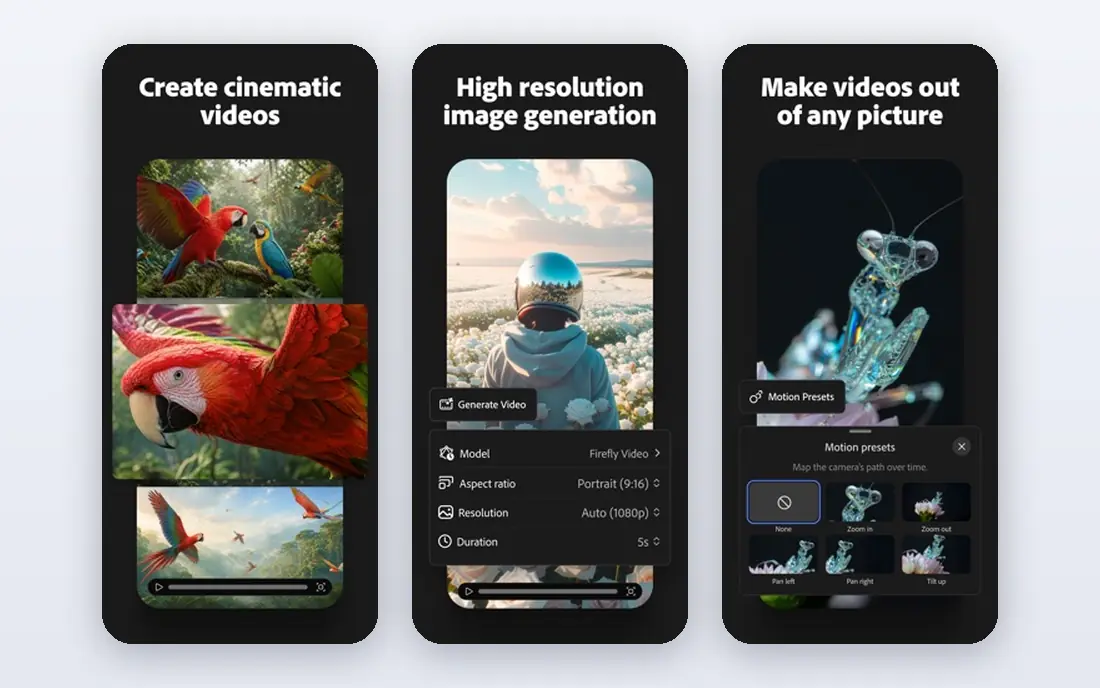
Adobe Firefly is built for commercial work, with training on licensed Adobe Stock content and a clear commercial use position that suits ads, client work, and brand projects. The free tier gives monthly credits to test generation, while paid plans are listed from $9.99 per month in recent October 2026 comparisons, with higher plans adding more credits and features. Integration with Photoshop and Illustrator is the practical advantage, because you can generate, extend, and edit an image in the same workflow. Generative Fill in Photoshop lets you extend a photo, remove an object, or replace a background with a prompt, which is useful for real photos as well as generated images. Firefly also offers text-to-vector tools for logos and illustrations that need clean, scalable files. If you do not use Adobe apps, the value is lower, but if your work already lives in Photoshop or Illustrator, Firefly fits naturally.
- Trained on licensed content for commercial use
- Photoshop and Illustrator integration
- Generative Fill for editing
- Vector generation
- Best features need an Adobe plan
- Artistic range is narrower than Midjourney
- Credit limits apply on each plan
Google Gemini, with its Imagen image model, suits people who already use Google apps and want image generation inside a chat conversation. You can ask for an image, refine it in follow-up messages, and use the result in Google Docs, Slides, or other Google tools without switching services. Recent models are strong on photorealism and on placing readable text in images, which helps for posters, labels, and product mockups. The free tier lets you test generation without paying, while paid Google plans add higher limits and more features, with recent comparisons listing Plus and Pro tiers at different monthly prices. Check the current Google pricing page for your country, because plan names and prices change. For a quick, free, chat-based image tool with good realism, Gemini is a practical choice, even if it lacks the deep style community of Midjourney.
- Free access inside Gemini
- Strong photorealism in recent models
- Good text rendering
- Google app integration
- Paid limits and features vary by Google plan
- Style control is less deep than Midjourney
- Commercial terms need checking for client work
Leonardo AI is a good fit for game developers, illustrators, and content creators who need many assets in a consistent style. The free tier gives daily tokens for generation, and paid plans start at $12 per month in recent comparisons, with more tokens, private generations, and custom model training. You can train a personal model on your own style or characters, which helps when a game or brand needs repeatable results. The canvas tools let you edit, upscale, and combine images, and the model library covers photorealism, illustration, anime, and 3D styles. Free tokens run out quickly if you generate in large batches, so the free tier is best for testing and small projects. For volume work, a paid plan or a local tool such as Stable Diffusion may be cheaper, but for controlled game and design assets, Leonardo AI is easy to start with.
- Free daily tokens
- Game and character asset tools
- Custom model training on paid plans
- Canvas and editing tools
- Free tokens are limited each day
- Best features need a paid plan
- Style quality varies by model
Ideogram solves the problem that trips up many image tools: readable, correctly spelled text inside an image. Posters, book covers, logos, packaging concepts, and social graphics with headlines look far more usable from Ideogram than from tools that garble words. Recent models place text by bounding box and separate text into a layer in the Studio editor, which makes corrections easier. The free tier lets you test text rendering without paying, while paid plans are listed from $20 per month for Plus in recent comparisons, with higher plans for teams and heavy use. That paid price is higher than Midjourney Basic or Leonardo Essential, so Ideogram is best when text is the deciding factor, not when you only need general illustrations. If your images must carry exact wording, start with Ideogram and compare its output with ChatGPT before you pay.
- Best-in-class text rendering
- Posters, logos, and packaging concepts
- Layout and typography controls
- Free tier
- Paid plans start higher than some rivals
- Style references are limited on some models
- Vector output is limited
Recraft is built for brand work, where a logo, icon, or illustration must stay clean, sharp, and scalable. Unlike tools that only produce raster images, Recraft can generate vector files that can be resized without losing quality, which matters for logos, packaging, and UI icons. Brand kits let you save colours, styles, and reference images so a series of assets stays consistent. The free tier gives credits to test vector and raster generation, while paid plans are listed from $10 per month in recent comparisons, with higher plans adding more credits and seats. Recraft is less strong for photorealistic portraits or cinematic scenes, where Midjourney or Gemini may do better. For a designer who needs usable brand assets rather than one-off art, Recraft fills a clear gap.
- Vector output for logos and icons
- Brand kits and styles
- Sharp, clean output
- Free tier for testing
- Less suited to photorealistic scenes
- Credit limits on free and low paid plans
- Smaller community than Midjourney
Stable Diffusion, from Stability AI, is the open option for users who want full control without a subscription. The software is free, it can run locally on your own computer, and the model ecosystem includes thousands of community models, extensions, and tools such as ComfyUI for node-based workflows. Local use also gives privacy, because prompts and images do not need to leave your machine. The trade-off is setup and hardware. Local generation needs a capable GPU for fast results, and learning models, samplers, and settings takes time. Hosted versions and APIs remove setup but add per-image or subscription costs, so check whether you want local control or hosted convenience. For developers, researchers, and hobbyists who want unlimited experimentation, Stable Diffusion remains the most flexible free tool on this list.
- Free and open source
- Runs locally for privacy
- Huge model and extension ecosystem
- Full control over settings
- Needs a capable computer or GPU for local use
- Setup is technical
- Quality depends on the model and settings you choose
How we picked these
We compared official feature pages, pricing pages, app listings, and public reviews for AI image tools operating in October 2026. We kept tools that generate images from text prompts, that were available to new users, and that offered a clear free tier, paid plan, or open source route. We left out tools that had stopped operating, that only edited existing photos with no text-to-image generation, and tools whose pricing or commercial terms could not be verified.
We also considered the job, not just image quality. A tool that is best for art may be poor for posters with text, and a tool that is best for commercial work may be poor for local experimentation. That is why the list includes Midjourney for art, ChatGPT and Ideogram for text, Firefly and Recraft for commercial and brand work, Gemini for chat-based use, Leonardo AI for game assets, and Stable Diffusion for local control.
What to check before you choose
Image quality, text, and editing
Test each tool with the same prompt for your real job, including any text that must be spelled correctly. Midjourney may win on art, Ideogram and ChatGPT may win on text, and Firefly may win on editing a real photo. Save the outputs side by side, because a demo image on a vendor site does not show how the tool handles your subject, style, and wording.
Pricing, credits, and commercial rights
Check whether you pay monthly, per credit, or per image, and how many images that buys in practice. Credit costs vary by model, size, and quality, so a plan that looks cheap can run out quickly on high-resolution work. Read the commercial use terms, including whether paid plans allow client work and products for sale, and whether free tier outputs have different rights.
Workflow, privacy, and style control
Check whether the tool fits your existing workflow, whether it offers style references, character consistency, or model training, and whether images are public or private by default. Local Stable Diffusion gives the most privacy, while community tools may make free tier generations public. If you need a consistent brand style across many images, test style references and model training before you commit to a subscription.
Frequently asked questions
What is the best tool to generate AI images for beginners?
ChatGPT and Google Gemini are the easiest starting points for beginners, because both offer a free tier and let you describe and edit images in plain language. Leonardo AI and Adobe Firefly also offer free tiers with guided tools for assets and commercial work. Start with a free tier, test the same prompt in two tools, and only pay when you know which style and limits suit your work.
Which AI image generator is best for commercial use?
Adobe Firefly is the safest commercial choice for many businesses because it is trained on licensed content and integrates with Photoshop and Illustrator. Midjourney, Leonardo AI, and Recraft also allow commercial use on paid plans, but terms vary by plan, so read the current terms before client work. For products for sale, keep a record of the tool, plan, and licence terms for each image you use.
Can I generate AI images for free?
Yes, ChatGPT, Google Gemini, Adobe Firefly, Leonardo AI, Ideogram, Recraft, and Stable Diffusion all offer a free route, whether through free credits, daily tokens, or open source software. Free tiers have limits on credits, speed, privacy, and features, so they suit testing and small projects. For high volume or private commercial work, a paid plan or local Stable Diffusion is usually more practical.
Why does AI text in images look wrong sometimes?
Text rendering is hard for image models because they generate pixels, not letters, so long words, small text, and unusual fonts often come out misspelled or garbled. Ideogram and ChatGPT image generation handle text better than most rivals, especially for short headlines and signs. Keep text short, use a clear font style in your prompt, and check the output at full size before you publish.
Is Midjourney or ChatGPT better for AI images?
Midjourney is better for artistic, cinematic, and portfolio-quality images with a distinctive style, while ChatGPT is better for prompt accuracy, conversational editing, and readable text. If your priority is how good the image looks, start with Midjourney, and if your priority is getting a specific scene, object, or wording right, start with ChatGPT. Many creators use both for different jobs.
Do I own the images I generate with AI tools?
Ownership and commercial rights depend on the tool, the plan, and the law in your country, so check the current terms for the tool you use. Paid plans usually give broader commercial rights than free tiers, and some tools place limits on free tier outputs. Keep the terms, plan details, and generation records for any image you use in client work or for sale.
Sources
See where you really rank - block by block
ProMapRanker scans Google Maps across a grid of your service area. Simple monthly plans from $19, white-label on every plan.
Start freeKeep reading
 zendesk alternatives
Best Zendesk Alternatives in 2026
Compare the best Zendesk alternatives in 2026, from budget help desks to AI-first support tools, with current pricing, free plans, and honest trade-offs.
Read → wordpress alternatives
Best WordPress Alternatives in 2026
Looking for the best WordPress alternatives? We compare 8 free and paid options for blogs, business sites, stores, and developer-led projects in 2026.
Read → which real estate company has the best training
Best Real Estate Company Training in 2026
Compare which real estate company has the best training, from Keller Williams and eXp to Compass and Coldwell Banker, by program, mentor, and fit in 2026.
Read →