 ProMapRanker
What Is the Best Tool for Software Documentation in 2026


Polished public docs with Git sync · Pricing starts at: $65 per site per month
Key takeaways
- There is no single winner: API-first teams need a different tool than a company wiki team.
- GitBook, ReadMe, and Mintlify lead for public developer docs, while Confluence and Notion lead for internal knowledge.
- Docusaurus and MkDocs cost nothing for the software itself, but you pay with engineering time for hosting and upkeep.
- Per-site pricing can rise fast, so count sites and seats before you commit to a hosted plan.
- Start with the docs your readers actually use, and test search, versioning, and mobile reading before you migrate.
Quick comparison
| Pick | Great for | Pricing starts at | Free tier | |
|---|---|---|---|---|
| GitBook | Polished public docs with Git sync | $65 per site per month | Yes | Visit |
 Confluence | Company wikis tied to Jira | $5.42 per user per month | Yes | Visit |
 ReadMe | Interactive API reference docs | $250 per month | Yes | Visit |
 Mintlify | Design-led docs from code | $450 per month | Yes | Visit |
 Docusaurus | Open source docs with full control | Free | Yes | Visit |
 Document360 | Large teams needing approval workflows | See website | Free trial (14 days) | Visit |
 Notion | Flexible wikis non-developers maintain | $10 per user per month | Yes | Visit |
 MkDocs | Lightweight Markdown docs for developers | Free | Yes | Visit |
The best software documentation tools
These tools cover the main jobs in software documentation: public guides, API references, and internal wikis. We compared official pricing pages, feature pages, and public comparisons rather than claiming hands-on testing.
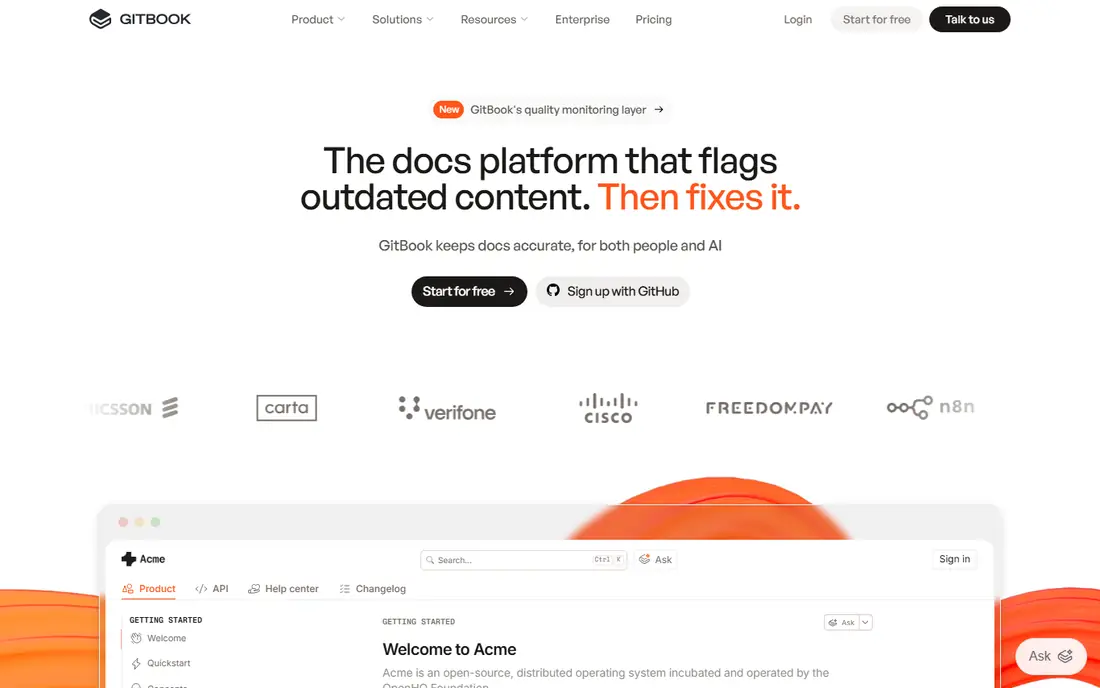
GitBook is our pick for most teams that need public docs that look professional without a custom build. Its block editor is easy for mixed teams, and Git sync lets developers keep docs close to code and review changes like code changes. Paid plans add custom domains, branding, site insights, and feedback collection, which matter once docs become a public product surface.
The pricing model is the catch to model before you sign. You pay per site plus per user, so several products or API versions can push the bill well past the headline price. GitBook is also narrower than a general wiki, with no project pages or whiteboards of the kind Confluence offers. If you run one or two public doc sites, it is a strong choice. If you run many sites, cost-check it against Docusaurus or Confluence first.
- Clean editor
- GitHub and GitLab sync
- Interactive API docs and custom domains on paid plans
- Per-site plus per-user pricing scales fast
- Not a general project wiki
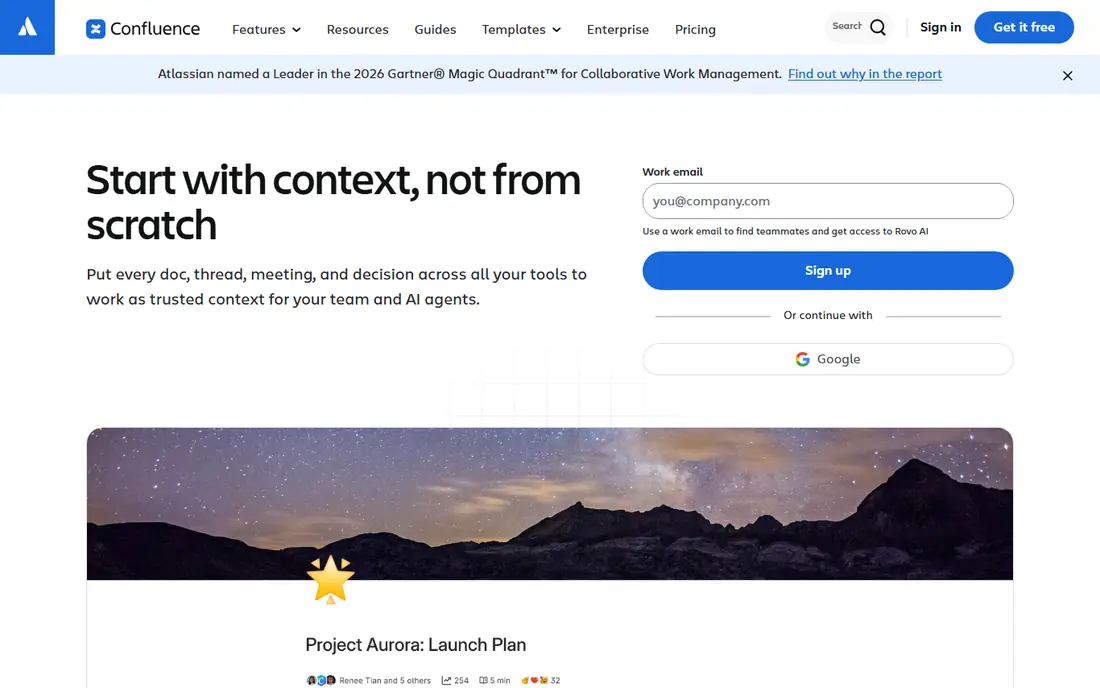
Confluence fits teams that already live in Atlassian tools. If your engineering work runs through Jira, linking docs to issues, releases, and project pages saves a lot of copy-and-paste. The free plan covers up to 10 users, which is enough for a small team to test whether the structure fits, and paid plans add guest access, advanced permissions, and more storage. Non-developers also tend to adopt it faster than a code-first tool.
The weakness shows when docs face external developers. Confluence can publish pages, but it is not built as an API reference tool, with interactive try-it-out calls and versioned API portals. Search and navigation can also feel heavy in a large wiki. Use Confluence for internal knowledge and team docs, and pair it with a dedicated API tool if your public API is a major product.
- Free plan for up to 10 users
- Deep Jira integration
- Pages, databases, and whiteboards in one workspace
- Not a true API reference tool
- Public docs need extra care and theming
ReadMe is built for a specific job: helping developers adopt an API. Its reference pages let readers try calls from the docs, and guides, changelog, and usage metrics sit beside the reference rather than in separate tools. That combination helps a product team see which endpoints confuse readers and which guides get read. For a SaaS product whose API drives growth, that feedback loop is worth real money.
The price is the barrier. Paid plans start around $250 per month on annual billing in recent comparisons, which is steep for a side project or a small API. ReadMe also feels less natural as a general internal wiki. If your API is public and central to revenue, test the interactive reference with real users. If docs are mostly internal, a cheaper wiki will do the job.
- Interactive API explorer
- Guides, changelog, and metrics in one portal
- Strong onboarding for API users
- High starting price for small teams
- Less suited to purely internal wikis
Mintlify appeals to teams that want docs that look designed without hiring a docs designer. You write in Markdown, keep files in Git, and Mintlify renders a clean, fast site with search and API reference support. That docs-as-code flow suits developers who already review changes in pull requests, and the output tends to read well on mobile. Recent comparisons place its Pro plan around $450 per month, so budget matters.
The main trade-off is price against control. Smaller teams may find the paid jump hard to justify when Docusaurus offers a free, self-hosted route. Mintlify is also a cloud product, so teams that need full self-hosting or unusual custom builds may feel constrained. If design polish and a low-maintenance Git workflow matter most, Mintlify is a serious contender.
- Polished output from Markdown files
- Git-based workflow
- AI-assisted writing and search features
- High paid starting price in recent comparisons
- Cloud hosting model limits self-hosting control
Docusaurus is the best free route for teams with engineering time. It is open source, built for documentation sites, and supports versioned docs, blogging, and search through plugins. Because you host the static site yourself, you control the domain, theme, and deployment pipeline, and there is no per-seat bill. Many open source projects use it for exactly that reason.
The cost is time, not money. Someone must set up hosting, keep dependencies updated, and fix build breaks. Non-developers may also find the Markdown and config workflow less friendly than a visual editor. If your team can spare a developer for setup and upkeep, Docusaurus gives you a professional docs site at hosting cost only. If not, a hosted tool will save more time than it costs.
- Free and open source
- Markdown and React-based customization
- Versioning and search plugins
- You own hosting, updates, and maintenance
- Setup takes developer time
Document360 fits larger support and product teams that need control over who publishes what. Approval workflows, version history, and separate internal and customer portals help a team keep public help content accurate while internal drafts stay private. That governance matters when docs feed support deflection and many writers contribute. A trial lets a team test the editor and workflows before a sales conversation.
The drawback is pricing clarity. Recent comparisons describe its pricing as quote-based, so small teams cannot budget from a public price list. The feature set can also feel heavy if you only need a simple guide site. If governance, approvals, and a combined knowledge base are core needs, request a quote and test the workflow. If you need a quick public docs site, start elsewhere.
- Knowledge base workflows
- Approval and version controls
- Separate internal and public portals
- Pricing is quote-based in recent comparisons
- Can feel heavy for a small docs site
Notion wins when the people writing docs are not developers. Its pages, databases, and templates let product, support, and operations teams build a wiki without learning Git or Markdown tooling. The free plan covers individual use, and the Plus plan starts around $10 per user per month on annual billing in recent comparisons. That low friction is why many internal wikis stay current in Notion while code-first docs go stale.
The limit is external developer docs. Notion can publish pages, but it lacks native API reference features such as interactive endpoints, versioned API portals, and OpenAPI-native rendering. Large wikis can also grow messy without a clear owner and structure. Use Notion for internal knowledge and team guides, and choose a dedicated docs tool for a public API.
- Very flexible pages and databases
- Free plan for individuals
- Easy for non-developers to edit
- Not a true API reference tool
- Public docs need extra setup and can feel less structured
MkDocs is the lightest serious option for developer docs. You write Markdown, configure a YAML file, and build a static site that is fast and easy to host. The Material for MkDocs theme is widely used and gives search, navigation, and mobile reading without custom code. For a small library, internal tool, or open source project, MkDocs is often all you need.
The trade-off is collaboration. There is no hosted visual editor, comments, or approval flow, so writers must be comfortable with Git and local builds. Hosting and deployment are also your job. If your writers are developers and your docs are modest in size, MkDocs is fast and free. If non-developers must edit often, a hosted editor will reduce friction.
- Free and open source
- Simple Markdown workflow
- Wide theme and plugin choice
- No hosted editor or collaboration UI
- You handle hosting and deployment
How we picked these
We compared official pricing and feature pages, documentation for each tool, and recent public comparisons of documentation tools. We did not claim hands-on testing or access to private usage data. We favored tools that are live in October 2026, cover a distinct docs job, and publish enough pricing or feature detail to compare fairly, and we marked prices as See website where pricing was quote-based or conflicting across sources.
How to choose the right documentation tool
Match the tool to the reader
Start with who reads the docs. External developers need search, API references, code samples, and versioning. Internal staff need a wiki they will actually update. Customers need a help center with clear navigation. One tool rarely serves all three readers well, so pick the primary reader first and accept a second tool for the other job if needed.
Test search, versioning, and editing
Before you migrate, test the three features that decide long-term success. Search must find the right page from a partial term. Versioning must keep old API docs available when you ship a new version. Editing must be easy enough that the person who knows the answer will write it down. A tool that fails any of these three will go stale, no matter how good it looks on day one.
Count the real cost
Add up sites, seats, and hosting time, not just the headline price. Per-site pricing, per-seat pricing, and self-hosting time all change the total in different ways. Run a small pilot with real content, measure how long updates take, and check the renewal price before you commit a whole docs set to one platform.
Frequently asked questions
What is the best tool for software documentation for a small team?
For a small team, GitBook or Notion often fit best, depending on the reader. GitBook suits public developer docs, while Notion suits internal wikis that non-developers maintain. Docusaurus or MkDocs suit small developer teams with no budget and time to host.
What are the best technical documentation tools for APIs?
ReadMe, Mintlify, and GitBook lead for API docs, because they support interactive references, guides, and versioned portals. Docusaurus with an OpenAPI plugin is a strong free route if your team can host and maintain it.
What is the best software documentation tool that is free?
Docusaurus and MkDocs are the strongest free options, since the software itself costs nothing and you only pay for hosting. Notion and GitBook also offer free plans, but with limits on users, sites, or features that matter at scale.
What is the best documentation tool for non-developers?
Notion and Confluence are easiest for non-developers, because both offer visual editors, templates, and simple sharing. GitBook also works for mixed teams, since its editor hides most Git complexity from casual writers.
Is Confluence good for software documentation?
Confluence is good for internal software docs, team wikis, and docs tied to Jira work. It is weaker as a public API reference tool, so teams with a major public API often pair it with ReadMe, Mintlify, or GitBook.
How do I pick between GitBook and Docusaurus?
Pick GitBook if you want a hosted editor, Git sync, and low maintenance, and you can accept per-site pricing. Pick Docusaurus if you want full control, no seat fees, and your team can own hosting, updates, and deployment.
Sources
See where you really rank - block by block
ProMapRanker scans Google Maps across a grid of your service area. Simple monthly plans from $19, white-label on every plan.
Start freeKeep reading
 zoho inventory alternatives
6 Alternatives to Zoho Inventory, Compared on Price and Fit
Zoho Inventory alternatives: 6 tools compared on price, free plans and fit. Katana leads the list for manufacturers. Fit and flaws are laid out for each entry.
Read → zoho crm alternatives
Best Zoho CRM Alternatives (2026)
Need Zoho CRM alternatives? We compare 7 tools on cost, free access and who each suits. Every pick gets a straight assessment. Built for quick decisions.
Read → zelle alternatives
Best Zelle Alternatives in 2026
Compare the best Zelle alternatives for sending money to friends, paying sellers and moving funds abroad, with honest notes on fees, speed and safety in 2026.
Read →