 ProMapRanker
What Is the Best Text to Speech App in 2026

Key takeaways
- Speechify is the strongest all-round reading app, while NaturalReader suits people who want simpler document reading.
- ElevenLabs leads on voice quality for voiceovers, with Murf offering a friendlier studio editor for video teams.
- Balabolka and TTSMaker cover free, simple listening and audio export without a subscription.
- Voice tools carry a consent rule: use only your own voice or voices you have a license to use.
Quick comparison
| Pick | Great for | Pricing starts at | Free tier | |
|---|---|---|---|---|
 Speechify | Everyday reading on the go | $29 per month | Yes | Visit |
 NaturalReader | Simple document reading | $119 per year | Yes | Visit |
 ElevenLabs | Natural voiceovers | $6 per month | Yes | Visit |
 Murf | Video and course voiceovers | $19 per month | Free trial | Visit |
 Narakeet | Cheap slide and video narration | $6 one-time for 30 minutes | Yes | Visit |
 Balabolka | Free offline Windows reading | Free | Yes | Visit |
 TTSMaker | Free quick audio export | Free | Yes | Visit |
 Amazon Polly | Developer voice apps | See website | No | Visit |
The best text to speech apps
We compared official pricing pages, feature pages, and recent tool comparisons, and we kept only tools that still work in 2026 for reading or voice production. Reading apps and voiceover studios serve different jobs, so this list mixes both. A plain consent warning applies throughout: use only your own voice, or a voice you have clear permission or a license to use, and never clone a real person without consent.
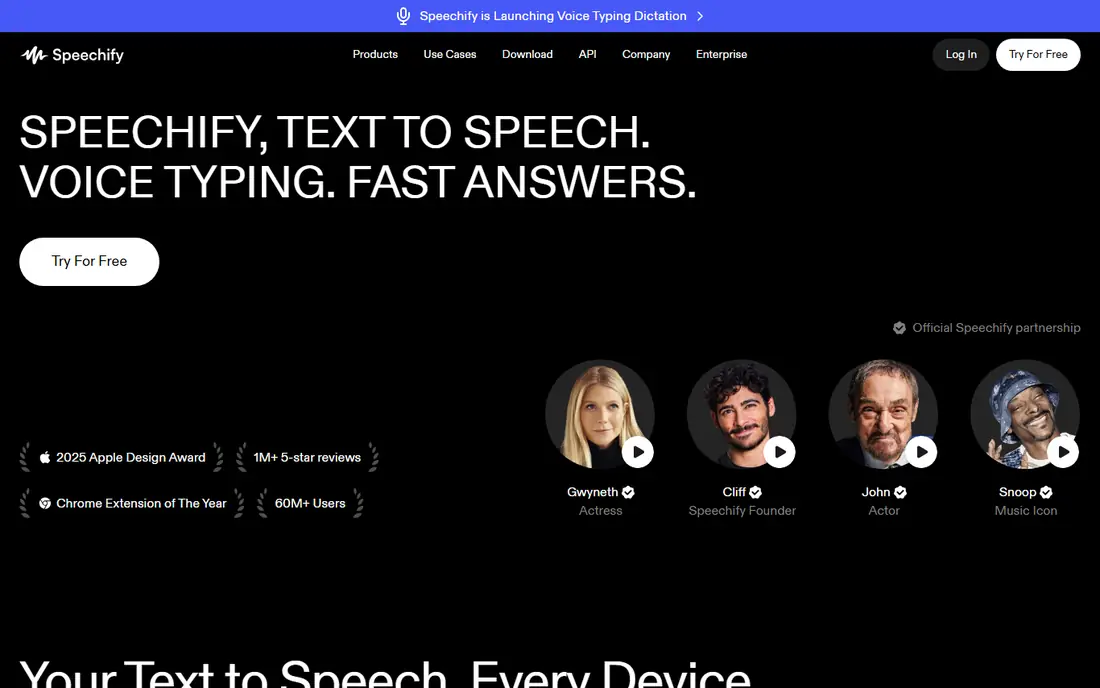
Speechify is our pick for most people who want to listen to reading material during a commute or a workout. The mobile apps and browser extension work together, so you can start an article on a computer and finish it on a phone. Voices sound natural for long listening, and speed controls help with study.
The free plan covers basic listening, while Reader Premium costs $29 per month or $139 per year. That plan adds more voices and listening time, which matters for heavy readers. Studio, for voiceovers and dubbing, is a separate purchase starting at $100 per year, so check which product you need before paying.
The catch is that split. People who buy Reader expecting voiceover rights, or Studio expecting a reading app, can end up with the wrong plan. If your job is only listening to documents, Reader is enough. If your job is making audio for others, compare Studio and ElevenLabs first.
- Strong mobile apps and browser extension
- Many voices and languages
- Reads PDFs, articles, and books
- Reader and Studio are separate subscriptions
- Premium pricing can confuse new buyers
NaturalReader suits readers who want a simple tool that does one job well. Upload a PDF, a Word file, or a web page, pick a voice, and listen. The layout stays out of the way, which helps students and professionals who read for hours.
OCR support is a practical plus, since scanned pages and images can be read aloud rather than skipped. Personal plans start at $119 per year for the Plus tier, with a lower Lite tier also listed in recent comparisons. The free plan covers basic reading for a first test.
The weakness is voice quality. NaturalReader voices are clear, but they sound less lifelike than ElevenLabs for narration work. Personal plans also do not include commercial audio rights, so voiceover creators should look elsewhere. For private reading, it is a calm, dependable choice.
- Simple reading workflow
- OCR for scanned pages
- Web, mobile, and extension options
- Voices sound less natural than ElevenLabs
- Commercial audio rights are not included in personal plans
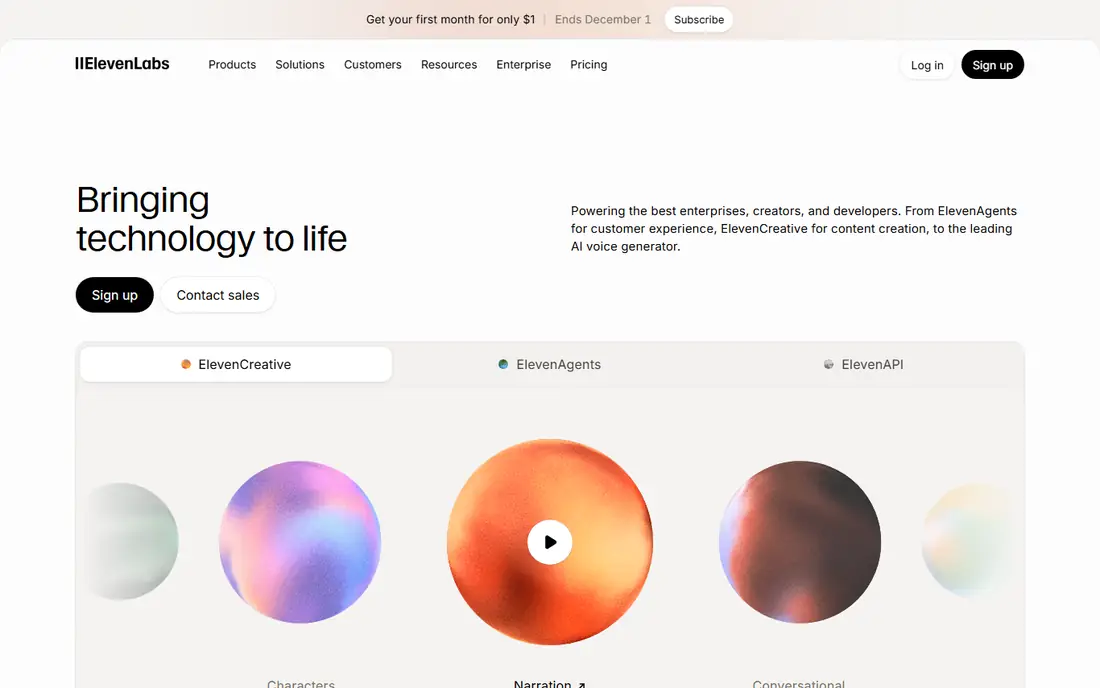
ElevenLabs leads on voice quality for creators who need narration that holds attention. Voices handle pacing, tone, and pauses better than most rivals, which matters for audiobooks, video narration, and podcasts. Language support is wide, and the editor is easy to learn.
The free plan gives 10,000 credits per month, which covers short tests but not long projects. Starter costs $6 per month, with Creator at $22 per month and Pro at $99 per month on recent pricing pages. Voice cloning sits on paid plans, with professional cloning gated higher.
The catch is credit math. Long scripts use credits quickly, so a book-length project needs a larger plan or a careful budget. Free audio also carries no commercial license, so paid use needs a paid plan. For quality-first voiceovers, ElevenLabs still sets the bar, and consent rules apply to any cloned voice.
- Very natural voices and wide language support
- Voice cloning on paid plans
- API for developers
- Free credits are limited and non-commercial
- Credit use can rise fast on long projects
Murf suits video teams and course creators who want a studio, not just a voice list. The editor shows script, voice, and timing together, so you can match narration to slides or scenes. That visual workflow saves time when a script changes late in a project.
Creator pricing is listed at $19 per month billed yearly, or $29 per month on monthly billing, with Business higher. A free trial gives 10 minutes of voice generation and 10 minutes of transcription, but no downloads or commercial rights. That trial is enough to test voices, not to finish a project.
The limit is cloning. Voice cloning in Murf is mainly an enterprise feature, so teams that need a brand voice should confirm availability before buying. Prices on the site have also shifted toward API rates in places, so confirm the studio price at checkout. For scripted video voiceovers, the editor is a real advantage.
- Visual studio editor with timeline
- Canva integration
- Team-friendly project workflow
- Free trial gives minutes with no downloads or commercial rights
- Cloning is mainly an enterprise feature
Narakeet is a good pick for people who need narration for slides, training videos, or presentations without a monthly bill. You can turn a slide deck or script into audio, adjust timing, and export a video with narration. The one-time price of $6 for 30 minutes is the lowest paid entry on this list.
The free plan covers 20 conversions with no commercial use, which is enough to test voice quality and workflow. Voices cover many languages, and the tool is easy to learn for a first video. That simplicity suits teachers, trainers, and small teams.
The trade-off is editor depth. Narakeet is simpler than Murf or ElevenLabs, so fine control over delivery is more limited. Commercial use needs a paid plan, and long projects need more minutes. For short, affordable narration, it is hard to beat.
- Very low one-time entry price
- Slide-to-audio workflow
- Many voices and languages
- Free plan gives limited conversions with no commercial use
- Editor is simpler than Murf
Balabolka suits Windows users who want free, offline reading without an account. It reads text files, documents, and clipboard text aloud, and it can save audio for later listening. Since it uses voices already on your computer, there is no monthly bill and no upload step.
The tool also handles batch conversion, so you can turn several documents into audio files at once. That feature helps students who want a set of readings for a commute. Controls for speed, pitch, and pronunciation are straightforward.
The limit is voice quality, which depends entirely on the voices installed on your machine. Modern neural voices from paid tools will sound better. Balabolka is also Windows only, so Mac and mobile users need another app. For free offline reading on Windows, it remains a useful pick.
- Freeware with no subscription
- Uses installed Windows voices
- Saves audio to common formats
- Windows only
- Voice quality depends on voices installed on your computer
TTSMaker fits people who need a quick voice clip without signing up or paying. Paste text, pick a voice and language, and export audio in minutes. The voice and language range is wide for a free tool, which helps with short social clips, prototypes, and test narration.
The browser workflow is simple, and that simplicity is the point. There is no studio timeline or team workflow to learn, so a first clip takes little time. For a one-off announcement or a draft voiceover, that speed matters.
The weakness is voice quality and control. Free voices sound more synthetic than ElevenLabs or Murf, and delivery controls are limited. If the audio will represent a brand or run in a paid ad, a paid tool is a better fit. For free, fast audio, TTSMaker earns its place.
- Free with many voices and languages
- No sign-up needed for basic use
- Quick MP3 export
- Voices are less natural than paid neural tools
- Advanced controls are limited
Amazon Polly suits developers who need text to speech inside an app, a call system, or a large content workflow. It offers many voices and languages through an API, with pay-per-use pricing rather than a flat subscription. That model fits products with uneven volume.
The service also supports speech marks and SSML, which let developers control pauses, emphasis, and pronunciation in code. That control matters for apps that read dynamic content, like news, alerts, or learning material. A free tier covers part of monthly use for new accounts, though billing must be enabled.
The catch is setup. Polly is not a consumer reading app, so non-technical users will find Speechify or NaturalReader easier. Usage bills by characters, so a popular app needs budget alerts. For a developer building voice into a product, it is a proven, scalable choice.
- Pay-per-use pricing for apps at scale
- Many voices and languages
- Built for developers
- Needs technical setup
- No simple consumer reading app
- Billing must be watched
How we picked these
We compared official pricing pages, feature pages, and recent tool comparisons, and we kept only tools that work in 2026 for reading or voice production. We left out PlayHT and LOVO, which are excluded from this project, and we mixed reading apps with voiceover studios since readers ask for both. We checked free plans, paid entry prices, and whether each tool suits listening, production, or developer use.
How to choose between a reading app and a voiceover studio
Start with the end use. If you listen to articles, books, and PDFs for yourself, pick Speechify, NaturalReader, Balabolka, or TTSMaker. If you make audio for other people, pick ElevenLabs, Murf, Narakeet, or Amazon Polly. Buying the wrong kind wastes money, since reading plans and studio plans often carry different rights.
Next, test voices on your own text. A voice that sounds fine on a short demo can tire over a long chapter, and pacing matters more than a single sentence. Read a page you know well, at your normal speed, and check pronunciation of names and technical terms. That test tells you more than a voice count.
Then check rights and consent. Reading plans are for private listening, while commercial audio needs a studio or business plan. For cloned voices, use only your own voice or a voice with clear, written permission. Never clone a colleague, a celebrity, or a customer without consent, even for a joke or a test.
Finally, watch limits. Free plans cap minutes, characters, or credits, and paid plans cap downloads or commercial use. Match the cap to your monthly workload, and set a reminder before a trial ends. The best app is the one whose limits you can live with at a price you can justify.
Frequently asked questions
What is the best text to speech app overall?
For everyday reading, Speechify is our pick, with strong mobile apps, many voices, and broad document support. For voiceover quality, ElevenLabs leads, while NaturalReader suits simpler document reading. The best choice depends on listening versus production.
Is there a free text to speech app that sounds good?
Yes, with limits. Speechify, NaturalReader, and ElevenLabs all offer free plans, while Balabolka and TTSMaker are free for basic use. Free voices and minutes are limited, so expect a step up in quality when you move to a paid plan.
Can I use text to speech voices for YouTube or ads?
Only with the right plan and rights. Reading plans are for private listening, while studio plans from ElevenLabs, Murf, and Narakeet include commercial options. Check the license for the exact plan you buy, and use only voices you own or have licensed.
Can I clone my own voice?
Yes, on paid plans that offer cloning, including ElevenLabs, with consent and verification steps. Use only your own voice or a voice with clear permission, and never clone another real person without consent. Cloned voices carry extra responsibility, so keep records of permission.
What is the cheapest way to narrate slides?
Narakeet, at $6 one-time for 30 minutes, is the cheapest paid entry here, with a free plan for testing. TTSMaker is free for short clips, though voices are less natural. For a polished course, Murf or ElevenLabs may justify the higher price.
Do these apps work offline?
Balabolka works offline on Windows using installed voices, while most other apps need a connection for neural voices. Speechify and NaturalReader offer mobile apps, but voice quality and downloads depend on the plan. Check offline options before you rely on them for travel.
Sources
- https://speechify.com/blog/best-text-to-speech-apps-and-tools-in-2026/
- https://anyspeech.io/blog/best-text-to-speech-tools
- https://maestra.ai/blogs/best-text-to-speech-software
- https://kveeky.com/blog/top-best-speechify-alternatives-the-complete-guide
- https://dev.to/stimlau/6-best-elevenlabs-alternatives-in-2026-verified-with-pricing-3m4l
See where you really rank - block by block
ProMapRanker scans Google Maps across a grid of your service area. Simple monthly plans from $19, white-label on every plan.
Start freeKeep reading
 zyte alternatives
Best Zyte Alternatives in 2026
These zyte alternatives cover managed scraping APIs, proxy networks and no code tools for lawful collection from your own or consented sources only in 2026.
Read → zerto alternatives
Best Zerto Alternatives in 2026
Compare the best zerto alternatives for disaster recovery and replication, with recovery targets, cloud options and honest trade-offs for teams in 2026.
Read → zerofox alternatives
Best ZeroFox Alternatives in 2026
We compared 9 zerofox alternatives for brand protection, phishing takedowns, dark web monitoring, and social impersonation, with clear coverage notes.
Read →