 ProMapRanker
Best Logo Maker Apps in 2026: 8 Apps Compared

Key takeaways
- Canva is our pick for most people because it pairs a free logo editor with social posts, presentations and print files in one place.
- Looka is the stronger choice when the logo itself is the priority and a full brand kit matters more than a general design suite.
- Shopify Logo Maker is the best truly free starting point, but it gives PNG files only, so print work may need a redraw later.
- Check file types before paying, since vector files and transparent backgrounds are often the real dividing line between plans.
Quick comparison
| Pick | Great for | Pricing starts at | Free tier | |
|---|---|---|---|---|
 Canva | All round design plus logos | Free | Yes | Visit |
 Looka | AI logos with a brand kit | $20 one-time | No | Visit |
 Shopify Logo Maker | A free first logo for a store | Free | Yes | Visit |
 Adobe Express | Typography and Adobe fonts | Free | Yes | Visit |
 Wix Logo Maker | Logos tied to a Wix website | See website | No | Visit |
 Tailor Brands | Guided branding and business setup | $3.99 per month | No | Visit |
 Brandmark | Fast, minimal logo concepts | $25 one-time | No | Visit |
 LogoAI | One-time logo and identity files | $29 one-time | No | Visit |
The best logo maker apps
We compared official feature pages, pricing pages, app store listings and public reviews to see which tools give a usable logo without a design background.
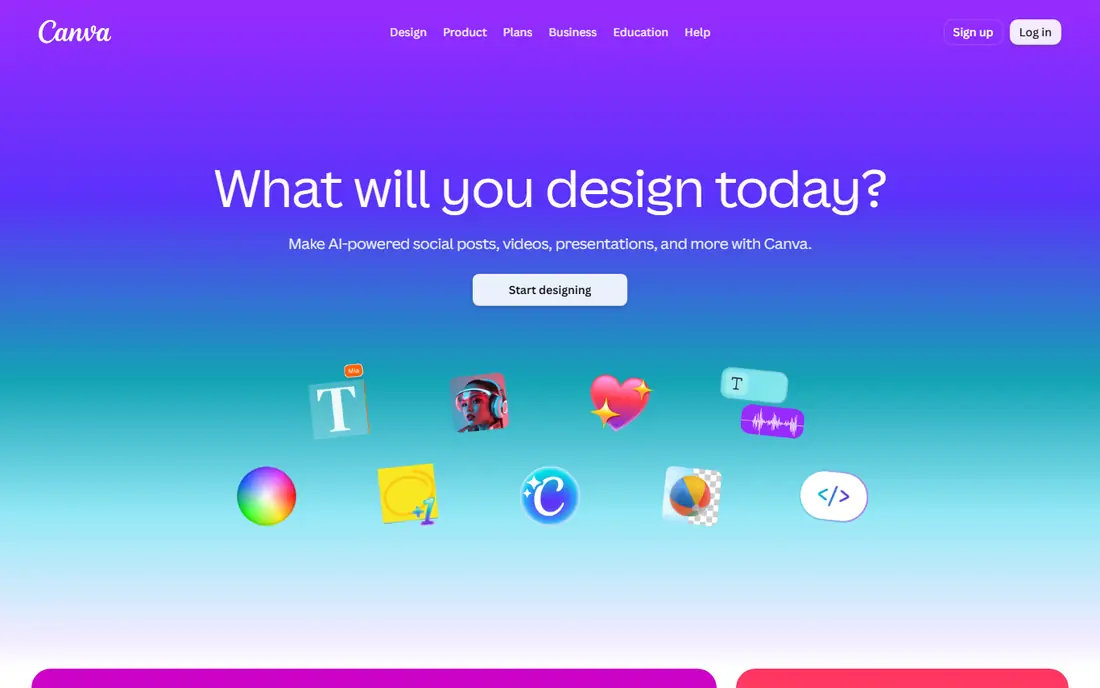
Canva suits a small business owner who needs more than a logo. You can start from a template, change fonts, colours and layout with drag and drop controls, and then reuse the same artwork on a flyer or a social post without rebuilding it. The free plan is genuinely usable for a simple web logo, and that breadth is why we put it first for most readers.
The catch is file quality. Free exports work well on screen, but a sign maker or print shop will usually ask for a vector file, and that sits behind Canva Pro. Pro is listed at $18 per month in the United States, or $144 per year, so check the current pricing page before you commit. If you only need one logo and nothing else, a one-time tool may cost less over time.
- Huge template library
- Free PNG downloads with free assets
- Same workspace covers social, print and presentations
- SVG export and transparent backgrounds need Pro
- Premium elements can carry extra cost
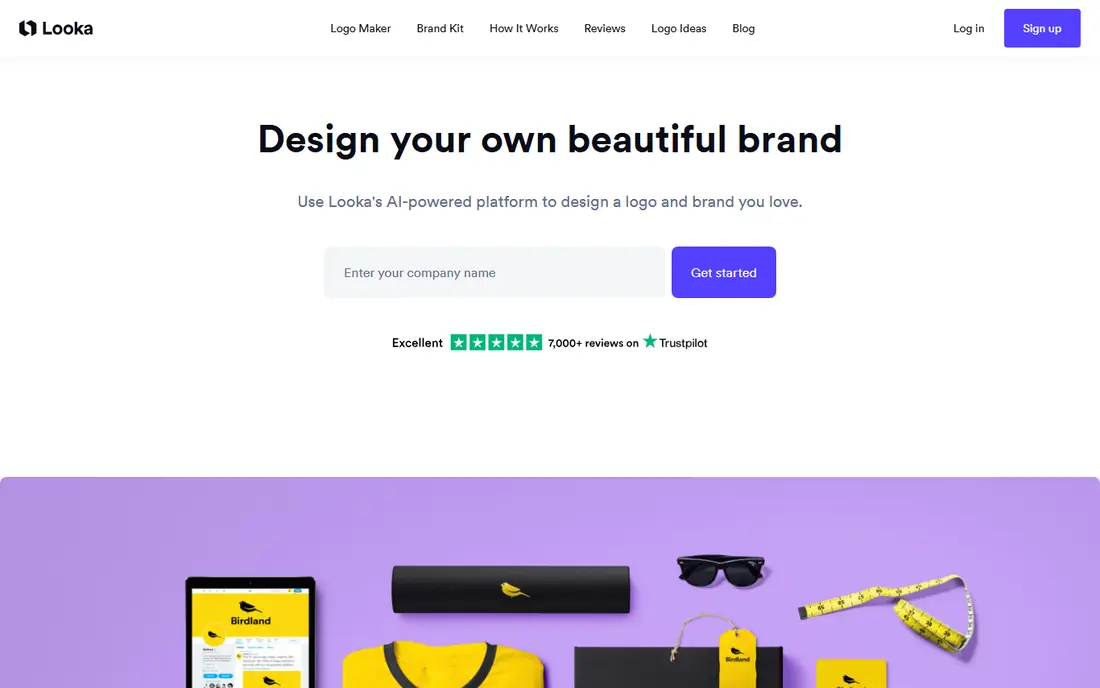
Looka asks for a business name, industry and style preferences, then generates a set of concepts you can refine in its editor. That guided flow helps when a blank canvas feels slow, and the preview stage lets you judge the ideas before spending anything. It is a focused logo tool rather than a general design suite, so the choices stay close to the mark itself.
Pricing is the part to read with care. The Basic Logo Package is $20 one-time for a single PNG, while the Premium Logo Package is $65 one-time and adds high resolution PNG, PDF, EPS and SVG files, colour variations and unlimited post-purchase edits. Most buyers who need a logo for more than a profile photo should skip Basic. A Brand Kit Subscription at $96 per year adds branded templates, which suits a business that will make matching material often.
- Design and preview free before paying
- Premium adds vector files and ownership
- Brand kit adds templates and guidelines
- No usable free download
- Basic package lacks transparency and vector files
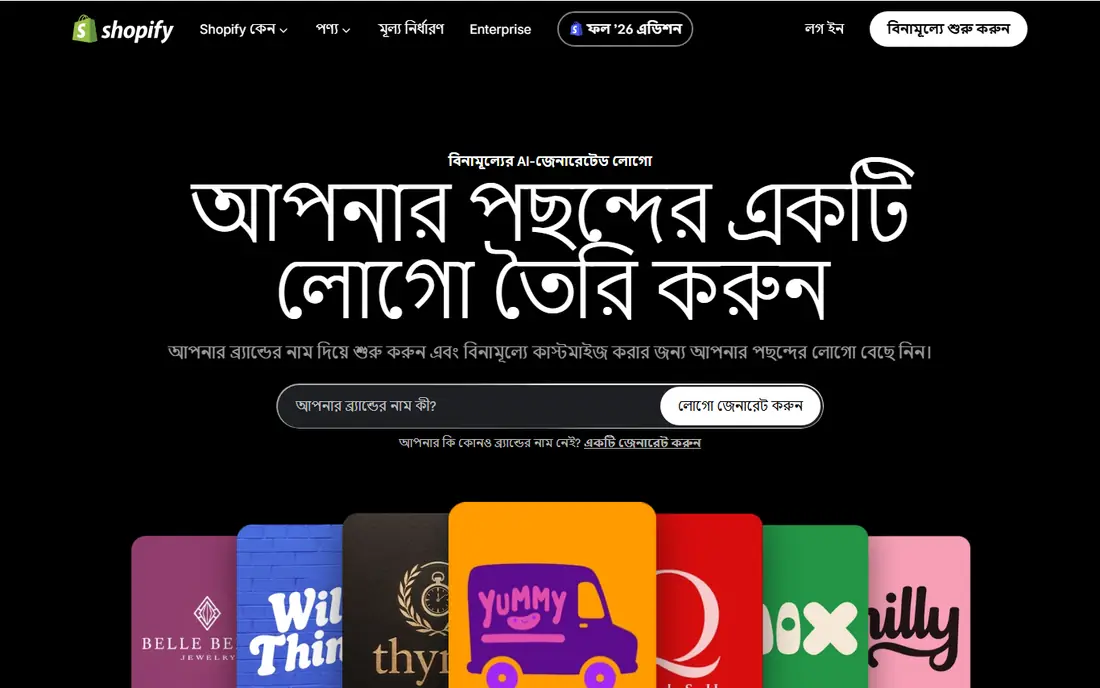
Shopify Logo Maker, formerly known as Hatchful, is the fastest route to a finished logo at no cost. You pick a business type and a visual style, then adjust colours, fonts, layout and icons from a small set of controls. For a new store that needs a favicon, a social avatar and a header mark this week, that simplicity is a real advantage.
The limits show up later rather than at first use. You do not get the deep editing or vector export that a paid tool offers, and the template feel can be hard to shake if your brand needs a distinctive mark. Treat this as a strong launch logo. If the business grows into packaging, signage or embroidery, budget for a vector redraw or a paid package then.
- Free to use and download
- Simple guided setup
- No watermark on the finished logo
- PNG only in most accounts
- Editing controls are basic
- Templates lean toward retail
Adobe Express is a good middle ground for readers who care about type. Its font choices feel more considered than most free logo tools, and the free plan covers basic downloads without forcing a purchase first. You can also move a design into other Adobe workflows if your team already uses them, which keeps the file trail tidy.
The honest weakness is scaling. Adobe Express does not offer SVG export, so a logo that starts here will need conversion before it can be resized cleanly for large print. That is not a problem for a website header or a social profile, but it is a reason to plan ahead. If vector output is a must from day one, pick Looka Premium or Brandmark instead.
- Free PNG, JPG and PDF downloads
- Strong font library
- Easy link to other Adobe tools
- No SVG export on any plan
- Premium assets need a paid plan
- Logo controls are simpler than Illustrator
Wix Logo Maker makes most sense inside a Wix project. You answer questions about your business and style, review generated concepts, and then apply the chosen mark across the site without reworking colours or fonts by hand. That consistency saves time when a website, not a standalone logo file, is the main deliverable.
Outside Wix, the case is weaker. You pay to download usable files, and the tool does not beat a dedicated logo maker on editing depth or brand kit breadth. Check the current package prices on the Wix site before buying, since the site lists different tiers for different file sets. If you are not building on Wix, start with Canva or Looka instead.
- AI concepts matched to your site style
- Logo and website stay visually consistent
- Paid files include vector options
- Free use is preview only
- Best value depends on already using Wix
- Prices vary by package
Tailor Brands treats a logo as the first step in a wider setup, not as a single file. Its onboarding covers business type, style and direction, then offers a website builder, social tools and brand assets alongside the mark. That bundle suits a founder who wants one account for the early branding jobs and does not want to stitch tools together.
The trade is cost over time. A low monthly starting price looks cheap beside a one-time package, but a subscription kept for two years can pass the price of Looka Premium or LogoAI several times over. Judge Tailor Brands on the whole bundle. If you only need a logo, a one-time purchase is usually the better deal.
- Guided onboarding for new businesses
- Logo plus website and social tools in one account
- Ongoing brand assets
- Subscription cost adds up over time
- Logo quality alone is average
- Cancelling may affect access to tools
Brandmark is built for speed. You enter a brand name and a few keywords, and it returns minimal concepts in seconds, with icons and wordmarks that suit a tech startup, a consultancy or a small online shop. The process suits a reader who already knows the rough style they want and does not want a long questionnaire.
Originality is the limit. The minimal style that makes Brandmark fast also makes some outputs look alike, so plan to customise colours, spacing and layout before publishing. Pricing starts at $25 one-time for a Basic tier, with higher tiers at $65 and above adding vector files and fuller rights, so confirm which file set your tier includes at checkout.
- Very fast concept generation
- Clean, minimal style
- One-time pricing with no subscription
- Designs can feel similar across users
- Editing depth is limited
- Best files sit in higher tiers
LogoAI follows the same plain flow as Looka and Brandmark, with a text prompt start and a set of concepts to refine. Its appeal is the pricing shape: Basic at $29 one-time, Standard at $59 and Professional at $99, with higher tiers adding fuller file sets and identity material. For a buyer who dislikes subscriptions, that clarity is welcome.
Like other AI tools, the first concepts are a starting point rather than a finished brand. Check the mark at small sizes, test it in black and white, and change any icon that feels generic before you pay. The tool earns its place here for buyers who want a complete file set for a single payment, not for buyers who need ongoing design help.
- One-time purchase with no subscription
- Identity kit options beyond the logo
- Clear tier structure
- Design is preview only until paid
- AI concepts need human refinement
- Support and templates are thinner than larger rivals
How we picked these
We compared official feature pages, pricing pages, app store listings and public reviews for tools that are live in October 2026. We favoured tools with a clear download path, stated file types and a price that could be checked on the vendor site, and we left out tools that only offered a watermarked preview with no paid route to usable files. We did not claim hands-on testing, and prices here are starting points to confirm at checkout, since regional offers and promotions change.
What to check before you pay
Start with size and format, not colour. A logo must read at profile photo size, work in black and white, and survive printing on a card or a shirt. Ask for PNG for web use, SVG or EPS for print and signage, and a transparent version for photos and coloured backgrounds. If a tool only sells PNG, plan for a redraw later or pick a different tool now.
Next, read the licence. Most paid packages grant commercial use, but many icons are non-exclusive, which means another business could use a similar icon. That rarely blocks a small business, but it matters if you plan to register a trademark. In that case, customise the mark heavily or hire a designer for a fully original version.
Finally, match the tool to the job. A store launch needs speed and a free file, a growing business needs a brand kit, and a print-heavy business needs vector files on day one. Paying for a brand kit you will not use is waste, and buying a cheap PNG when you need signage is a false saving. Pick the cheapest tool that covers your actual next twelve months, not the tool with the longest feature list.
Frequently asked questions
What's the best logo maker app for a small business?
Canva is our pick for most small businesses because it covers logos plus the social and print material a business makes every week. Looka is better if the logo and brand kit are the whole job and you do not need a general design suite. Try both free previews before paying, and judge the mark at small sizes first.
Can I make a logo for free?
Yes, with limits. Shopify Logo Maker and Canva both allow free downloads, while Looka, Wix, Brandmark and LogoAI let you design and preview free but charge for usable files. Free files are usually PNG only, so check whether you need a vector file before you settle on a free tool.
What file formats do I need for a logo?
PNG works for websites and social profiles, SVG or EPS works for print, signage and large scaling, and PDF is useful for sharing with printers. A transparent PNG is also worth having for photos and coloured backgrounds. If a tool cannot supply the format your printer asks for, that is a reason to choose another tool.
Can I trademark an AI generated logo?
In many cases yes, since trademark protection covers the mark as a brand identifier, but you should run a trademark search first and read the tool licence. Non-exclusive icons can weaken a trademark claim, so a heavily customised mark or a designer-made mark is safer for a brand you plan to protect formally.
Is a one-time logo package better than a subscription?
A one-time package is usually cheaper if you need one logo and few later changes. A subscription makes sense if you will use brand templates, a website builder or social tools every month. Add up twelve months of the subscription and compare it with the one-time price before deciding.
Sources
See where you really rank - block by block
ProMapRanker scans Google Maps across a grid of your service area. Simple monthly plans from $19, white-label on every plan.
Start freeKeep reading
 worlds best local seo company
8 Worlds Best Local SEO Companies for Map Pack Growth in 2026
Compare the worlds best local seo company options for Google Business Profile work, citations, reviews, and multi-location rankings and reporting in 2026.
Read → world's best web hosting company
World's Best Web Hosting Company in 2026
Searching for the world's best web hosting company? We compared 10 hosts on price, renewal rates, speed, and support to help you choose well today in 2026.
Read → who's got the best nanny tax services
Who's Got the Best Nanny Tax Services in 2026
We answer who's got the best nanny tax services, comparing full filing, back taxes, software, and pricing so families can handle nanny taxes correctly.
Read →