 ProMapRanker
What Is the Best Invoice Generator Software in 2026

Key takeaways
- Zoho Invoice is our pick for most small businesses, with a free plan covering up to 1,000 invoices a year, recurring billing, and a client portal.
- Wave and Square Invoices also offer free invoicing, with Wave best for free bookkeeping and Square best for in-person sellers.
- Invoice Ninja suits users who want control and customization, while PayPal Invoicing suits clients who already pay through PayPal.
- FreshBooks, QuickBooks Online, Invoice Simple, and Bonsai cover paid polish, full accounting, mobile speed, and client workflow in that order.
Quick comparison
| Pick | Great for | Pricing starts at | Free tier | |
|---|---|---|---|---|
 Zoho Invoice | Free full-featured invoicing | Free | Yes | Visit |
 Wave | Free invoicing and books | Free | Yes | Visit |
 Invoice Ninja | Control and customization | Free | Yes | Visit |
 Square Invoices | In-person and online payments | Free | Yes | Visit |
 PayPal Invoicing | PayPal-paying clients | Free | Yes | Visit |
 FreshBooks | Service invoicing and time | $23 per month | Free trial | Visit |
 QuickBooks Online | Invoicing plus accounting | $38 per month | Free trial | Visit |
 Invoice Simple | Fast mobile invoicing | $6.99 per month | Free trial | Visit |
 Bonsai | Contracts plus invoicing | See website | Free trial | Visit |
The best invoice generator software
A good invoice generator does more than make a PDF. It should send, track, remind, and collect payment, with room to grow. We compared official pricing and feature pages, focusing on free limits, payment fees, recurring billing, and reminders. This is general information only, not tax or financial advice.
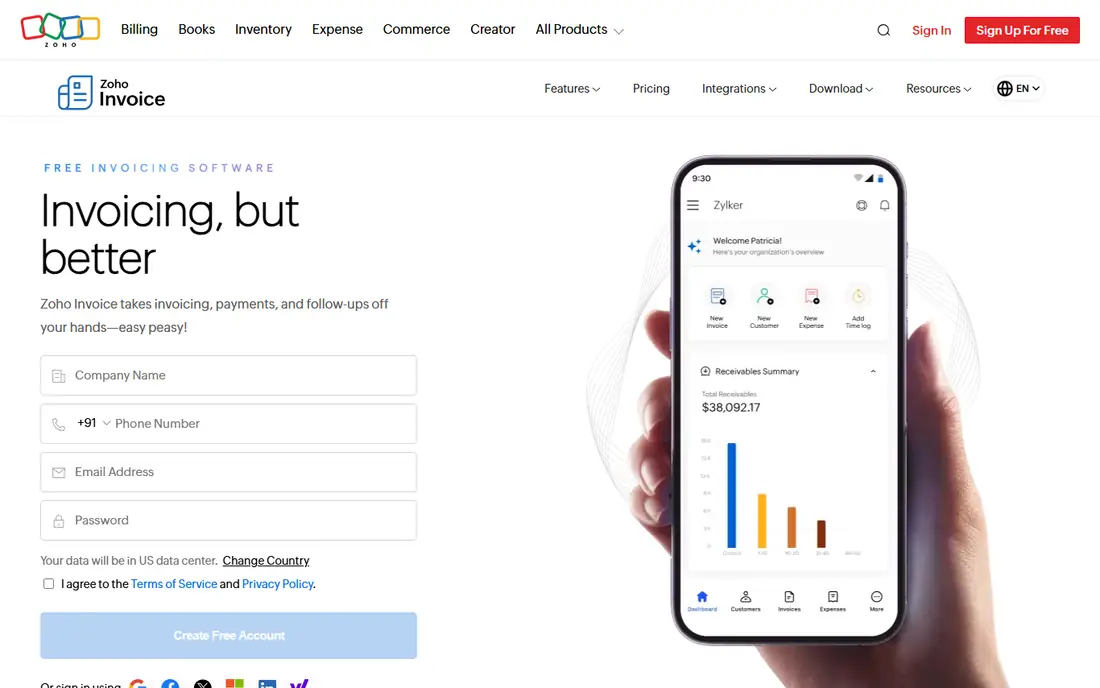
Zoho Invoice is the strongest free invoice generator for a small business that wants real features, not just a template. The free plan covers estimates, recurring invoices, a client portal, time tracking, and expense reports, with up to 1,000 invoices a year. That ceiling is high enough for most freelancers and small firms, and payment gateways let clients pay online without a monthly fee for the software itself.
The limits are modest. Zoho Invoice does not include inventory tracking, and its templates are less flexible than some paid tools. For a business that mainly bills services, those limits rarely matter. If you need free invoicing with depth, start here and only pay when you need full accounting in Zoho Books.
- Free plan with up to 1,000 invoices a year
- Recurring invoices and client portal
- Time and expense tracking
- No Zoho Inventory integration on the free tool
- Design customization is more limited than paid rivals
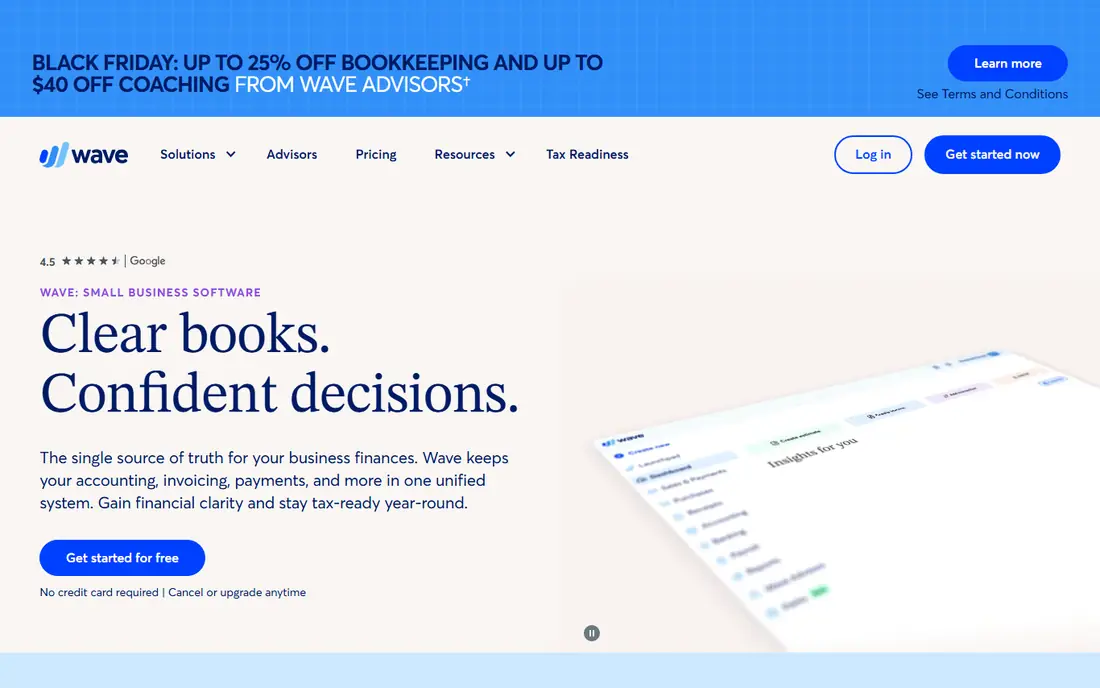
Wave is the best free pick if invoicing is only part of the job. It pairs free, unlimited invoicing with free bookkeeping, so income and expenses land in the same ledger without a second tool. A solo owner can send an invoice, record a payment, and see profit at a glance, all without a subscription.
Wave earns money when clients pay by card, with processing fees on each transaction, and Pro features such as receipt scanning cost extra. That model still suits low-volume businesses, since you pay mainly when you get paid. For a freelancer who wants free books as well as free invoices, Wave is the natural alternative to Zoho Invoice.
- Free unlimited invoicing
- Free bookkeeping alongside invoices
- Simple setup
- Payment processing fees apply
- Receipt scanning and payroll are paid add-ons
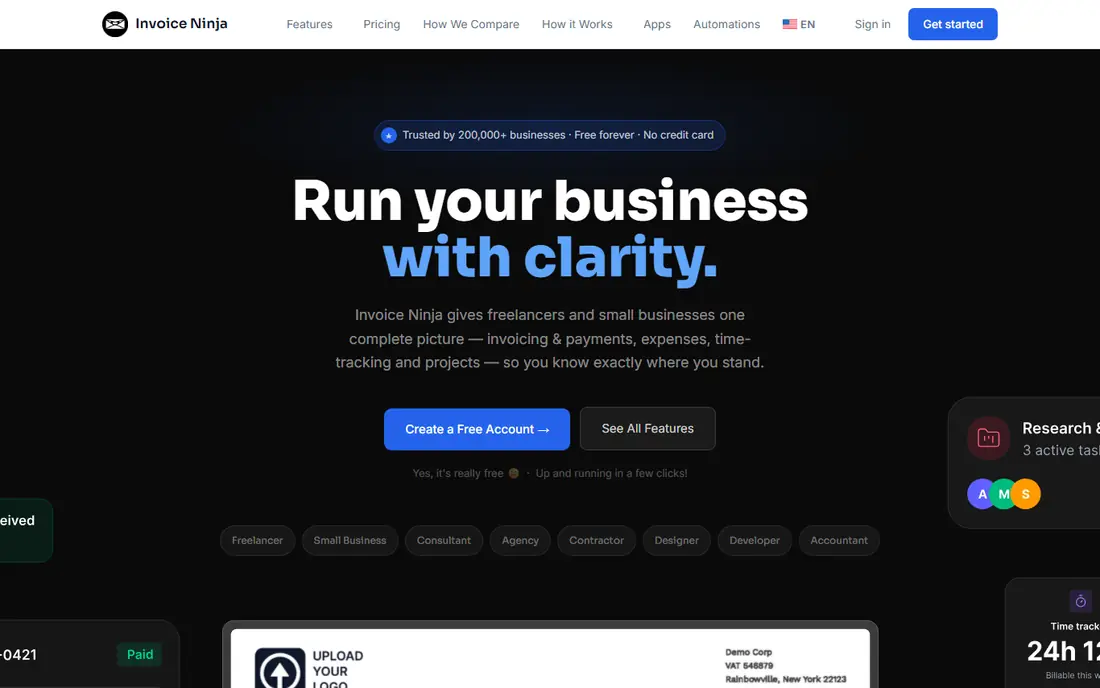
Invoice Ninja appeals to users who want to own their invoicing setup. The hosted free tier covers up to five clients, with a client portal and payment options, while the open-source version can be self-hosted for full control over data and design. Custom invoice templates, recurring billing, and project tools make it a strong pick for tech-comfortable freelancers and agencies.
The free client cap is the main limit. A business with more than five regular clients needs the Pro plan, starting at $14 per month in recent guides, or a self-hosted setup. If you value customization and control over the simplest onboarding, Invoice Ninja rewards the extra setup time.
- Free tier for up to five clients
- Open source and self-hosting option
- Highly customizable invoices
- Free client limit
- Setup is more technical than Zoho Invoice or Wave
Square Invoices is the obvious pick for a business that already takes card payments in person. The free plan covers unlimited invoices, and clients can pay by card, Apple Pay, Google Pay, or ACH directly from the invoice. A shop, salon, or market seller can invoice a custom job and take a card payment at the counter from the same Square account.
The cost is processing fees, starting at 3.3 percent plus 30 cents on the free plan, which add up at higher volumes. Square Invoices also lacks built-in expense tracking, so it works best alongside separate bookkeeping. For a seller who lives in the Square ecosystem, that trade is easy to accept.
- Free plan with unlimited invoices
- Accepts cards, Apple Pay, Google Pay, and ACH
- In-person payments in the same account
- Processing fees on every payment
- No built-in expense tracking
- You must use Square as processor
PayPal Invoicing wins when your clients already use PayPal. There is no monthly software fee to create and send invoices, and clients can pay through a familiar checkout, which can shorten payment time for occasional or international work. It is also a low-friction choice for a freelancer who invoices infrequently and does not want another subscription.
Depth is the limit. PayPal Invoicing covers estimates, invoices, and payment tracking, but it lacks the recurring billing depth, time tracking, and client portal features of Zoho Invoice or FreshBooks. For occasional invoicing to PayPal-friendly clients, it is excellent. For a full billing workflow, pair it with accounting software or choose a dedicated invoice tool.
- Free to create and send invoices
- Clients can pay without a new account in many cases
- Trusted payment brand
- Payment fees apply
- Less invoicing depth than Zoho Invoice or FreshBooks
- Tied to PayPal
FreshBooks is the paid polish pick for service businesses. It turns tracked time and expenses into invoices, sends automatic reminders, and can apply late fees, which reduces the chasing that eats into a freelancer week. The client view is clean, payments are built in, and the workflow from project to paid invoice feels coherent rather than bolted together.
The price is the trade. FreshBooks starts at $23 per month for Lite, with a five-client cap, and higher tiers are needed for more clients. A business that only sends a few invoices a month may do better free with Zoho Invoice or Wave. A service firm that bills hours every week will often recover the cost in faster payment alone.
- Time tracking converts to invoices
- Automatic late fees and reminders
- Clean client billing
- No free plan, only a trial
- Lite plan caps clients at five
QuickBooks Online is the pick when invoicing must live inside real accounting. Invoices flow into sales tax, profit reports, and bank reconciliation without export steps, and most US accountants already know the platform. That integration matters once a business needs year-end books, loan documents, or multi-user access, not just a stack of paid invoices.
For pure invoice generation, QuickBooks Online is more tool than needed, and $38 per month is a high price for sending a few invoices. Choose it when accounting depth is the goal and invoicing is one part of that system. Choose Zoho Invoice or Wave when invoicing alone is the job.
- Invoicing inside full double-entry accounting
- Sales tax automation
- Accountant familiarity
- Heavier and pricier than a pure invoice tool
- Free trial only, no free plan
Invoice Simple does one thing well: it gets an invoice out of your phone fast. The builder is simple, templates are clean, and a tradesperson or freelancer on a job site can create, send, and track an invoice without opening a full accounting app. For a user who values speed over depth, that focus is refreshing.
The limit is scope. Invoice Simple offers less recurring billing, client portal depth, and accounting integration than Zoho Invoice, FreshBooks, or QuickBooks Online, and its free tier is limited. It suits a small, mobile-first business that sends straightforward invoices. For a growing firm, a deeper tool will last longer.
- Very fast setup
- Mobile-friendly invoice builder
- Simple templates
- Limited free tier
- Less depth for recurring billing and accounting
Bonsai is the workflow pick for freelancers who sell a project, not just an hour. It bundles proposals, contracts, invoicing, and payments, so a client can approve a proposal, sign a contract, and pay an invoice without moving between tools. That continuity helps creative freelancers, consultants, and agencies that lose time to admin between projects.
The trade is that Bonsai is broader and pricier than a pure invoice generator, and its starting price should be confirmed on the vendor site, since published guides vary. If you only need invoices, Zoho Invoice or Wave will do. If contracts and proposals are part of every sale, Bonsai can replace several tools at once.
- Contracts, proposals, and invoicing in one workflow
- Client portal
- Freelancer-focused templates
- Pricing should be confirmed on the vendor site
- More than a pure invoice tool needs
How we picked these
We compared official pricing and feature pages, and we favored tools that send, track, remind, and collect payment, not just generate a PDF. We wrote See website for Bonsai, where starting prices varied across guides, rather than publishing an unconfirmed figure. We did not claim hands-on testing, and we noted payment processing fees separately from software fees, since free invoicing still costs money when a client pays by card.
What to check before you pick
Count your real invoice volume and client count first, since free limits decide the choice. Zoho Invoice caps free invoices at 1,000 a year, Invoice Ninja caps free clients at five, and FreshBooks caps Lite clients at five. Then check payment methods, since Square, PayPal, and gateway tools differ on fees and payout speed.
Also test reminders and recurring billing on a real client, not a demo invoice. A tool that reminds politely and resends automatically will save more time than a prettier template. Finally, confirm how invoices export to your accounting tool, because a clean export at tax time is worth more than a small monthly saving.
Frequently asked questions
What is the best invoice generator software overall?
Zoho Invoice is our overall pick for most small businesses, thanks to its free plan, recurring invoices, client portal, and time and expense tracking. Wave is the best free alternative with bookkeeping, and FreshBooks is the best paid pick for service firms that bill time.
Is there a truly free invoice generator?
Yes, with payment fees still applying. Zoho Invoice, Wave, Square Invoices, Invoice Ninja, and PayPal Invoicing all let you create invoices free, up to their stated limits. You still pay card processing fees when a client pays by card, so free software does not mean free payments.
How do I get paid faster with invoice software?
Send invoices promptly, accept online payments, set automatic reminders, and offer recurring billing for repeat clients. Tools such as FreshBooks and Zoho Invoice automate reminders, which reduces chasing and shortens payment time compared with manual follow-up.
Does invoice software handle taxes?
Invoice software can calculate sales tax on invoices and produce reports, but it does not replace tax advice. Rates, exemptions, and filing duties vary by location and business type, so confirm tax handling with a qualified professional.
Can I use invoice software without accounting software?
Yes, for invoicing alone. Zoho Invoice, Wave, Square Invoices, and Invoice Simple all work without full accounting software. Wave adds basic bookkeeping, while QuickBooks Online and FreshBooks add deeper accounting for businesses that need it.
Sources
See where you really rank - block by block
ProMapRanker scans Google Maps across a grid of your service area. Simple monthly plans from $19, white-label on every plan.
Start freeKeep reading
 worlds best local seo company
8 Worlds Best Local SEO Companies for Map Pack Growth in 2026
Compare the worlds best local seo company options for Google Business Profile work, citations, reviews, and multi-location rankings and reporting in 2026.
Read → world's best web hosting company
World's Best Web Hosting Company in 2026
Searching for the world's best web hosting company? We compared 10 hosts on price, renewal rates, speed, and support to help you choose well today in 2026.
Read → who's got the best nanny tax services
Who's Got the Best Nanny Tax Services in 2026
We answer who's got the best nanny tax services, comparing full filing, back taxes, software, and pricing so families can handle nanny taxes correctly.
Read →