 ProMapRanker
What Is the Best Coin Identifier App in 2026


Photo identification of modern coins · Pricing starts at: $39.99 per year
Key takeaways
- CoinSnap and CoinIn are the strongest starting points for photo identification of modern coins.
- Coinoscope suits foreign coins, while PCGS CoinFacts and NGC guides suit checking US coin values after identification.
- App value estimates are starting points, not sale prices, since grade, condition and demand decide real value.
- Never clean a coin to improve a scan, since cleaning can destroy collector value.
- Free scans are limited in most apps, so check scan limits and trial cancellation rules before paying.
Quick comparison
| Pick | Great for | Pricing starts at | Free tier | |
|---|---|---|---|---|
| CoinSnap | Photo identification of modern coins | $39.99 per year | Free trial | Visit |
 CoinIn | Global coins and banknotes | See website | Free trial | Visit |
 Coinoscope | Foreign and older coins | See website | Yes | Visit |
 Coin ID | Quick photo identification | See website | Free trial | Visit |
 PCGS CoinFacts | US coin price guides | Free | Yes | Visit |
 NGC Coin Details | Certified coin reference | Free | Yes | Visit |
 Numista | Coin catalogue identification | Free | Yes | Visit |
 Google Lens | General image search for coins | Free | Yes | Visit |
 eBay | Checking recent sold prices | Free | Yes | Visit |
The best coin identifier apps
We compared photo scanners, catalogues and price guides that help identify a coin and check what it may be worth, with a clear warning that app estimates are not appraisals.
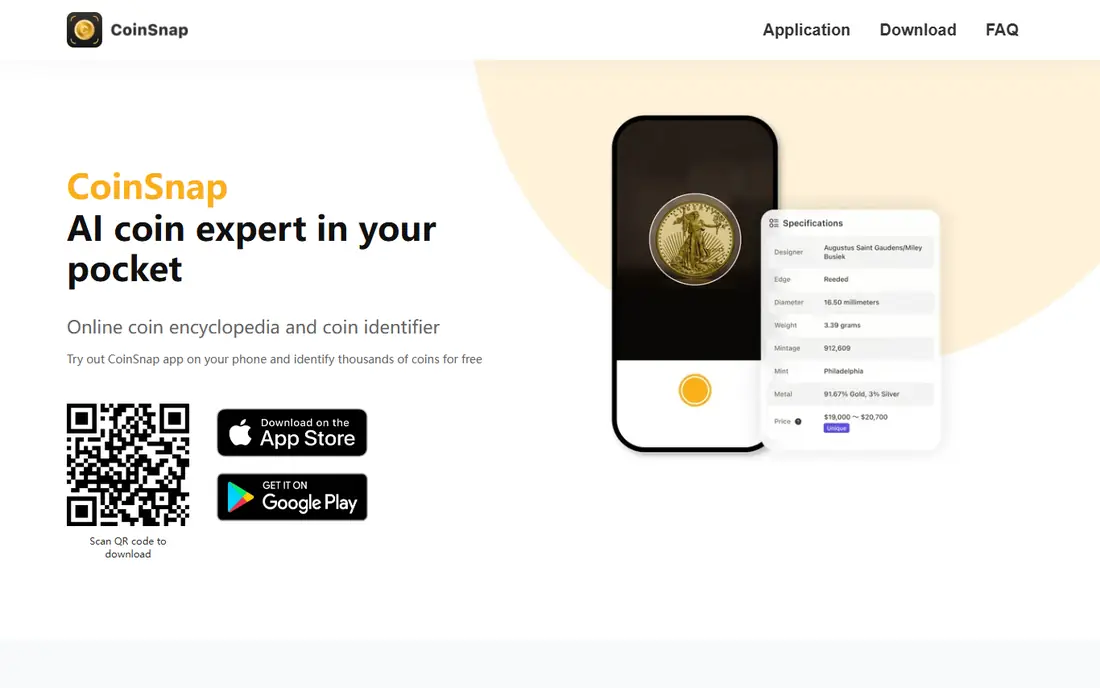
CoinSnap is our pick for most people asking what a pocket coin is. Photograph both sides in good light, and the app returns a likely match with historical details and a value estimate. Collection folders help organise finds, so a growing set of coins stays searchable.
The catch is billing. Free scans are limited, and the annual premium plan renews automatically, so cancel in the store account settings well before a trial ends if you do not want to continue. Treat the value figure as a rough guide, then verify it against a price guide.
- Fast photo identification
- Collection folders
- Historical details for identified coins
- Free scans are limited
- Annual subscription renews automatically unless cancelled
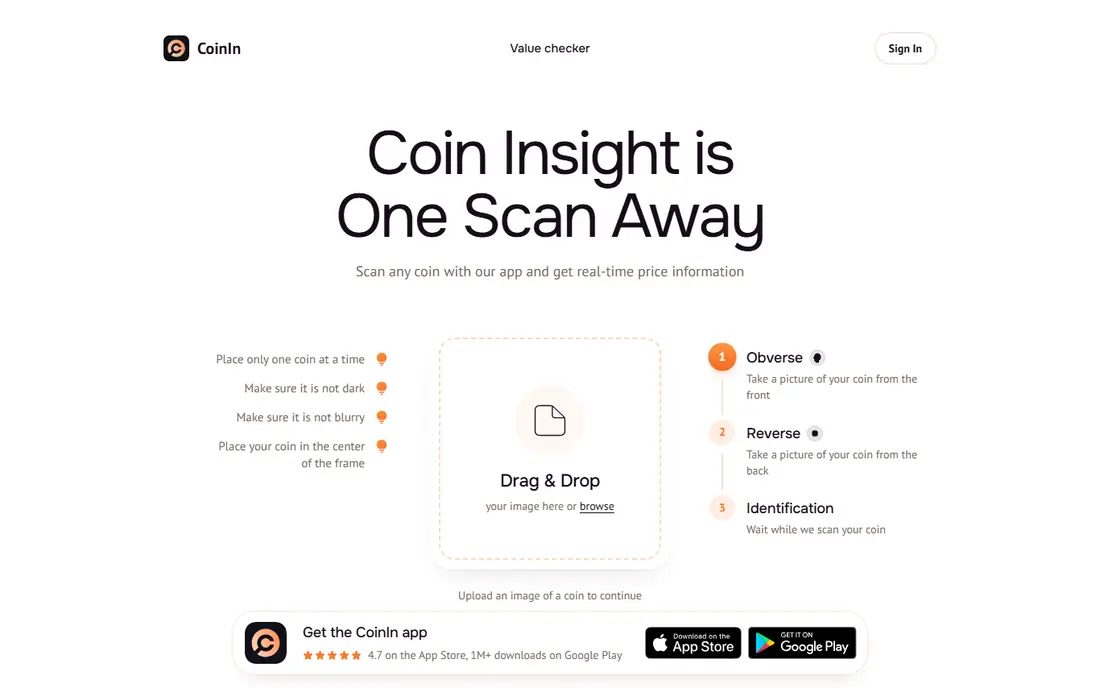
CoinIn suits collectors with foreign coins and banknotes, since its database covers a wide range of world issues. Photo guidance helps position a coin for scanning, and folders keep a collection organised. Banknote identification adds value for visitors who return home with unfamiliar notes.
Accuracy drops with worn or older coins, and value figures are broad ranges rather than firm prices. Use CoinIn for identification first, then check a catalogue or price guide for the specific coin and grade before assuming a value.
- Broad global coin coverage
- Banknote identification
- Collection folders and marketplace features
- Free scans are limited
- Value ranges can be vague for worn coins
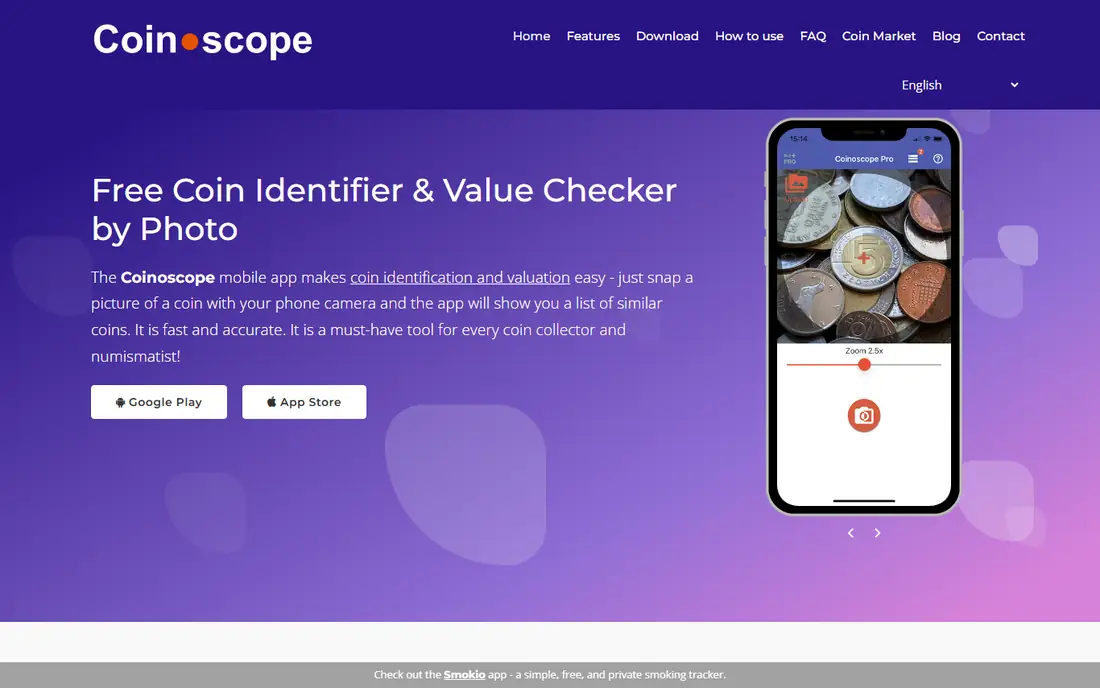
Coinoscope has a reputation for handling foreign coins that US-focused apps miss, which makes it a useful second scanner when CoinSnap or CoinIn gives an unclear result. The database is broad, and the interface is simple enough for a first scan in under a minute.
It needs an internet connection, and free use is limited, so do not rely on it offline at a market or fair. Photograph coins on a plain background in even light, since glare and shadows cause more misidentifications than any app setting.
- Strong for foreign coins
- Large coin database
- Available on iOS and Android
- Needs an internet connection
- Free features are limited
Coin ID, from AIBY, suits quick checks of common coins found in change, travel money or a inherited jar. The scan flow is short, and results include basic coin details that help a beginner learn what they hold. It works best on clean, modern coins with readable dates and portraits.
As with every scanner here, the value estimate is a guide, not a sale price. Check the coin against a catalogue entry for weight, diameter and mint details before trusting a match, especially for coins that look rare or unusual.
- Fast photo matching
- Simple collection tools
- Works for common world coins
- Value estimates need independent checking
- Subscription details vary by store
PCGS CoinFacts is not a photo scanner, but it is the best next step after identifying a US coin. It shows price guide figures by grade, auction results and reference photos for comparison, which gives a firmer value picture than a scanner estimate. It also reads barcodes on PCGS and NGC sealed coins.
The limit is clear: you must already know the coin, and coverage is US-only. Use a scanner first for unknown coins, then use PCGS CoinFacts to check the grade and price range for US issues before deciding whether a coin deserves professional grading.
- Free US coin price guide by grade
- Auction prices and reference photos
- Trusted grading source
- Does not identify from a photo
- US coins only
NGC Coin Details, from Numismatic Guaranty Company, helps verify and research coins that NGC has certified. Certification numbers, price guide data and population figures help collectors check a sealed coin and understand its scarcity. It pairs well with a scanner for collectors who buy graded coins.
It will not identify a raw coin from a photo, so it belongs in the verification stage, not the first scan. For ungraded pocket change, start with CoinSnap, CoinIn or Coinoscope, then turn to NGC when a coin is certified or may be worth grading.
- Reference data for certified coins
- Price guide and population data
- Useful for verifying sealed coins
- Not a photo identifier
- Most useful for graded coins
Numista suits collectors who want to identify a coin by its details rather than a photo. Search by country, year, diameter, weight and design features, then compare catalogue photos and specifications. That manual method is slower, but it often resolves coins that scanners misread.
The lack of photo scanning makes Numista a companion tool, not a one-tap answer. Use it when a scanner result looks doubtful, or when a coin is worn and a photo match keeps failing. Catalogue details also help spot fakes that differ in weight or size.
- Huge world coin catalogue
- Search by size, weight and design
- Free to use
- No photo scanning
- Needs manual comparison
Google Lens is a useful free backup when a dedicated scanner fails. Photograph a coin and Lens searches for visually similar images, listings and pages, which can surface a catalogue entry or a dealer listing. It costs nothing and needs no new subscription.
Results are not coin-specific, so unrelated items appear and value figures from listings may reflect asking prices, not sold prices. Use Lens as a cross-check, then confirm the match in Numista or a price guide before acting on it.
- Free and already on many phones
- Finds similar images and listings
- Useful as a second check
- Not coin-specific
- Results mix coins with unrelated items
eBay belongs in a coin workflow as the reality check. After identification, filter for sold listings of the same coin, grade and condition to see what buyers actually paid. That figure is far more useful than a scanner estimate or an unsold asking price.
eBay does not identify coins, and listings vary in grading honesty, so compare several sold items rather than one outlier. For rare or high-value coins, a professional appraisal beats any online listing check.
- Sold listings show real market prices
- Huge coin marketplace
- Useful for common and graded coins
- Not an identifier
- Asking prices can mislead
How we picked these
We compared official app pages, app store listings and coin reference sources for tools that are live in October 2026 and help identify coins or verify their value. We favoured photo scanners with broad databases, plus catalogue and price-guide tools that correct scanner errors. We wrote See website where subscription pricing varied by store or region, and we warned against treating any app estimate as an appraisal.
How to identify a coin and check its value
Photograph both sides in even, natural light on a plain background, without cleaning the coin. Run the scan in one app, then cross-check the result in a second scanner or in Numista using weight and diameter. If the coin looks valuable, check PCGS or NGC guides for its grade, then look at sold listings for the same coin and condition.
Most pocket change is worth face value or a small premium, whatever an app estimate suggests. Rare value usually depends on date, mint mark, condition and demand together, not on age alone. When in doubt, keep the coin untouched and ask a reputable dealer or grading service before selling.
Frequently asked questions
What is the best free coin scanner app?
CoinSnap, CoinIn and Coinoscope all offer some free identification, but free scans are limited in most apps. Start with the free scans, compare results across two apps, and pay only if you scan coins regularly.
What is the best app for identifying coins?
CoinSnap suits most users for modern coins, Coinoscope suits foreign coins, and CoinIn suits global coins and banknotes. No single app is right every time, so cross-check unusual results in Numista or a price guide.
Are coin identifier app values accurate?
App values are estimates for a coin type, not appraisals of your specific coin. Grade, wear, cleaning and market demand change real value sharply, so check sold listings and official price guides before selling.
Should I clean an old coin before scanning it?
No. Cleaning can scratch a coin and destroy collector value. Photograph the coin as it is, in good light, and let a dealer or grading service advise on any conservation.
What should I do if I find a potentially rare coin?
Keep it untouched in a holder, record its weight and diameter, and cross-check it in a catalogue and price guide. For a coin that may be valuable, seek a reputable dealer or grading service rather than selling on an app estimate.
Sources
See where you really rank - block by block
ProMapRanker scans Google Maps across a grid of your service area. Simple monthly plans from $19, white-label on every plan.
Start freeKeep reading
 zscaler alternatives
Best Zscaler Alternatives in 2026
Looking for zscaler alternatives? We compare 9 SASE and zero trust platforms on architecture, data protection, pricing, and fit for your network and team.
Read → zapier alternatives free
Best Zapier Alternatives Free in 2026
Nine automation tools for zapier alternatives free in 2026, all with genuinely free tiers, plus free plan limits, starting prices and upgrade paths explained.
Read → which platform is best for online reputation
Which Platform Is Best for Online Reputation in 2026
Wondering which platform is best for online reputation? We compare 8 review, listing, and response tools for small and multi-location businesses and agencies.
Read →