 ProMapRanker
Best CNAPP for Securing Cloud Apps in 2026

Key takeaways
- A CNAPP combines posture management, workload protection, identity checks and code scanning in one place, so teams stop stitching four tools together.
- Agentless scanning gives fast visibility across cloud accounts, while runtime agents add depth for containers and servers that need live defence.
- Most leading platforms price by quote or by workload, so the real cost depends on account count, resource count and the modules you switch on.
- Microsoft Defender for Cloud is the clear starting point for Azure heavy teams, because its basic posture tier is free.
- Wiz suits teams that want a fast, graph based view of risk, while Cortex Cloud suits teams already invested in Palo Alto Networks.
Quick comparison
| Pick | Great for | Pricing starts at | Free tier | |
|---|---|---|---|---|
 Wiz | Fast multi-cloud risk view | See website | No | Visit |
 Cortex Cloud | Palo Alto Networks estates | See website | No | Visit |
 Orca Security | Agentless coverage | See website | No | Visit |
 Microsoft Defender for Cloud | Azure centred teams | Free | Yes | Visit |
 CrowdStrike Falcon Cloud Security | Threat intelligence led defence | See website | No | Visit |
 Sysdig | Runtime and container defence | See website | Free trial | Visit |
 Aqua Security | Container first teams | See website | Free trial | Visit |
 Trend Micro Cloud One | Broad workload coverage | See website | Free trial | Visit |
 Check Point CloudGuard | Unified posture and workload | See website | Free trial | Visit |
The best CNAPP platforms for securing cloud apps
Cloud apps now span code, containers, identities and several cloud accounts, and a CNAPP is the tool that ties those layers into one risk picture. The nine platforms below cover that job in different ways, from agentless posture checks to live runtime defence.
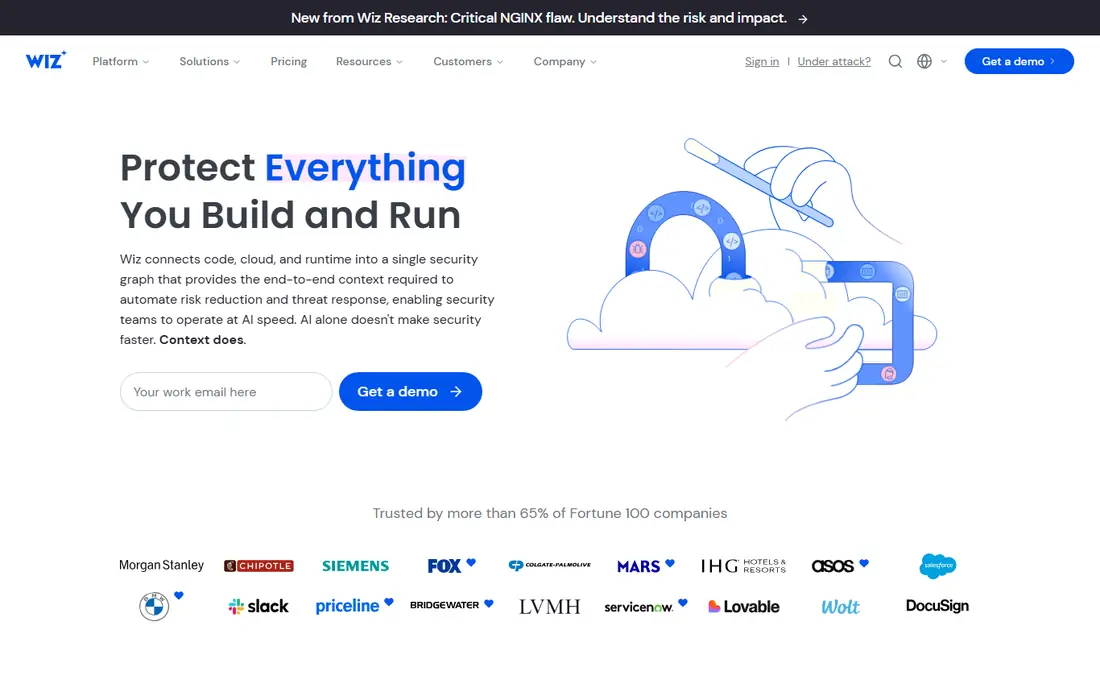
Wiz starts with a simple idea, which is that you should see every cloud resource and how it connects before you start fixing alerts one by one. Its agentless approach connects through cloud APIs, builds a security graph, and then highlights combinations that matter, such as a public workload with a known vulnerability and an overprivileged identity attached to it.
The trade off is commercial rather than technical for most buyers. Wiz does not publish a full public price list, so you need a sales conversation and a clear count of workloads and accounts before you can budget with confidence. Teams that already run Google Cloud should also confirm current terms after the Google acquisition, even though Wiz states it remains a multicloud product. For a team that wants speed to first visibility and a clear priority order, Wiz remains our first shortlist pick.
- Agentless scanning across major clouds
- Graph based attack path view
- Code to cloud coverage
- Pricing is by quote
- Runtime sensor is an added layer to plan for
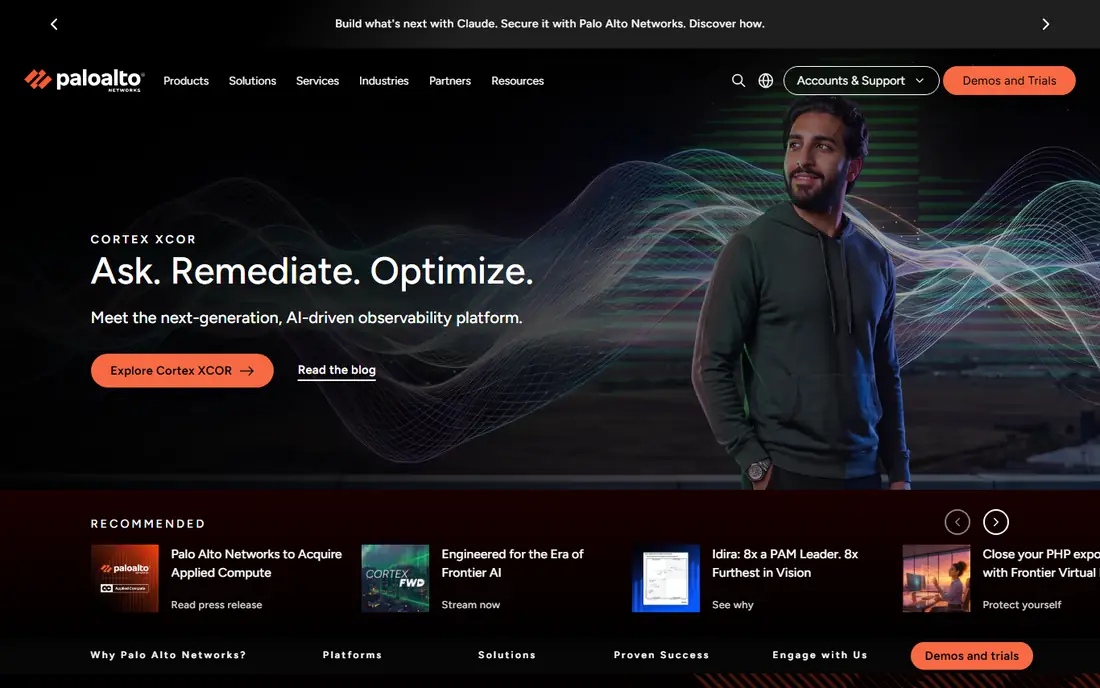
Cortex Cloud is the current Palo Alto Networks platform formed by merging Prisma Cloud with Cortex CDR, so buyers who search for Prisma Cloud will now meet this name in sales talks. If your network and security operations already sit with Palo Alto Networks, the shared context between cloud findings and SOC workflows is a genuine advantage, not just a branding point.
The catch is complexity and cost modelling. Licensing runs on credits across modules, which makes it hard to compare with a simple per workload price until you map your own usage. Smaller teams may find the platform more than they need, and implementation takes planning. Larger teams with mixed estates and a mature SOC will get more from it than a team that only wants a posture dashboard.
- Broad code to cloud modules
- Runtime defence for containers
- Ties into Cortex detection and response
- Credit based pricing takes work to model
- Setup can feel heavy for small teams
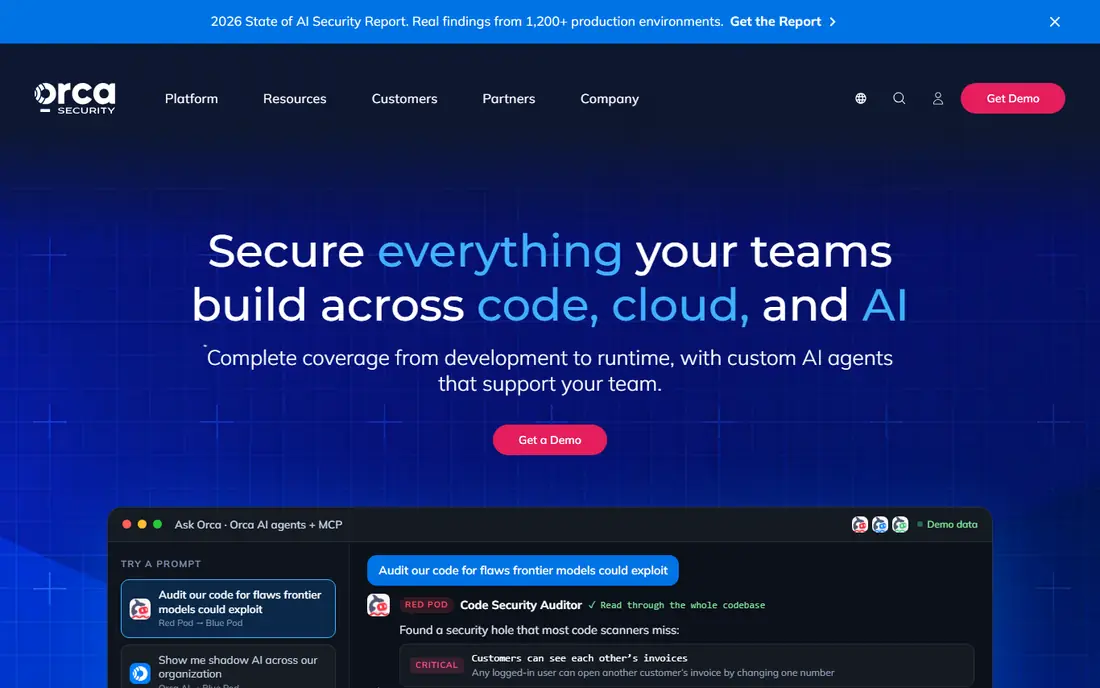
Orca Security built its name on SideScanning, which reads cloud workloads from outside the workload itself instead of installing an agent on every resource. That design keeps deployment light and avoids agent maintenance across fleets of virtual machines and containers, which is a real benefit for teams with sprawling or short lived infrastructure. The platform then pulls posture, vulnerability and identity findings into one prioritised view, so a single risky asset does not appear as five unrelated alerts.
Runtime depth is where you should ask careful questions. An optional sensor adds agent based runtime coverage for teams that need it, so the base agentless product and the fuller runtime product are not quite the same purchase. Pricing is also by quote, with marketplace packs reported by third parties, so confirm the unit you are paying for before you compare it with Wiz or Defender. Orca fits teams that value quick coverage and a clean priority list above deep runtime tooling on day one.
- Agentless SideScanning without per resource agents
- Unified risk prioritisation
- Fast deployment
- Pricing is by quote
- Optional sensor adds scope to manage
Microsoft Defender for Cloud is the easiest CNAPP to start with, because its foundational posture tier is free and covers continuous assessment, recommendations and a secure score across Azure, AWS and Google Cloud. Paid Defender CSPM adds agentless vulnerability scanning, attack path analysis and a cloud security graph, with published pricing per billable resource per month. That transparency is rare in this market, and it lets an Azure team build a rough budget without a sales call.
The honest limit is fit. Defender shines inside a Microsoft estate, with Sentinel and broader Microsoft security tooling close at hand, and it feels less like a neutral multicloud choice for a team centred on AWS or Google Cloud. Paid workload plans also add up by resource type, so a large fleet still needs cost control. For a Microsoft first organisation, though, starting free and switching on paid plans only where risk justifies them is a sensible path.
- Foundational posture tier is free
- Native Azure integration
- Published per resource paid pricing
- Full value needs Microsoft tooling around it
- Multicloud depth varies by plan
CrowdStrike Falcon Cloud Security appeals to teams that already trust CrowdStrike for endpoint protection and want the same intelligence applied to cloud workloads. The platform connects cloud posture, container protection and runtime detection with the wider Falcon platform, so a cloud alert can be read next to endpoint and identity signals. That shared context helps incident responders move faster when a cloud issue looks like part of a wider intrusion rather than an isolated misconfiguration.
Agent coverage is the condition attached to that strength. You get the most from Falcon Cloud Security when agents are deployed on the workloads you care about, which takes more rollout effort than a purely agentless start. Pricing is by quote, so budget work again needs a scoped conversation. Teams already on Falcon, or teams that rank threat intelligence and response above pure posture reporting, should put this near the top of the shortlist.
- Strong threat intelligence
- Ties cloud findings to endpoint and identity context
- Agent based runtime depth
- Pricing is by quote
- Full value needs agents on workloads
Sysdig comes from a runtime first background, and that shows in how it watches containers and Kubernetes clusters while they run. Built around Falco based detection, it can spot suspicious activity inside a running container, such as unexpected process behaviour or unusual system calls, rather than only flagging a bad setting before deployment. For teams running large Kubernetes estates, that live view is often more useful than another posture report, because containers change fast and drift from their approved state.
Breadth is the compromise. Sysdig covers posture and vulnerability work, but it does not try to match the widest CNAPP suites module for module, and its licensing unit still needs a vendor conversation. If your main risk is what happens inside running containers, Sysdig earns its place. If your main need is a single dashboard for every cloud account, identity and code repo, pair it with a broader posture tool or pick a wider suite instead.
- Deep runtime visibility for containers and Kubernetes
- Falco based detection
- Strong Kubernetes focus
- Pricing is by quote
- Posture breadth is narrower than the largest CNAPP suites
Aqua Security suits teams whose cloud apps are mostly containers, because its coverage runs from image scanning in the build pipeline through to runtime policies on Kubernetes. Its link to Trivy, a widely used open source scanner, gives many engineers a familiar starting point, and its runtime controls help enforce what a container may do once it is live. That container native focus makes Aqua a strong fit for engineering led teams that already think in images, registries and clusters rather than in virtual machines alone.
The platform is broad, so scoping matters. Aqua offers several modules, and the right combination depends on how much of your estate is containerised and how much runtime enforcement you want. Pricing is by quote, so a trial and a scoped quote are the honest next steps. Container heavy teams should trial Aqua against Sysdig, since the two overlap most on runtime depth and differ on console breadth and workflow.
- Container native build to runtime coverage
- Open source Trivy scanning heritage
- Kubernetes controls
- Pricing is by quote
- Assembling the full platform takes planning
Trend Micro Cloud One is the steady choice in this list, aimed at teams that want workload protection and compliance coverage without adopting the newest console design. It covers servers, containers and cloud workloads, with policy controls and reporting that suit regulated teams that must show evidence for audits. Organisations that already use Trend Micro elsewhere will find account and policy management familiar, which lowers the learning curve for a security team under time pressure.
Newer CNAPP consoles tend to present risk as a graph or an attack path, while Cloud One leans more on workload controls and reports. That is not a flaw for every buyer, but it does change the daily workflow. If your priority is a modern risk graph above all else, Wiz or Orca will feel more current. If your priority is broad, dependable workload coverage with compliance output, Cloud One remains a solid contender.
- Wide workload protection across servers and containers
- Compliance reporting
- Mature vendor support
- Pricing is by quote
- Interface breadth can feel dated next to newer consoles
Check Point CloudGuard brings a network security background to cloud protection, with posture management and workload protection in one platform across major clouds. That heritage shows in its attention to network exposure, segmentation and cloud network controls, which matter when a cloud app is exposed to the internet through misconfigured rules. Teams that already run Check Point network products may also benefit from shared policy thinking across on premises and cloud environments.
Runtime depth is less of a headline here than posture and network coverage, so container runtime specialists may prefer Sysdig or Aqua for that layer. Pricing is by quote, and the platform rewards teams that take time to map network and workload policies together. For a team that wants one vendor view of posture, workload and network exposure, CloudGuard is worth a trial alongside the larger suites.
- Unified posture and workload protection
- Network security heritage
- Multicloud coverage
- Pricing is by quote
- Runtime depth is less of a headline strength than posture breadth
How we picked these
We compared official product pages, pricing pages and public comparisons for CNAPP platforms that are live in October 2026, and we kept only products that cover posture, workload or runtime protection for cloud apps. We favoured platforms with clear multicloud coverage, a current product name, and a public pricing or trial route where one exists. Where a vendor prices by quote, we say so rather than inventing a figure, and we note the older Prisma Cloud name so buyers are not confused by the move to Cortex Cloud.
What to check before you sign
Start with scope, not with a demo. Count your cloud accounts, your running workloads and your Kubernetes clusters, because most vendors price from those units and a demo on a small account will not predict a large estate bill. Ask each vendor to show the same risky combination in your own account, such as a public workload with a critical vulnerability and an overprivileged role, and judge the platform on how clearly it explains the fix.
Agentless, agent based, or both
Agentless scanning is fastest to deploy and covers posture and vulnerability data with little upkeep. Agent based runtime adds live detection inside workloads, but it needs rollout, updates and exception handling. Many teams end up with both, agentless for breadth and agents on the workloads that matter most. Confirm what each tier includes before you assume runtime cover is part of the base price.
Pricing, trials and exit
Ask for pricing in writing against your own workload count, and ask how credits or resource counts change when you add accounts or clusters. Take the trial on a real account, not a vendor demo account, and test alert volume in the first week. Also check data export and API access, because a CNAPP should feed your ticketing and SIEM tools, and leaving a platform should not mean losing your finding history.
Frequently asked questions
What is a CNAPP?
A CNAPP is a cloud native application protection platform that combines posture management, workload protection, identity checks and code scanning into one system. It helps teams find misconfigurations, vulnerabilities and risky identity combinations across cloud apps, and it prioritises the issues that could lead to a breach.
What is the best CNAPP for a small team?
Microsoft Defender for Cloud is a strong start for a small team, because its foundational posture tier is free and its paid pricing is published. Wiz and Orca also suit small teams that want fast agentless visibility, but both price by quote, so you should get a scoped quote before you commit.
Do I need agents for a CNAPP?
Not always. Agentless platforms scan through cloud APIs and give fast posture and vulnerability coverage without installing software on every resource. Agents add runtime detection inside containers and servers, so teams with high risk workloads often use agents on critical assets and agentless scanning everywhere else.
Is Prisma Cloud still available?
Palo Alto Networks merged Prisma Cloud with Cortex CDR to form Cortex Cloud, so new buyers should evaluate Cortex Cloud and confirm current packaging with Palo Alto Networks. Older comparisons that still say Prisma Cloud may describe the predecessor product rather than the current platform.
How much does a CNAPP cost?
Costs vary widely by vendor, workload count and modules. Microsoft publishes per resource pricing for paid Defender CSPM, while Wiz, Orca, Cortex Cloud and most others price by quote. Get a quote tied to your own account and workload counts, and ask what happens to the price when you add clusters or accounts.
Can one CNAPP cover AWS, Azure and Google Cloud?
Most platforms on this list cover the major clouds, including Wiz, Orca, Cortex Cloud, Defender for Cloud, CrowdStrike, Sysdig, Aqua, Trend Micro and Check Point. Check the exact services and regions you use, because depth for a specific service can differ even when the cloud itself is listed as supported.
Sources
- https://www.wiz.io
- https://www.paloaltonetworks.com
- https://orca.security
- https://azure.microsoft.com/en-in/pricing/details/defender-for-cloud/
- https://www.crowdstrike.com
- https://sysdig.com
- https://www.aquasec.com
- https://www.trendmicro.com
- https://www.checkpoint.com
- https://tech-insider.org/wiz-vs-orca-vs-prisma-cloud-cnapp-2026/
- https://offloadsecurity.com/top-10-cnapp-tools/
See where you really rank - block by block
ProMapRanker scans Google Maps across a grid of your service area. Simple monthly plans from $19, white-label on every plan.
Start freeKeep reading
 zyte alternatives
Best Zyte Alternatives in 2026
These zyte alternatives cover managed scraping APIs, proxy networks and no code tools for lawful collection from your own or consented sources only in 2026.
Read → zerto alternatives
Best Zerto Alternatives in 2026
Compare the best zerto alternatives for disaster recovery and replication, with recovery targets, cloud options and honest trade-offs for teams in 2026.
Read → zerofox alternatives
Best ZeroFox Alternatives in 2026
We compared 9 zerofox alternatives for brand protection, phishing takedowns, dark web monitoring, and social impersonation, with clear coverage notes.
Read →