 ProMapRanker
Best Cloud App Deployment Providers in 2026

Key takeaways
- Render, Railway, and Heroku give the closest thing to pushing code and getting a live app, with managed databases in the same place.
- Vercel and Netlify suit frontend-led apps best, while Fly.io and Google Cloud Run suit container-based backends that need to run close to users.
- Free tiers help for learning and small projects, but free services often sleep or expire, so they are a poor fit for production apps.
- Always-on cost is driven by compute plus the database, so compare the combined monthly total, not the headline compute price alone.
Quick comparison
| Pick | Great for | Pricing starts at | Free tier | |
|---|---|---|---|---|
 Render | Full-stack apps with managed databases | $7 per month | Yes | Visit |
 Railway | Fast prototypes and small teams | $5 per month | Free trial | Visit |
 Vercel | Frontend-led and Next.js apps | Free | Yes | Visit |
 Netlify | Sites and full-stack apps from Git | Free | Yes | Visit |
 Heroku | Simple deployment with add-ons | $5 per month | No | Visit |
 Fly.io | Container apps deployed worldwide | See website | Free trial | Visit |
 DigitalOcean App Platform | Predictable app hosting | $5 per month | No | Visit |
 Google Cloud Run | Serverless containers that scale to zero | See website | Yes | Visit |
 AWS Amplify | Apps already built on AWS | See website | Yes | Visit |
The best cloud app deployment providers
These are the providers we would shortlist for a typical web app in 2026, from a solo project to a small team product.
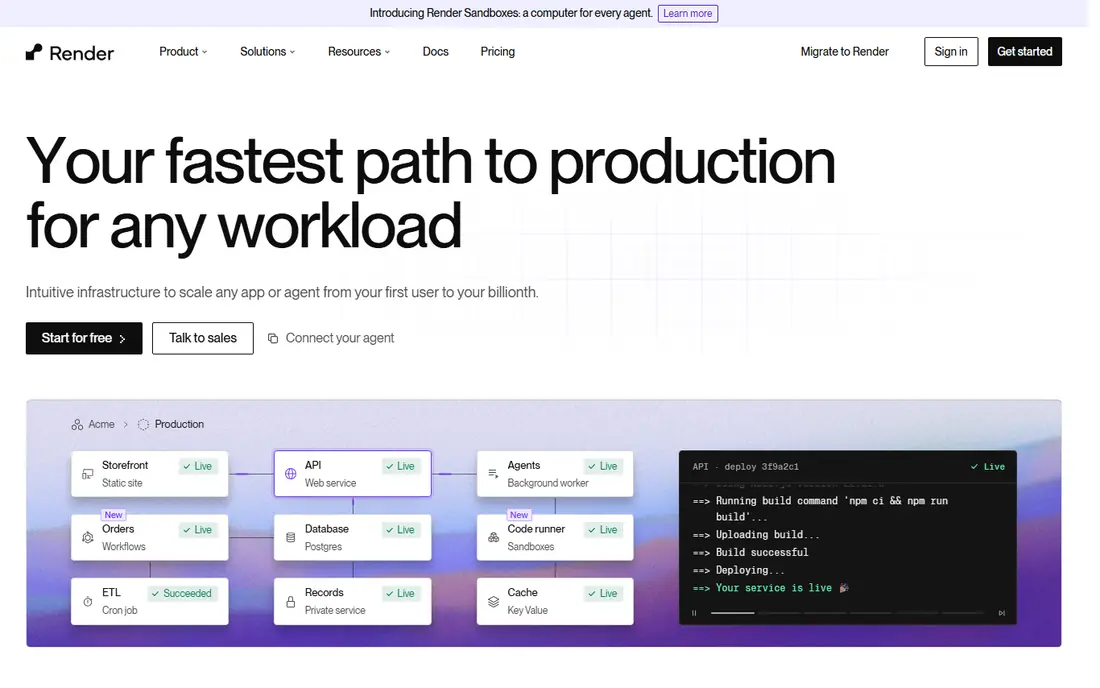
Render is our pick for most people who want a modern Heroku-style workflow without learning cloud infrastructure. You connect a Git repository, pick a service type, and Render builds and deploys it. Web services, background workers, cron jobs, and databases sit in one dashboard, which keeps a small project easy to follow. That single-dashboard setup is a real advantage when one person is doing both product and operations work.
The catch is the free tier. Free web services spin down after a period without traffic and take time to wake up, and a free database has a limited life. For a hobby project, that trade is fine. For anything users depend on, budget for a paid instance and a paid database, and check the workspace plan that applies to preview environments before you rely on them.
- Git-based deploys
- Managed PostgreSQL and Redis in the same dashboard
- Preview environments for pull requests
- Free web services sleep after inactivity
- Paid services are fixed-size instances
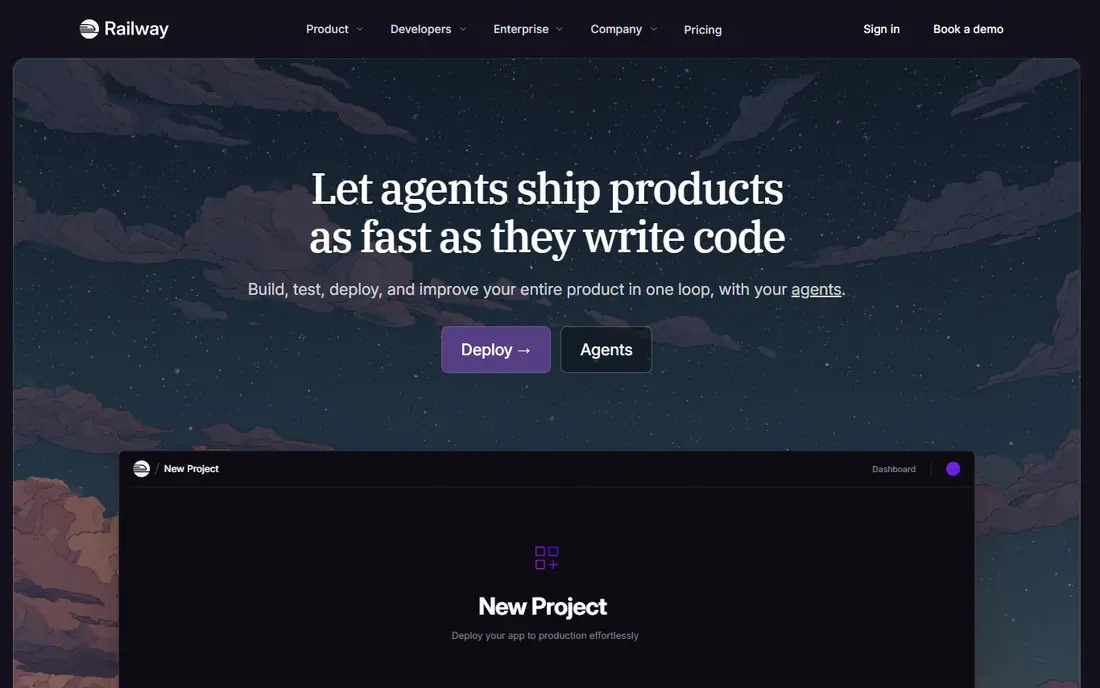
Railway feels closest to the early Heroku experience: create a project, add services, deploy from Git, and watch logs in one place. Templates make it quick to start a common stack, and the dashboard is clean enough that a small team can learn it in an afternoon. For a prototype, a hackathon project, or an internal tool, that speed matters more than fine-grained control.
The honest weakness is cost forecasting. Because billing follows usage, a quiet app and a busy app can land at very different totals, and database volumes add to the bill. Set usage limits where the platform offers them, and check the bill after the first busy week rather than assuming the entry price is the full cost.
- Simple project model
- Templates for common stacks and databases
- Usage-based billing
- Usage billing can be hard to predict
- Database management is less hands-off than a fully managed service
Vercel is the natural first choice for a frontend-led app, and it is especially strong for Next.js. Every push can get a preview link, which makes design review and client sign-off much easier than passing screenshots back and forth. The platform also handles the frontend, serverless functions, and edge caching in one workflow, so a small team does not need a separate static host and API host.
The limit to watch is the Hobby tier. It is free for personal, non-commercial use, but a commercial product needs a paid plan, priced per user plus usage. If your app is mostly a backend API with heavy database work, a general platform such as Render or Railway may fit better than a frontend-first host.
- Fast Git-based deploys and previews
- Strong Next.js support
- Generous Hobby tier for personal projects
- Hobby tier is for personal, non-commercial use
- Costs rise with usage on paid plans
Netlify remains a strong choice for marketing sites, documentation, portfolios, and full-stack apps deployed from Git. The workflow is simple: connect a repository, set a build command, and every branch gets a preview link. Built-in forms, serverless functions, and authentication cover many small-app needs without adding separate services.
The free plan now works on usage credits, so a site with heavy traffic or many function calls can hit its cap. That is fair for a free tier, but it means you should check build minutes, bandwidth, and function usage before launch. For a content-heavy site with modest dynamic needs, Netlify is hard to beat on simplicity.
- Free plan for personal projects
- Preview deploys
- Forms, functions, and identity features built in
- Usage credits cap the free plan
- Heavy dynamic workloads can get expensive
Heroku defined this category, and its workflow is still the simplest to explain: push code, and the platform builds and runs it. The add-on marketplace covers databases, logging, monitoring, and email without leaving the dashboard, and the dyno model is easy to reason about. Teams in the Salesforce ecosystem also get a natural fit, since Heroku is part of that family.
The main drawback is price at scale. There is no free tier, and a production setup needs a paid dyno plus a paid database plus any add-ons, so the monthly total is higher than the entry price suggests. Heroku still earns its place for teams that value simplicity over the lowest bill, but it is no longer the cheap default it once was.
- Very simple Git push workflow
- Large add-on marketplace
- Clear dyno tiers
- No free tier
- Database and add-on costs add up quickly
Fly.io suits developers who are comfortable with Docker and want their app running in many regions. You deploy a container, pick regions, and the platform handles routing and scaling. That global placement can cut latency for users far from a single data center, which matters for real-time apps and APIs with a worldwide audience.
The trade is effort. Fly.io expects more configuration than a push-and-go platform, and while you can run your own database on Fly machines at low cost, a fully managed Postgres service is priced much higher. If your team likes containers and wants control, Fly.io is a strong pick. If you want the platform to manage everything, look at Render or Railway first.
- Run containers close to users in many regions
- Pay-as-you-go billing
- Good for APIs and workers
- More hands-on than Render or Railway
- Managed database options cost far more than self-run Postgres
DigitalOcean App Platform is a good middle ground between a raw virtual server and a fully managed platform. Pricing is fixed per instance size, which makes monthly budgeting easier than usage-based billing, and you can add a managed database from the same provider. Developers who already use DigitalOcean for other infrastructure will find the dashboard familiar.
The weakness is that it is less tailored than the specialists. Frontend teams get more polish from Vercel or Netlify, and teams that want the simplest full-stack workflow may prefer Render. App Platform wins when predictable pricing and a single provider for apps and databases matter most.
- Clear fixed instance pricing
- Git-based deploys
- Managed databases available
- No free tier
- Fewer framework-specific conveniences than Vercel or Netlify
Google Cloud Run is the best fit for container apps with uneven traffic. When nobody is using the app, it can scale to zero, so a side project or a seasonal tool costs very little. When traffic arrives, it scales up automatically. The free tier covers a large number of requests each month, which makes it practical for early-stage products.
The cost of that power is complexity. Cloud Run sits inside Google Cloud, so you also need to understand projects, service accounts, and permissions, which is more work than a single-purpose platform. Teams already on Google Cloud, or teams comfortable with containers, will get the most from it. Solo builders who want the simplest path should start elsewhere.
- Containers scale to zero when idle
- Generous free request allowance
- Pay only for what you use
- Google Cloud setup is more complex
- Networking and IAM add learning time
AWS Amplify makes sense when your app already lives in the AWS world. It hosts frontends from Git, adds authentication, data, storage, and functions through other AWS services, and bills on usage rather than per seat. For a team with AWS experience, that integration is a genuine advantage, and the free tier helps at the start.
For a beginner, Amplify can feel like several products at once, because each backend piece is a separate AWS service with its own pricing page. If you do not already use AWS, a simpler platform will get you live faster. If AWS is your standard, Amplify keeps your frontend and backend under one roof.
- Git-based frontend hosting
- Managed backend services through AWS
- Free tier for new accounts
- Pricing is usage-based across many services
- AWS complexity for beginners
How we picked these
We compared official pricing pages, free tier terms, deployment workflows, and database options for each provider, plus public reviews about day-to-day use. We favored providers that are live and maintained in October 2026, that deploy from Git or containers without a large operations burden, and that publish clear pricing. We left out self-hosted tools that need you to run your own server, since this list is about managed deployment providers.
What to check before you commit
Start with the app type, not the brand. A marketing site and a database-backed product need different platforms, and picking the frontend specialist for a heavy API (or the reverse) creates work later. Next, add up the full stack: compute, database, storage, bandwidth, and any add-ons, for a typical month of your traffic. A low compute price means little if the database doubles the bill.
Try the free tier with a real project
Deploy a small version of your real app, not a starter template, and watch cold starts, build times, and logs. Free tiers that sleep will show their weakness at once, and that test saves a painful move later. Check preview environments too, since they are often gated behind a paid workspace plan.
Plan the exit before you need it
Use standard containers or a common database such as PostgreSQL, keep infrastructure notes in your repository, and avoid platform-only features for core data. A portable stack makes a price rise or a missing feature a manageable move rather than a rebuild.
Frequently asked questions
What is the cheapest way to deploy a small app?
A free tier from Vercel, Netlify, or Google Cloud Run can host a small project at no cost, but free services may sleep or carry usage caps. For an always-on app with a database, expect a combined total in the range of a paid instance plus a paid database, and compare that total across providers.
Do I need a separate database service?
No, if your platform offers managed databases. Render, Railway, Heroku, DigitalOcean, and the large clouds all offer database options, though prices and management levels differ. A managed database costs more than running your own, but it removes backup and patching work.
Is a frontend host enough for a full app?
It can be, if the app is mostly static pages plus serverless functions. For a traditional backend with long-running processes, background jobs, or a large database, a full-stack platform or a container platform is a better fit.
How do I keep deployment costs predictable?
Pick fixed-size instances where possible, set usage alerts and limits, and review the first full month of billing. Usage-based platforms reward quiet apps but can surprise you after a traffic spike, so a cap or alert is worth setting on day one.
Can I move from one provider to another later?
Yes, in most cases, especially if you use containers and a standard database. The move still takes work: DNS, environment variables, database migration, and background jobs all need testing. Keeping your stack portable from the start makes that move far easier.
Sources
See where you really rank - block by block
ProMapRanker scans Google Maps across a grid of your service area. Simple monthly plans from $19, white-label on every plan.
Start freeKeep reading
 zoro.to alternatives
Best Zoro.to Alternatives in 2026
We compare the best zoro.to alternatives in 2026, listing only legal licensed anime streaming services, from Crunchyroll to free options for fans today.
Read → zip alternatives
Best Zip Alternatives in 2026
We compare the best zip alternatives for buy now, pay later in 2026, covering pay-in-4 plans, fees, spending limits, and credit reporting options today.
Read → yesware alternatives
Best Yesware Alternatives in 2026
Compare the best yesware alternatives for sales email tracking, templates, and sequences, with current pricing and honest tradeoffs for small sales teams.
Read →