 ProMapRanker
What's the Best Bulk Job Applying Software in 2026

Key takeaways
- Auto-fill tools complete forms for you to review and submit, while auto-apply tools submit applications without a per-form review step.
- No tool guarantees a job or an interview, and volume alone does not fix a weak resume or a poor job match.
- Beware of any service that charges a fee to access a job, asks for payment to apply, or promises placement for money.
- Keep your own record of every application, since some tools offer limited export and platforms can change their rules.
Quick comparison
| Pick | Great for | Pricing starts at | Free tier | |
|---|---|---|---|---|
 Simplify | Free auto-fill with review | $39.99 per month | Yes | Visit |
 LoopCV | Automated loops across boards | Free | Yes | Visit |
 LazyApply | High-volume extension applying | $99 per year | No | Visit |
 JobCopilot | Career-page auto-applying | See website | No | Visit |
 FastApply | Reviewed or automatic modes | $14 per month | Yes | Visit |
 AIApply | Tailored documents plus applying | $49 per month | Yes | Visit |
 Teal | Organised manual applying | See website | Yes | Visit |
 Careerflow | Profile and application tracking | $8.99 per month | Yes | Visit |
 Jobright | US matching with autofill | See website | Yes | Visit |
The best bulk job applying software
Bulk applying sounds simple, but the tools differ in one decisive way: some fill a form and wait for you, while others send it. That difference shapes risk, quality, and how much control you keep.
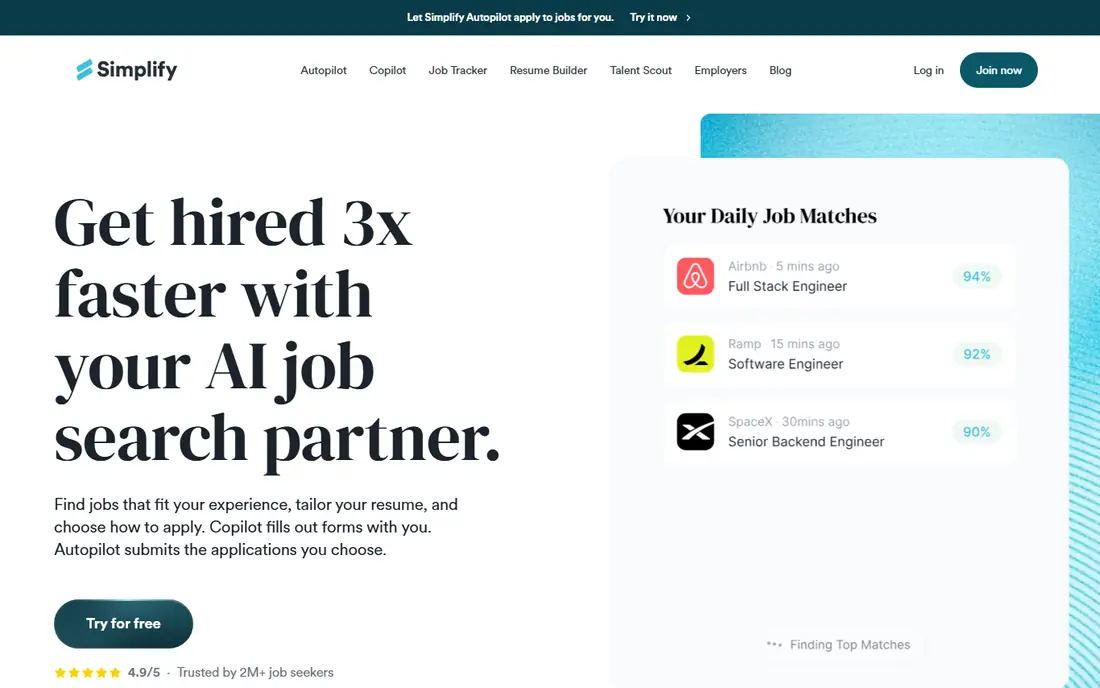
Simplify is the safest starting point for most job seekers because its free Copilot auto-fills application forms while you stay in control of the submit button. That review step catches wrong answers, mismatched locations, and forms that need a tailored response. Simplify+ is listed at $39.99 per month and adds tailoring and the Autopilot option that submits on supported portals.
The trade-off is that true hands-off applying is not the free product. If you want volume without review, you pay and accept the risk of unreviewed submissions. For most professional roles, the free review-first route produces stronger applications than blind volume.
- Free Copilot auto-fills forms you review and submit
- Strong job tracking
- Covers many boards and portals
- Autopilot submitting is a paid beta
- Tailoring needs the paid plan
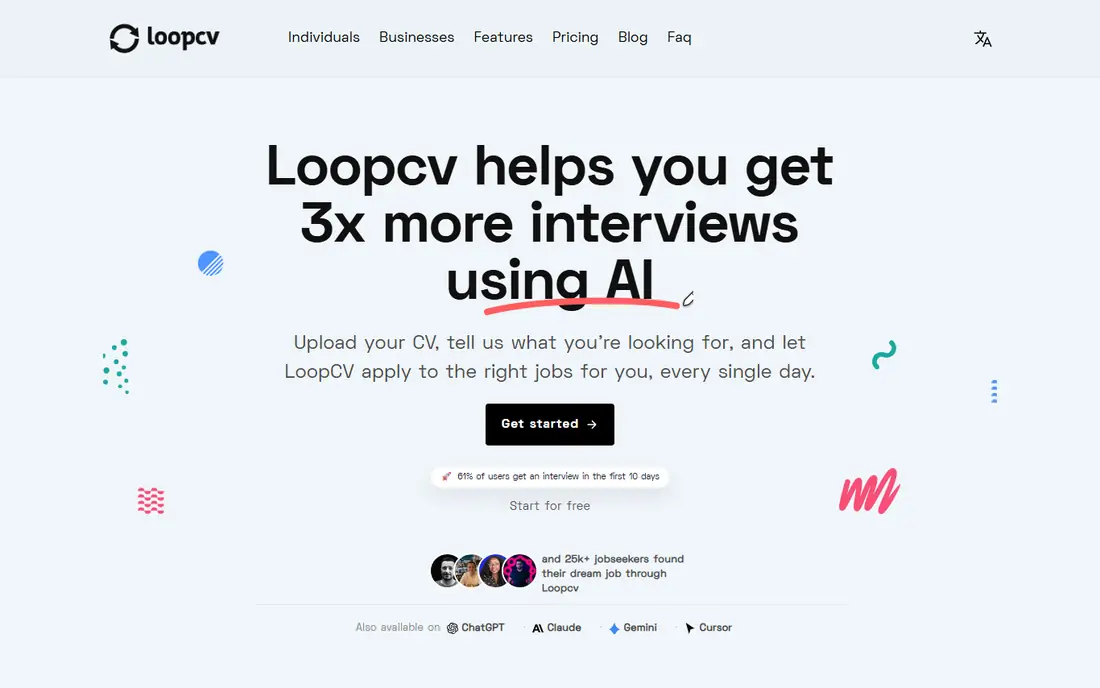
LoopCV submits applications from automated loops you set up by title, location, and board, which makes it a genuine bulk tool rather than a simple form filler. The free plan covers a small monthly volume, and paid plans start around 9.99 euros per month in recent comparisons. Recruiter emails and a dashboard help you track what went out.
The risk is the same as its strength: submissions go out without you reading each filled form. Review the matched job before the loop runs, keep separate CV versions for different role types, and check the dashboard daily so errors do not repeat across dozens of applications.
- Runs automated loops across many boards
- Free plan with monthly applications
- CV testing options
- Submits without per-form review in automatic mode
- No automatic resume rewrite per role
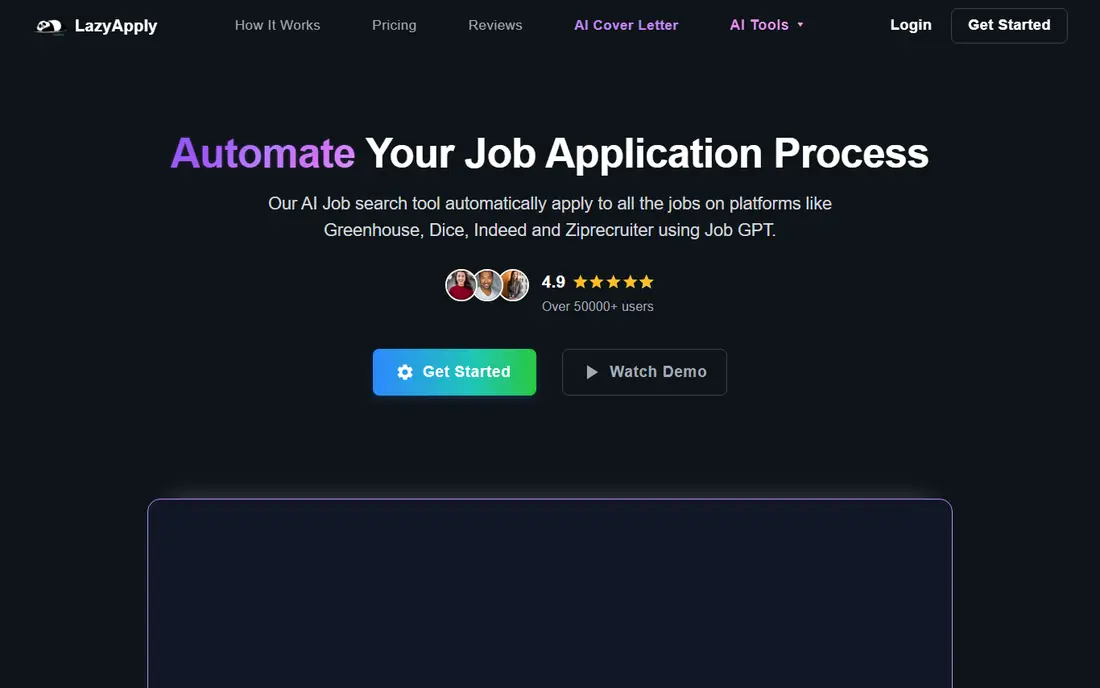
LazyApply is a browser extension that applies at high volume on boards including LinkedIn, Indeed, ZipRecruiter, and Greenhouse, with plans listed from $99 per year. It suits standardised roles where job descriptions are similar and speed matters more than tailoring. The yearly price is easy to budget compared with monthly subscriptions.
The weakness is quality control. The same resume goes to every role, and complex application systems can defeat extension filling or produce errors you never see. Use it only as a supplement to targeted applications, and never let it apply to roles where a wrong answer could harm your reputation with an employer.
- Very high daily volume on supported boards
- One-time yearly price
- Works as a browser extension
- No free trial
- Same resume goes everywhere
- Quality varies on complex application systems
JobCopilot focuses on company career pages rather than only job boards, which widens the pool beyond easy-apply listings. It submits applications in automatic mode, while higher tiers add a review queue, and pricing is listed from about $0.93 per day in recent comparisons. That breadth helps when target employers post mainly on their own sites.
The lack of a clear published monthly total is a drawback, so confirm the billed amount before subscribing. Tailoring is also limited on lower tiers, so treat JobCopilot as a volume channel and keep your best applications, for roles you care most about, fully manual and tailored.
- Applies across company career pages
- Review queue on higher tiers
- Broad company coverage
- Pricing is quoted per day with totals not always published
- Tailoring limited to higher tiers
FastApply is useful because it makes the review choice explicit. Copilot mode fills the form and lets you review it before submitting, while other modes submit without that pause. The free tier covers five applications, and paid plans start at $14 per month in the United States for 200 applications. That clarity helps you compare cost per application honestly.
The catch is that higher-volume and tailoring features sit in Pro and Elite plans, so the entry plan is best for testing rather than a full campaign. Start in Copilot mode, check the first ten filled forms carefully, and only switch to automatic mode for roles where an error would cost little.
- Copilot mode lets you review the filled form
- Free applications to test
- Clear monthly application limits
- Automatic modes submit without a pause
- Tailoring only on higher plans
AIApply combines document tailoring with applying, which addresses the main weakness of pure volume tools. The vendor says you can review drafts before they are sent, and the free account covers writing tools, while auto-apply credits are sold in packs, reported at $49 per month for 100 applications. Tailored documents should, in principle, perform better than one generic resume sent everywhere.
The pricing opacity is a real drawback. Because auto-apply prices appear inside the account, compare the credit cost per application with FastApply and LoopCV before buying a pack. Also verify each tailored draft, since automated tailoring can invent phrasing or overstate experience if left unchecked.
- Tailors resume and cover letter per role
- Review drafts before sending
- Writing tools in the free account
- Auto-apply is not in the free tier
- Pricing is shown inside the account, not on a public page
Teal is the control-first option in this list. It auto-fills forms, but it does not submit for you, so every application passes through your review. The tracker, resume builder, and job bookmarking help you manage a serious search without losing track of deadlines, contacts, and follow-ups. The free tier covers core tracking and building tools.
That control costs speed. If you need hundreds of applications in a week, Teal will feel slow next to LoopCV or JobCopilot. It is the best pick for professional, senior, or specialised roles where one strong, tailored application beats fifty generic ones, and where no tool guarantees a job or an interview.
- Strong tracker and resume builder
- AI autofill on any site
- You submit every application
- Does not auto-apply
- Paid features change, so confirm current pricing before subscribing
Careerflow auto-fills applications and helps improve LinkedIn profiles, resumes, and tracking, with paid plans listed from $8.99 per month. It suits job seekers who want a tidier search process and faster form filling, rather than a hands-off submission engine. The tracker helps you see which applications are waiting, interviewing, or closed.
Volume is the limit. Careerflow will not run a large automatic campaign for you, so it belongs in the auto-fill group, not the auto-apply group. Use it to raise the quality of manual applications, and pair it with a volume tool only if you genuinely need both speed and organisation.
- Autofill plus LinkedIn profile help
- Application tracker
- Low entry price
- Does not auto-submit
- Profile tools matter more than bulk volume
Jobright focuses on matching US job seekers with roles, then speeding up the application with autofill and referral information. The free tier covers matching and tracking, while paid details appear inside the account rather than on a public pricing page. Its referral finder is genuinely useful, since a referral often matters more than application speed.
The beta status of its auto-apply agent means you should treat Jobright as an autofill and discovery tool today, not a proven hands-off engine. Review every filled form, use the referral feature for roles you care about, and keep your own application record outside the tool.
- Strong US job matching
- One-click autofill
- Insider referral finder
- Pricing shown inside the account
- Auto-apply agent is still in beta in public descriptions
How we picked these
We compared vendor pages and recent independent comparisons of auto-apply tools, and we classified each tool by whether it auto-fills or submits, based on vendor descriptions and comparison tables. We excluded Sonara from the final list because recent reports describe a shutdown and relaunch with little published pricing or current product detail, so its present status was too unclear to recommend. We favoured tools with a free tier or trial, clear application limits, and a tracker, and we noted where pricing appears only inside an account.
How to use bulk tools without harming your search
Start with a small test batch of ten applications and read every filled form, email confirmation, and tracker entry. Fix targeting, resume wording, and screening answers before scaling, because a volume tool repeats your mistakes at scale. Keep targeted applications separate from bulk ones, and give your top ten roles full manual attention.
Watch for fee-charging job schemes. A legitimate employer does not charge you to apply, and a tool that promises a job, an interview, or placement for a fee should be treated with scepticism. Never share passwords for employer accounts outside a tool you have vetted, never pay for access to a job listing itself, and report any service that asks for payment in exchange for a job offer. No tool guarantees a job or an interview, and a tool that claims otherwise is not being honest with you.
Frequently asked questions
Does bulk applying actually work?
It can increase interviews for standardised roles with similar descriptions, but it rarely helps for senior or specialised roles. Tailored applications, referrals, and a strong resume usually matter more than raw application count.
Will auto-apply tools get my accounts banned?
Some platforms flag automated applications, especially from data-centre IPs or extension automation, and complex systems can reject filled forms. Review each tool's account-risk guidance, use review-first modes where possible, and never submit false information.
Should I use the same resume for every application?
No. Use one strong base resume, then adjust the top bullet points and skills for each role family. Tools that tailor per role help, but you should still read the tailored version before it goes out.
Are fee-charging job services legitimate?
Be cautious. Employers pay recruiters, not job seekers, in normal hiring. Walk away from any service that charges you to apply, charges for a job offer, or guarantees placement for money, and check the employer directly through its own careers page.
How many applications should I send per week?
There is no magic number. A mix of ten to twenty tailored applications plus a controlled bulk batch, with follow-ups and networking, usually beats hundreds of unreviewed submissions. Track response rates and adjust volume based on replies, not on tool limits.
Sources
See where you really rank - block by block
ProMapRanker scans Google Maps across a grid of your service area. Simple monthly plans from $19, white-label on every plan.
Start freeKeep reading
 worlds best local seo company
8 Worlds Best Local SEO Companies for Map Pack Growth in 2026
Compare the worlds best local seo company options for Google Business Profile work, citations, reviews, and multi-location rankings and reporting in 2026.
Read → world's best web hosting company
World's Best Web Hosting Company in 2026
Searching for the world's best web hosting company? We compared 10 hosts on price, renewal rates, speed, and support to help you choose well today in 2026.
Read → who's got the best nanny tax services
Who's Got the Best Nanny Tax Services in 2026
We answer who's got the best nanny tax services, comparing full filing, back taxes, software, and pricing so families can handle nanny taxes correctly.
Read →