 ProMapRanker
What Is the Best Brand Management Platform in 2026

Key takeaways
- Frontify is our pick for teams that want living brand guidelines and asset storage in one place.
- Bynder and Brandfolder suit larger teams with big asset libraries and strict permission needs.
- Canto and Marq are easier starting points for mid-sized teams and distributed local teams.
- Most enterprise platforms use quote-based pricing, so ask for a full quote that includes onboarding and storage.
Quick comparison
| Pick | Great for | Pricing starts at | Free tier | |
|---|---|---|---|---|
 Frontify | Living brand guidelines | See website | Free trial | Visit |
 Bynder | Large asset libraries | See website | No | Visit |
 Brandfolder | Asset search and analytics | See website | No | Visit |
 Canto | Mid-sized marketing teams | See website | Free trial | Visit |
 Acquia DAM (Widen) | Enterprise asset control | See website | No | Visit |
 MediaValet | Microsoft-centred teams | See website | No | Visit |
 Papirfly | Brand portal and templates | See website | No | Visit |
 Marq | Local and franchise teams | See website | Free trial | Visit |
 Canva | Small teams creating content | See website | Yes | Visit |
The best brand management platforms
A good platform keeps approved logos, photos, guidelines and templates in one place that staff and partners can actually find. Here are the nine options we think cover that job best.
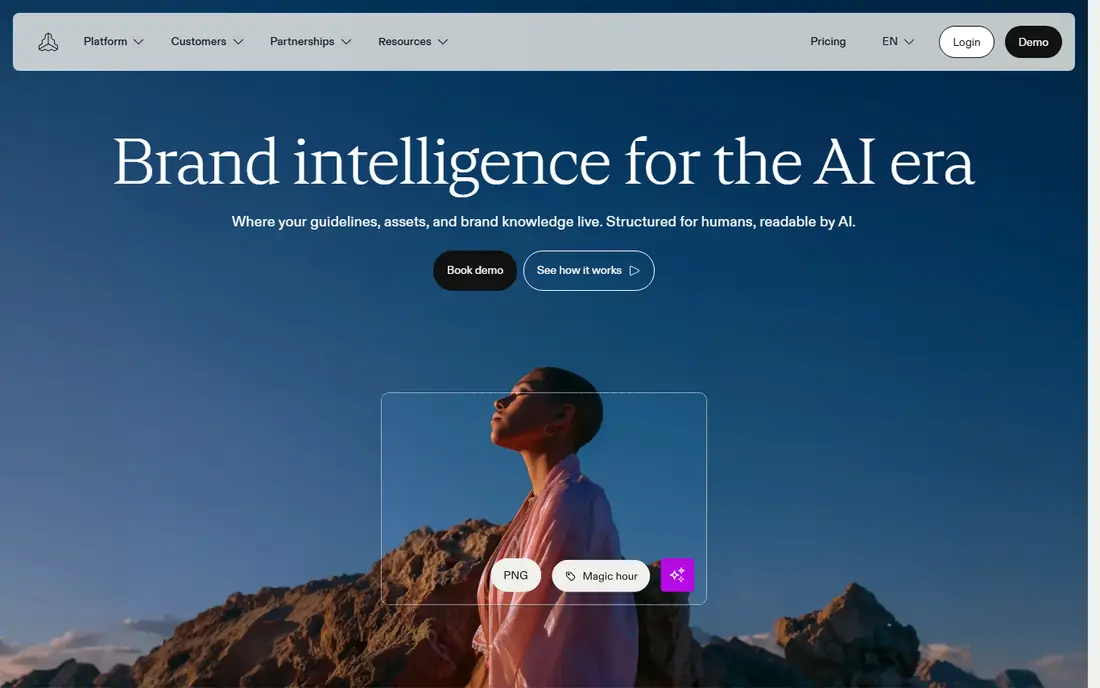
Frontify puts guidelines, assets and templates in a single brand hub instead of a static PDF that goes out of date. Designers can publish colour, type and logo rules as web pages, and marketers can pull the approved file straight from the same place. That pairing is the main reason we rate it first for brand-led teams.
The catch is cost and setup. Pricing is quoted, and a team with a messy archive will need time to tag and organise files before the portal feels simple. If you want a polished public-facing brand site and you have someone to own it, that effort pays off.
- Interactive guidelines
- Combined asset storage
- Clear brand portals for partners
- Quote-based pricing
- Setup takes planning for large libraries
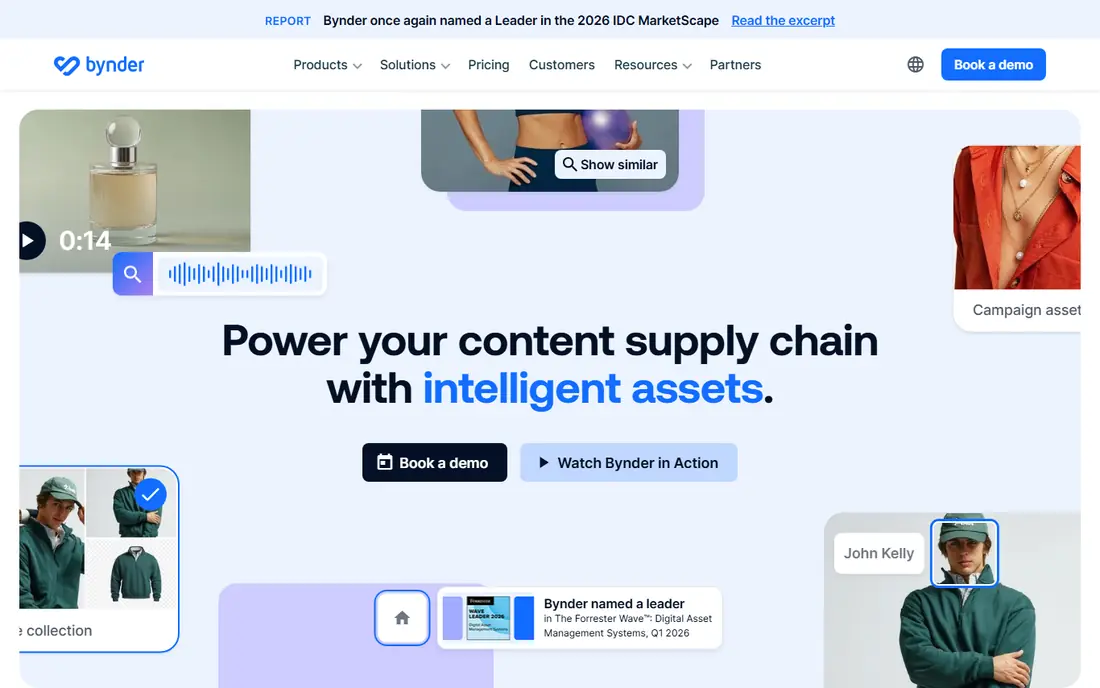
Bynder is built for organisations that hold thousands of images, videos and documents and share them across regions. Its search, version history and permission controls help stop old logos and expired campaign files from circulating. Templates let local teams create approved materials without sending every item back to design.
Smaller teams may find the platform more than they need, and the price reflects its enterprise focus. For a global brand with many contributors, that control is the point, and the admin work is easier to justify.
- Strong search and permissions
- Wide integration range
- Template tools for on-brand content
- Enterprise pricing
- Can feel heavy for small teams
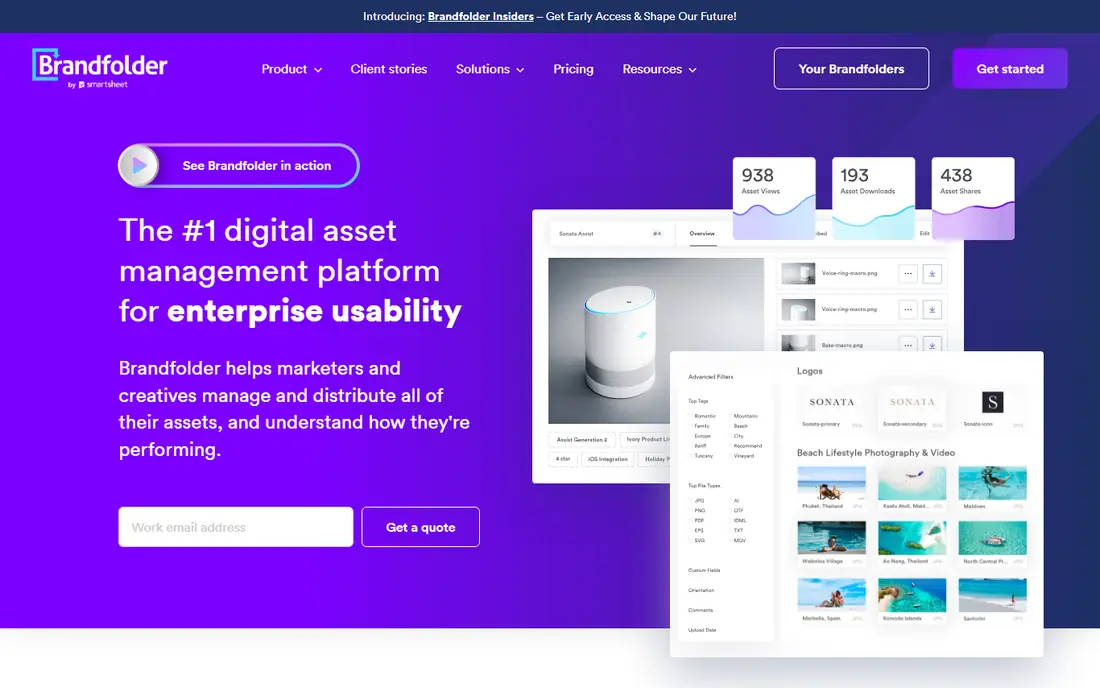
Brandfolder, now part of the Smartsheet ecosystem, stands out for how quickly people can find a file and how clearly managers can see which assets get used. Search and analytics help a team retire unused files and spot the assets partners actually need. Sharing links and collections keep outside agencies on the current version.
Pricing is not published as a simple monthly rate, so budget planning needs a sales conversation. Teams that only need basic storage may not use the analytics depth, but busy creative teams usually will.
- Clean interface
- Useful usage analytics
- Content delivery for fast sharing
- Quote-based pricing
- Advanced features may need a higher tier
Canto aims at the middle of the market: teams that have outgrown shared drives but do not want an enterprise rollout. Uploads get tagged, collections can be shared with partners, and approvals keep new assets in check. Non-technical staff tend to pick it up fast, which matters when marketing, sales and product teams all need access.
Very large organisations with deep compliance needs may want a heavier platform. For most mid-sized brands, Canto hits a practical balance between power and ease of use.
- Approachable interface
- AI tagging and visual search
- Approval workflows
- Quote-based pricing
- Less suited to very complex enterprise governance
Acquia DAM, formerly Widen, is a long-standing enterprise asset system with detailed metadata, rights management and portal options. Teams that publish across many channels can track where an asset is used and when its licence or approval expires. Its integration range helps it sit inside a wider digital experience setup.
That depth comes with a longer setup and a price to match. It fits best when asset governance is a formal job, not an occasional task for one person.
- Deep metadata and permissions
- Many integrations
- Branded portals
- Enterprise pricing
- Onboarding takes time
MediaValet hosts on Azure and works well for teams already centred on Microsoft tools. Unlimited users on its plans remove the usual seat-count worry when agencies, retailers and partners all need access. Branded portals and detailed permissions keep the library organised at scale.
It is priced for organisations rather than for a single small team. If your stack is Microsoft-based and your library is large, the fit is natural. If not, a lighter tool may be faster to adopt.
- Unlimited users on plans
- Azure hosting
- Strong portal sharing
- Quote-based pricing
- Interface feels enterprise rather than light
Papirfly combines asset storage, a brand portal and templated content creation, so local teams can produce flyers, social posts and documents inside locked brand rules. That combination reduces the back-and-forth between head office and local offices. Brand managers keep control of fonts, colours and logos while local staff keep speed.
The suite is aimed at larger operations, and pricing reflects that. Smaller brands may only need one part of it, but distributed brands that create a lot of local content will use all three parts regularly.
- DAM, portal and templated creation in one suite
- Strong brand control
- Quote-based pricing
- Best value for larger brand operations
Marq, formerly Lucidpress, is the practical choice when many locations need to make their own materials without breaking the brand. Templates can lock logos, colours and key text while leaving names, dates and offers editable. That setup suits franchises, multi-location retailers and sales teams.
It is not primarily a deep asset archive, so teams with huge photo and video libraries may pair it with a DAM tool. As a brand-safe creation tool for distributed teams, it is hard to beat for simplicity.
- Lockable templates
- Print and digital output
- Simple for non-designers
- Less of a full asset library than DAM-first tools
- Some features are tier dependent
Canva is not an enterprise DAM system, but for small teams it often does the brand job well enough. A brand kit stores logos, colours and fonts, templates keep posts and decks consistent, and most staff need little training. The free tier lets a team test the workflow before paying.
Governance is lighter than on Bynder or Acquia DAM, and large libraries can get messy without strict habits. For a small business that mainly needs consistent, fast content, Canva is the lowest-friction option here.
- Very easy to use
- Brand kit and templates
- Free tier for trying it out
- Weaker asset governance than enterprise DAM tools
- Controls vary by plan
How we picked these
We compared official feature pages, pricing pages and public product descriptions for brand management and digital asset tools, and we favoured platforms that combine guidelines, approved assets and controlled sharing rather than simple file storage. We checked that each platform is still offered and fits a real brand workflow, from a small team making social posts to a global team managing thousands of assets. We did not claim hands-on testing; our comparison rests on vendor documentation, pricing transparency and the practical fit for each team size.
What to check before you buy
Start with who creates, approves and uses brand material in your organisation. A platform that pleases designers but confuses sales staff will not stop off-brand files from spreading. Ask for a trial with your own messy files, not a polished demo library, and test search with the terms your staff actually type.
Pricing and scale
Quote-based pricing means the headline cost is only part of the bill. Ask what is included for storage, users, onboarding, support and template setup, and what triggers extra fees. Check how the price changes as you add locations, partners or asset volume, and get that in writing before you sign.
Governance that staff will follow
Look at permissions, version control, expiry dates and approval steps, and test them with a real campaign file. The best system is one where the approved file is also the easiest file to find. If staff have to hunt for it, they will reuse an old file from their own drive, and the platform will not fix that habit on its own.
Frequently asked questions
What is a brand management platform?
It is software that stores approved brand assets, publishes brand guidelines and controls who can use, edit and share them. The goal is consistent branding across teams, partners and locations, with less time spent hunting for the right logo or template.
Is a DAM tool the same as a brand management platform?
Not quite. A DAM tool focuses on storing and finding assets, while a brand management platform adds guidelines, portals and templated creation. Many products do both, but some are stronger on storage and others are stronger on guidelines, so check which side matters more to you.
How much does brand management software cost?
Small-team tools can start at a low monthly rate, while enterprise platforms are usually quoted per organisation. Because storage, user counts and onboarding vary, request a written quote for your team size and asset volume rather than relying on a generic price list.
Can a small business use Frontify or Bynder?
Yes, but the cost and setup may be more than a small team needs. Canva, Marq or Canto are often a better first step, and a team can move to an enterprise platform later when asset volume and partner numbers grow.
How long does setup take?
It depends on the state of your current files. A tidy library with clear naming can go live in weeks, while a large, untagged archive needs a cleanup phase first. Plan time for tagging, permissions and staff training, not just for the software contract.
Sources
See where you really rank - block by block
ProMapRanker scans Google Maps across a grid of your service area. Simple monthly plans from $19, white-label on every plan.
Start freeKeep reading
 zoro.to alternatives
Best Zoro.to Alternatives in 2026
We compare the best zoro.to alternatives in 2026, listing only legal licensed anime streaming services, from Crunchyroll to free options for fans today.
Read → zip alternatives
Best Zip Alternatives in 2026
We compare the best zip alternatives for buy now, pay later in 2026, covering pay-in-4 plans, fees, spending limits, and credit reporting options today.
Read → yesware alternatives
Best Yesware Alternatives in 2026
Compare the best yesware alternatives for sales email tracking, templates, and sequences, with current pricing and honest tradeoffs for small sales teams.
Read →