 ProMapRanker
What's the Best Automated Accounting Software in 2026


US small businesses and their accountants · Pricing starts at: $38 per month
Key takeaways
- QuickBooks Online is the safest default in the US, because most accountants and apps already work with it, while Xero wins for teams that need unlimited users.
- FreshBooks suits service businesses that bill by hour or project, and Zoho Books and Wave offer the lowest-cost paths for very small operations.
- Automation that matters most is bank feeds, receipt capture, recurring invoices, and reconciliation rules, not a long list of extra features.
- This article is general information only, not tax or accounting advice, so confirm filing and payroll choices with a qualified professional.
Quick comparison
| Pick | Great for | Pricing starts at | Free tier | |
|---|---|---|---|---|
| QuickBooks Online | US small businesses and their accountants | $38 per month | Free trial | Visit |
 Xero | Growing teams needing unlimited users | $25 per month | Free trial | Visit |
 FreshBooks | Service businesses billing by time or project | $23 per month | Free trial | Visit |
 Zoho Books | Small businesses inside the Zoho ecosystem | Free | Yes | Visit |
 Wave | Very small businesses starting free | Free | Yes | Visit |
 Sage Accounting | Established small businesses needing depth | See website | Free trial | Visit |
 FreeAgent | Freelancers and small UK and US teams | See website | Free trial | Visit |
 Digits | AI-led bookkeeping with human support | $100 per month | No | Visit |
The best automated accounting software
Automated accounting software pulls in bank transactions, matches them to categories, sends recurring invoices, and flags what still needs a human eye. The best tool is the one your team will actually reconcile each week, not the one with the longest feature list. We compared official pricing pages, feature pages, and public reviews for tools that work in October 2026.
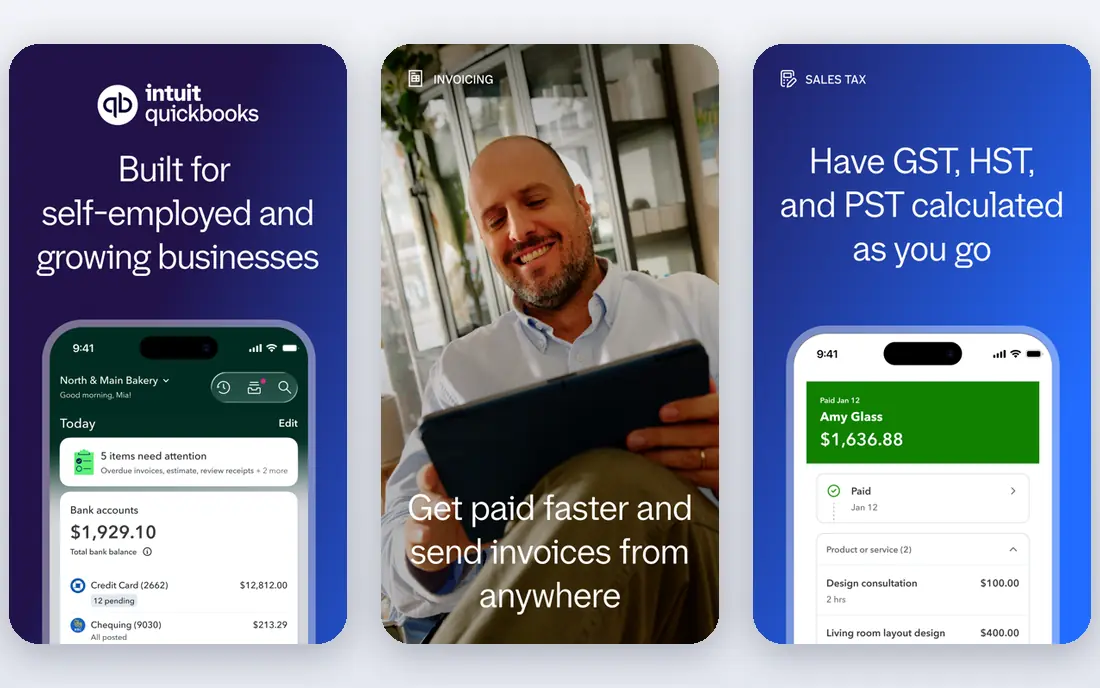
QuickBooks Online remains the default for a practical reason: your accountant probably already uses it. That familiarity saves time at tax season, when a clean chart of accounts and reconciled bank feeds matter more than a novel interface. Bank feeds import transactions, rules categorize repeats, and invoicing, payments, and reporting live in one place. Higher plans add inventory, projects, and time tracking for businesses that outgrow simple bookkeeping.
The catch is cost creep. The entry plan covers one user plus an accountant, and adding team members or payroll moves you up the ladder. Promotional pricing also changes the first months, so check the list price before you budget for a full year. QuickBooks is the right pick when US payroll, accountant familiarity, and a deep app ecosystem matter most. If your team is large and price sensitive, Xero deserves a closer look first.
- Widest accountant and app ecosystem in the US
- Built-in payroll and payments options
- Inventory and project tools on higher plans
- Price rises quickly across plans
- User limits push growing teams to higher tiers
- Interface can feel crowded for very small operations
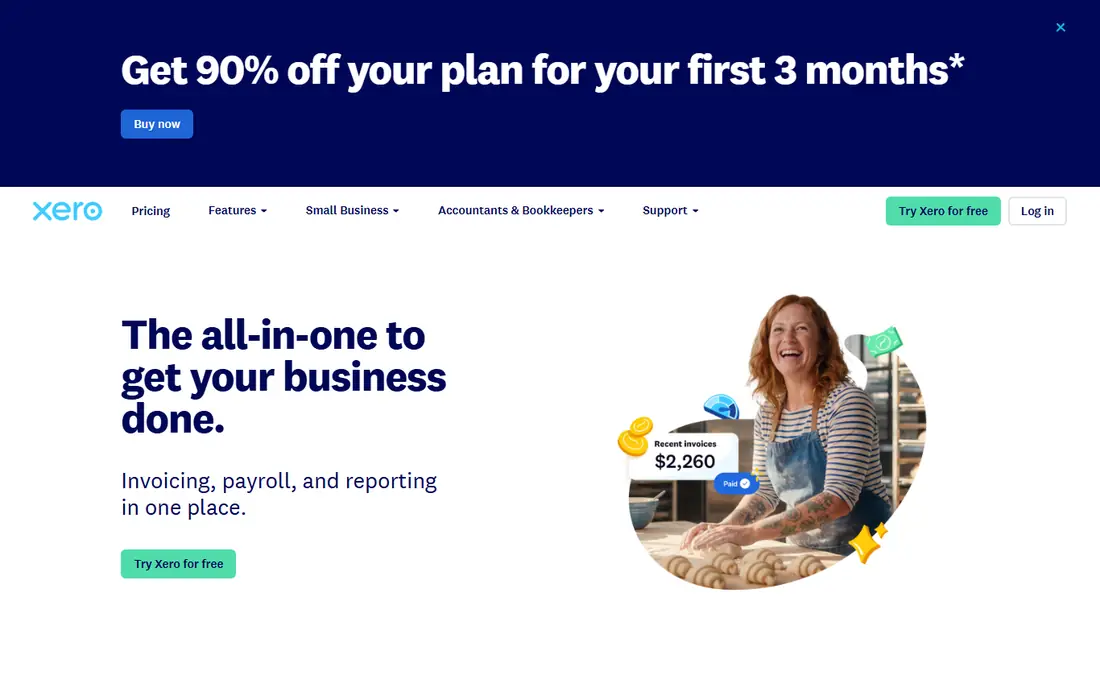
Xero wins on team access. Every plan includes unlimited users, so a bookkeeper, an operations lead, and an owner can all work in the books without a per-seat charge pushing you to a higher tier. Its bank reconciliation is widely praised, because matching rules learn from past transactions and clear routine items quickly. Invoicing, expense capture, and reporting cover the daily work of most small businesses without fuss.
The limits are worth naming. The entry plan caps the number of invoices and bills, so a busy business will need the middle plan sooner than the headline price suggests. US payroll is handled through an integration rather than built in, and inventory stays basic. Choose Xero when several people need access, you trade in more than one currency, or you want a calmer interface than QuickBooks. Keep QuickBooks in mind if your accountant insists on it.
- Unlimited users on every plan
- Strong bank reconciliation and matching
- Clean interface with multi-currency on the top plan
- Cheapest plan caps invoices and bills
- US payroll runs through a partner such as Gusto
- Inventory features are basic compared with QuickBooks
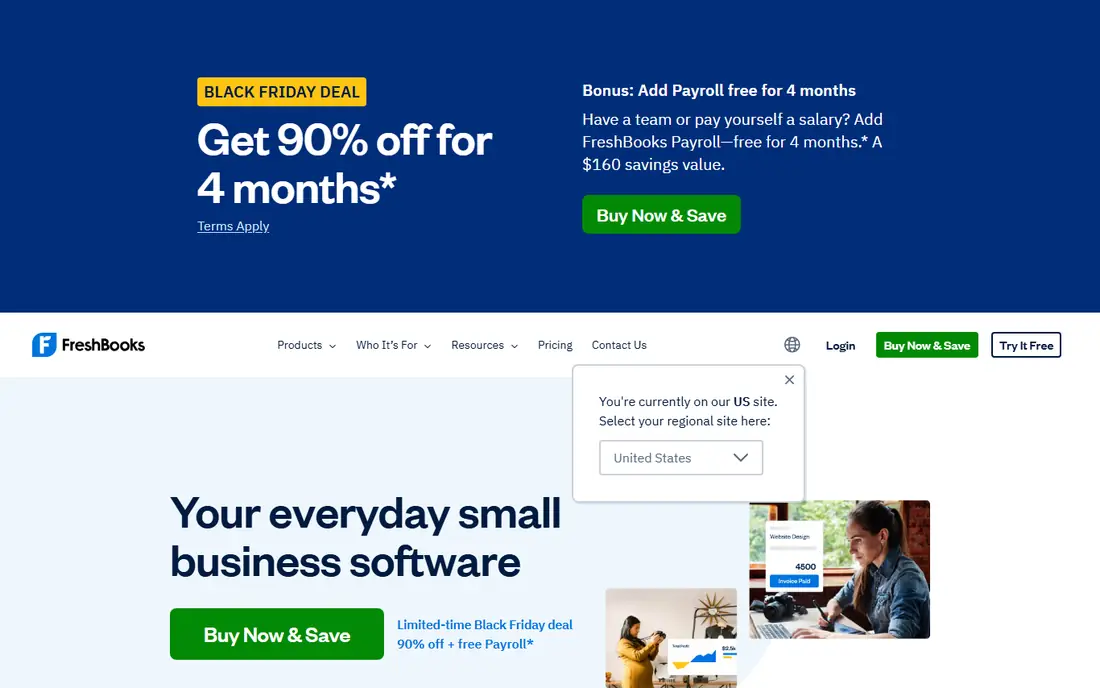
FreshBooks is built around getting paid for work, not around general ledger depth. Time tracking flows into invoices, clients can pay online from the invoice itself, and recurring billing handles retainers without manual retyping. For freelancers, consultants, and agencies, that workflow saves more time than a heavier accounting system, because the invoice is the center of the business. The interface is friendly, and setup takes hours rather than days.
The trade-off is scope. Lower plans limit the number of billable clients, so a growing agency can hit the cap sooner than expected. Inventory and complex cost accounting are not its strengths, and businesses that need those should look at QuickBooks or Xero. FreshBooks is the right pick when your day is client work, hours, and projects, and you want invoicing to feel effortless rather than administrative.
- Excellent invoicing and time tracking
- Client-friendly payment pages
- Simple setup for freelancers and agencies
- Billable client limits on lower plans
- Inventory support is limited
- Not built for complex stock or manufacturing accounting
Zoho Books is the value pick in this list. The free plan covers small businesses under $50,000 in annual revenue, which lets a new business run real bookkeeping without a subscription. Paid plans stay affordable, and automation covers recurring invoices, payment reminders, bank feeds, and client portals. If you already use Zoho CRM, Inventory, or other Zoho apps, the shared data makes the whole stack feel coherent.
The weakness is ecosystem gravity. Outside Zoho, fewer US accountants work in it daily, and some integrations assume you will stay inside Zoho. That is not a deal breaker, but it is worth asking your accountant before you commit a full year of books to it. Zoho Books suits small businesses that want capable automation at a low price and are comfortable in, or open to, the Zoho world.
- Real free plan for businesses under $50,000 in annual revenue
- Automation for recurring invoices and payment reminders
- Strong value across paid plans
- Best value requires other Zoho apps
- Accountant familiarity is lower than QuickBooks in the US
- Some advanced features sit on higher plans
Wave is the easiest way to start bookkeeping without spending anything. Accounting, invoicing, and receipt uploads are free, which suits side businesses, solo operators, and brand-new companies that are still testing whether the business will last. The interface stays simple, and you can add card payments and payroll as paid services when the business grows enough to need them.
The limits appear as you scale. Wave lacks the depth, integrations, and reporting range of QuickBooks or Xero, and businesses with inventory, multiple entities, or complex payroll will outgrow it. Think of Wave as a starting point, not a forever home, and export your data regularly so a move later is painless. For a very small business watching every dollar, it is hard to beat free software that covers the basics honestly.
- Free accounting, invoicing, and receipt scanning for small operations
- Simple setup
- Payments and payroll available as paid add-ons
- No true double-entry depth for larger businesses
- Support and advanced reporting are thinner than paid rivals
- Payroll availability varies by location
Sage Accounting suits businesses that want a steady, established system rather than the newest interface. It covers invoicing, expenses, bank feeds, and reporting with the depth that comes from decades in accounting software. Companies that already know Sage products, or whose accountants recommend them, will find the workflow familiar and dependable. Multi-user plans let a small team share the books without workarounds.
The honest catch is presentation and pricing clarity. Sage pricing differs by country and plan, so the figure on one page may not match your checkout, and the interface is less modern than its rivals. Sage is a good fit when reliability and accountant familiarity matter more than a fresh design. If you want the simplest possible onboarding, FreshBooks or Wave will feel easier on day one.
- Long track record with small business accounting
- Solid invoicing, bank reconciliation, and reporting
- Multi-user access on paid plans
- Pricing varies by region and plan, so check the local page
- Interface feels more traditional than Xero or FreshBooks
- Some features require higher tiers
FreeAgent is designed around the freelancer workflow: track time, invoice clients, watch tax deadlines, and see what you owe without digging through reports. Its tax timeline and estimates help self-employed people avoid surprises, and project tools keep billable work tied to the invoice it becomes. That focus makes it calmer than a general accounting suite for a one-person or small-team service business.
The limits are scale and familiarity. Inventory-heavy or product businesses will need more, and US accountants are less likely to work in FreeAgent daily than in QuickBooks. Pricing also varies, so confirm the plan for your region before you commit. FreeAgent is worth a trial when you are a freelancer or small service team who wants tax visibility built into daily bookkeeping, rather than added at year end.
- Built for freelancers and small service businesses
- Clear tax timelines and estimates
- Time tracking and project billing included
- Pricing is not published as a single simple figure for every region
- Less suited to inventory-heavy businesses
- Smaller US accountant ecosystem than QuickBooks
Digits takes a different approach: it uses AI to categorize and reconcile transactions, then adds human accountants on its fuller plans. For founders who hate bookkeeping, that combination is appealing, because the books stay current without weekly manual sessions. Dashboards show cash, burn, and runway in plain terms, which suits startups that make decisions from live numbers rather than month-end reports.
The price is the filter. At $100 per month for self-serve and higher for full service, Digits costs more than QuickBooks or Xero for a business that is comfortable doing its own books. Owners who want full control over every entry may also prefer a traditional tool. Digits fits startups and growing companies that would rather pay for bookkeeping to be handled, and who value a live financial picture over the lowest possible subscription.
- AI categorization with human review on higher tiers
- Real-time dashboards and runway views
- Strong fit for startups that want books done for them
- Entry price is high for a solo business
- Full-service plans cost several hundred dollars per month
- Less control for owners who like to manage every entry
How we picked these
We compared official pricing pages, feature descriptions, and public reviews for accounting tools that automate bank feeds, invoicing, and reconciliation in October 2026. We favored tools with a real free plan or trial, a clear small business fit, and automation that reduces manual entry rather than just moving it to another screen. We left out enterprise systems and tools that only invoice without full bookkeeping.
What to check before you choose
Ask your accountant first, because their familiarity can save you more than any feature difference. Then test the workflow that dominates your week: importing a month of bank transactions, matching them, sending an invoice, and recording a payment. If any step needs a spreadsheet workaround, the automation claim is weaker than it looks. Check user limits, invoice caps, payroll handling, and whether the price you see is a promotion or the list rate.
Also confirm data portability before you commit. Export a sample of invoices, contacts, and transactions during the trial, and make sure you can leave with your history intact. This article is general information only, not tax or accounting advice, and tax, payroll, and filing rules vary by location and business type. A short conversation with a qualified accountant before year end is cheaper than fixing a year of miscategorized books.
Frequently asked questions
What's the best automated accounting software for a small business?
QuickBooks Online is the safest default in the US, because accountants and apps already support it. Xero is our pick for teams with several users, FreshBooks for service billing, and Zoho Books or Wave for the lowest cost start.
Can accounting software replace an accountant?
No, it replaces manual data entry, not judgment. Software categorizes and reconciles routine transactions, but an accountant still matters for tax planning, payroll compliance, and unusual transactions. Use automation to make their time cheaper and more useful, not to skip it.
Is free accounting software safe to use?
Free plans from Wave and Zoho Books cover real bookkeeping for small operations, and both are established companies. Check what is included, how your data is exported, and whether payments or payroll add fees, before you rely on a free tier for a growing business.
How much does automated accounting software cost?
Entry prices in this list run from free to $38 per month for QuickBooks Online and $25 per month for Xero, with Digits starting at $100 per month. Payroll, payments, and extra users add cost, so compare the total for your team, not just the headline plan.
What automation matters most?
Bank feeds with matching rules, receipt capture, recurring invoices, and payment reminders save the most time. AI categorization helps, but only when you review its suggestions early, so the system learns your categories instead of repeating its mistakes.
Sources
See where you really rank - block by block
ProMapRanker scans Google Maps across a grid of your service area. Simple monthly plans from $19, white-label on every plan.
Start freeKeep reading
 worlds best local seo company
8 Worlds Best Local SEO Companies for Map Pack Growth in 2026
Compare the worlds best local seo company options for Google Business Profile work, citations, reviews, and multi-location rankings and reporting in 2026.
Read → world's best web hosting company
World's Best Web Hosting Company in 2026
Searching for the world's best web hosting company? We compared 10 hosts on price, renewal rates, speed, and support to help you choose well today in 2026.
Read → who's got the best nanny tax services
Who's Got the Best Nanny Tax Services in 2026
We answer who's got the best nanny tax services, comparing full filing, back taxes, software, and pricing so families can handle nanny taxes correctly.
Read →