 ProMapRanker
What Is the Best API Documentation Software in 2026


Teams standardised on Swagger and OpenAPI · Pricing starts at: See website
Key takeaways
- The best API documentation tool depends on whether docs should live with testing, with design, or as a polished developer portal.
- OpenAPI support is the common thread, so check import, sync and try-it features before choosing a hosted platform.
- Free and open source tools suit solo developers and open source projects, while hosted portals suit public APIs with many readers.
- Docs that update from code or spec files stay accurate longer than docs edited by hand after every release.
Quick comparison
| Pick | Great for | Pricing starts at | Free tier | |
|---|---|---|---|---|
| SwaggerHub | Teams standardised on Swagger and OpenAPI | See website | Free trial | Visit |
 Postman | Docs that live beside testing | See website | Yes | Visit |
 ReadMe | Polished public developer hubs | See website | Free trial | Visit |
 Stoplight | Design first APIs with governance | See website | Free trial | Visit |
 Redocly | Clean OpenAPI reference documentation | See website | Free trial | Visit |
 Mintlify | Beautiful docs from markdown quickly | See website | Free trial | Visit |
 GitBook | Guides and API docs with git workflows | See website | Free trial | Visit |
 Bump.sh | Docs deployed automatically from CI | See website | Free trial | Visit |
 Docusaurus | Free open source docs you control | Free | Yes | Visit |
The best api documentation software
These tools turn API specs, collections and guides into docs developers can actually use. The right pick depends on audience, spec format and how often your API changes.
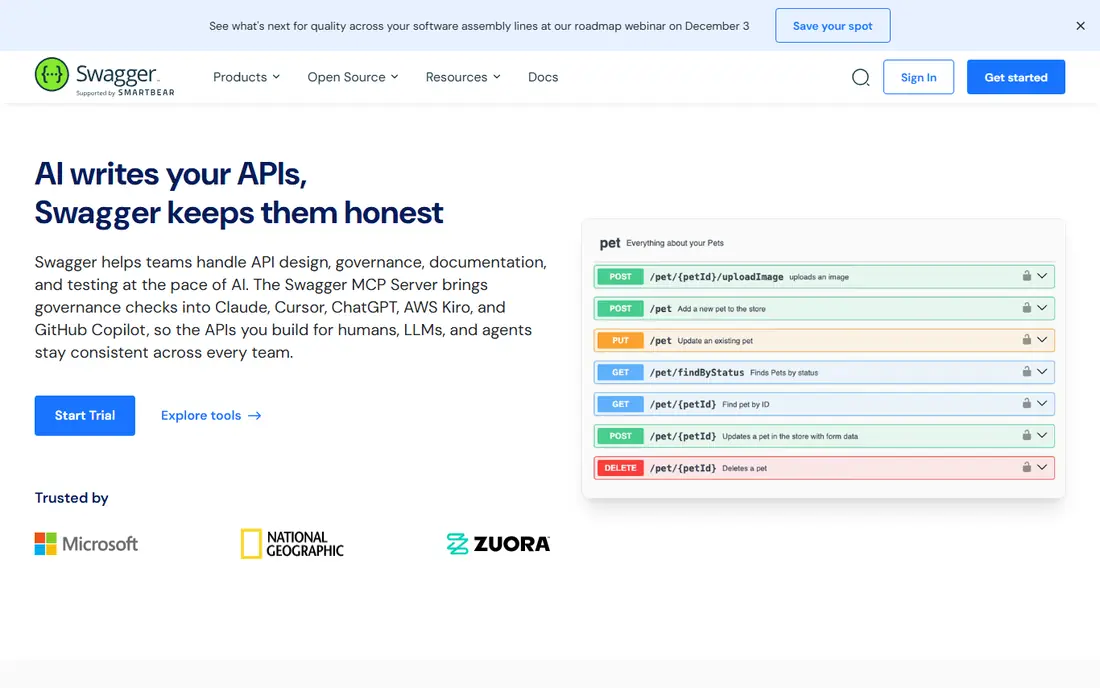
SwaggerHub, now part of the Swagger API Hub family, suits teams that treat an OpenAPI definition as the source of truth. Designers can create, edit and validate specs in a shared workspace, with versioning, collaboration and commenting built in. Documentation generated from the spec stays tied to the definition, which reduces drift between code and docs. That discipline helps larger API programs with many endpoints and reviewers. The trade is presentation and price. SwaggerHub is stronger on design and definition management than on polished marketing style developer portals, and team pricing requires a quote or trial check. Teams that need a beautiful public hub may pair SwaggerHub with a rendering tool, while teams that need spec governance first will find it a natural home.
- Strong OpenAPI and AsyncAPI design tools
- Shared API definitions
- Collaboration and versioning
- Pricing is quote based for teams
- Portal polish needs extra work compared with ReadMe or Mintlify
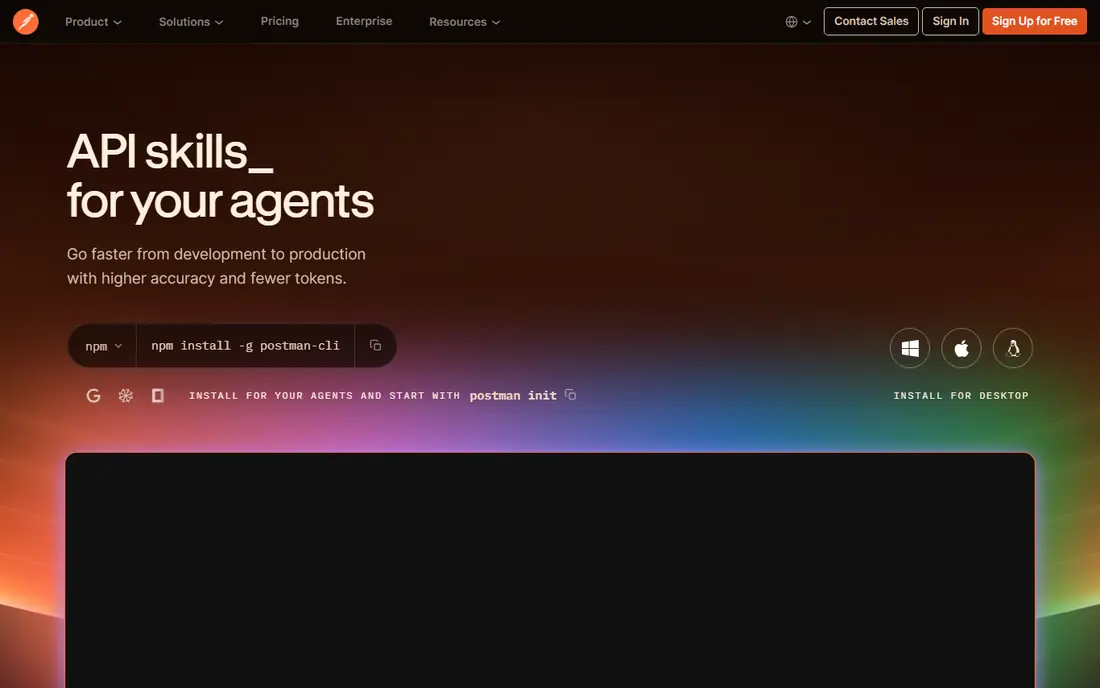
Postman is the practical pick for teams already testing APIs in Postman, since documentation can be generated from the same collections used for requests and tests. Readers get endpoint details, parameters, examples and code samples, with try-it features that let them send requests from the docs. A free plan covers individuals and small teams, while paid plans add collaboration, governance and wider publishing options. That closeness to testing keeps docs honest, because examples come from real requests. The limit is portal depth. Postman docs work well for internal teams and many public APIs, but a company that needs a fully branded developer hub with guides, analytics and onboarding may prefer ReadMe or Mintlify. For a team whose API work already lives in Postman, the shorter path from collection to docs is hard to beat.
- Documentation generated from collections
- Try-it and Run in Postman features
- Free plan for individuals
- Public portal polish is lighter than dedicated hub tools
- Paid team pricing varies by plan
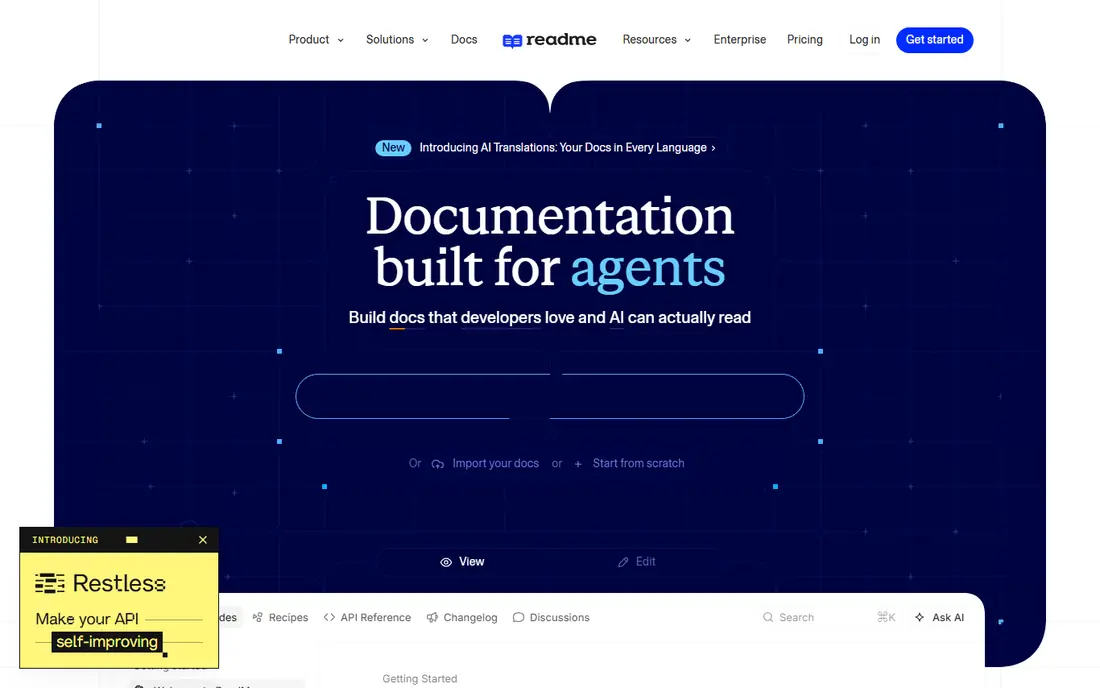
ReadMe suits SaaS companies that treat developer onboarding as a growth channel. It combines an interactive API reference, where readers can try requests with their own keys, with guides, tutorials, changelogs and usage analytics. OpenAPI sync through CLI and GitHub Actions keeps the reference updated as specs change, while custom landing pages and navigation help new developers find the right starting point. A free starter tier covers a single project with basic features, and paid plans add teammates and private docs. The honest catch is cost and scope. ReadMe pricing for team plans is not a simple published monthly rate in all cases, and multi-project or private hub needs sit higher. Internal only APIs also gain less from its public hub strengths. For a public API that must convert readers into active developers, ReadMe offers one of the most complete hub experiences.
- Interactive API reference with real requests
- Guides, tutorials and analytics
- OpenAPI sync
- Pricing is quote based for many plans
- Private and multi-project needs sit on higher tiers
Stoplight suits API programs that start with design, not code. Its visual editor and JSON Schema tools help teams design OpenAPI specs, apply style guides and linting rules, and review changes before building. Hosted documentation, mock servers and collaboration features support that design first flow, so frontend and backend teams can agree on contracts early. A trial lets teams test design and docs workflows before paying. The trade is overhead for small projects. A solo developer with one simple API will find Stoplight governance more than needed, and per user pricing adds up for large teams. For regulated or enterprise API programs where consistency across many APIs matters, Stoplight governance justifies its scope. Smaller teams should compare it against SwaggerHub or Redocly first.
- Visual OpenAPI design and linting
- Style guides and governance
- Hosted docs and mock servers
- Governance depth can exceed small team needs
- Pricing is per user on paid plans
Redocly focuses on turning OpenAPI specs into clean, readable reference docs. Its rendering is known for clear navigation, search, code samples and deprecation labels, which help developers find endpoints quickly in large APIs. CLI tools let teams build docs locally or in CI, while linting and bundling help keep large specs consistent. Paid plans add hosted portals, SSO and wider collaboration, with a trial available. The limit is guides. Redocly excels at reference docs, but tutorial style guides, onboarding flows and analytics need more setup than in ReadMe or Mintlify. Teams that mainly need accurate reference pages for a complex API will be well served, while teams that need a full developer hub should compare the wider platforms. For OpenAPI heavy teams, Redocly offers a precise and professional route.
- Elegant OpenAPI rendering
- CLI tools for local builds
- Linting and bundling for large specs
- Paid portal features need a subscription
- Guides need more setup than hub tools
Mintlify suits startups and SaaS teams that want polished docs in hours, not weeks. Writers work in MDX and Markdown, sync from GitHub, and generate API reference pages from OpenAPI specs, with a modern interface, code samples and search built in. AI features can help draft descriptions and answer reader questions on paid plans. A free tier covers hobby projects, while paid plans add collaboration, custom domains and wider AI tools. The honest catch is hosting and price. Mintlify is cloud only, so teams that must self-host docs cannot use it, and paid pricing has risen for team and AI features, so a quote should be checked for the site count and seats needed. For a team that values speed and polish over self-hosting, Mintlify remains one of the fastest routes to docs developers enjoy reading.
- Polished docs from MDX and OpenAPI
- GitHub sync
- AI assisted writing and search features
- Cloud only hosting
- Paid pricing rises for team features and AI tools
GitBook suits teams that write guides, internal knowledge and API docs in one place, with version control through git. Its block editor is friendly for non-technical writers, while Markdown underneath keeps docs portable. API blocks can present interactive references, and teams can organise docs by product, version or audience. A trial is available, with pricing per site plus per user seats on paid plans. The trade is reference depth. GitBook covers API docs well for many teams, but a large OpenAPI portfolio with complex versioning may fit Redocly, Stoplight or ReadMe better. Pricing also needs care, since site and seat costs combine. For a team that values writing workflow and guides beside API references, GitBook offers a balanced and familiar home.
- Block editor with Markdown underneath
- Git based workflows
- API blocks with interactive playgrounds
- API reference depth is lighter than Redocly or ReadMe
- Per site and per user pricing adds up
Bump.sh suits teams that want API docs to update automatically whenever a spec changes in CI. It renders OpenAPI and AsyncAPI specs into clean reference pages, shows diffs between versions, and lets readers try requests from the docs. That automation removes the manual step that causes many docs to drift after a release. A trial lets teams test the CI flow before paying. The limit is breadth. Bump.sh is excellent for reference docs, but tutorial guides, onboarding and analytics need other tools or custom pages. Teams with a single API and a strong CI habit will get the most value, while teams needing a full developer hub should pair it with a guides platform or choose ReadMe or Mintlify. For spec driven teams, Bump.sh keeps docs current with little effort.
- Continuous deployment from spec changes
- Clean API reference pages
- Diff views between versions
- Focus is reference docs, not full guides
- Smaller community than larger hub tools
Docusaurus, from Meta, is the free open source route for teams happy to build and host their own docs site. It turns Markdown and MDX into a fast, searchable site with versioning, navigation and theming, and plugins can add API reference rendering through tools such as Redoc. Hosting can be anywhere, from GitHub Pages to a company server, with no subscription cost. That control suits open source projects and engineering teams with frontend skills. The honest catch is effort. Docusaurus does not generate a polished API hub by itself: teams must configure plugins, spec builds, search and try-it features, and maintain the site over time. A team without frontend time will move faster on a hosted platform. For a team that values control, low cost and open source, Docusaurus offers a durable and flexible foundation.
- Completely free and open source
- Full control over hosting and design
- Large plugin community
- Setup and maintenance fall on your team
- API reference needs plugins or extra tooling
How we picked these
We compared official product pages, pricing pages and public documentation for API documentation tools that exist and work in October 2026. We favoured tools with real OpenAPI support, a working try-it or code sample feature, and a clear path from spec or collection to published docs. Audience fit, hosting choice and pricing honesty weighed heavily, since a tool that fits a public API may fail for an internal one. We did not claim hands-on testing that did not happen. Our findings come from vendor pages and published plan details, and quote based prices should be confirmed for your team size and project count. A pilot with your own spec, including a version change and a new endpoint, gives a better verdict than a demo with sample data.
Choosing the right API documentation tool for your team
Start with your audience and update habit. A public API needs onboarding guides, a polished reference and analytics on which pages developers use. An internal API needs accurate reference pages and easy search, with less emphasis on branding. A fast changing API needs spec or collection sync, while a stable API can be documented by hand without much drift. Match the tool to that habit, not to a feature list alone. Next, test the full publishing loop. Import your spec or collection, publish a test version, change one endpoint, and publish again. Check that examples, authentication notes and code samples update correctly, and that old versions remain available if developers still use them. A tool that makes that loop easy will stay accurate, while a tool that needs manual edits after every release will drift within months. Finally, check try-it, auth and versioning needs. Readers should be able to test requests safely, with clear guidance on keys, rate limits and sandbox data. Versioning matters when older API versions stay live, and search matters when an API grows beyond a few dozen endpoints. Confirm hosting, custom domain and SSO needs early, since those features often sit on paid tiers.
Frequently asked questions
What is API documentation software?
API documentation software turns an API definition, collection or code into readable docs for developers. It usually presents endpoints, parameters, authentication, examples and code samples, often with a try-it console. Good tools keep docs in sync with the API, so readers do not follow outdated endpoints.
Should docs come from OpenAPI specs or be written by hand?
Specs should drive reference pages, while guides should be written by hand. OpenAPI specs keep endpoints, parameters and examples accurate, and sync tools update docs when specs change. Guides, tutorials and onboarding still need human writing, since they explain why and how to use an API, not just what each endpoint does.
Is a free tool enough for API docs?
Often yes for solo developers and open source projects. Postman free, Swagger UI and Docusaurus cover reference docs at no cost, with hosting effort for Docusaurus. Public SaaS APIs usually gain from a hosted hub with analytics, branding and support, which justifies a paid plan as readership grows.
How do I keep API docs accurate after releases?
Sync docs from the spec or collection in CI, version docs with API versions, and review diffs before publishing. Automate reference updates, and treat guides as a checklist item in each release. A docs owner, even part time, prevents drift better than any tool alone.
Do readers need a try-it console in docs?
It helps, especially for public APIs, since developers can test requests without setting up a client first. A try-it console should use sandbox data and clear auth guidance, so readers do not send test requests to production by mistake. For internal APIs, code samples and collection links can serve the same purpose.
Sources
See where you really rank - block by block
ProMapRanker scans Google Maps across a grid of your service area. Simple monthly plans from $19, white-label on every plan.
Start freeKeep reading
 what’s the best risk software for enterprises
What Is the Best Risk Software for Enterprises in 2026
We compared what’s the best risk software for enterprises on risk registers, controls, third-party risk, and reporting, with pricing notes for large teams.
Read → what's the best pam software for enterprises
What is the Best PAM Software for Enterprises in 2026
Find what's the best pam software for enterprises, with vaulting, session recording, just in time access and pricing compared for large enterprise IT teams.
Read → what’s the best grc software
What Is the Best GRC Software in 2026
We compared what’s the best grc software on risk, compliance, audit and vendor risk, so teams can pick a platform that fits their frameworks and budget.
Read →