 ProMapRanker
What Is the Best API Doc Software in 2026

Key takeaways
- Mintlify and ReadMe lead for polished public developer portals, while Redocly and Stoplight lead for spec first, Git driven workflows.
- A try it console, code samples and versioning matter more than a pretty homepage, because developers judge docs by time to first successful call.
- Free renderers such as Swagger UI and Docusaurus remain excellent for open source projects with no portal budget.
- Price carefully: seats, sites, projects and AI credits are often metered separately, so a low headline price can grow quickly.
Quick comparison
| Pick | Great for | Pricing starts at | Free tier | |
|---|---|---|---|---|
 Mintlify | Polished docs as code portals | $450 per month | Yes | Visit |
 ReadMe | Guide heavy developer hubs with analytics | $250 per month | Yes | Visit |
 Redocly | Spec governed OpenAPI reference | $10 per seat per month | Yes | Visit |
 Stoplight | Design first APIs with governance | $44 per month | Yes | Visit |
 SwaggerHub | OpenAPI design and collaboration | See website | Yes | Visit |
 Postman | Teams already testing in Postman | See website | Yes | Visit |
 Scalar | Modern OpenAPI reference and client | $150 per month | Yes | Visit |
 Bump.sh | Clean hosted docs with change tracking | $50 per month | No | Visit |
 Docusaurus | Open source docs sites with full control | Free | Yes | Visit |
The best API doc software
Good API docs answer three questions fast: what does this endpoint do, what do I send, and what comes back. We compared tools that turn an OpenAPI spec, or a set of guides, into a reference developers can actually use, with try it consoles, code samples, search and versioning where they matter. The best choice depends on whether your docs are public, internal, spec first or guide heavy.
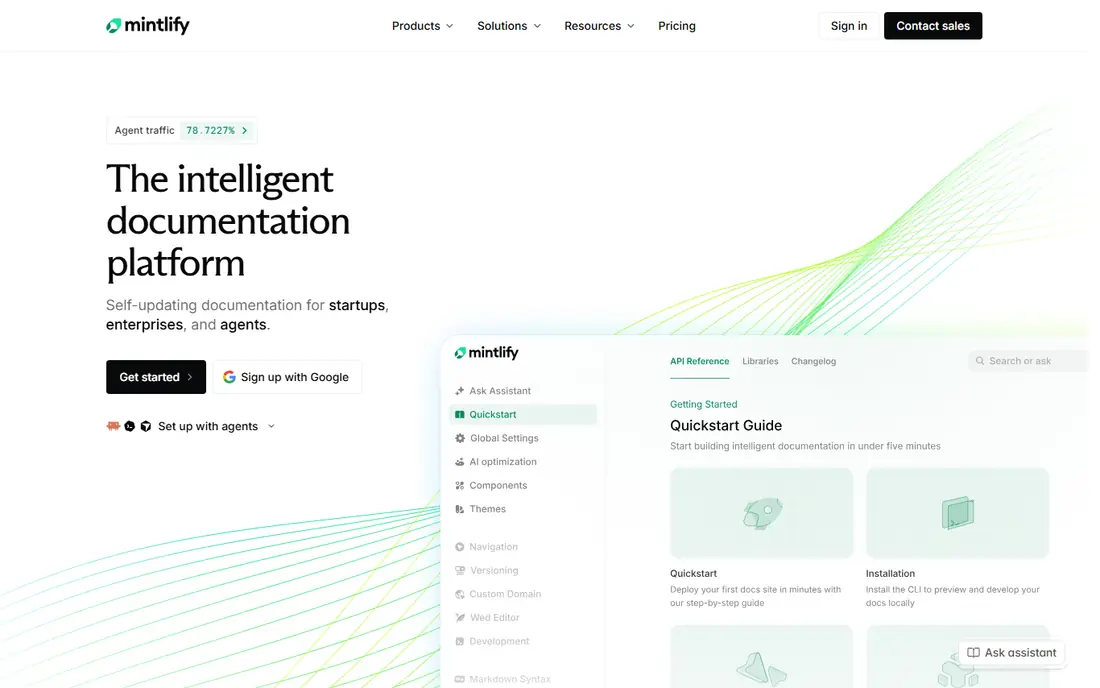
Mintlify is the fastest route to docs that look like a modern developer portal without a design project. You write in MDX, sync from Git, and get an API playground, search and AI ready outputs such as llms.txt alongside your guides. For engineering teams that ship often, the docs as code workflow means docs can be reviewed in the same pull request as the API change.
The price is the main barrier. Pro is listed at $450 per month in recent comparisons, and smaller teams may find that hard to justify for a single API. There is a free tier to start, but check what it covers before you build a public portal on it. If polish, speed and a docs as code workflow matter most, Mintlify is the benchmark here.
- Docs as code with MDX and Git sync
- API playground and AI ready features
- High design polish out of the box
- Pro pricing at $450 per month is steep for small teams
- AI credits and seats can add cost
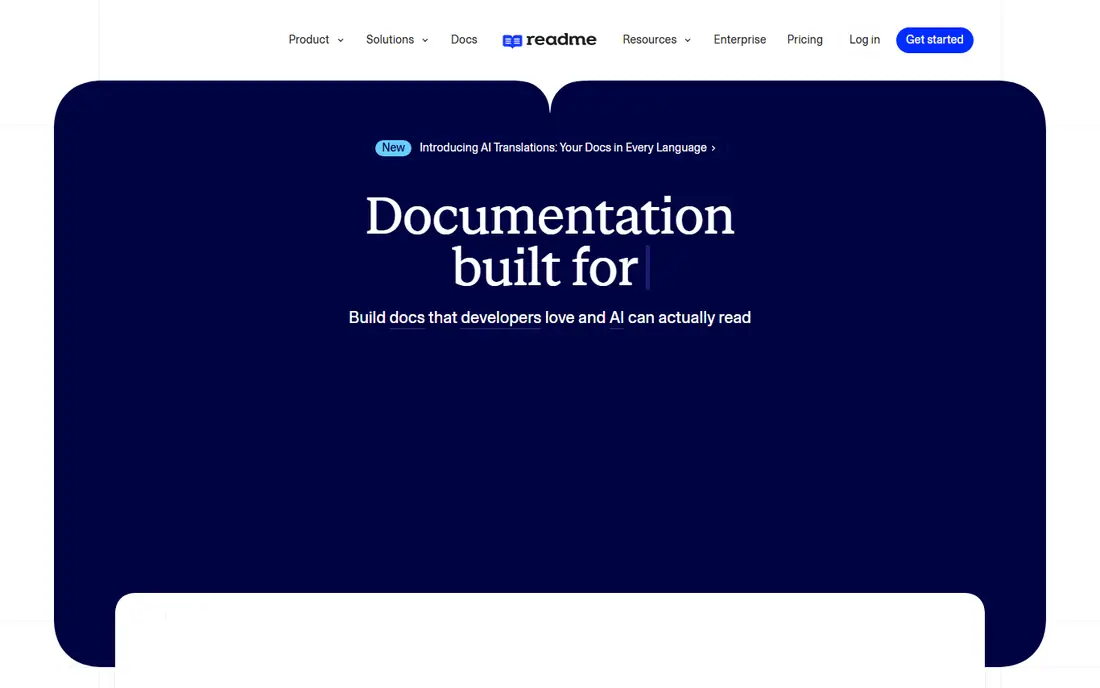
ReadMe suits product teams that treat docs as onboarding, not just reference. Guides, tutorials, API reference, changelog and community features sit in one hub, and analytics show which pages developers actually use. The interactive explorer lets readers try calls from the docs, which shortens the path from reading to a working integration.
Cost and control are the trade offs. Pro starts at $250 per month billed annually in recent listings, and non developers may find the portal easier to maintain than a docs as code setup, but developers lose some Git native control. ReadMe fits best when docs drive adoption, onboarding and support deflection, and when a branded hub is worth paying for.
- Branded developer hub with guides, reference and changelog
- Interactive API explorer
- Usage analytics
- Pro pricing at $250 per month billed annually
- AI add ons can raise the total
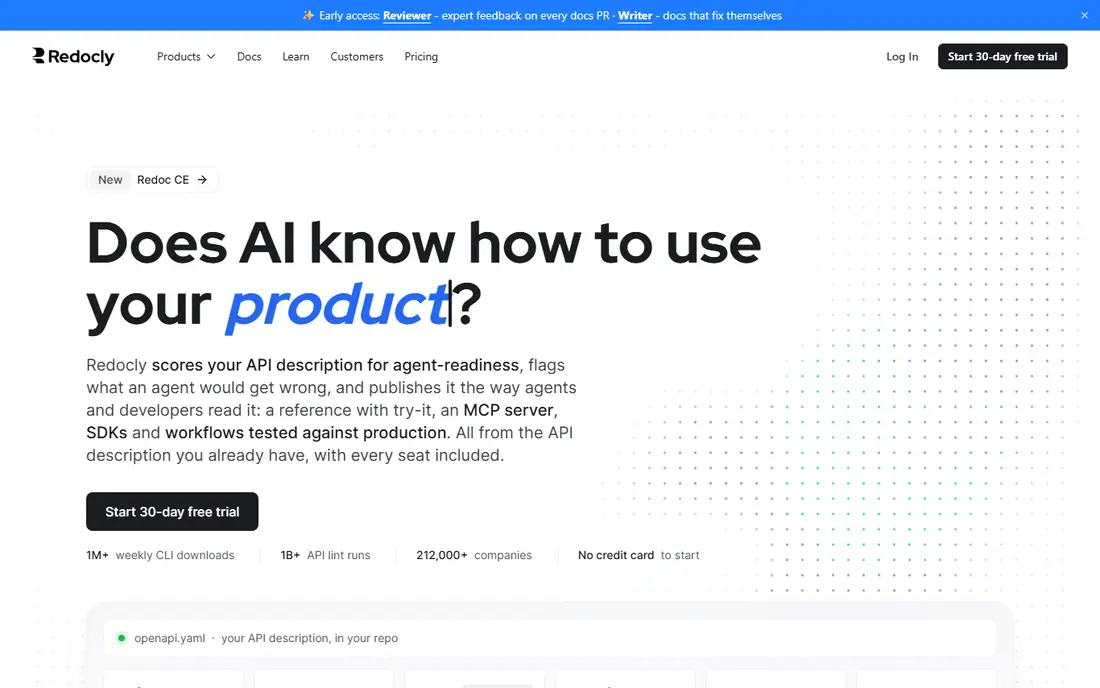
Redocly is the spec first pick. Its CLI can lint, bundle and validate OpenAPI in continuous integration, which helps teams keep specs consistent before docs are even published. The reference itself is clean and readable, and guides in Markdown or MDX can sit alongside it for a full portal. Teams that keep the spec in Git will feel at home.
The drawback is audience. Non developers may find configuration and setup less friendly than Mintlify or ReadMe, and some hosted portal features require paid plans, starting at $10 per seat per month. If governance, spec quality and CI checks matter more than a drag and drop editor, Redocly is an excellent, disciplined choice.
- Strong OpenAPI linting and CLI tooling
- Clean three panel reference
- Git based docs as code workflow
- Hosted portal features sit behind paid plans
- Setup is more technical for non developers
Stoplight works best when the API is designed before it is built. A visual designer, mock servers, style guides and docs live in one workflow, so teams can agree on an endpoint, mock it and document it before backend work starts. That design first habit reduces rework and keeps large API portfolios consistent.
Smaller teams may find the governance features heavier than needed, and pricing at $44 per month in recent listings is a starting point, not a final team total. Stoplight fits regulated teams, platform teams and organisations with many APIs, where consistency and review matter as much as the docs themselves.
- Visual API designer plus mock servers
- Style guides and governance
- Try it console in docs
- Governance depth can be more than a small team needs
- Pricing varies by plan and seats
SwaggerHub is the familiar OpenAPI workspace. Teams can design, document and collaborate on specs, with versioning and shared definitions that suit organisations already invested in the Swagger ecosystem. Developers joining a new team are likely to have seen Swagger tooling before, which shortens onboarding.
The docs experience itself is more functional than beautiful, and newer platforms such as Mintlify and Scalar offer a more polished public portal. SwaggerHub remains a strong choice for internal API design, governance and collaboration, especially when the spec, not the marketing site, is the centre of the work.
- Long established OpenAPI tooling
- Collaborative design and versioning
- Wide industry familiarity
- Pricing is not always transparent for larger teams
- Portal polish lags newer docs platforms
Postman is the pragmatic pick when your team already lives in Postman for testing. Documentation can be generated from collections, kept close to requests and examples, and published to public workspaces without a separate docs project. That closeness means docs are more likely to stay current, because they are updated where the API is tested.
The limit is that docs are not Postman's primary job. A dedicated portal will usually look better and offer richer guides, search and branding. If your team tests in Postman daily and wants docs with minimal extra work, Postman is a sensible choice. If docs are a growth channel, pair it with, or replace it by, a dedicated portal tool.
- Docs generated from collections teams already maintain
- Huge API testing ecosystem
- Public workspaces and networks
- Docs are secondary to testing for many teams
- Paid team pricing needs a close read
Scalar has earned attention for a clean, modern OpenAPI reference that feels current rather than dated. The renderer is open source, so you can self host or embed it, and the hosted platform adds a try it console, API client features and related outputs for AI agents. Recent comparisons list hosted pricing from $150 per month, with a free tier for the renderer itself.
Guide heavy portals may still prefer Mintlify or ReadMe, since Scalar's strength is reference first. For teams that want a beautiful, interactive reference and the freedom of an open source renderer, Scalar is one of the best new options in this list.
- Open source renderer under an MIT licence
- Try it console on every plan
- Modern reference design and API client
- Hosted platform pricing starts at $150 per month
- Guide depth is thinner than ReadMe
Bump.sh appeals to teams that want docs to update themselves when the spec changes. You deploy a spec, Bump.sh renders the docs, and changes are tracked over time so developers can see what changed between versions. Support for both OpenAPI and event APIs makes it useful for teams with REST and async surfaces.
The trade offs are price structure and console access. Paid plans start at $50 per month, with no free plan in recent listings, and the try it console is on Pro plans and up. If you want low maintenance hosted docs with clear change history, Bump.sh is a focused, tidy choice.
- Clean deploy and forget docs hosting
- API changelog and diff views
- Support for OpenAPI and AsyncAPI
- No free plan in recent listings
- Try it console sits on Pro plans and up
Docusaurus is the control pick. As a free, open source static site generator, it gives you versioning, MDX, search options and full branding control, and you host the result wherever you like. Many open source projects and engineering teams use it for guides, tutorials and product docs, and API reference can be added through plugins such as Redoc.
The cost is effort. You assemble the reference, the try it experience and the deployment pipeline yourself, and you maintain them. For a team with web skills and no portal budget, that effort buys freedom. For a team that wants docs live this week with minimal setup, a hosted platform will be faster.
- Free open source static site generator
- Versioning and MDX support
- Full control over hosting and branding
- API reference needs plugins or extra tooling
- You handle hosting, search and maintenance
How we picked these
We compared official pricing pages, product docs and recent API documentation comparisons, and we kept tools with a live product in October 2026 that produce API reference, guides or a developer portal from specs or Markdown. We looked for OpenAPI support, a try it or explorer feature, versioning, search, Git workflow and pricing transparency. Where pricing varied by seats, sites or credits, we used the lowest paid figure reported in recent comparisons and wrote See website where a vendor price could not be stated cleanly.
What to check before you choose
Start with who reads your docs and how they arrive. Public API customers need a polished portal, search, code samples and a try it console, while internal teams may only need a reliable reference and version history. Test time to first successful call with a real developer who has not seen your API before, and watch where they get stuck. That test reveals more than a feature checklist.
Next, check the maintenance loop. Docs that live in Git and update on spec change stay current, while docs that require a manual rewrite drift within months. Confirm versioning, changelog support, search quality and how code samples are generated. Finally, price the real team: count seats, sites and projects, ask about AI credit limits, and confirm whether the try it console is included on the plan you will actually buy.
Frequently asked questions
What is the best API documentation software overall?
For most public API teams, Mintlify and ReadMe are the strongest portal choices, while Redocly and Stoplight lead for spec governed workflows. There is no single winner, because a guide heavy portal, a spec first reference and an open source docs site have different needs. Shortlist by audience, workflow and budget, then test with a real spec.
Is Swagger UI still a good choice?
Yes, for many projects. Swagger UI is free, open source, widely understood and gives an interactive reference from an OpenAPI spec with minimal setup. It is less polished as a full developer portal, so teams that need guides, branding and analytics often pair it with Docusaurus or move to a hosted platform.
Do I need a paid API docs tool?
Not always. Open source renderers and static site generators cover a reference and guides at no licence cost, and several hosted tools have free tiers. Paid tools earn their price when you need a branded portal, analytics, AI features, governance or support, or when maintenance time costs more than the subscription.
What is OpenAPI and why does it matter?
OpenAPI is a standard format for describing REST APIs, including endpoints, parameters, request bodies and responses. Tools in this list use it to generate reference docs, try it consoles, code samples and SDKs from one source. A clean, validated spec is the foundation for good docs, whatever tool you choose.
How do try it consoles help developers?
A try it console lets a reader send a real request from the docs and see the response, without setting up a client first. That shortens onboarding and surfaces auth, parameter and error issues early. If your API needs auth, check that the console supports your auth method before you commit.
Can docs as code work for non developers?
Yes, with limits. Docs as code means docs live in Git and are reviewed like code, which suits engineering teams. Non developers can still edit Markdown, but they may need training or a friendlier editor. ReadMe and GitBook style editors suit mixed teams better than a pure CLI workflow.
Sources
See where you really rank - block by block
ProMapRanker scans Google Maps across a grid of your service area. Simple monthly plans from $19, white-label on every plan.
Start freeKeep reading
 worlds best local seo company
8 Worlds Best Local SEO Companies for Map Pack Growth in 2026
Compare the worlds best local seo company options for Google Business Profile work, citations, reviews, and multi-location rankings and reporting in 2026.
Read → world's best web hosting company
World's Best Web Hosting Company in 2026
Searching for the world's best web hosting company? We compared 10 hosts on price, renewal rates, speed, and support to help you choose well today in 2026.
Read → who's got the best nanny tax services
Who's Got the Best Nanny Tax Services in 2026
We answer who's got the best nanny tax services, comparing full filing, back taxes, software, and pricing so families can handle nanny taxes correctly.
Read →