 ProMapRanker
What Is the Best Antivirus Software in 2026


Best overall protection · Pricing starts at: See website
Key takeaways
- For most people, Bitdefender Total Security is the strongest all-round pick, with high lab scores, light system load, and five-device cover.
- Norton 360 Deluxe suits families who want a VPN, cloud backup, parental controls, and dark web monitoring in one subscription.
- McAfee+ suits households with many devices, because one plan can cover an unlimited number of devices in the household.
- Free options from Avast and Microsoft Defender protect well, but paid suites add ransomware rollback, VPN, backup, and identity tools.
- Our pick for most people is Bitdefender, with Norton as the pick if you want the fullest bundle of extras in one plan.
Quick comparison
| Pick | Great for | Pricing starts at | Free tier | |
|---|---|---|---|---|
| Bitdefender Total Security | Best overall protection | See website | Yes | Visit |
 Norton 360 Deluxe | Families wanting every extra | See website | Free trial | Visit |
 McAfee+ | Households with many devices | See website | Free trial | Visit |
 Avast One | Best free antivirus | Free | Yes | Visit |
 Malwarebytes Premium | Simple malware cleanup | See website | Yes | Visit |
 ESET Home Security Premium | Lightweight protection | See website | Free trial | Visit |
 Trend Micro Maximum Security | Beginners wanting simplicity | See website | Free trial | Visit |
 TotalAV | Budget buyers | See website | Yes | Visit |
 Microsoft Defender | Built-in Windows protection | Free | Yes | Visit |
The best antivirus software
The best antivirus software is the one that blocks malware, stays out of your way, and renews at a price you expect. The nine tools below all protect Windows, and most cover Mac, Android, and iOS as well, but they differ in system load, extras, and renewal pricing, so the cheapest first year is not always the cheapest over two years.
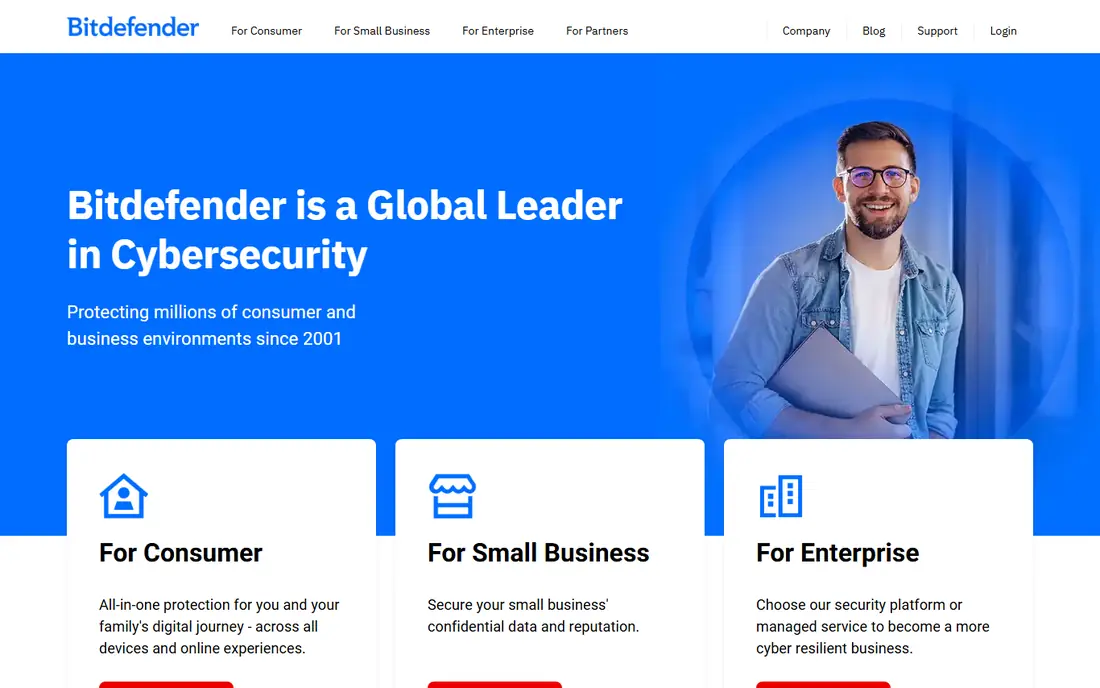
Bitdefender is our pick for most people because it combines top protection with a light footprint. Independent labs have given it high marks for protection, performance, and usability, and it covers Windows, Mac, Android, and iOS under one plan for up to five devices. Ransomware protection, a firewall, webcam protection, and a password manager round out a suite that needs little tuning after install.
The main catches are the VPN limit and renewal pricing. The included VPN caps daily data unless you upgrade to a premium VPN, and the first-year discount does not carry into renewal. Check the renewal price before you buy, and decide whether you need the premium VPN or already have one. For pure protection per dollar, Bitdefender still leads this list.
- Strong independent lab scores
- Light system load
- Five devices on one plan
- Ransomware protection and VPN included
- Bundled VPN has a daily data limit unless upgraded
- Renewal price is higher than the first-year offer
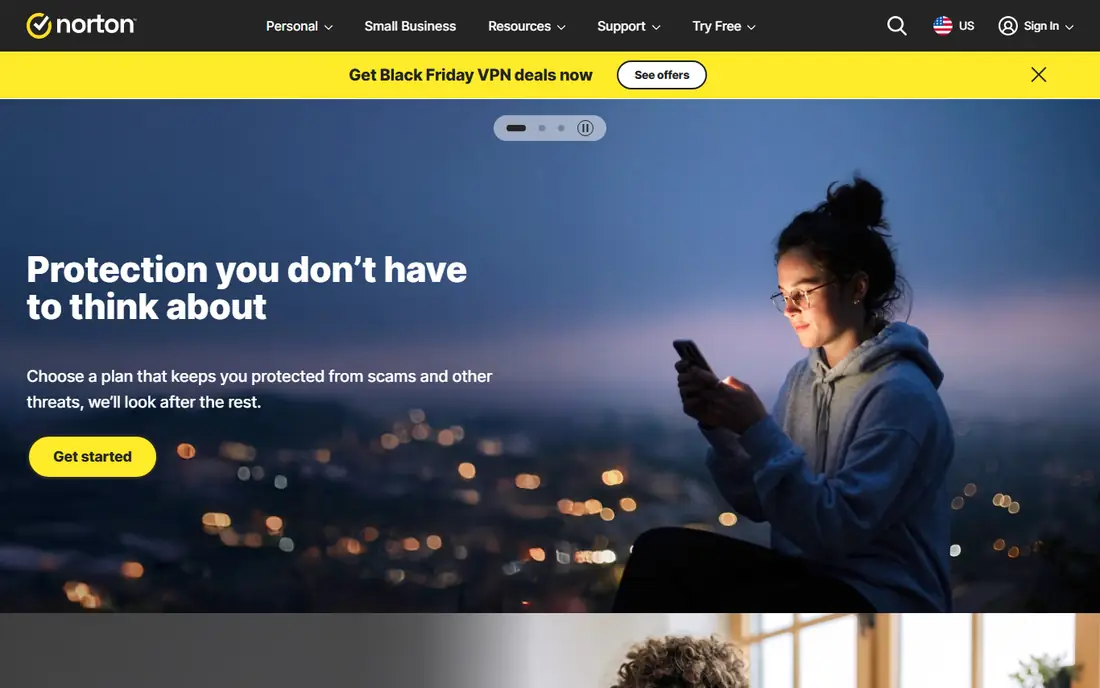
Norton 360 Deluxe is the fullest bundle here, and it suits a family that wants one subscription to cover security, privacy, and backup. You get antivirus, an unlimited VPN, 50 GB of cloud backup, a password manager, parental controls, and dark web monitoring that alerts you if personal data appears in a breach. Five devices are covered, which fits a household with a mix of computers and phones.
Norton costs more at renewal, and that renewal jump is the biggest reason to read the checkout terms carefully. The software can also feel heavier on older machines than Bitdefender or ESET. If you will use the VPN, backup, and parental controls, the bundle is good value. If you only want antivirus, a simpler and cheaper tool makes more sense.
- Unlimited VPN
- 50 GB cloud backup
- Parental controls
- Dark web monitoring
- Five devices
- Renewal price rises sharply after year one
- The app can feel heavier than Bitdefender
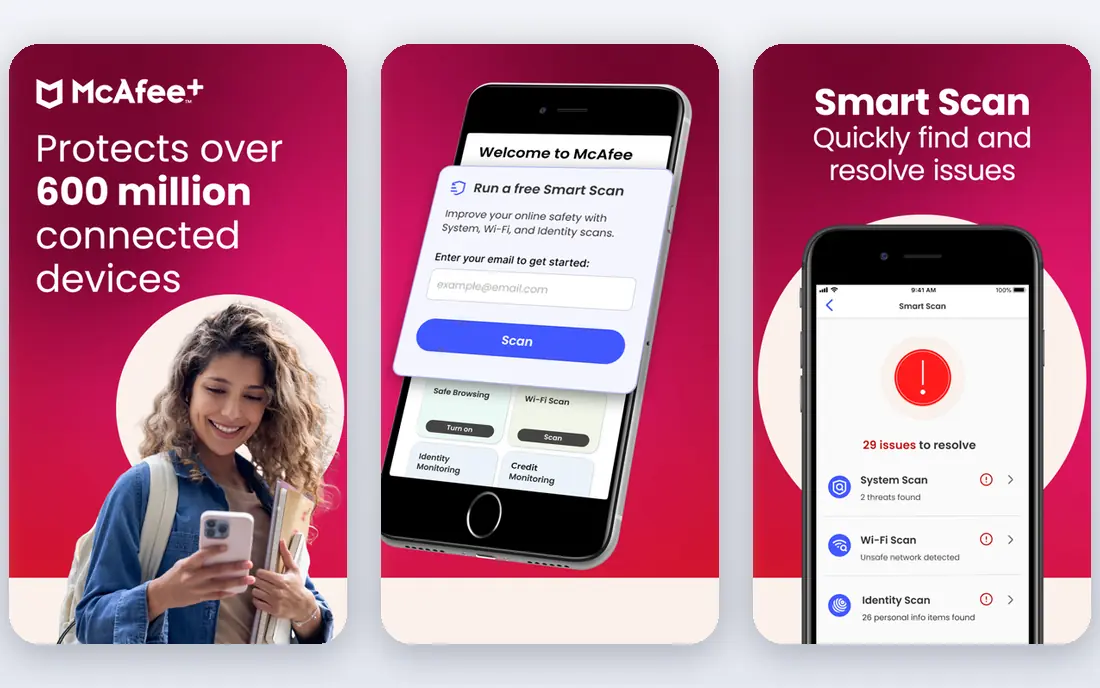
McAfee+ is the answer when you have lost count of the devices in your house. Higher plans cover an unlimited number of devices, so phones, tablets, laptops, and family computers can all sit under one subscription without counting seats. The mobile apps are strong, and the bundle adds a VPN, identity monitoring, and safe browsing tools.
McAfee can feel heavier than lighter rivals during full scans, and the first-year price rises at renewal, so check the two-year total before buying. If you have five or fewer devices, Bitdefender or Norton may be better value. If you have ten or more, McAfee+ often wins on simplicity alone, because you stop worrying about device limits.
- Unlimited device cover on higher plans
- Strong mobile apps
- VPN and identity monitoring included
- Heavier system load than Bitdefender in some tests
- Renewal price is higher than the first-year price
Avast One has the strongest free antivirus tier on this list, because the free version uses the same real-time engine as the paid version. You get core malware protection, a ransomware shield, and scam detection without paying, which makes it a genuine option for a tight budget or a second computer. The app is modular, so you switch on only the extras you want.
The free tier will prompt you to upgrade for VPN, advanced cleanup, and other paid features, which some users find annoying. Paid Avast One plans add those extras, but at that point Bitdefender and Norton become competitive. For free protection, Avast One is our pick, and for a paid suite, compare its full price with Bitdefender before upgrading.
- Strong free tier with the same core engine as paid plans
- Ransomware shield
- Clear modular app
- Paid extras such as VPN and cleanup tools cost more
- Free tier prompts for upgrades
Malwarebytes Premium suits people who want simple, no-fuss protection and who value cleanup power over a long extras list. The free version scans and removes malware on demand, while Premium adds real-time protection, web protection, and ransomware layers. The interface is clean, and the software stays light on system resources.
Malwarebytes does not bundle a VPN, cloud backup, or parental controls in the way Norton does, so buyers who want a full suite may find it thin. It works well as a primary antivirus for a careful user, and many people also keep the free scanner as a second-opinion tool alongside another antivirus. Just do not run two real-time antivirus engines at once, because that can cause conflicts.
- Simple interface
- Strong malware removal
- Light load
- Free scanner for on-demand cleanup
- Fewer bundle extras than Norton or Bitdefender
- Full suite features are narrower
ESET is the pick for an older PC, a gaming rig, or anyone who notices every bit of slowdown. It has a reputation for light system load and strong protection, with a gamer mode that suppresses interruptions during play. Home Security Premium adds a password manager, safe banking tools, and webcam protection to the core antivirus.
The interface assumes more comfort with settings than Trend Micro or Norton, so beginners may prefer a simpler app. ESET also bundles fewer family and identity extras, which keeps the price focused on protection. If speed and low load matter most to you, ESET is the tool to trial first.
- Very light system impact
- Strong protection scores
- Good fit for gamers and older PCs
- Interface is more technical than Norton or Trend Micro
- Fewer lifestyle extras
Trend Micro Maximum Security is the easiest paid suite here for a beginner who wants to install it and stop thinking about security. Setup is quick, the interface is clear, and web protection blocks phishing pages and scam sites before they load. Parental controls, a password manager, and privacy tools for social media add value for families.
Trend Micro covers fewer devices on entry plans than McAfee+, and it can feel heavier than ESET during scans. It does not lead on lab scores in the way Bitdefender does, but it is close enough for most home users, and simplicity is a real feature when the alternative is no protection at all. Trial it if other suites have felt confusing in the past.
- Simple setup and interface
- Strong web threat protection
- Parental controls and privacy tools included
- Fewer devices on entry plans than McAfee+
- System load is higher than ESET in some tests
TotalAV appeals to budget buyers because the first-year price is low and the interface is simple. Paid plans add real-time protection, a VPN, and system tune-up tools, covering the basics most home users need. For a single computer or a small household on a tight budget, that entry price is hard to ignore.
The catch is renewal pricing, which rises sharply, so the two-year total matters more than the first-year headline. The free tier is also more limited than Avast One, with fewer real-time features. If you choose TotalAV, set a reminder before renewal, compare the renewal price with Bitdefender, and decide then whether to stay or switch.
- Low first-year price
- Simple interface
- VPN and system cleanup tools in paid plans
- Renewal price rises a lot after year one
- Free tier is more limited than Avast
Microsoft Defender is already on every Windows 10 and 11 computer, and for a careful user with one PC, it may be enough. It scores well in independent labs for protection and usability, it updates with Windows, and it costs nothing extra. If you only browse trusted sites, install software from official stores, and keep backups, Defender covers the core need.
Defender does not offer a VPN, cloud backup, parental controls, or protection for phones and Macs in the same way paid suites do, and its offline detection has lagged top paid tools in some tests. Pair it with Avast One free if you want a second layer, or move to Bitdefender or Norton if you share the computer, bank on it, or own several devices. For many single-PC users, though, Defender plus good habits is a fair starting point.
- Built into Windows at no extra cost
- Solid lab scores
- No extra install or renewal to manage
- No VPN, backup, or cross-device suite
- Offline detection is weaker than top paid tools in some tests
How we picked these
We compared official product pages, pricing pages, and public independent lab results for antivirus tools operating in October 2026, keeping only tools with current Windows protection and a real free tier or trial where claimed. We weighed protection scores, system load, device cover, bundle extras, and renewal pricing, because the first-year price alone misleads buyers. We did not claim hands-on testing, and where vendors vary prices by region or promotion, we wrote See website rather than quoting a figure that might not apply at checkout.
How to choose the right antivirus for your home
Start by counting devices and people, not by picking a brand. A single PC user needs different cover from a family with laptops, phones, tablets, and a shared computer for homework. Unlimited-device plans win for large households, five-device plans fit most families, and a free tool may be enough for one careful user with good backups.
Next, look at the two-year total, not the first-year offer. Almost every paid suite discounts year one and renews at full price, so add year one and renewal together before comparing. Then check system load on your actual machine during the trial, especially if your PC is older, and test whether the VPN, backup, or parental controls are features you will actually use. A bundle you never open is not value, even at a discount.
Finally, remember that antivirus is one layer, not a complete safety plan. Keep Windows and browsers updated, use a password manager, turn on two-factor authentication for email and banking, and keep a backup of photos and documents separate from your computer. No antivirus blocks every phishing message or scam call, so the habits around the software matter as much as the software itself.
Frequently asked questions
What is the best antivirus software?
For most people, Bitdefender Total Security is the best antivirus software, because it combines high protection scores, light system load, and five-device cover at a fair price. Norton 360 Deluxe is the best choice if you want the fullest bundle of VPN, backup, and parental controls. McAfee+ wins for households with many devices, while Avast One wins for free protection.
What is the best antivirus malware software for a family?
Norton 360 Deluxe suits families best, because it bundles parental controls, 50 GB of cloud backup, an unlimited VPN, and dark web monitoring for five devices. Bitdefender Total Security is a close second for families who mainly need strong protection without as many extras. Check the renewal price for both, because family plans renew higher than the first-year offer.
Is free antivirus good enough?
Free antivirus from Avast One or Microsoft Defender protects well against common malware, and for a careful single-PC user it may be enough. Paid suites add ransomware rollback, VPN, backup, identity monitoring, and parental controls that free tiers lack. If you bank online, share a computer, or own several devices, a paid suite is usually worth the cost.
Do I need antivirus on Windows 11?
Windows 11 includes Microsoft Defender, which scores well in labs, so you are not unprotected without a third-party tool. A paid antivirus adds layers Defender lacks, such as VPN, backup, and cross-device cover, and it can improve offline detection. For most users with several devices or shared computers, a paid suite still adds real value.
How many devices does one antivirus plan cover?
Cover varies by plan, from one device on entry plans to five devices on most mid-tier suites and unlimited devices on higher McAfee+ plans. Count every computer, phone, and tablet you want protected, including family devices, before buying. A plan that covers five devices will not protect a household with eight devices without an upgrade.
Why does antivirus cost more in year two?
Most vendors discount the first year to win new customers, then renew at the full list price, which can be double the introductory rate. That pattern applies to Bitdefender, Norton, McAfee, and TotalAV, among others. Always check the renewal price at checkout, compare the two-year total across brands, and set a reminder to review before renewal.
Sources
See where you really rank - block by block
ProMapRanker scans Google Maps across a grid of your service area. Simple monthly plans from $19, white-label on every plan.
Start freeKeep reading
 zoro.to alternatives
Best Zoro.to Alternatives in 2026
We compare the best zoro.to alternatives in 2026, listing only legal licensed anime streaming services, from Crunchyroll to free options for fans today.
Read → zip alternatives
Best Zip Alternatives in 2026
We compare the best zip alternatives for buy now, pay later in 2026, covering pay-in-4 plans, fees, spending limits, and credit reporting options today.
Read → yesware alternatives
Best Yesware Alternatives in 2026
Compare the best yesware alternatives for sales email tracking, templates, and sequences, with current pricing and honest tradeoffs for small sales teams.
Read →