 ProMapRanker
Best Agentic Customer Service Software in 2026

Key takeaways
- Agentic software goes beyond answering questions: it takes multi-step actions, such as checking an order, changing a booking, or issuing a refund within set limits.
- Intercom Fin is our pick for most teams because it is widely available, priced per outcome, and can sit on several help desks.
- Sierra and Decagon suit large consumer brands that need deep workflow automation and can fund an enterprise rollout.
- Zendesk AI Agents and Salesforce Agentforce suit teams already on those platforms, where the agent can act inside existing tickets and CRM data.
- Pricing and the definition of a resolved case vary by vendor, so pilot on real cases and read the billing terms before you sign.
Quick comparison
| Pick | Great for | Pricing starts at | Free tier | |
|---|---|---|---|---|
 Intercom Fin | Outcome-priced agent | $29 per seat per month | No | Visit |
 Zendesk AI Agents | Zendesk-native agents | $55 per agent per month | No | Visit |
 Salesforce Agentforce | Salesforce-native agents | $25 per user per month | No | Visit |
 Sierra | Large consumer brands | See website | No | Visit |
 Decagon | Complex workflow agents | See website | No | Visit |
 Ada | No-code agent builder | See website | No | Visit |
 Freshworks Freddy AI Agent | Budget agentic support | $19 per agent per month | Yes | Visit |
 HubSpot Customer Agent | HubSpot CRM agent | Free | Yes | Visit |
The best agentic customer service software
An agentic tool does not only draft an answer. It follows a goal across several steps, uses tools and data, checks results, and decides when to hand off to a human. That is useful for order tracking, returns, appointment changes, and account tasks, but it also raises the stakes: an agent that can act can also act wrongly, so controls and limits matter as much as capability.
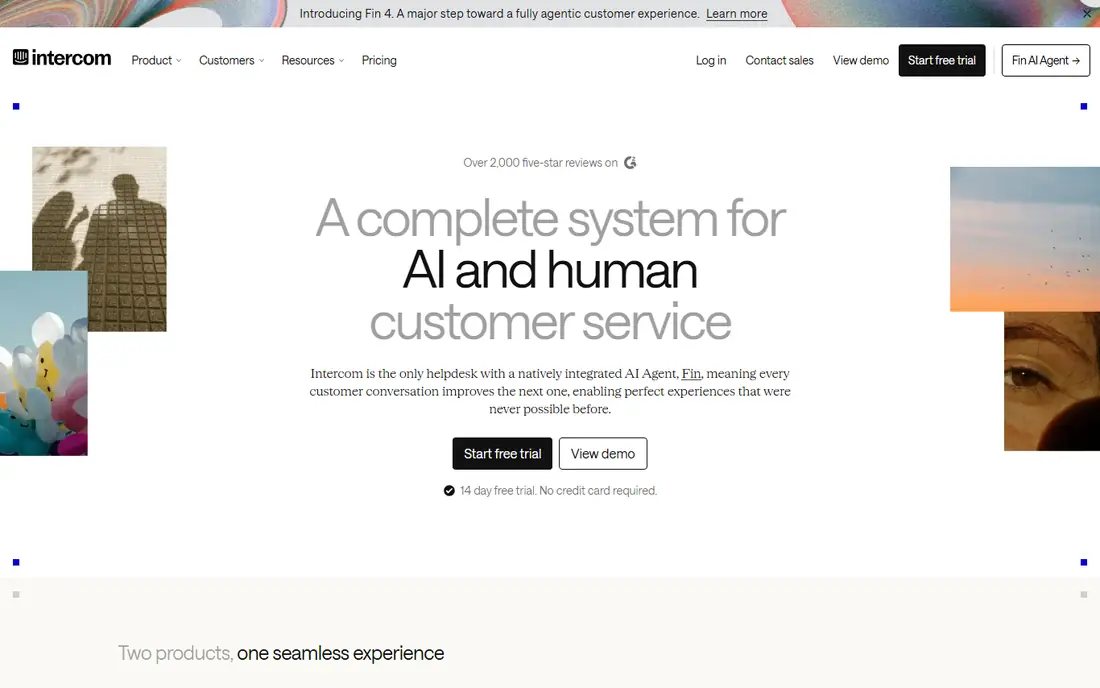
Fin is the most accessible agentic option in this list. It answers from your help content, follows procedures you define, and hands off to a human when a case falls outside its limits. The per-outcome price is clear: you pay when Fin resolves a conversation, not for every conversation it touches. That clarity helps finance teams model cost, and it gives the vendor a reason to resolve cases properly rather than merely replying.
Fin can also work on top of help desks beyond Intercom, including Freshdesk, HubSpot, and Salesforce Service Cloud, which means you do not have to replace your support system to try it. The limit is scope. Multi-step actions that touch several internal systems need careful procedure design and testing, and high-volume teams will see outcome fees grow with success. For most teams starting with agentic support, Fin is the sensible first step.
- Priced per successful outcome
- Works on several help desks
- Strong chat and knowledge tools
- Outcome fees add up at high volume
- Voice coverage is newer
- Complex actions need careful setup
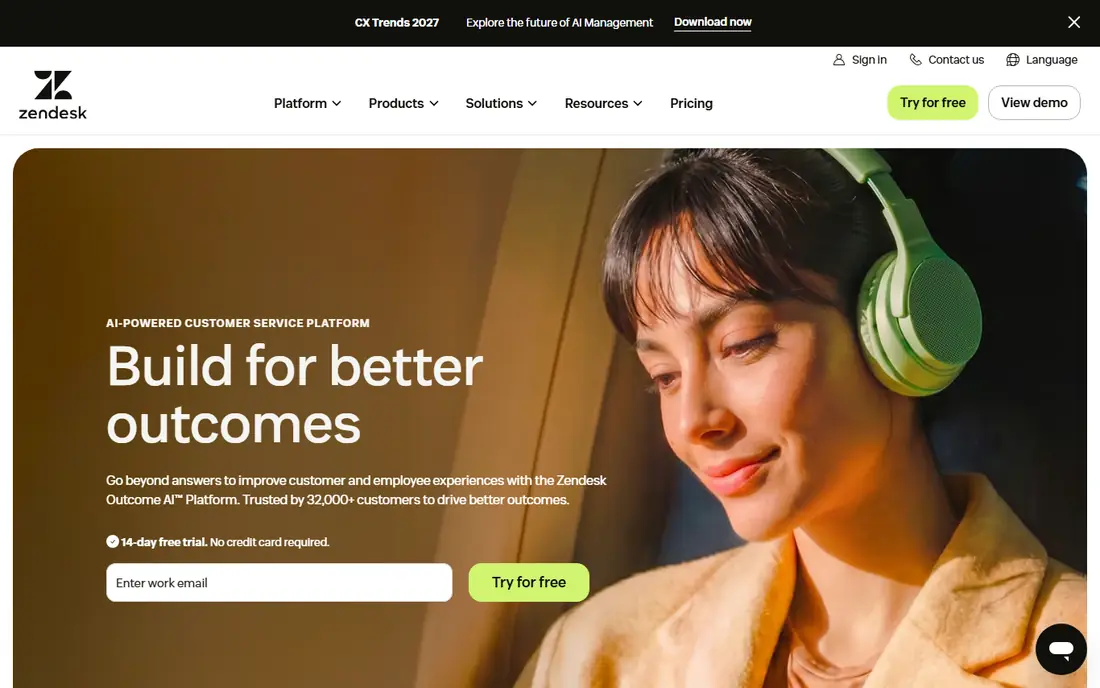
Zendesk AI Agents are built for teams that already run Zendesk. Agents can answer, route, and take defined actions inside tickets, while human agents get copilot help with summaries and suggested replies. Because the agent lives inside the ticketing system, it can use ticket history, customer fields, and knowledge content without a separate integration project. That depth is a real advantage for large support operations.
The cost model needs care. Seat prices cover the platform, while AI resolutions are billed separately, with different rates for committed and pay-as-you-go terms. Teams should therefore pilot on a representative slice of tickets and count resolutions under the vendor's definition, not under their own. If you are not on Zendesk, the cost and effort of moving platforms may outweigh the benefit. If you are, Zendesk AI Agents are a strong, well-supported choice.
- Agents inside a mature ticketing system
- Copilot for human agents
- Wide integration list
- Resolution fees on top of seats
- Setup can be heavy
- Best value inside Zendesk only
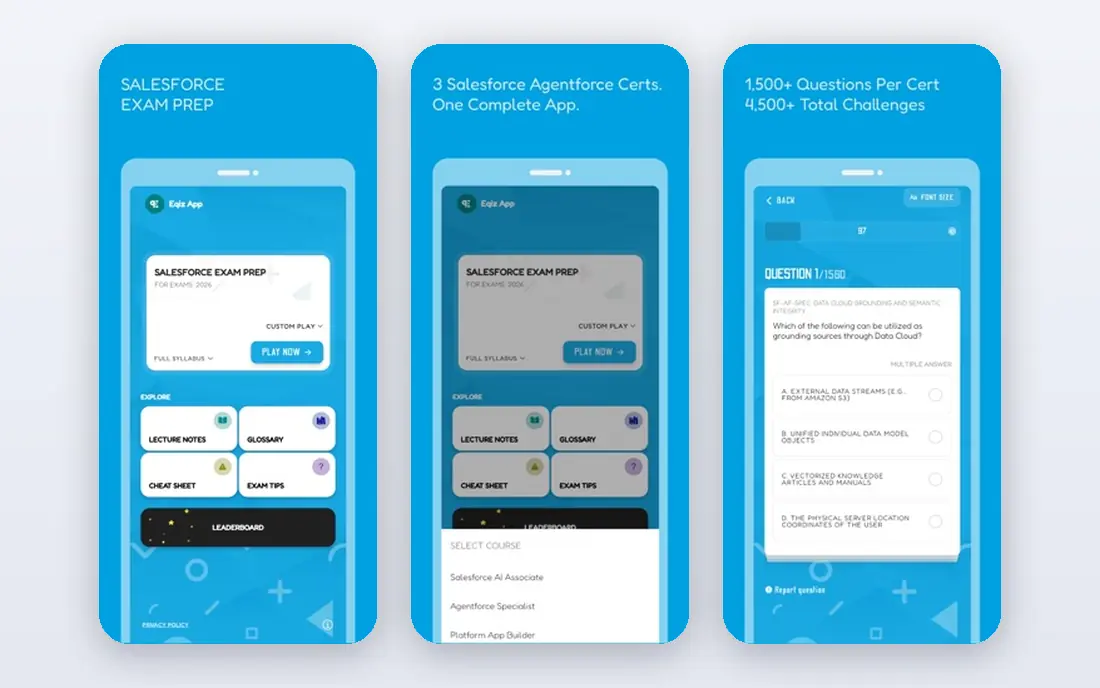
Agentforce is Salesforce's agent platform, and its strength is action inside Salesforce. An agent can look up a case, check an order, update a record, and draft a reply, all within the rules and data controls of the Salesforce org. For a company that already runs sales, service, and order data in Salesforce, that is a powerful combination, because the agent does not need to guess from a chat transcript alone.
Pricing is the hard part to compare. Agentforce uses conversations and Flex Credits, and the cost of a case depends on how many actions the agent takes. That can be efficient for simple cases and expensive for long, multi-step cases. Implementation also needs Salesforce expertise. Agentforce is best for Salesforce teams with clear, well-defined service actions. Teams outside Salesforce will find simpler options elsewhere in this list.
- Agents act inside Salesforce data
- Flex Credits for actions
- Wide CRM and service tools
- Pricing uses conversations and credits
- Needs Salesforce skill
- Costly outside Salesforce
Sierra builds AI agents for large consumer brands that handle very high conversation volumes. Its agents work across chat and voice, and its Studio tools let service teams design, test, and improve agents, while developers can use an SDK for deeper control. Sierra prices many cases by outcome, which aligns cost with completed work, though some routing interactions are priced by conversation. That model suits brands that can measure resolution clearly.
The barrier is entry. Sierra does not publish prices, and contracts are enterprise deals with a sales process and implementation work. It is also not a help desk, so human agents still need a separate ticketing system. For a large brand with millions of interactions and a team to manage an agent platform, Sierra is a leading choice. For a small or mid-size team, it is usually out of reach.
- Outcome-based pricing for many cases
- Agent Studio and SDK controls
- Voice and chat agents
- No published price
- Enterprise sales process
- Needs a separate help desk for human agents
Decagon focuses on agents that handle complex, multi-step workflows rather than single-question answers. Its workflow tools let service teams build agents in natural language, with conditional steps, system actions, and version control. Monitoring tools help teams track agent behaviour and roll back changes that do not work. That structure suits companies with intricate service processes, such as telecom, travel, or financial services, where a case may touch several systems.
The trade-offs are cost and effort. Decagon does not publish prices, and most customers buy through an enterprise contract. Many customers pay per conversation, which means cost grows with every interaction the agent touches, not only with resolved cases, though per-resolution options are also offered. Implementation takes weeks, not days. For a large team with complex workflows, Decagon is a serious contender. For simpler support, a lighter tool will be faster and cheaper.
- Workflow-based agents for multi-step tasks
- Versioning and monitoring tools
- Strong enterprise focus
- No published price
- Implementation takes time
- Per-conversation pricing can grow with volume
Ada lets service teams build AI agents without writing code, using their help content and defined actions. That no-code approach shortens deployment compared with a fully custom agent project, and Ada covers chat, voice, and email channels. For a team that wants an agent quickly but does not want to hire developers for the build, Ada is an attractive middle ground between a simple chatbot and a fully engineered platform.
The limits are price transparency and depth. Ada does not publish a starting price, and larger deployments go through sales. Ada is also an agent layer rather than a full help desk, so human agents still need a ticketing system for complex cases. Teams should test Ada on their hardest common cases, not only on FAQs, and check how it handles account actions and handoffs before committing.
- No-code agent building
- Fast deployment for many teams
- Chat, voice, and email coverage
- No published price
- Live agent layer is thinner than full help desks
- Enterprise contracts for larger teams
Freddy AI Agent, inside Freshdesk, is the budget route into agentic support. It can answer common questions, guide customers through defined steps, and hand off to a human agent inside the same ticketing system. The free tier and low paid tiers make it accessible to small teams, and the omnichannel ticketing covers email, chat, phone, and social channels in one place.
The catch is that AI depth and session billing limit what you get at the lowest price. AI sessions are billed in packs, and more advanced agent features sit on higher tiers. Freddy is best for straightforward service tasks, such as order status, account help, and common troubleshooting, rather than the most complex multi-system workflows. For a small team that wants to try agentic support without an enterprise contract, it is a practical starting point.
- Low entry price
- Free tier for small teams
- Agent inside Freshdesk ticketing
- AI sessions billed separately
- Depth below enterprise agents
- Some features need higher tiers
HubSpot Customer Agent answers customers from your HubSpot knowledge base and CRM data, and it hands off to human agents inside Service Hub when a case needs a person. Because it sits inside HubSpot, it can use customer records, ticket history, and company data without a separate integration. The free tier covers basic ticketing, which lets small HubSpot teams test the system before paying for agent work.
The limit is credit-based pricing and tier gating. Customer agent work uses HubSpot credits, and the most useful automation and reporting features sit on paid tiers. A team that is not on HubSpot will also get less value, because the agent's strength is its CRM context. For HubSpot users who want a simple, well-integrated agent, Customer Agent is a good fit. For teams on another CRM, look at a standalone agent instead.
- Agent inside HubSpot CRM
- Free tier for basic ticketing
- Customer data in one place
- Agent work uses credits
- Advanced features need paid tiers
- Best inside HubSpot
How we picked these
We compared official product and pricing pages, agent capabilities, and channel coverage for tools live in October 2026. We required each tool to take multi-step actions or follow defined procedures, not merely answer a single question from a document. We did not claim hands-on testing, and where vendors do not publish prices we wrote See website rather than presenting third-party estimates as vendor prices. Tools that had closed, that were only chatbot builders, or that lacked a current agent product were left out.
How to run a safe agentic pilot
Start with a narrow set of cases that are high volume, low risk, and easy to measure, such as order status, password help, or appointment changes. Define exactly what the agent may do, what it may never do, and when it must hand off to a human. For refunds, account changes, and cancellations, set amount limits, require confirmation, and log every action so a human can review it later.
Measure more than resolution rate. Track wrong actions, repeat contacts, customer satisfaction, and the time humans spend fixing agent mistakes. A high resolution rate means little if customers return the next day with the same problem. Review agent transcripts weekly at first, fix the knowledge and procedures behind the most common failures, and widen the agent's remit only when the error rate stays low. Keep a clear disclosure that customers are talking to an AI agent, and always offer a fast route to a human.
Controls that matter most
Give the agent least-privilege access: it should only read and change the data it needs for its approved tasks. Use allowlists for actions, not blocklists, so a new action is denied by default until you approve it. Keep human approval for irreversible actions, and test the agent with edge cases, angry customers, and incomplete information before it meets real customers. Those controls are what separate a useful agent from a risky one.
Frequently asked questions
What is agentic customer service software?
It is software in which an AI agent follows a goal across several steps, using data and tools to complete a task, rather than only answering one question. Examples include checking an order, changing a booking, or processing a return within defined rules.
How is agentic software different from a chatbot?
A chatbot usually follows a script or answers from documents. An agentic tool plans steps, calls systems, checks results, and decides when to escalate. That makes it more capable, but also more in need of limits and monitoring.
What does agentic customer service cost?
It varies by model. Some vendors charge per resolution or outcome, some per conversation, and some use credits or enterprise contracts. Model total cost on your ticket volume and on the vendor's definition of a billable case.
Can an agentic tool work with my current help desk?
Some can. Intercom Fin works on several help desks, while Zendesk AI Agents and Agentforce work best inside their own platforms. Check integration and data access before you buy, especially for account actions.
Is it safe to let an AI agent issue refunds or change accounts?
Only within tight limits. Set amount caps, require customer confirmation, log every action, and keep human approval for large or irreversible changes. Start with low-risk actions and widen the remit only after the error rate is low.
How long does it take to launch an agentic agent?
A simple agent on a mature platform can launch in days or weeks, while an enterprise agent with complex workflows can take several weeks or months. The time depends on how clean your knowledge base is and how many systems the agent must touch.
Sources
See where you really rank - block by block
ProMapRanker scans Google Maps across a grid of your service area. Simple monthly plans from $19, white-label on every plan.
Start freeKeep reading
 zoro.to alternatives
Best Zoro.to Alternatives in 2026
We compare the best zoro.to alternatives in 2026, listing only legal licensed anime streaming services, from Crunchyroll to free options for fans today.
Read → zip alternatives
Best Zip Alternatives in 2026
We compare the best zip alternatives for buy now, pay later in 2026, covering pay-in-4 plans, fees, spending limits, and credit reporting options today.
Read → yesware alternatives
Best Yesware Alternatives in 2026
Compare the best yesware alternatives for sales email tracking, templates, and sequences, with current pricing and honest tradeoffs for small sales teams.
Read →