 ProMapRanker
What Productivity Software Has the Best Features in 2026

Key takeaways
- There is no single winner: the best features depend on whether you need tasks, notes, boards or team projects.
- Todoist and TickTick win on fast personal task capture, while Notion wins on docs and databases in one workspace.
- Trello is the easiest board tool, Asana suits structured team projects, and ClickUp packs the most features per dollar.
- Microsoft To Do is free and simple, but it lacks the project depth of Asana, ClickUp or Monday.com.
- Free plans vary a lot, so check project limits, history limits and seat minimums before you commit.
Quick comparison
| Pick | Great for | Pricing starts at | Free tier | |
|---|---|---|---|---|
 Todoist | Fast personal task capture | $5 per month | Yes | Visit |
 Notion | Notes, docs and tasks in one workspace | $10 per user per month | Yes | Visit |
 Asana | Team projects with timelines | $10.99 per user per month | Yes | Visit |
 Trello | Simple visual boards | $5 per user per month | Yes | Visit |
 ClickUp | One workspace for many kinds of work | $7 per user per month | Yes | Visit |
 Monday.com | Visual team planning | $9 per seat per month | Yes | Visit |
 TickTick | Tasks, calendar and habits in one app | $35.99 per year | Yes | Visit |
 Evernote | Searchable notes and clipped material | $10.83 per month | Yes | Visit |
 Wrike | Structured projects with Gantt planning | $10 per user per month | Yes | Visit |
 Microsoft To Do | A free list inside Microsoft accounts | Free | Yes | Visit |
The best productivity software by need
This is a comparison for different needs, not a contest with one winner. We grouped tools by what they do best, so you can match the tool to the work you actually do each day.
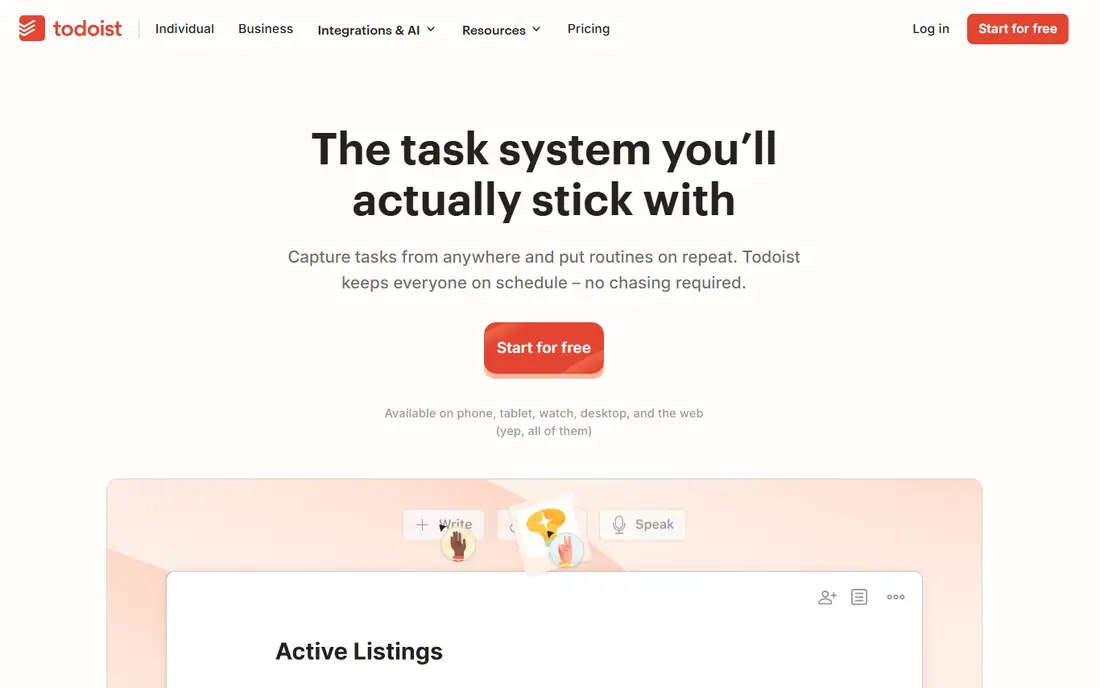
Todoist is the tool to pick when the main problem is remembering what comes next. You can type a task with a date in plain words, sort it into a project, and move on in seconds, and filters let you build views such as today, overdue or work only. That speed matters more than extra features for many solo users. The limit is scope. Todoist does not try to be a wiki, a board suite or a reporting platform, so teams that need timelines, workloads and dashboards will need another tool. For personal and small shared lists, its focus is a strength, not a gap.
- Very fast task entry with natural dates
- Clean lists and filters
- Good mobile and desktop apps
- No built in docs or databases
- Team project features are lighter than Asana or ClickUp
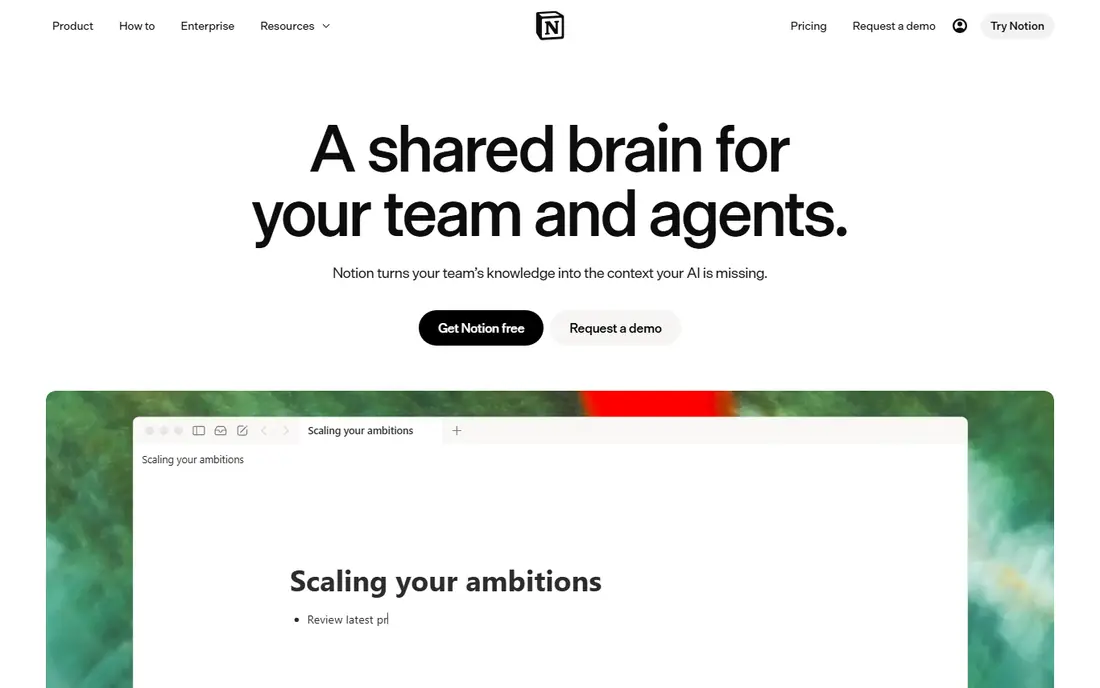
Notion suits people who live in documents and want tasks, notes and plans in the same place. You can build a wiki, a content calendar, a CRM and a task database from the same blocks, and templates give you a starting point for most of those systems. Teams that document processes will value that flexibility. The cost is setup time. A blank Notion workspace does not help until you build or import a system, and simple task capture is slower than Todoist. If you want a ready made task list, pick Todoist or TickTick; if you want a workspace you can shape, Notion is the stronger choice.
- Pages, databases and tasks in one flexible workspace
- Strong templates
- Good for wikis and planning
- Setup takes time before it feels helpful
- Offline and simple task handling lag behind Todoist
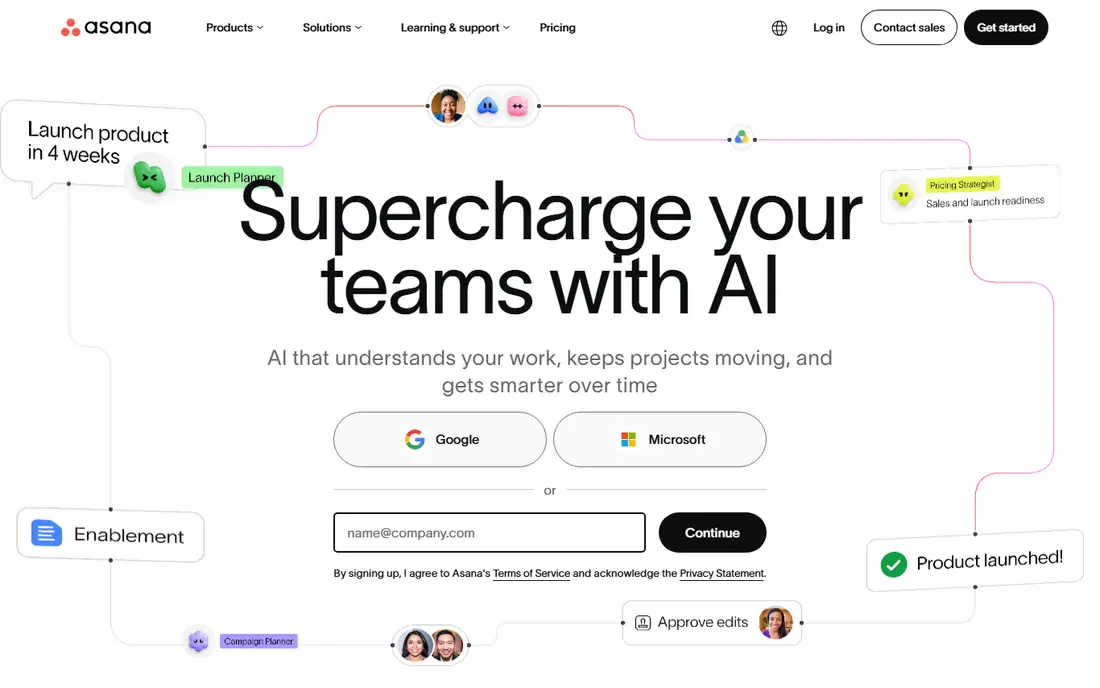
Asana is the balanced team choice. Tasks have owners, due dates and dependencies, timelines show how work overlaps, and teams can switch between lists, boards and calendars without learning a complex system. That balance explains why many small teams adopt it quickly. The free plan covers only small teams, and larger teams will need a paid plan for timelines, reporting and admin controls. If you need deep custom workflows or the lowest price, ClickUp may fit better, but Asana is easier to roll out to a team that has never used project software.
- Clear tasks, timelines and owners
- Easy team adoption
- Useful reporting on higher plans
- Free plan is limited to small teams
- Advanced reporting and portfolios sit on higher plans
Trello turns work into cards on boards, which suits teams that think in stages: to do, doing, done, or a sales pipeline with clear steps. Anyone can learn it in minutes, and the free tier covers many small team needs. For visible, stage by stage work, it is still the simplest real tool here. Its limits appear on complex projects. Dependencies, workload views and reporting are thinner than Asana, ClickUp or Wrike, and a board with hundreds of cards needs discipline to stay readable. Pick Trello for clarity, not for complex planning.
- Easiest board tool to learn
- Cards move visually through stages
- Generous free tier for small teams
- Reporting and dependencies are thin
- Large projects can feel messy without power ups
ClickUp packs tasks, docs, goals, time tracking, dashboards and automations into one workspace at a lower paid price than Asana or Notion. The free plan covers unlimited tasks and members, which no rival here matches, and paid plans add Gantt charts, custom fields and more automation runs. The honest catch is complexity. Teams without an admin can end up with messy spaces, duplicate lists and features nobody uses. Appoint an owner, turn off what you do not need, and ClickUp offers the best value here; skip it if nobody will own the setup.
- Most features per dollar
- Unlimited tasks and members on the free plan
- Many views including Gantt and dashboards
- Interface can feel overwhelming
- Setup needs an owner to stay tidy
Monday.com suits visual teams that want to see status, owners and deadlines in colour coded boards and dashboards. Columns, automations and views adapt to sales, marketing, operations and project work, and managers can spot stuck work quickly without opening every task. Pricing needs care. The free plan covers only two seats, and paid plans have seat minimums and buckets that can inflate the bill for awkward team sizes. Price it for your actual seat count, and compare the total with Asana or ClickUp before you commit.
- Highly visual boards and dashboards
- Flexible columns and automations
- Easy status tracking at a glance
- Seat minimums and seat buckets can raise the bill
- Free plan covers only two seats
TickTick is the best value personal planner here. It combines tasks, calendar, habits and a Pomodoro timer in one app, so a solo user does not need separate tools for planning the day and building habits. The yearly price is lower than most monthly rivals, and the free plan covers core lists. Team work is not its strength. Shared projects exist, but timelines, reporting and workload tools are far thinner than Asana, ClickUp or Wrike. Pick TickTick for personal productivity, and pick a team tool when shared projects become the main job.
- Tasks, calendar, habits and focus timer in one app
- Low yearly price
- Good mobile experience
- Team features are lighter than Asana or ClickUp
- Note and doc features are basic
Evernote remains a strong notes tool for people who collect research, articles, meeting notes and reference material. Search works across text in notes and clipped pages, and notebooks plus tags keep large collections organised. It suits writers, researchers and professionals who need a searchable second brain. It is not a project tool. Tasks inside Evernote are basic, and teams should not buy it expecting Asana style timelines or ClickUp dashboards. If notes are your main work, Evernote fits; if tasks are your main work, Todoist or TickTick fit better.
- Strong search across notes and clipped pages
- Web clipper for research
- Notebooks and tags for organisation
- Task and project features are basic
- Price is high for notes alone
Wrike suits teams that need structure: Gantt charts, dependencies, workload views and reporting for projects with many steps and owners. Larger teams and departments that run formal project processes will find its controls useful, and the free plan lets small teams try the basics. Smaller or less formal teams may find Wrike heavier than they need. If your work is mostly simple lists or boards, Trello or Asana will feel faster. Pick Wrike when project structure, not speed of capture, is the main requirement.
- Structured projects with Gantt charts and dependencies
- Useful for larger teams
- Reporting and workload views
- Setup and interface feel heavier than Trello or Asana
- Best value needs a structured team process
Microsoft To Do is the simplest free option here. It offers lists, due dates, reminders and a My Day view, and it syncs with Microsoft 365 accounts, so Outlook users get tasks without a new subscription. For a personal daily list, it does the job with no cost and no learning curve. It does not compete on project features. There are no boards, timelines, workloads or reporting of the kind Asana, ClickUp or Wrike offer. Pick it for free personal lists, and move to a paid team tool when shared projects need structure.
- Completely free with a Microsoft account
- Simple lists and My Day view
- Syncs with Microsoft 365
- No boards, timelines or team project depth
- Best only for simple personal lists
How we picked these
We compared official pricing and feature pages for productivity tools that cover tasks, notes, boards or team projects, and we kept only tools still sold in October 2026. We grouped them by need rather than crowning one winner, because a task list, a wiki and a team project tool solve different problems, and we used published starting prices or a free price where the tool is free.
What to check before you buy
Start with the work you do most. If you forget tasks, pick a fast capture tool such as Todoist or TickTick. If you live in documents, pick Notion or Evernote. If you run team projects, pick Asana, ClickUp, Monday.com or Wrike, and test timelines and reporting with a real project. Next, check the free plan limits. Project counts, history, seat counts and storage all vary, and a free plan that looks generous can stop helping after a few weeks. Finally, test the mobile app, since most task capture happens on a phone. A tool that is pleasant on desktop but awkward on mobile will lose to a simpler tool you actually open.
Frequently asked questions
What productivity software has the best features overall?
No single tool wins for every need. Todoist and TickTick lead on personal tasks, Notion leads on docs and databases, Trello leads on simple boards, and Asana and ClickUp lead on team projects. Pick by need, not by feature count alone.
Is Notion better than Todoist?
Notion is better if you want notes, docs and tasks in one workspace you can shape. Todoist is better if you want fast task capture and simple lists without setup time. Many people use both: Todoist for daily tasks and Notion for docs and planning.
What is the cheapest good productivity tool?
Microsoft To Do is free, TickTick costs $35.99 per year for premium, and Todoist, Trello and ClickUp all offer usable free plans. Paid plans start around $5 to $10 per user per month for most team tools here.
Do I need a paid plan for team projects?
Small teams can often start on a free plan, but timelines, reporting, admin controls and larger team sizes usually need a paid plan. Check seat limits and feature limits before you roll a tool out to a whole team.
Can one tool replace notes, tasks and projects?
ClickUp and Notion come closest, because both cover tasks, docs and views in one workspace. Both need setup time, though, and a dedicated task tool will still capture tasks faster for many users.
How do I choose between Asana and ClickUp?
Asana is easier to adopt for teams that want structure without a steep learning curve. ClickUp offers more features per dollar but needs an owner to keep the workspace tidy. Trial both with the same real project before you decide.
Sources
See where you really rank - block by block
ProMapRanker scans Google Maps across a grid of your service area. Simple monthly plans from $19, white-label on every plan.
Start freeKeep reading
 what’s the best risk software for enterprises
What Is the Best Risk Software for Enterprises in 2026
We compared what’s the best risk software for enterprises on risk registers, controls, third-party risk, and reporting, with pricing notes for large teams.
Read → what's the best pam software for enterprises
What is the Best PAM Software for Enterprises in 2026
Find what's the best pam software for enterprises, with vaulting, session recording, just in time access and pricing compared for large enterprise IT teams.
Read → what’s the best grc software
What Is the Best GRC Software in 2026
We compared what’s the best grc software on risk, compliance, audit and vendor risk, so teams can pick a platform that fits their frameworks and budget.
Read →