 ProMapRanker
Best Webflow Alternatives in 2026

Key takeaways
- Framer is the closest design-led alternative for marketing sites and landing pages.
- Wix and Squarespace suit small businesses that want an all-in-one builder with less learning time.
- WordPress offers the most ownership and plugin choice, but you manage hosting, updates, and security.
- Duda suits agencies that build many client sites, while Bubble suits web apps rather than brochure sites.
- Check CMS limits, ecommerce fees, and renewal prices, not just the entry plan.
Quick comparison
| Pick | Great for | Pricing starts at | Free tier | |
|---|---|---|---|---|
 Framer | Design-led marketing sites | $10 per month | Yes | Visit |
 Wix | All-in-one small business sites | $17 per month | Yes | Visit |
 Squarespace | Polished portfolios and stores | $16 per month | Free trial | Visit |
 WordPress | Ownership and plugin flexibility | See website | Yes | Visit |
 Duda | Agency client sites | $19 per month | Free trial | Visit |
 Bubble | Web apps and MVPs | $29 per month | Yes | Visit |
 Carrd | Single-page sites | $9 per year | Yes | Visit |
 Hostinger Website Builder | Budget sites with hosting | $2.99 per month | No | Visit |
 Shopify | Online stores | $29 per month | Free trial | Visit |
The best Webflow alternatives
These builders cover design-led marketing sites, small business sites, blogs, client work, web apps, and online stores, so the right pick depends on what your site must do.
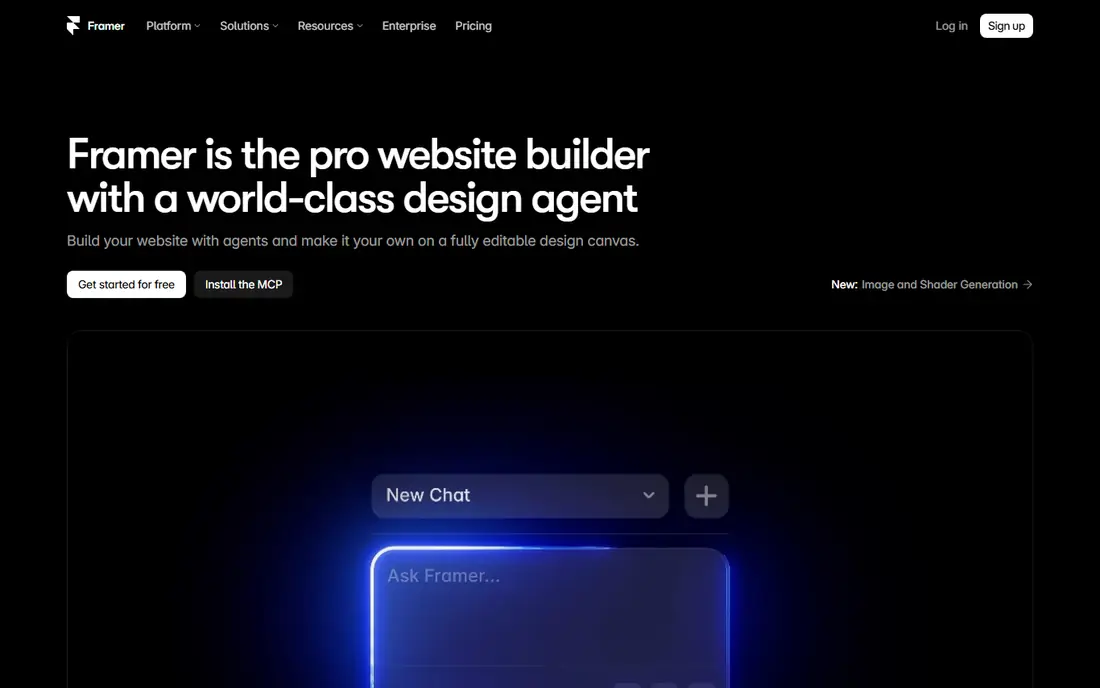
Framer is the most direct Webflow alternative for design-led teams. Its canvas feels familiar to Figma users, animations are built in, and hosting and publishing are included, so a landing page can go live fast. Marketing teams like the balance of design control and speed, without learning Webflow CSS logic.
CMS limits are the main constraint. Lower plans cap pages and CMS items, so large blogs or resource libraries may need a higher plan. Ecommerce is also not native in the same way as Shopify or Squarespace. For marketing sites and landing pages, Framer is often the best Webflow swap.
- Figma-like canvas
- Strong animations
- Hosting included
- Fast publishing
- CMS item limits on lower plans
- Ecommerce needs third-party tools
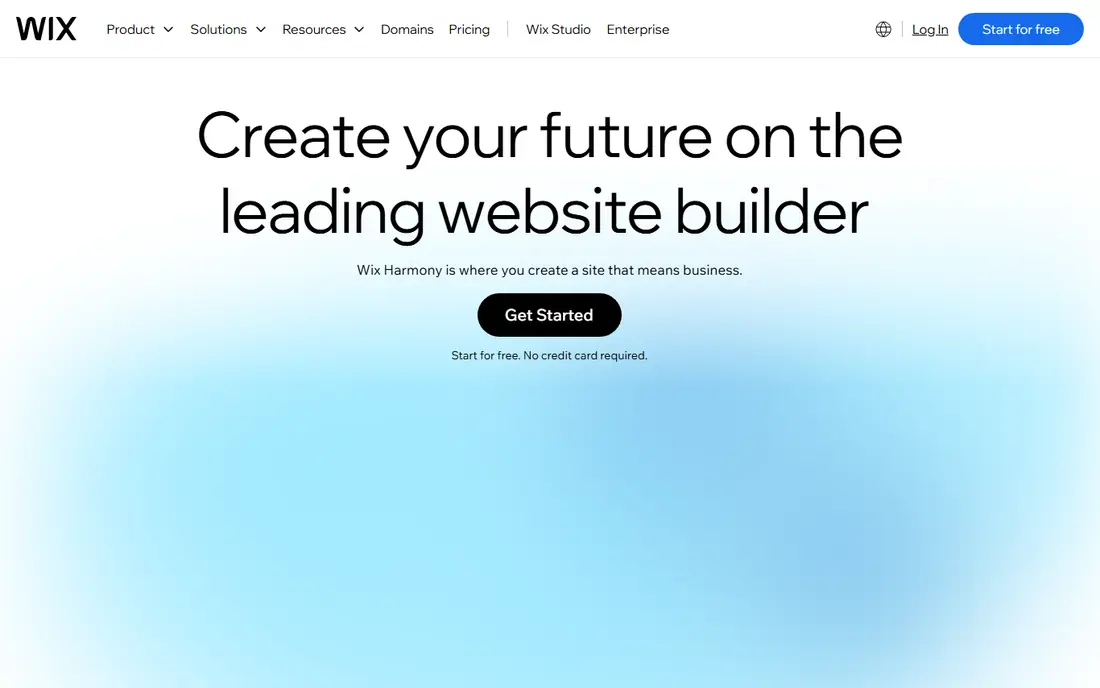
Wix suits small businesses that want everything in one place. Templates cover restaurants, services, portfolios, and stores, and built-in apps handle bookings, events, payments, and marketing. The AI builder can create a starting site from a few answers, which helps owners who do not want to design from scratch.
Design control is less precise than Webflow or Framer, and large, complex sites can feel constrained. Once you pick a template, switching to a new one later is not simple. For a small business site that must launch fast and cover many needs, Wix is a practical choice.
- Huge template range
- Bookings, events, and store tools
- AI site builder
- Less precise design control than Webflow
- Switching templates later is limited

Squarespace is known for polished templates that look good with little effort. Creatives, photographers, and small stores benefit from clean layouts, built-in ecommerce, and scheduling tools, all managed in one dashboard. The Blueprint AI builder can also generate a starting site from a short questionnaire.
Customisation is more limited than Webflow, especially for complex layouts or custom data structures. There is no free plan, only a trial, so budget from the first paid month. If visual quality and simplicity matter more than deep design control, Squarespace is a strong pick.
- Curated templates
- Strong visual quality
- Built-in store and scheduling tools
- Template customisation is more limited
- No free plan, only a trial
WordPress powers a large share of the web for good reason. The plugin range covers stores, memberships, multilingual sites, forms, and SEO, and you own your content and can move hosts. For blogs, media sites, and complex functional sites, no closed builder matches its flexibility.
That freedom brings responsibility. On self-hosted WordPress, you manage updates, backups, and security, or you pay someone to do it. Performance depends on hosting and plugin choices, so a poorly set up site can feel slow. If ownership and flexibility matter most, WordPress remains the benchmark.
- Huge plugin and theme range
- Full content ownership
- Strong blogging and SEO tools
- You manage hosting, updates, and security on self-hosted sites
- Performance depends on setup
Duda is built for agencies that produce many client sites. Client management, white-label dashboards, and team tools help agencies onboard clients, collect content, and manage sites at scale. Widgets cover common business needs, and ecommerce options suit small stores.
Single-site owners may find Duda more agency-oriented than they need, and the template range is smaller than Wix. Pricing also assumes agency use, so solo users should compare total cost with Wix or Squarespace. For agencies, Duda is one of the best Webflow alternatives for production work.
- Client management and white-label tools
- Team collaboration
- Widget and store options
- Less suited to single-site owners
- Template range is smaller than Wix
Bubble is different from the other builders here, because it builds web apps, not just websites. You can create databases, user accounts, workflows, and logic visually, which suits startups testing an MVP or internal tools. That depth makes it powerful for products that need interaction, not just pages.
The learning curve is steep, and a simple brochure site will be faster in Framer or Squarespace. Performance and pricing also need care as an app grows. If you need a working app rather than a marketing site, Bubble is the right category of tool.
- Visual app building without code
- Database and workflows
- Good for MVPs
- Learning curve is steep
- Not ideal for simple brochure sites
Carrd is the cheapest serious option here, and it does one thing well. Single-page sites for portfolios, personal links, event pages, and simple landing pages can be built in an afternoon. The Pro plans cost very little per year, and custom domains are supported on paid plans.
It is not a Webflow replacement for multi-page sites, blogs, or stores. There is no CMS in the Webflow sense, and ecommerce is limited. If you only need one strong page, Carrd saves money and time. If you need more, pair it with a fuller builder rather than forcing it to fit.
- Very low cost
- Fast to build
- Good for portfolios, links, and landing pages
- Only single-page sites
- No CMS or full store features
Hostinger Website Builder bundles a simple AI builder with hosting at a low intro price, which appeals to first-time site owners. You can generate a site, edit text and images, and publish without buying hosting separately. That simplicity helps small businesses that just need a presence online.
Renewal prices are higher than intro prices, so check the second-year cost before you commit. Design control is also limited compared with Framer or Webflow, and templates can feel generic. For a tight budget and a simple site, Hostinger is a fair trade. For design-led work, spend more elsewhere.
- Low intro price with hosting included
- AI builder
- Simple setup
- Renewal prices are higher
- Design control is limited
- Templates can feel generic
Shopify is the best pick in this list if selling products is the main job of the site. Payments, shipping, discounts, inventory, and checkout are built in, and the app store adds features for marketing, reviews, and fulfilment. Store themes are polished, and the platform scales from a first store to a large catalogue.
Content-heavy marketing sites feel more constrained than in Webflow or Framer, and app subscriptions can raise the monthly total. Blogging and custom layouts are possible, but they are not the core strength. If ecommerce drives revenue, start with Shopify and add content tools around it.
- Native ecommerce
- Payments, shipping, and apps
- Strong store themes
- Content pages are more constrained
- App costs can add up
How we picked these
We compared official pricing, CMS limits, ecommerce features, template quality, and agency tools in October 2026, along with public reviews. We favoured builders that are live, actively maintained, and realistic Webflow alternatives for marketing sites, small business sites, agencies, apps, or stores. We left out pure prototyping tools that do not publish live sites.
How to choose a website builder
Start with the job of the site. A marketing site needs design control and CMS depth, a store needs checkout and inventory, and an app needs databases and workflows. Picking a builder for the wrong job leads to workarounds that cost more than a higher plan on the right tool.
Next, check limits that matter in year two. CMS item caps, page limits, storage, bandwidth, and transaction fees all affect real cost. Also check renewal pricing, since intro prices often rise. A builder that looks cheap in month one can become expensive by year two.
Finally, test migration and ownership. Some builders let you export code or content, others lock you in. If you may move later, favour open or export-friendly options, and keep your domain separate from your builder where possible. A short trial with real content, not a demo template, will reveal most problems early.
Frequently asked questions
Is Framer better than Webflow?
Framer is better for fast, design-led landing pages and smaller marketing sites, while Webflow is better for large CMS sites and precise interactions. If your site has a large blog or complex data, Webflow depth still matters, but Framer is simpler to learn.
What is the cheapest Webflow alternative?
Carrd is cheapest for a single page, while Hostinger is cheapest for a full site with hosting on intro pricing. WordPress software itself is free, but hosting costs apply, so compare total cost, not just the builder price.
Can I move my Webflow site to another builder?
Moving is rarely one-click. You can usually export content and rebuild pages in a new builder, but interactions, CMS structures, and styling need manual work. Budget time for a rebuild, and keep your domain and content backed up.
Which builder is best for agencies?
Duda suits agencies that build many client sites, thanks to white-label and client management tools. Wix Studio also suits agencies, while Framer suits agencies focused on design-led marketing sites.
Which alternative is best for an online store?
Shopify is best for stores, thanks to native checkout, payments, and inventory tools. Squarespace and Wix also handle small stores well, but Shopify scales better for product-led businesses.
Sources
See where you really rank - block by block
ProMapRanker scans Google Maps across a grid of your service area. Simple monthly plans from $19, white-label on every plan.
Start freeKeep reading
 zscaler alternatives
Best Zscaler Alternatives in 2026
Looking for zscaler alternatives? We compare 9 SASE and zero trust platforms on architecture, data protection, pricing, and fit for your network and team.
Read → zapier alternatives free
Best Zapier Alternatives Free in 2026
Nine automation tools for zapier alternatives free in 2026, all with genuinely free tiers, plus free plan limits, starting prices and upgrade paths explained.
Read → which platform is best for online reputation
Which Platform Is Best for Online Reputation in 2026
Wondering which platform is best for online reputation? We compare 8 review, listing, and response tools for small and multi-location businesses and agencies.
Read →