 ProMapRanker
Web App Security Best Practices in 2026

Key takeaways
- Security is a set of habits, not one product: validate input, use strong authentication, encrypt data, patch dependencies and test the running app.
- OWASP ZAP is the best free starting point for scanning a running app, while Burp Suite suits manual testing by a security specialist.
- Snyk and Semgrep catch different problems in code and dependencies, so many teams run both rather than choosing one.
- Cloudflare WAF and Auth0 handle the edge and login layers that code scanners cannot cover alone.
- Only test apps you own or have written permission to test, and never use a scanner against a live site you do not control.
Quick comparison
| Pick | Great for | Pricing starts at | Free tier | |
|---|---|---|---|---|
 OWASP ZAP | free scanning of a running app | Free | Yes | Visit |
 Burp Suite | manual penetration testing | Free | Yes | Visit |
 Snyk | dependency and code scanning | Free | Yes | Visit |
 Semgrep | custom static code rules | Free | Yes | Visit |
 SonarQube | code quality and security review | Free | Yes | Visit |
 Cloudflare WAF | blocking attacks at the edge | Free | Yes | Visit |
 Auth0 | login and access control | See website | Free trial | Visit |
 Let's Encrypt | free HTTPS certificates | Free | Yes | Visit |
 Invicti | automated proof-based scanning | See website | Free trial | Visit |
The best web app security best practices
The practices below are the core of modern web app security, and each tool in this list helps apply one or more of them. A single scanner will not make an app safe, but a small stack that covers code, dependencies, login and the live app will catch most common flaws.
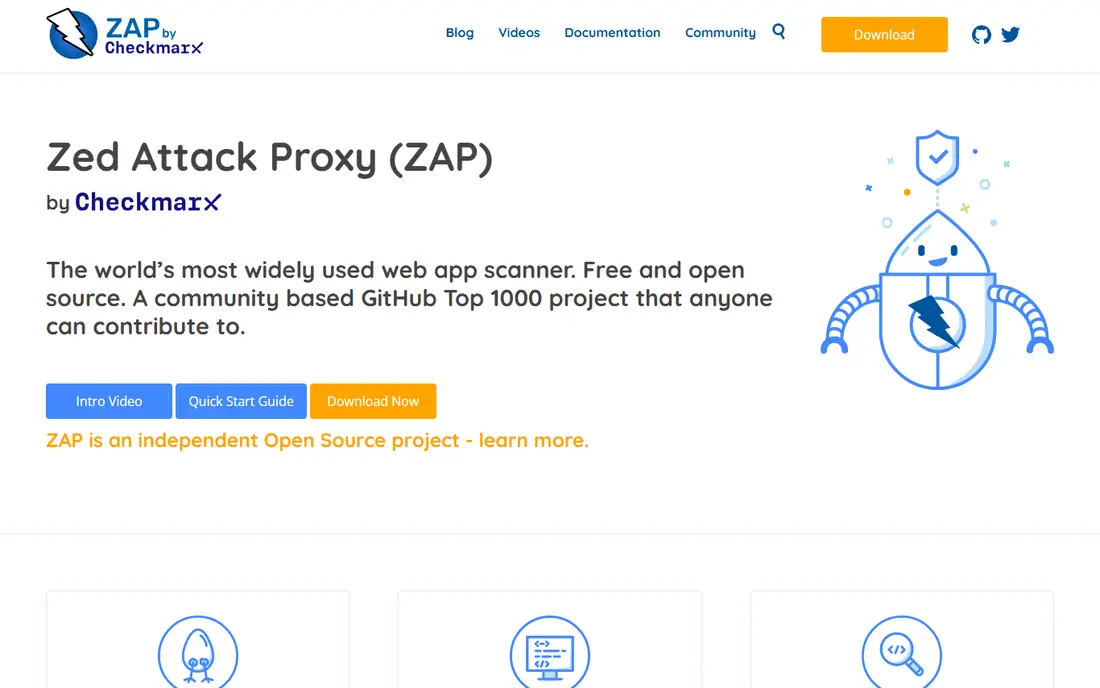
OWASP ZAP, formerly OWASP ZAP and now maintained as ZAP, tests a running web app from the outside, like an attacker would. It crawls pages, probes forms and reports common flaws such as injection, cross-site scripting and misconfigured headers. Because it is free, a solo developer can add a ZAP scan to every release without a budget discussion.
The limit is setup. An unconfigured scan that never logs in will report a clean result you did not earn, since it never reached protected pages. Spend time on authentication, scope and seed data first, and treat ZAP as a regular check, not a one-time audit.
- Free and open source with no license fee
- Automated scans plus manual proxy tools
- Runs in CI pipelines
- Needs proper authentication setup to test logged-in areas
- Support comes from community and docs
Burp Suite is the toolkit that professional testers use to inspect and change requests between a browser and a server. The free Community edition covers manual proxy work, while Professional at $499 per user per year adds the full scanner, faster tools and saved projects. That manual depth finds business logic flaws and access control problems that automated scanners miss.
Burp Suite is overkill for a first scan, and beginners may find the interface dense. Use ZAP for routine CI checks, and bring in Burp Suite when a human tester needs to probe a complex workflow, such as checkout, permissions or multi-step forms.
- Industry-standard proxy for manual testing
- Full automated scanner in Professional
- Extensive learning material
- Professional costs $499 per user per year
- Learning curve for beginners
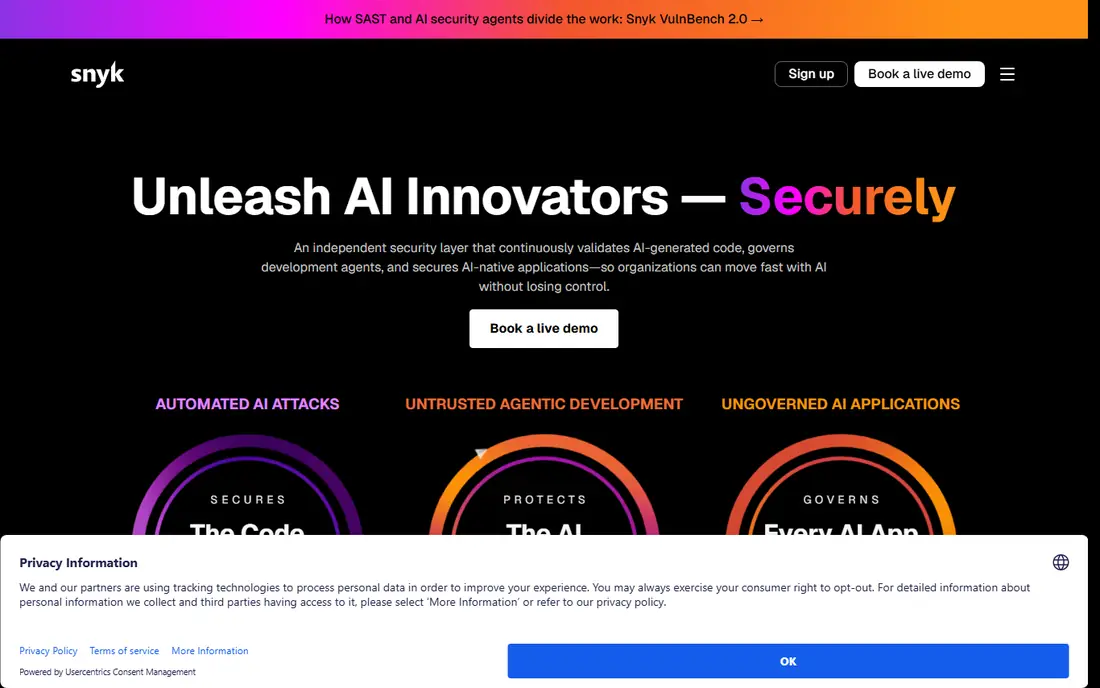
Snyk checks the open-source packages your app depends on, plus your own code, for known vulnerabilities. When a package has a flaw, Snyk suggests a fixed version and can open a pull request to apply it. That workflow fits the practice of patching promptly, since outdated dependencies are one of the most common ways apps get breached.
The free tier covers 5 projects and 100 code tests per month, and Team starts at $25 per month. Larger teams move to a credit-based enterprise model, so budget carefully. For a small team, the free tier plus a regular update routine covers the dependency layer well.
- Scans open-source dependencies and code
- Fix suggestions in the IDE and pull requests
- Free tier for small projects
- Free tier limits projects and code tests
- Enterprise pricing uses a credit model
Semgrep reads your source code for insecure patterns before it ships. Its strength is custom rules. If your team has a rule such as never building a query from raw user input, or always checking ownership before returning a record, you can encode that rule and have Semgrep flag every violation in a pull request.
The free tier covers 10 contributors and 10 private repos, which suits a small team. Paid Code starts at $30 per contributor per month, with Supply Chain and Secrets as separate add-ons. Semgrep is best when someone on the team will own the rules and keep them current.
- Free hosted tier for up to 10 contributors
- Custom rules for your own auth and data patterns
- Fast scans in CI
- Paid Code tier costs $30 per contributor per month
- Custom rules need someone to maintain them
SonarQube reviews code for bugs, security hotspots and maintainability problems, and reports them in a dashboard and in pull requests. The Community Build is free, and SonarQube Cloud is free up to 50,000 lines of code on private projects, with Team from $34 per month. That makes it an easy first static check for a team that also cares about code quality, not only security.
SonarQube will not replace a dependency scanner or a dynamic test, and its deeper security analysis sits in higher tiers. Use it as the code-review layer, alongside Snyk for dependencies and ZAP for the running app.
- Free Community Build and Cloud free tier
- Covers bugs, code smells and vulnerabilities
- Pull request feedback
- Server pricing is based on lines of code
- Advanced security features need higher tiers
Cloudflare WAF inspects web traffic at the edge and blocks requests that match known attack patterns, including SQL injection and cross-site scripting attempts. The free plan includes WAF with a free managed ruleset, while Pro at $20 per month on annual billing adds the full managed ruleset and more rate-limiting rules. Business at $200 per month on annual billing adds further rules and controls.
A WAF is not a fix for insecure code, and it can be bypassed if an attacker finds your origin IP directly, so keep origin protection in place. As a shield that buys time while code fixes ship, and as virtual patching for a new vulnerability, Cloudflare WAF is a practical layer for most public apps.
- Free tier includes a managed ruleset and one rate-limiting rule
- Blocks common attacks before they reach your server
- Easy DNS setup
- Full managed rulesets need Pro or Business
- Bot management is a separate product
Auth0 handles the login layer that many apps get wrong when they build it themselves. It provides password login, social sign-in, multi-factor authentication, passwordless options and access rules, so your team does not need to store passwords or write session code from scratch. Good defaults for password hashing, brute-force protection and token handling come with the platform.
Pricing depends on plan and usage, so check the current Auth0 pricing page for your user count and features. Auth0 reduces login risk, but it does not fix authorization inside your app. You still need to check, on every request, that the logged-in user is allowed to see or change the record they asked for.
- Managed login, social sign-in and multi-factor authentication
- Clear access control and session handling
- Strong docs
- Pricing is plan-based and varies
- Misconfigured rules can still leave gaps
Let's Encrypt gives every public web app a free HTTPS certificate, which encrypts traffic between users and your server. Certificates last 90 days, and standard tools renew them automatically, so a small site can run HTTPS with no certificate budget. Browsers trust Let's Encrypt certificates, and the process is well documented for common servers and hosts.
The 90-day lifetime means automation is not optional. Set up renewal and monitoring, and alert on failure, since an expired certificate breaks the site for users. HTTPS alone does not make an app safe, but an app without HTTPS leaks login tokens and form data to anyone on the same network.
- Free certificates for any public site
- Automated renewal with standard tools
- Widely trusted by browsers
- Certificates last 90 days, so automation is required
- No organization validation option
Invicti scans running web apps and APIs and tries to prove each finding, for example by showing that an injected value actually reached the database. That proof step cuts down on false positives, which matters when a team is drowning in alerts from several tools. It suits larger teams with many apps and a need for scheduled, authenticated scanning.
Pricing is quote-based, so small teams should start with ZAP and only move to Invicti when scan volume, reporting or support needs justify a sales process. For a portfolio of production apps, the time saved on triage can be the main return.
- Proof-based scanning aims to reduce false positives
- Covers web apps and APIs
- Portfolio scanning for larger teams
- Pricing is quote-based
- Enterprise focus may exceed small-team needs
How we picked these
We compared vendor pricing pages, documentation and recent tool roundups for web security tools live in October 2026. We kept only tools that map to a recognized practice, such as input validation, authentication, dependency patching, encryption or live testing, and we favored free tiers for small teams. We did not claim hands-on testing. Where pricing was quote-based, we wrote See website.
How to apply these practices in order
Start with the basics that cost nothing. Turn on HTTPS with Let's Encrypt, require multi-factor authentication for admin accounts, and set secure defaults for cookies, headers and session timeouts. Then add scanning to your release process, starting with Snyk for dependencies and ZAP for the running app, and fix high-severity findings before new features.
Next, protect the layers that code scans miss. Put a WAF in front of the public app, move login to a managed service such as Auth0 if your own login code is shaky, and write authorization checks for every data access, not just for the login page. Finally, schedule regular reviews. Re-run scans after major changes, rotate secrets, review who has admin access, and keep a simple incident plan so a breach report does not become a panic.
Frequently asked questions
What are the most important web app security best practices?
Validate and encode all user input, use strong authentication with multi-factor support, check authorization on every request, encrypt data in transit and at rest, patch dependencies promptly, and test the running app regularly. No single practice covers all risks, so apply them as a set.
What is the difference between SAST and DAST?
SAST, or static testing, reads source code for flaws before the app runs, as Semgrep and SonarQube do. DAST, or dynamic testing, probes the running app from outside, as ZAP and Invicti do. Mature teams use both, since each finds problems the other misses.
Is OWASP ZAP still free in 2026?
Yes. ZAP is free and open source, and you can run it on unlimited machines without a license fee, including in CI pipelines. Support comes from the community and documentation rather than a paid vendor contract.
Do I need a WAF if my code is secure?
A WAF still helps, because it blocks known attack patterns and gives virtual patching while a code fix ships. It does not replace secure code, input validation or authorization checks, and it should not be your only defense.
How often should I scan my web app?
Scan on every release for code and dependency changes, and run a dynamic scan on a regular schedule, such as weekly or monthly, plus after major changes. Review and fix high-severity findings promptly, and track repeat findings so the same flaw does not return.
Can I scan a website I do not own?
No, not without written permission. Only test apps you own or have explicit permission to test. Scanning someone else site without permission can be unlawful and can disrupt their service.
Sources
See where you really rank - block by block
ProMapRanker scans Google Maps across a grid of your service area. Simple monthly plans from $19, white-label on every plan.
Start freeKeep reading
 worlds best local seo company
8 Worlds Best Local SEO Companies for Map Pack Growth in 2026
Compare the worlds best local seo company options for Google Business Profile work, citations, reviews, and multi-location rankings and reporting in 2026.
Read → world's best web hosting company
World's Best Web Hosting Company in 2026
Searching for the world's best web hosting company? We compared 10 hosts on price, renewal rates, speed, and support to help you choose well today in 2026.
Read → who's got the best nanny tax services
Who's Got the Best Nanny Tax Services in 2026
We answer who's got the best nanny tax services, comparing full filing, back taxes, software, and pricing so families can handle nanny taxes correctly.
Read →