 ProMapRanker
WalkMe Alternatives in 2026: 9 Tools Compared

Key takeaways
- Pendo is the closest all-round replacement when you need product analytics plus in-app guides in one platform.
- UserGuiding, Product Fruits, and Userflow suit smaller SaaS teams that want guides live fast without an enterprise sales cycle.
- Whatfix, Userlane, and Spekit fit employee training and complex internal software better than customer onboarding tools.
- Price by monthly active users, not seats, and model your peak user count before you compare published entry prices.
Quick comparison
| Pick | Great for | Pricing starts at | Free tier | |
|---|---|---|---|---|
 Whatfix | Enterprise employee training | See website | No | Visit |
 Pendo | Product analytics plus guides | Free | Yes | Visit |
 Userpilot | Behavior-based onboarding | $299 per month | Free trial | Visit |
 Appcues | No-code in-app experiences | See website | Free trial | Visit |
 UserGuiding | Budget-friendly web onboarding | $174 per month | Free trial | Visit |
 Userflow | Fast polished flows | $240 per month | Free trial | Visit |
 Chameleon | Highly customized in-app design | See website | Free trial | Visit |
 Product Fruits | Best value onboarding suite | $111 per month | Free trial | Visit |
 Spekit | In-app training for sales teams | See website | Free trial | Visit |
The best WalkMe alternatives
We compared tools that replace WalkMe for guided walkthroughs, onboarding, and in-app help, leaving WalkMe itself out of the list.
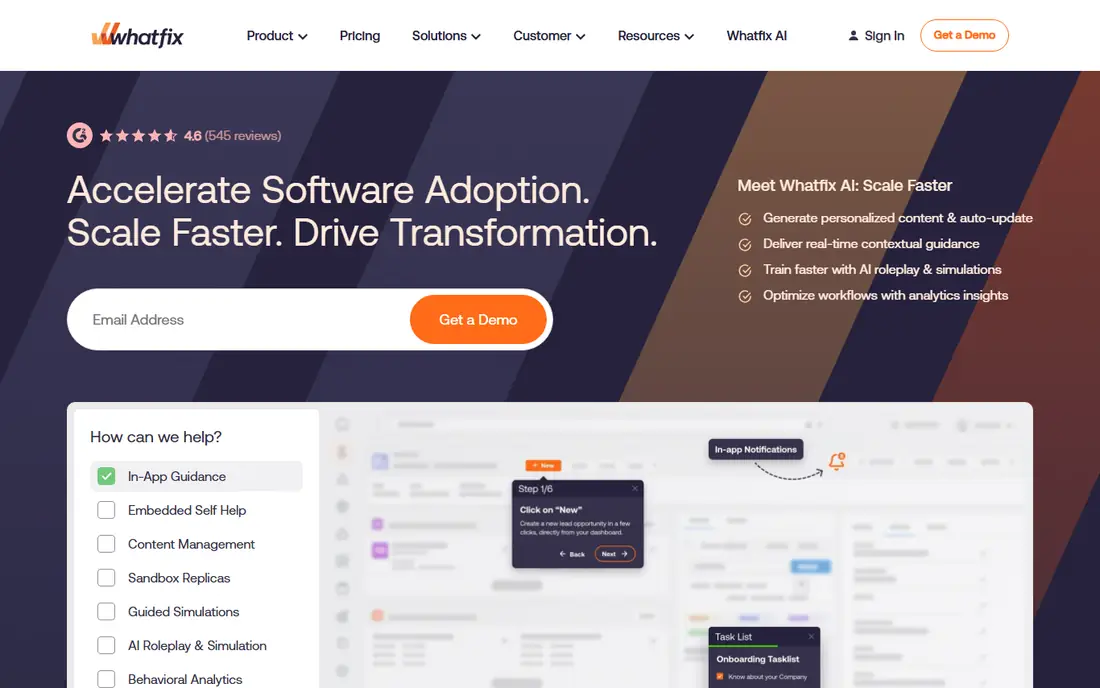
Whatfix is the closest match for teams that used WalkMe mainly for employees rather than customers. It guides staff through complex software such as CRM, HR, and ERP systems, and it can turn a recorded flow into training material in more than one format. That matters when a process changes often and retraining a large team by email alone keeps failing.
The trade-off is enterprise weight. Pricing is quoted, implementation takes planning, and small teams may find the sales process slow. If your main need is customer onboarding for a web app, a lighter tool below will get you live faster. If your main need is staff adoption across big internal systems, Whatfix is the first vendor to shortlist.
- Deep workflow guidance for complex enterprise apps
- Auto-generated training content in several formats
- Strong fit for regulated industries
- Enterprise pricing with no published entry price
- Heavier setup than SaaS onboarding tools
- Sales-led buying process
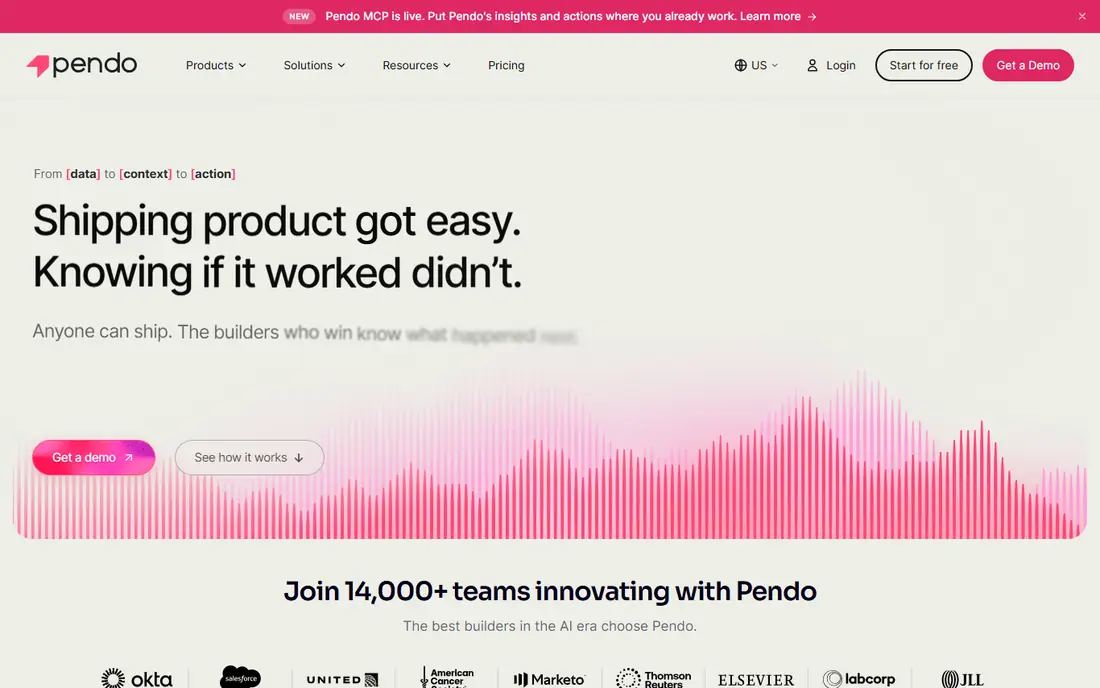
Pendo suits product teams that want to understand what users do and then guide them based on that behavior. The free tier covers small products, and the analytics side helps you find where users stall before you build a guide for that exact step. Guides, a resource center, and surveys sit alongside the analytics, so one tool covers much of the adoption job.
The catch is cost and complexity at scale. Paid plans are quoted, and teams that only need tours may pay for analytics depth they never use. Still, for a growing SaaS company that wants one platform for insight and guidance, Pendo is the most complete WalkMe alternative in this list.
- Free tier up to 500 monthly active users
- Product analytics and guides in one platform
- Resource center and feedback tools
- Paid pricing is quote-based and can climb fast
- Heavier than a tours-only tool
- Some features sit on higher plans
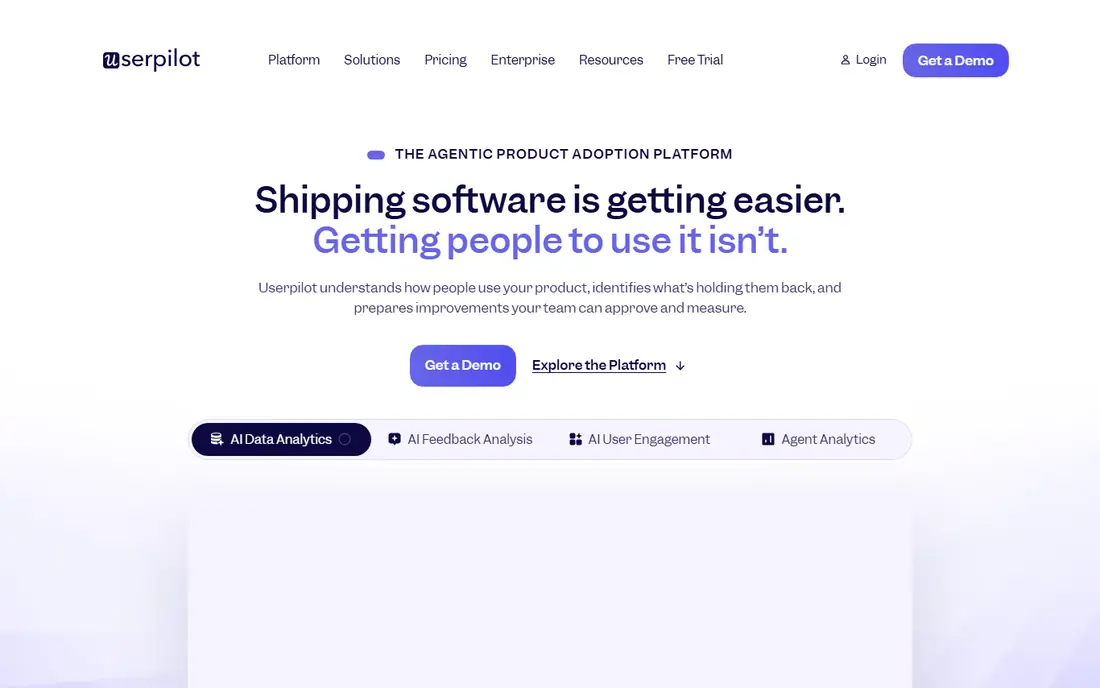
Userpilot is built for SaaS teams that want onboarding tied to what users actually do. You can trigger a tour when a user reaches a feature, stalls on a step, or matches a segment, rather than showing the same walkthrough to everyone. Surveys and analytics help you learn why a flow works or fails, and the no-code builder keeps product managers out of engineering queues.
The price is the main barrier. At $299 per month for the starter tier, it suits funded or revenue-generating products more than a pre-launch side project. If your user count is still small, Product Fruits or UserGuiding may cover the same jobs for less, but Userpilot gives you deeper targeting when you are ready to pay for it.
- Strong segmentation and behavior-based targeting
- Built-in surveys and analytics
- No-code builder for product teams
- Entry price is high for early-stage teams
- Pricing rises with monthly active users
- Mobile support is more limited than web
Appcues has long been a favorite for teams that want polished in-app experiences without code. Product managers can build tours, checklists, tooltips, and announcements, then publish them to web and mobile apps. The mobile SDKs are a real advantage if your product lives in app stores rather than only in a browser.
The drawback is pricing clarity. Published entry prices have moved to quote-based plans in recent checks, so you need a demo to get a firm number. If mobile onboarding is central to your product, that extra step is worth it. If you only need web tours, a published-price tool may be simpler to buy.
- Fast no-code builder for tours and announcements
- Native mobile SDKs for iOS, Android, and cross-platform apps
- Strong personalization options
- Pricing is now quote-based on the vendor site
- Mobile and web plans need care to compare
- Analytics are lighter than Pendo
UserGuiding gives early-stage web teams a lot for a modest monthly price. Guides, hotspots, checklists, surveys, a resource center, and a knowledge base come in one tool, and the Chrome extension builder makes it easy to create a first tour without developer help. The AI assistant can answer questions from your own content, which cuts support load.
The limits matter if you ship a native mobile app, since UserGuiding focuses on web apps and mobile browsers. Analytics also stay simpler than a dedicated analytics platform. For a web SaaS product that needs solid onboarding on a budget, UserGuiding is a strong, honest pick.
- Broad no-code suite for the price
- Guides, checklists, surveys, and a knowledge base
- AI assistant for self-service help
- No native mobile app support
- Analytics are basic compared with Pendo
- Costs rise with monthly active users
Userflow appeals to lean SaaS teams that want flows that look good with little design work. The builder is straightforward, the AI assistant can draft a flow from a description, and unlimited seats mean the whole team can build without per-seat fees. That combination gets a first onboarding sequence live in days rather than weeks.
The catch is scale pricing. As monthly active users grow, the plan cost rises, so model your growth before you commit. Userflow also focuses on guidance rather than deep product analytics, so pair it with an analytics tool if funnels and retention are central to your decisions.
- Clean drag-and-drop builder
- AI-assisted flow creation
- Shared flow library and unlimited seats on plans
- Price climbs fast at higher monthly active user counts
- Onboarding-first, not a full analytics suite
- Best for web apps
Chameleon is the pick when the look of the guide matters as much as the steps inside it. Design-led teams can match fonts, colors, and layouts closely to their product, run A/B tests on flows, and target experiences by environment and user segment. That control suits products where a generic tooltip would feel out of place.
The drawback is price and plan gating. The lower plan is limited, and the fuller feature set sits on higher tiers, so small teams should confirm what is included before signing. If your brand and user experience are central to adoption, Chameleon earns its premium. If you need a quick standard tour, a cheaper tool will do.
- Deep CSS customization for on-brand experiences
- A/B testing and environment-based targeting
- Strong fit for design-led teams
- Quote-based pricing with a limited startup plan
- Full features sit on pricier tiers
- Needs design care to use well
Product Fruits offers the most complete onboarding toolkit per dollar in this list. One snippet covers tours, checklists, hints, announcements, surveys, and a knowledge base, and the AI assistant can answer user questions from your content. Pricing is shown on a slider by monthly active users, which makes budgeting far easier than a quote-only vendor.
The limit is analytics depth. If you need funnels, retention cohorts, and deep behavioral analysis, pair Product Fruits with a dedicated analytics tool. For most SaaS teams that mainly need users to reach value fast and stay engaged, Product Fruits covers the core jobs at a price small teams can defend.
- Transparent MAU-based pricing
- Tours, checklists, hints, announcements, surveys, and a knowledge base in one tool
- AI assistant for in-app help
- Onboarding-first, not a full analytics platform
- Web-focused
- Smaller ecosystem than Pendo or Appcues
Spekit takes a different angle from most tools here. Instead of building product tours for end users, it puts training, playbooks, and answers inside the tools sales teams already use, especially Salesforce and Slack. A rep can find the right talk track or process step without leaving a deal record, which helps new hires ramp faster.
That focus is also its limit. Spekit is not a general customer onboarding platform, and pricing is quoted for enterprise teams. If your WalkMe use was mainly sales training and enablement, Spekit is a strong, focused replacement. If you need customer-facing tours, pick one of the broader tools above.
- Contextual training inside Salesforce and Slack
- Searchable knowledge base where reps already work
- Strong fit for sales enablement
- Quote-based enterprise pricing
- Narrower than a general onboarding platform
- Best when Salesforce is central
How we picked these
We compared vendor pricing pages, feature documentation, and October 2026 comparison guides, and we kept only tools that are live and offer in-app guidance, tours, or contextual training. We left WalkMe out, since this article covers alternatives to it, and we mixed enterprise training platforms with SaaS onboarding tools so both employee and customer use cases are covered. We did not claim hands-on testing, and prices that were quote-only are marked as See website rather than guessed.
What to check before you switch
Count monthly active users honestly
Most of these tools charge by monthly active users, not by seats on your team. A plan that looks cheap at 2,000 users can double at 10,000, so forecast six months ahead and ask what happens when you pass a tier limit. Some tools pause guides over quota, while others charge overages.
Plan to rebuild your guides
No vendor imports WalkMe guides automatically in a useful way, so budget time to rebuild the flows that matter most. Start with the five flows that unblock the most users, test them with a small group, and only then rebuild the long tail. This also gives you a chance to cut guides that users never finished.
Test on your real product, not a demo
Use the trial on your own app, with your own users and edge cases, before you sign. Check how guides behave when your interface changes, how targeting handles segments, and how support responds. A polished demo hides maintenance work, and maintenance is where adoption tools succeed or fail.
Frequently asked questions
What is the best WalkMe alternative for employee training?
Whatfix and Userlane are the strongest fits for employee training on complex internal software, while Spekit suits sales teams working in Salesforce. For customer onboarding, Pendo, Userpilot, and Product Fruits are better starting points. Match the tool to the audience, since employee and customer guidance need different features.
Is there a free WalkMe alternative?
Pendo offers a free tier up to 500 monthly active users, which suits small products and trials. Most other tools offer free trials rather than permanent free plans, and open-source libraries such as Intro.js can work if you have developers. For a no-code free start, Pendo is the clearest option.
How much do WalkMe alternatives cost?
Published entry prices in this list run from free on Pendo to $111, $174, $240, and $299 per month on Product Fruits, UserGuiding, Userflow, and Userpilot. Enterprise tools such as Whatfix, Appcues, Chameleon, and Spekit use quoted pricing, so ask for a quote based on your monthly active users.
Can I migrate my WalkMe guides to another tool?
You will need to rebuild guides in the new tool, since no vendor offers a reliable automatic import of WalkMe content. Export your WalkMe flows and content first, prioritize the highest-impact guides, and use the rebuild to remove steps users skipped. Most vendors offer migration help on higher plans.
Which WalkMe alternative is best for a small SaaS team?
Product Fruits and UserGuiding are the best value picks for small SaaS teams, with broad no-code features and published prices. Userflow is a strong choice if polished design matters most, while Pendo fits teams that also want product analytics. Start with a trial on your own product before committing.
Sources
See where you really rank - block by block
ProMapRanker scans Google Maps across a grid of your service area. Simple monthly plans from $19, white-label on every plan.
Start freeKeep reading
 zoho inventory alternatives
6 Alternatives to Zoho Inventory, Compared on Price and Fit
Zoho Inventory alternatives: 6 tools compared on price, free plans and fit. Katana leads the list for manufacturers. Fit and flaws are laid out for each entry.
Read → zoho crm alternatives
Best Zoho CRM Alternatives (2026)
Need Zoho CRM alternatives? We compare 7 tools on cost, free access and who each suits. Every pick gets a straight assessment. Built for quick decisions.
Read → zelle alternatives
Best Zelle Alternatives in 2026
Compare the best Zelle alternatives for sending money to friends, paying sellers and moving funds abroad, with honest notes on fees, speed and safety in 2026.
Read →