 ProMapRanker
Best Voicemod Alternatives in 2026


Free Windows effects · Pricing starts at: Free
Key takeaways
- Clownfish is the best free system-wide option for Windows users who want simple real-time effects.
- MorphVOX Pro and Voxal suit users who want deeper control and a soundboard for gaming and calls.
- iMyFone MagicMic and Dubbing AI focus on AI voices for streaming and content creation.
- AV Voice Changer and EaseUS VoiceWave cover recording, editing and file-based voice work.
- Voice changers should never be used to mislead, impersonate or harass other people.
Quick comparison
| Pick | Great for | Pricing starts at | Free tier | |
|---|---|---|---|---|
| Clownfish Voice Changer | Free Windows effects | Free | Yes | Visit |
 MorphVOX Pro | Deep real-time control | $39.99 one-time | Free trial | Visit |
 Voxal Voice Changer | Simple real-time effects | Free | Yes | Visit |
 iMyFone MagicMic | AI voices for streaming | Free | Yes | Visit |
 AV Voice Changer Software | Recording and editing | $29.95 one-time | Free trial | Visit |
 EaseUS VoiceWave | AI voice changing on PC | Free | Yes | Visit |
 Dubbing AI | AI voices for streamers | Free | Yes | Visit |
 HitPaw Voice Changer | AI file voice changing | Free | Yes | Visit |
 Voice.ai | AI voice styles | Free | Yes | Visit |
The best Voicemod alternatives
These nine tools cover real-time voice changing for games and calls, plus file-based voice changing for recordings. We compared official download pages, pricing pages and the platforms each vendor lists.
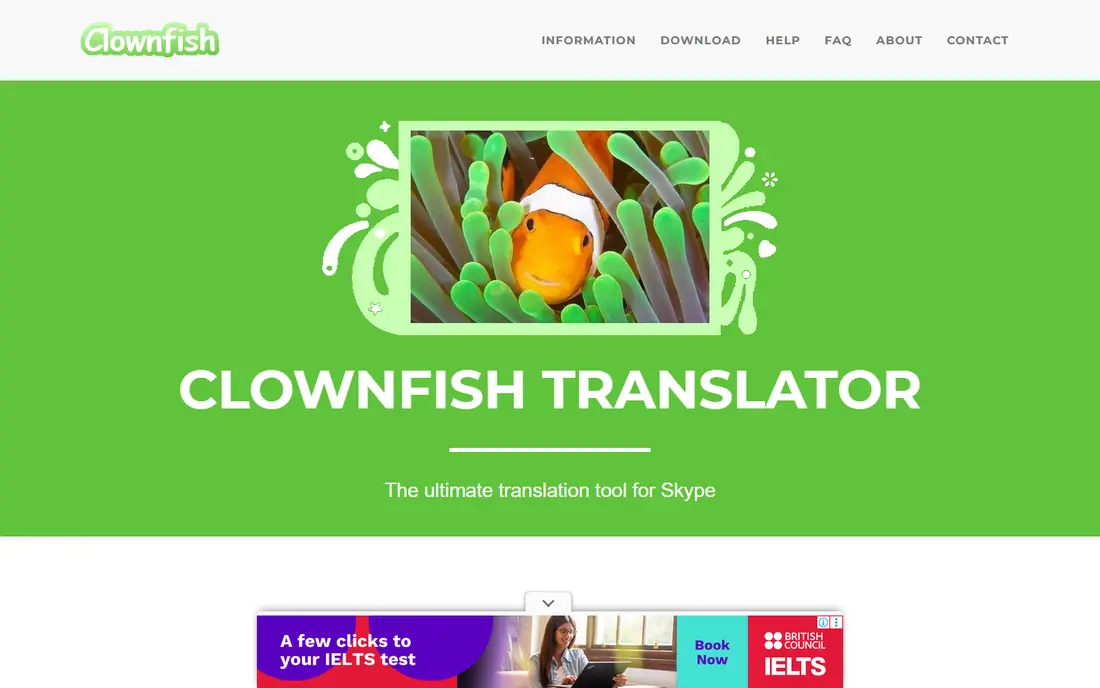
Clownfish is the simplest free alternative for Windows users who want their voice changed everywhere, not just in one app. It installs as a system-wide tool, so Discord, Skype, Steam games and other apps can all use the changed voice without separate setup in each one. That breadth is its main advantage over tools tied to a single platform.
The trade is polish and range. The interface is basic, the voice set is smaller than AI tools offer, and there is no Mac version. For a user who wants a robot, alien or pitch-shifted voice for casual gaming, Clownfish does the job for free. For a streamer who needs a signature AI voice, a paid tool will sound more natural.
- Free system-wide Windows tool
- Works across chat and game apps
- Light on system resources
- Windows only
- Interface is plain
- Voice range is narrower than paid AI tools
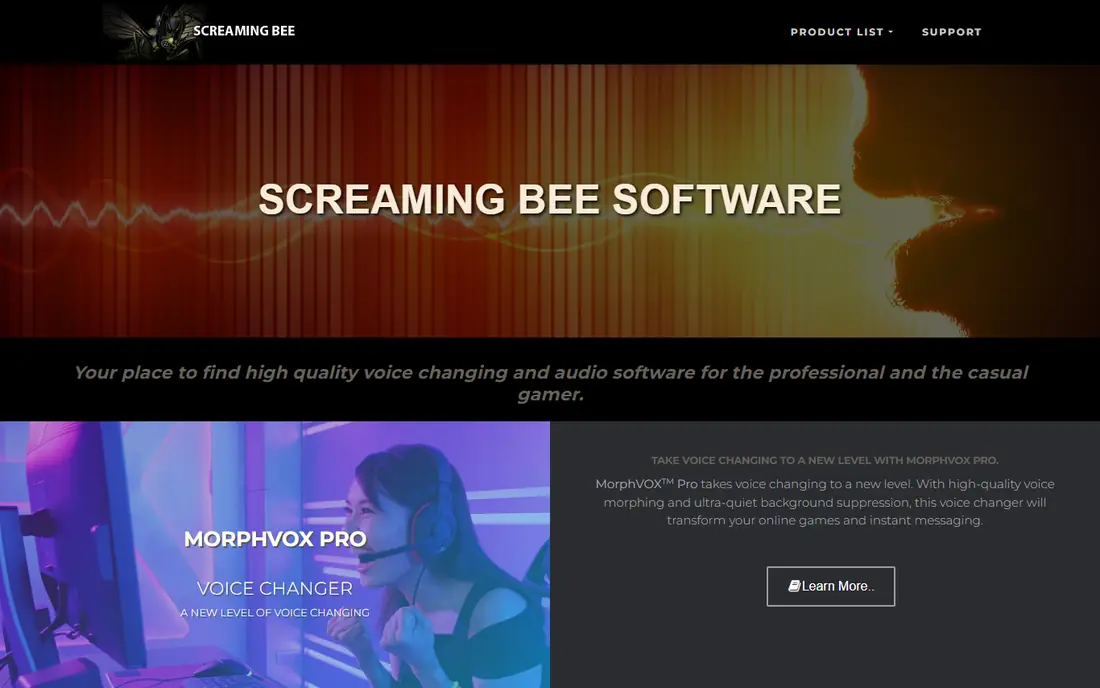
MorphVOX Pro has been a staple real-time changer for years, and its strength is control. You can tune pitch, timbre and other settings, build custom voices, trigger soundboard clips and add background sounds such as traffic or a cafe. That depth suits role-play gamers and streamers who want a consistent character voice across sessions.
The downside is age and platform. The design feels older than newer AI tools, and Mac support is limited compared with Windows. The $39.99 licence is a one-time cost, which is fair for long-term use, but casual users should try the free Junior version or the trial first to check that the voices suit them.
- Many voice presets and custom tuning
- Soundboard and background sounds
- Low system load
- Windows focus
- One-time price for full version
- Interface feels dated
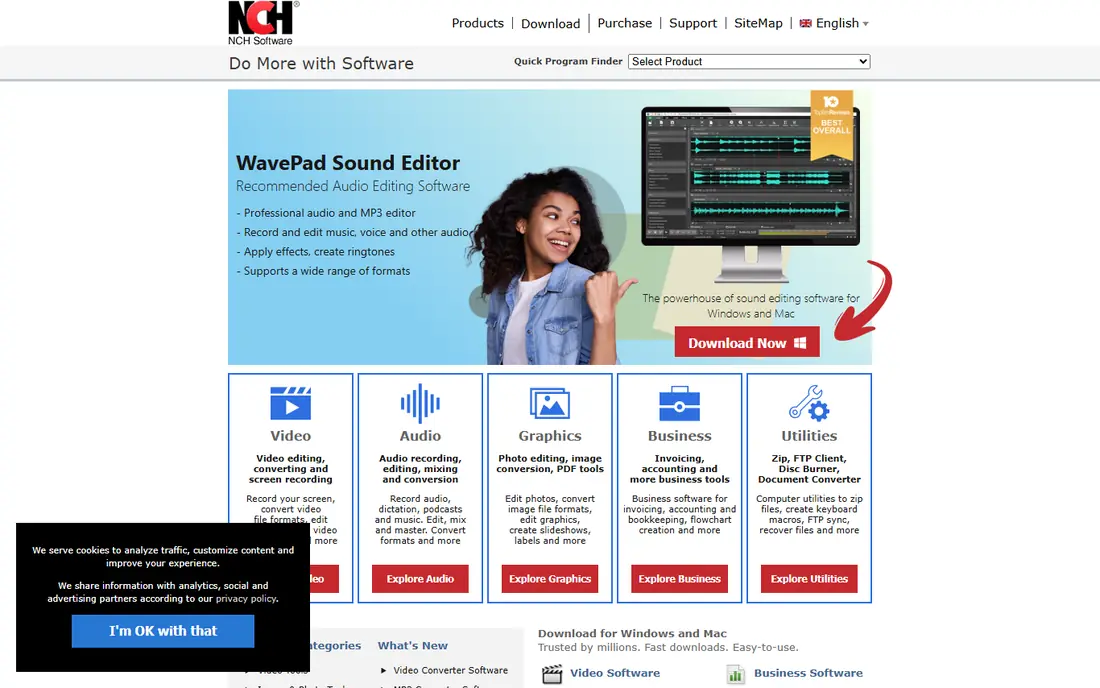
Voxal, from NCH Software, is a practical middle ground: free for non-commercial home use, available on Windows and Mac, and able to change your voice live or apply effects to a recording. That dual use helps podcasters and video creators who want the same tool for calls and for editing. Setup is simple, with a virtual microphone that chat apps can select.
The catch is licensing and range. Commercial use needs a paid licence, listed at $35.99 in many stores, and the effect library leans on classic pitch and modulation effects rather than modern AI voices. For home gaming and casual calls, Voxal is a strong free pick. For AI character voices, MagicMic or Dubbing AI will sound more current.
- Free for non-commercial home use
- Works on Windows and Mac
- Can change recorded audio too
- Commercial use needs a paid licence
- Voice quality varies by effect
- Fewer AI voices than newer tools
MagicMic focuses on AI voices for streamers, gamers and call users who want a wide library without deep tuning. You pick a voice, speak, and the tool outputs the changed voice live, with a soundboard for clips and memes. That simplicity makes it easy to start a stream with a new voice in minutes.
The free version is limited, and the best voices and features sit behind a paid plan, so check the current pricing page before committing. AI voices also vary: some sound natural, others sound clearly synthetic on longer speech. Test a voice in a real call, not just in a short demo, before using it for a stream.
- Large AI voice library
- Real-time changing for games and calls
- Soundboard included
- Full features need a paid plan
- Windows and Mac only
- Voice quality varies by model
AV Voice Changer Software Diamond is the pick for users who want to change live voice and also edit recordings in detail. It offers voice morphing, pitch and timbre controls, a soundboard and tools for editing audio files, which suits creators who record, clean up and publish voice work. The full licence is listed at $29.95, with other licence options also shown on the vendor site.
The downside is complexity and platform. The interface packs many controls into one window, which can overwhelm a first-time user, and there is no Mac version. For a user who only needs live changing in Discord, Clownfish or Voxal is simpler. For a user who edits voice files often, AV Voice Changer earns its place.
- Live changing plus file editing
- Voice morphing and effects controls
- Recorder and editor included
- Windows only
- Interface is busy for beginners
- Full licence options vary in price
EaseUS VoiceWave, also listed as EaseUS Voice Changer, is a newer AI option for PC users who want real-time changing and file-based changing in one app. It lists voices for gaming, streaming and calls, plus tools for changing a recorded file for video or podcast use. The interface is cleaner than older tools, which helps new users get started fast.
As a newer entrant, VoiceWave has a smaller user community and fewer third-party guides than MorphVOX or Voxal. The free version also limits the voice library, so the paid plan is the real product for regular use. It is worth testing if you want AI voices with a simple setup, but compare its voices side by side with MagicMic before paying.
- AI voices for games and calls
- File voice changing for creators
- Simple interface
- Paid plans needed for full library
- Windows focus
- Newer tool with a smaller community
Dubbing AI is built for streamers who want many AI voices live, with low latency and OBS routing through a virtual microphone. Its library is large, its community soundboard adds clips for streams, and new voices arrive regularly, which helps a streamer keep a fresh sound. For Twitch and YouTube streamers, that live focus is a real advantage over file-only tools.
The free tier is limited, and the full library needs a paid plan, so check the current pricing before building a stream identity around one voice. Latency also depends on your connection and machine, so test it in a private stream first. For streamers who need a signature live voice, Dubbing AI is one of the strongest options here.
- Large AI voice library for live use
- Works with OBS through a virtual microphone
- Community soundboard
- Free tier limits apply
- Best voices need a paid plan
- Quality varies by voice and connection
HitPaw Voice Changer suits creators who work with files rather than live calls. You upload an audio or video file, pick an AI voice, and download the changed version, which is useful for video voiceovers, memes and short clips. Noise removal helps clean up a recording before the voice change, and the workflow needs no virtual microphone setup.
The limit is live use. HitPaw is strongest for files, while Clownfish, MorphVOX and Dubbing AI are stronger for live gaming and calls. Paid plans are also needed for full use, and results depend on the clarity of the source recording. For file-based creators, it is a useful tool. For live streamers, pick a live-first option instead.
- AI voice changing for uploaded audio and video
- Simple upload workflow
- Noise removal options
- File-based, not a full live changer for all apps
- Paid plans for full use
- Output quality varies by source
Voice.ai offers AI voice styles and cloning for users who want a distinctive voice for content or calls. The desktop app can change voice live in supported apps, and creators can build custom voices from recordings, subject to the service terms and consent rules. That custom angle sets it apart from tools that only offer preset voices.
The catch is that cloning raises consent questions, and any voice tool should only be used with permission from the person whose voice is copied. Voice.ai also limits its best features behind paid plans, and quality varies by voice. Use it for your own creative voice work, never to impersonate someone else, and check the current plan terms before paying.
- Free download with AI voice styles
- Voice cloning options for creators
- Desktop app for calls and games
- Full features need a paid plan
- Voice quality varies
- Platform support is narrower than older tools
How we picked these
We compared official download and pricing pages for real-time and file-based voice changers that are live in October 2026. We kept only tools with a working Windows or Mac product, and we left out mobile-only novelty apps and tools with no clear live or file workflow. Prices are shown as listed by each vendor, with free tiers noted where a free download or free plan is offered.
What to check before you install
Start with live versus file use, since that split decides most picks. Live changers need a virtual microphone that your game, Discord or OBS can select, and they need low latency so your voice does not lag behind your video. File changers need good input quality, since a noisy recording will sound worse after a voice change, not better.
Next, test on your own machine and connection. Voice changers add processing load, and AI voices in particular can strain a weaker PC or a slow connection. Run a test call with a friend and ask how you sound, rather than trusting a demo clip. Also check platform support: several strong tools are Windows only, so Mac users should shortlist Voxal, MagicMic and Dubbing AI first.
Finally, use these tools with care. Never use a voice changer to impersonate a real person, mislead a caller, or harass someone in a game or call. Many platforms also have rules about deceptive voice use, and breaking them can lead to a ban. A voice changer is a creative tool for gaming, streaming and content, and it works best when everyone in the call knows a voice effect is in use.
Sound quality, latency and safety
Sound quality depends on your microphone as much as on the tool. A clear headset mic will give any changer a better starting point than a laptop mic in a noisy room. Reduce background noise at the source, keep the mic close, and avoid stacking too many effects at once, since each extra effect adds artefacts.
Latency matters most for live use. If your voice arrives late, conversation feels awkward and viewers notice the mismatch. Close other heavy apps during a stream, use a wired connection where possible, and pick a voice model that your machine handles comfortably. If latency stays high, switch to a lighter classic effect instead of a heavy AI model.
Frequently asked questions
What is the best alternative to Voicemod?
Clownfish is the best free Windows alternative, MorphVOX Pro is best for deep control, and Dubbing AI or MagicMic are best for AI voices for streaming. The right pick depends on whether you need live, file-based or AI voices.
Is there a free voice changer like Voicemod?
Yes. Clownfish is free for Windows, Voxal is free for non-commercial home use, and MagicMic, Dubbing AI, Voice.ai and HitPaw offer free tiers. Paid plans open up larger voice libraries and full features.
Do voice changers work on Mac?
Some do. Voxal and MagicMic list Mac support, while Clownfish and MorphVOX Pro are Windows focused. Check the vendor download page for your operating system before installing.
Can I use a voice changer in Discord and OBS?
Yes, if the tool provides a virtual microphone that Discord or OBS can select as an audio input. Test the routing in a private call or stream first, since setup steps differ by tool.
Is it safe to use a voice changer?
It is safe when used for gaming, streaming and creative work with consent and honesty about the effect. Do not use a voice changer to impersonate a real person, mislead a caller, or harass others, and follow the rules of the platform you are on.
Sources
See where you really rank - block by block
ProMapRanker scans Google Maps across a grid of your service area. Simple monthly plans from $19, white-label on every plan.
Start freeKeep reading
 zscaler alternatives
Best Zscaler Alternatives in 2026
Looking for zscaler alternatives? We compare 9 SASE and zero trust platforms on architecture, data protection, pricing, and fit for your network and team.
Read → zapier alternatives free
Best Zapier Alternatives Free in 2026
Nine automation tools for zapier alternatives free in 2026, all with genuinely free tiers, plus free plan limits, starting prices and upgrade paths explained.
Read → which platform is best for online reputation
Which Platform Is Best for Online Reputation in 2026
Wondering which platform is best for online reputation? We compare 8 review, listing, and response tools for small and multi-location businesses and agencies.
Read →