 ProMapRanker
Best VMware Workspace ONE Alternatives in 2026


Microsoft 365 shops · Pricing starts at: $8 per user per month
Key takeaways
- VMware Workspace ONE is now Omnissa Workspace ONE, after VMware sold its end user computing division in 2024, so buyers searching the old name are shopping for a current Omnissa product.
- Microsoft Intune is our pick for most Microsoft 365 shops, because Plan 1 is already included in many Microsoft 365 plans and standalone pricing starts at $8 per user per month.
- Apple-heavy teams should shortlist Jamf Pro and Mosyle, while mixed fleets get the best value from Hexnode, Scalefusion and ManageEngine Endpoint Central.
- Per-device pricing beats per-user pricing for shared devices, kiosks and frontline fleets, so check which model each vendor uses before you compare headline prices.
Quick comparison
| Pick | Great for | Pricing starts at | Free tier | |
|---|---|---|---|---|
| Microsoft Intune | Microsoft 365 shops | $8 per user per month | Free trial | Visit |
 Jamf Pro | Apple-first enterprises | See website | Free trial | Visit |
 Hexnode UEM | Mixed fleets on a budget | $2.20 per device per month | Free trial | Visit |
 Scalefusion | Kiosks and mixed fleets | $2 per device per month | Free trial | Visit |
 Mosyle | Apple fleets on a budget | Free | Yes | Visit |
 ManageEngine Endpoint Central | Windows-heavy IT teams | $795 per year | Free trial | Visit |
 SOTI MobiControl | Rugged and retail fleets | See website | Free trial | Visit |
 Ivanti Neurons | Enterprises needing automation | See website | Free trial | Visit |
 Miradore | Small teams starting out | Free | Yes | Visit |
 IBM MaaS360 | Security-focused enterprises | $1.50 per device per month | Free trial | Visit |
The best VMware Workspace ONE alternatives
One plain fact first: VMware Workspace ONE is now Omnissa Workspace ONE. VMware sold its end user computing division to KKR in 2024, and the product continues under the Omnissa name. The tools below are genuine alternatives to that unified endpoint management platform, covering Windows, macOS, iOS, Android and more.
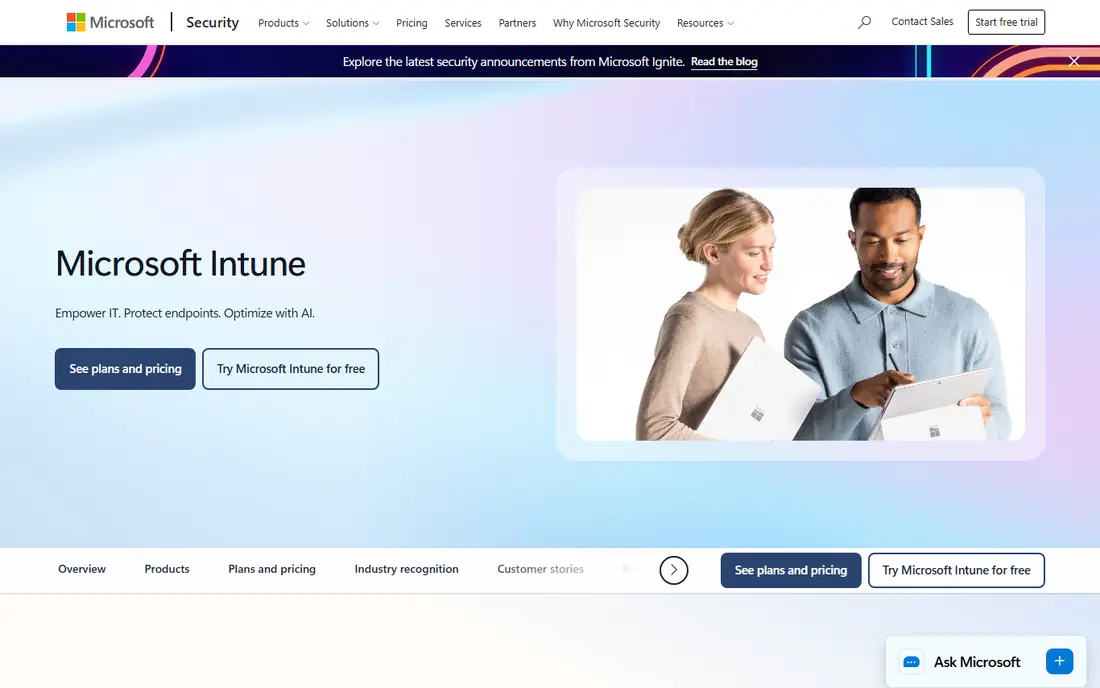
Intune is the default answer for any company already paying for Microsoft 365, and for good reason. Plan 1 is included in Microsoft 365 E3, E5 and Business Premium, which means many buyers already own it and only need to turn it on. It manages Windows, macOS, iOS and Android from one console, ties into Entra ID for conditional access, and pairs with Windows Autopilot for zero-touch setup of new machines.
The catch is the Microsoft gravity. Teams outside the Microsoft world get less value, and Apple device controls are not as deep as a dedicated Apple tool. Per-user licensing also means a 500-person company needs 500 licenses even if only a few people run IT. Still, for Microsoft shops, Intune is hard to beat on price and integration, and it is our pick for most people.
- Included in many Microsoft 365 plans
- Strong Windows and security integration
- Zero-touch setup with Windows Autopilot
- Apple controls are thinner than Jamf
- Setup feels complex for small teams
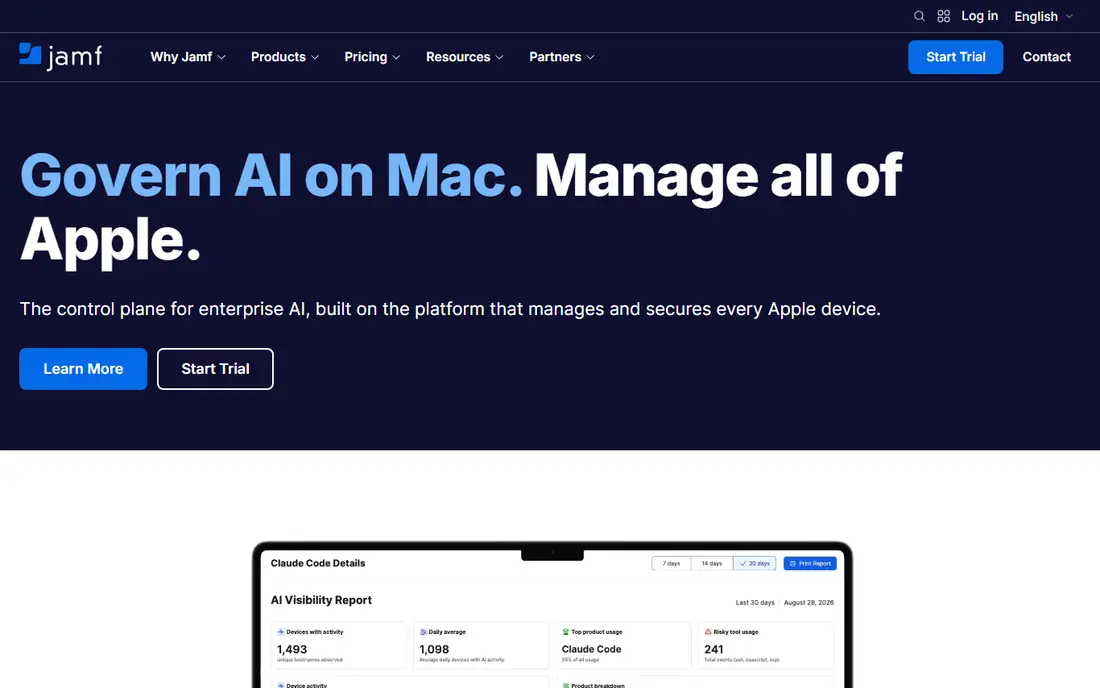
Jamf Pro is the standard for organisations that run on Apple hardware. It manages macOS, iOS, iPadOS and tvOS with a depth no cross-platform tool matches, from automated app deployment to scripted workflows and compliance reporting. Apple Business Manager integration gives true zero-touch enrolment, so a new Mac can configure itself the first time it is switched on.
That depth comes at a price, and Jamf Pro pricing is quote-based with volume minimums that put it out of reach for tiny teams. Smaller Apple fleets should look at Jamf Now or Mosyle instead. For a large Apple estate with complex needs, though, Jamf Pro remains the benchmark, and its admin community is a real asset when you hit an edge case.
- Deepest Apple device management available
- Strong zero-touch enrolment
- Large admin community
- Quote-based pricing
- Overkill and costly for small fleets
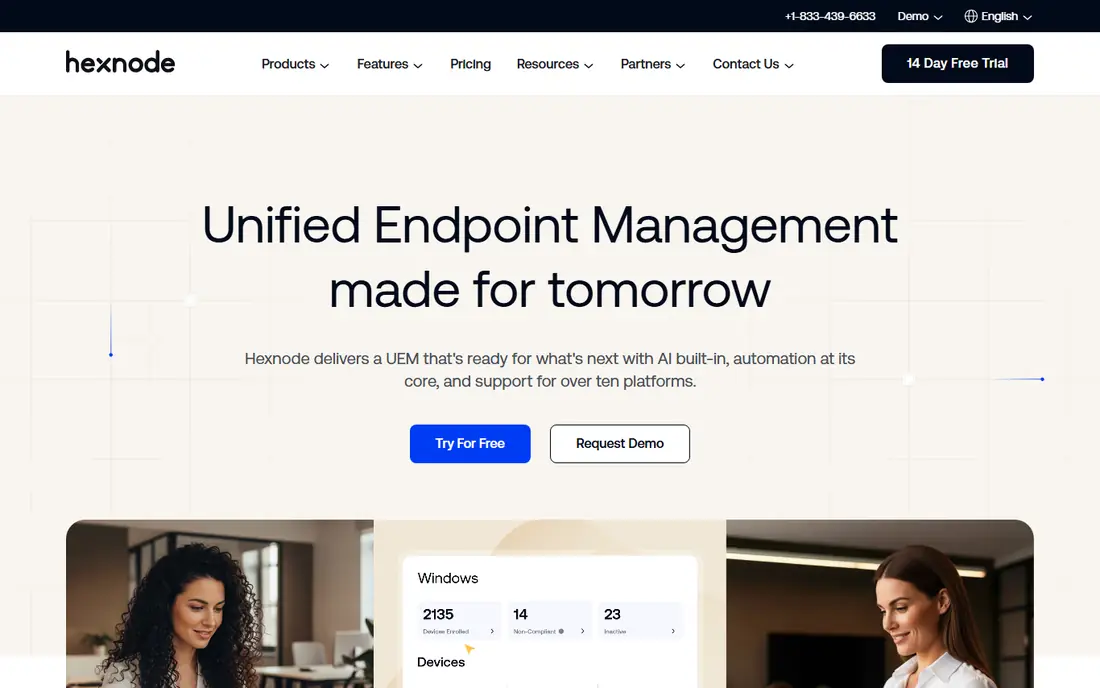
Hexnode UEM is a strong value pick for teams managing a mix of operating systems. It covers Windows, macOS, iOS, Android and tvOS from one console, with app management, patching, kiosk mode and location tracking included in the broader tiers. The entry tier starts at $2.20 per device per month, which undercuts most enterprise rivals by a wide margin.
The trade-off is tiering. The cheapest plan is genuinely basic, and features such as advanced patching and integrations require the higher UEM tiers. Small and midsize teams that need solid coverage without enterprise cost will find Hexnode a good fit, while very large fleets may want to test its reporting and scale before committing.
- Low starting price
- Covers Windows, macOS, iOS, Android and tvOS
- 14-day trial
- Advanced features sit on higher tiers
- Support depth varies by plan
Scalefusion covers Windows, macOS, iOS, Android, Linux and ChromeOS, which makes it a good fit for mixed fleets and public-facing devices. Its Essentials plan starts at $2 per device per month billed annually for Android and iOS, and the Business plan at $5 per device per month adds broader desktop support. Kiosk lockdown, digital signage and remote control are particular strengths.
The 10-device minimum rules it out for the very smallest teams, and the cheapest plan is mobile only, so Windows and Mac fleets need the Business tier. For retail, logistics and field teams running shared devices, Scalefusion offers a lot of control for the money, and its interface is easier to learn than most enterprise tools.
- Low entry price
- Strong kiosk and signage support
- Covers six platforms
- 10-device minimum
- Enterprise features cost more
Mosyle is the budget answer for Apple fleets. It offers a free tier for small deployments, and paid plans run roughly $1 to $3 per device per month depending on whether you want basic management or the security-bundled Fuse tiers. Setup is self-service, and the product is built around Apple Business Manager and automated deployment.
The limits are clear. Mosyle is Apple-first, so a Windows-heavy fleet will need a second tool, and paid plans generally require a minimum device count. It is also a more do-it-yourself experience than Jamf, with less hand-holding. For schools, small businesses and Apple-heavy teams watching cost, Mosyle is the value pick in this list.
- Free tier for small deployments
- Low paid pricing
- Apple-focused design
- Paid plans carry device minimums
- Less suited to Windows-heavy fleets
ManageEngine Endpoint Central suits IT teams that manage mostly Windows machines with some Macs and mobile devices mixed in. It covers Windows, Mac, Linux, iOS and Android, with automated patching for operating systems and third-party applications, software deployment and remote troubleshooting. An on-premises edition exists for teams that cannot go fully cloud.
Pricing starts at $795 per year for the entry edition, which makes it one of the cheaper enterprise-grade options. The interface is functional rather than pretty, and Apple management is not as deep as Jamf or Mosyle. For Windows-centric IT departments that want patching and deployment without a per-user enterprise bill, Endpoint Central is a solid, practical choice.
- Broad OS coverage
- Automated patching for OS and third-party apps
- On-premises option
- Interface feels dated
- Apple depth lags dedicated Apple tools
SOTI MobiControl is built for the devices other tools treat as an afterthought: rugged handhelds, warehouse scanners, retail point-of-sale units and shared Android fleets. It manages Android, Apple, ChromeOS, Linux and Windows devices, with remote control, lockdown and staging tools designed for frontline work. Logistics, retail and manufacturing teams are its natural audience.
Pricing is quote-based, so you will need a sales conversation to get a number, and large rollouts benefit from SOTI expertise during setup. If your fleet is mostly office laptops and phones, a cheaper cross-platform tool will do. If your fleet lives in warehouses, stores and delivery vans, MobiControl is purpose-built for that world.
- Strong rugged Android support
- Covers six platforms
- Built for logistics and retail
- Quote-based pricing
- Setup needs expertise for large fleets
Ivanti Neurons combines endpoint management with automation that finds and fixes common device problems without a technician touching the machine. It covers the major desktop and mobile platforms and ties into Ivanti security and service management products, which suits enterprises that already use Ivanti elsewhere. Patching, software distribution and compliance reporting are all included.
The downside is weight. Pricing is quote-based, and implementation is a project rather than an afternoon, especially for teams that want the automation features tuned to their environment. Smaller teams will find lighter tools faster to adopt. Large enterprises that want devices to fix themselves will get real value from the Neurons approach.
- Automation and self-healing workflows
- Broad platform coverage
- Strong security integrations
- Quote-based pricing
- Implementation can be heavy
Miradore is a good first endpoint management tool for a small business that has outgrown spreadsheets and manual setup. The free plan covers basic device management across the major platforms, with inventory, configuration profiles and remote actions included. Setup is quick, and the interface does not assume a dedicated IT admin.
The free tier is deliberately limited, and features such as automation and advanced security require paid plans. It is not the tool for a thousand-device enterprise fleet. For a team managing tens of devices that needs visibility and basic control at no cost, Miradore is an easy place to start, with a paid path when the fleet grows.
- Free plan for basic management
- Simple setup
- Covers major platforms
- Advanced features need paid plans
- Smaller ecosystem than rivals
IBM MaaS360 pairs device management with security features such as threat detection and compliance enforcement, backed by IBM security research. It covers the major platforms and suits regulated industries that want management and mobile security in one contract. MaaS360 Fast Start, a narrower mobile offering for iOS and Android, starts at $1.50 per client device per month.
The main MaaS360 offering is quote-based, and the full product can feel heavy for small teams that only need basic management. Enterprises with strict security requirements and existing IBM relationships will find it a natural fit. Smaller buyers should start with Fast Start or a lighter tool on this list.
- Low-cost Fast Start option for mobile
- AI-assisted threat management
- IBM security backing
- Main offering is quote-based
- Interface can feel enterprise-heavy
How we picked these
We compared official feature pages, pricing pages and product documentation for unified endpoint management tools that cover the same ground as Omnissa Workspace ONE: multi-platform device management, app deployment, policy enforcement and security controls. We favoured tools that are live and supported in October 2026, publish clear pricing or a clear trial path, and serve a distinct audience, from Apple-only fleets to rugged frontline devices. Where a vendor does not publish a price, we say so rather than guess.
What to check before you switch
Start with your fleet, not the feature list. Count devices by operating system, and separate personal BYOD phones from company-owned machines, because the two groups need different policies. Check whether shared devices and kiosks push you toward per-device pricing, which is cheaper than per-user pricing for frontline fleets. Then test enrolment on each platform you actually run, because a tool that shines on Windows can be thin on macOS, and the reverse is true too.
Trial questions worth asking
Ask each vendor how migration works from your current tool, including whether devices must be wiped and re-enrolled. Ask what happens to policies during a trial, and whether support covers migration help or only break-fix issues. Confirm the renewal price, not just the first-year quote, and check whether security add-ons such as threat detection are included or billed separately. A two-week trial with ten real devices will tell you more than any demo.
Pick by fleet shape
Microsoft shops should start with Intune, Apple shops with Jamf Pro or Mosyle, and mixed fleets with Hexnode or Scalefusion. Rugged and retail fleets belong with SOTI, and Windows-heavy IT teams should test Endpoint Central. Small teams can start free with Miradore or Mosyle and upgrade only when the fleet or the compliance requirements grow.
Frequently asked questions
Is VMware Workspace ONE still available?
Yes, under a new owner and name. VMware sold its end user computing division to KKR in 2024, and the business became Omnissa. Workspace ONE continues as Omnissa Workspace ONE, so existing customers are on a live product, not a discontinued one.
What is the best free alternative to Workspace ONE?
Miradore and Mosyle both offer free tiers for basic management, with Mosyle aimed at Apple fleets and Miradore covering the major platforms. Free tiers suit small fleets, but larger teams will need paid plans for automation, advanced security and reporting.
How much does Microsoft Intune cost?
Intune Plan 1 costs $8 per user per month standalone, and it is included in Microsoft 365 E3, E5 and Business Premium. Add-ons such as Plan 2 and the Intune Suite cost extra, so check your existing Microsoft 365 plan before buying standalone licenses.
Can one tool manage Windows, Mac, iOS and Android?
Yes. Intune, Hexnode, Scalefusion, Endpoint Central, SOTI and MaaS360 all cover the major platforms, though depth varies by operating system. Apple-first teams usually get more from Jamf Pro or Mosyle, even if a cross-platform tool covers Apple devices adequately.
How hard is it to switch endpoint management tools?
It depends on your fleet size and whether devices must be wiped and re-enrolled. Plan a pilot group first, test enrolment on each platform, and confirm that policies, apps and certificates move across cleanly before rolling out to the whole fleet.
Sources
- https://www.microsoft.com/en-us/security/business/microsoft-intune-pricing
- https://www.jamf.com
- https://www.hexnode.com
- https://scalefusion.com
- https://mosyle.com
- https://www.manageengine.com/endpoint-central/
- https://soti.net
- https://www.ivanti.com
- https://www.miradore.com
- https://www.ibm.com/products/maas360
- https://www.omnissa.com
- https://cirasync.com/blog-articles/mobile-device-management-software/
See where you really rank - block by block
ProMapRanker scans Google Maps across a grid of your service area. Simple monthly plans from $19, white-label on every plan.
Start freeKeep reading
 zoro.to alternatives
Best Zoro.to Alternatives in 2026
We compare the best zoro.to alternatives in 2026, listing only legal licensed anime streaming services, from Crunchyroll to free options for fans today.
Read → zip alternatives
Best Zip Alternatives in 2026
We compare the best zip alternatives for buy now, pay later in 2026, covering pay-in-4 plans, fees, spending limits, and credit reporting options today.
Read → yesware alternatives
Best Yesware Alternatives in 2026
Compare the best yesware alternatives for sales email tracking, templates, and sequences, with current pricing and honest tradeoffs for small sales teams.
Read →