 ProMapRanker
Best VMware Horizon Alternatives in 2026


Large hybrid enterprise deployments · Pricing starts at: See website
Key takeaways
- Horizon is now sold as Omnissa Horizon after Broadcom's EUC divestiture, and this list covers independent platforms rather than Omnissa Horizon itself.
- Citrix DaaS and Azure Virtual Desktop are the strongest enterprise replacements, with different strengths for hybrid estates and Microsoft shops.
- Amazon WorkSpaces and Windows 365 suit teams that want managed cloud desktops with less infrastructure to run.
- Parallels RAS, Kasm Workspaces and V2 Cloud offer simpler or cheaper routes for mid-sized teams.
- Pilot with your real apps, especially graphics-heavy or latency-sensitive ones, before moving a whole workforce.
Quick comparison
| Pick | Great for | Pricing starts at | Free tier | |
|---|---|---|---|---|
| Citrix DaaS | Large hybrid enterprise deployments | See website | No | Visit |
 Azure Virtual Desktop | Microsoft 365 and Azure teams | See website | No | Visit |
 Amazon WorkSpaces | AWS-based managed desktops | See website | No | Visit |
 Windows 365 | Simple dedicated Cloud PCs | See website | No | Visit |
 Parallels RAS | Simpler mid-market app and desktop delivery | $9 per user per month | Free trial | Visit |
 Nutanix Frame | Browser-based desktops without a client | See website | No | Visit |
 Kasm Workspaces | Browser workspaces and disposable desktops | Free | Yes | Visit |
 V2 Cloud | Fully managed desktops for smaller teams | $35 per user per month | Free trial | Visit |
 Inuvika OVD Enterprise | Low-cost Linux-based virtual desktops | $7.50 per user per month | Free trial | Visit |
The best VMware Horizon alternatives
VMware Horizon delivers virtual desktops and apps from central infrastructure, and many teams are re-examining it after Broadcom's EUC divestiture moved Horizon to Omnissa. Note plainly: Horizon is now sold as Omnissa Horizon, and we do not list Omnissa Horizon here, since this article covers independent alternatives to it. The platforms below range from full enterprise VDI to simple managed cloud desktops.
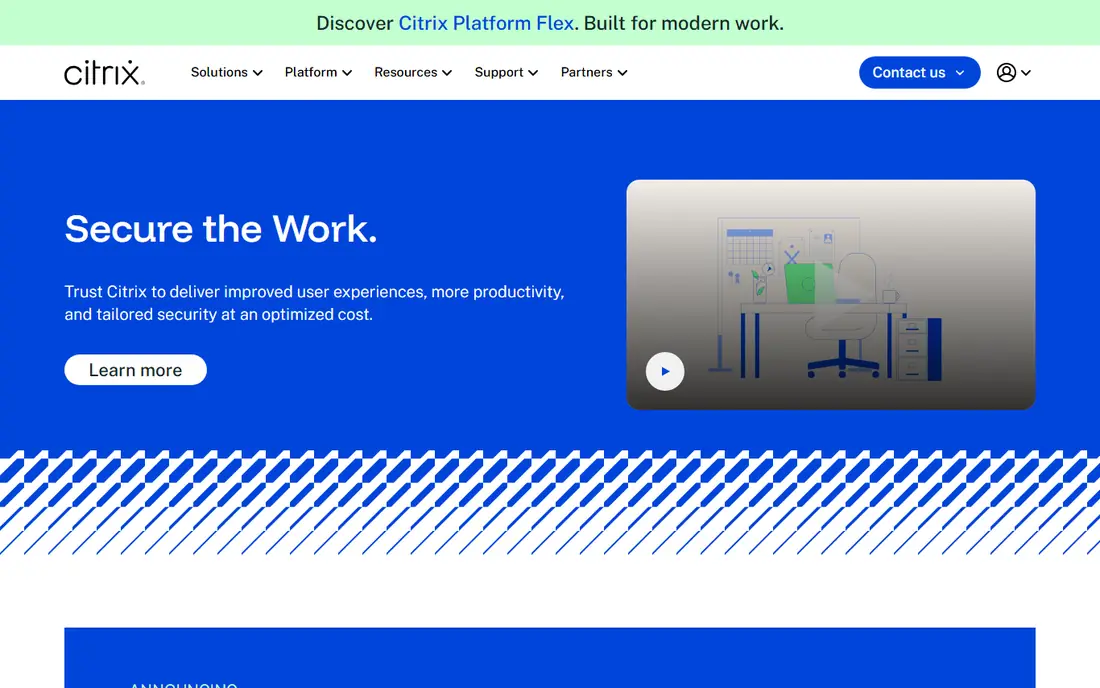
Citrix DaaS is the most direct enterprise replacement for Horizon. It delivers virtual desktops and apps across on-premises, hybrid and multi-cloud infrastructure, with policy control, security features and the HDX protocol that handles graphics and multimedia workloads well. Large and regulated organisations already run much of their app estate on Citrix tooling.
The cost is complexity and price. Citrix pricing is quote-based, and a full deployment needs careful design around networking, identity and licensing. For a small team, that weight is hard to justify, but for a large estate, it is the platform most likely to cover every edge case.
- Mature VDI and app delivery
- HDX protocol for demanding workloads
- Hybrid and multi-cloud support
- Pricing is quote-based
- Architecture takes real planning at scale
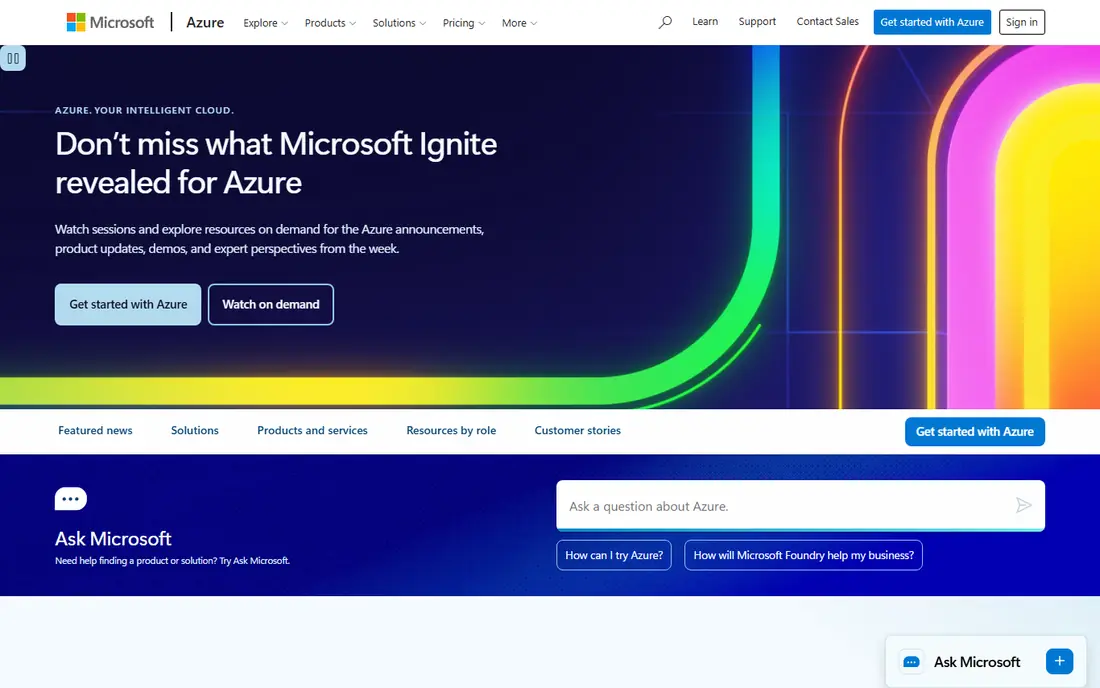
Azure Virtual Desktop suits teams already living in Microsoft 365 and Azure. It offers multi-session Windows desktops, scaling that follows demand, and licensing that ties in with eligible Microsoft 365 plans. Management through Azure tools feels natural for Microsoft-focused IT teams.
Costs can drift if auto-scaling and session host sizing are not watched, and the platform runs on Azure only, so teams that need on-premises desktops must look elsewhere. For a Microsoft estate moving to cloud desktops, though, it is the natural first pilot.
- Multi-session Windows on Azure
- Tight Microsoft 365 integration
- Pay-as-you-go scaling
- Azure costs need active management
- No on-premises hosting option

Amazon WorkSpaces gives AWS-committed organisations managed Windows and Linux desktops without running VDI brokers themselves. Billing can be monthly or hourly per desktop, which helps teams with part-time or seasonal users, and integration with AWS identity and storage services keeps the setup tidy.
It is built for desktop delivery first, so teams that mainly need to publish individual apps may find a platform like Parallels RAS or Citrix a better shape. Costs also depend on bundle size and region, so a pilot with real user profiles is the honest way to budget.
- Managed cloud desktops on AWS
- Monthly or hourly billing
- Broad AWS integration
- Desktop delivery focus rather than app-first delivery
- AWS skills help to run it well
Windows 365 is the simplest Microsoft route: each user gets a dedicated Cloud PC with a fixed monthly price, managed by Microsoft. There is no session host sizing to tune and no broker infrastructure to patch, which makes it attractive for teams that want cloud desktops without a VDI project. It pairs cleanly with Microsoft 365 and Intune management.
Flexibility is the trade. Teams that need shared session hosts, Linux desktops or deep custom images will find Windows 365 narrower than Azure Virtual Desktop. For standard office workers, that simplicity is exactly the point.
- Fixed per-user monthly pricing
- Microsoft-managed Cloud PCs
- Simple assignment to users
- Less flexible than full VDI
- Windows only
Parallels RAS appeals to mid-market teams that want VDI-style delivery without enterprise VDI complexity. It publishes apps and desktops from a single console, with load balancing, session management and multi-site support, and its published DaaS pricing starts at a level smaller teams can budget. That balance is why it shows up so often in Horizon comparisons.
The platform still leans on Windows Server infrastructure, so it is not a fully managed service in the Windows 365 sense. Very large or highly regulated estates may also outgrow it, but for a mid-sized rollout, it is a pragmatic pick.
- Simpler deployment than enterprise VDI
- App and desktop delivery in one console
- Concurrent user options
- Still needs Windows Server infrastructure
- Less depth than Citrix for very large estates
Nutanix Frame delivers desktops and apps straight to a browser, which removes client installs from the rollout. It runs on major public clouds and on Nutanix infrastructure, and it suits contractors, students and frontline workers who use shared or unmanaged devices. Admins manage images and policies from a web console.
Frame is quote-based, so budgeting needs a sales conversation, and teams should test their specific apps in the browser before committing, since some apps behave differently without a native client. For browser-first delivery, though, it is one of the cleanest options here.
- Desktops and apps in a browser
- Runs on major clouds
- No endpoint client to install
- Pricing is quote-based
- App-first use cases need careful checking
Kasm Workspaces takes a different approach, streaming container-based workspaces to a browser. A free Community Edition lets teams self-host, while paid editions add enterprise controls, Windows support and support. Disposable sessions suit secure browsing, labs, training and contractor access, where a fresh desktop each time is a feature rather than a limit.
Kasm is not a drop-in clone of Horizon. Persistent Windows desktop estates and legacy VDI workflows need checking against its model, and the best results come from teams comfortable with container infrastructure. For browser workspaces and short-lived desktops, it is hard to beat on value.
- Free Community Edition
- Browser-based Linux and Windows workspaces
- Disposable sessions for secure work
- Enterprise features are paid
- Setup suits teams comfortable with containers
V2 Cloud targets small businesses, managed service providers and software vendors that want managed desktops without hiring VDI specialists. The provider runs the infrastructure, pricing is flat per user per month at the published starting level, and desktops cover Windows and Linux workloads. That hands-off model is the whole appeal.
Large enterprises with complex app estates, strict data residency needs or deep custom images may find the managed model limiting. For a team that wants desktops as a service with a predictable bill, V2 Cloud is a straightforward shortlist entry.
- Fully managed service
- Flat per-user pricing
- Windows and Linux desktops
- Less suited to very large or complex estates
- Managed model limits deep customisation
Inuvika OVD Enterprise delivers Windows and Linux apps and desktops from Linux-based infrastructure, with a single admin console and concurrent user subscriptions. Its published starting price is low compared with enterprise VDI, and its hypervisor-agnostic design avoids tying the desktop layer to one virtualisation vendor.
The vendor is smaller than Citrix or Microsoft, so teams should weigh support coverage and roadmap confidence. App compatibility, especially for Windows apps with unusual graphics or peripheral needs, deserves a pilot. For cost-sensitive teams, the price gap is large enough to justify that test.
- Low published per-user pricing
- Hypervisor-agnostic
- Single admin console
- Smaller vendor than Citrix or Microsoft
- Windows app delivery needs testing
How we picked these
We compared official product pages, deployment models, pricing material, protocol and app support, and public reviews for each platform. We excluded Omnissa Horizon itself, since this article covers alternatives to Horizon, and we favoured platforms with current, maintained offerings in 2026. Where pricing is quote-based, we say so rather than inventing a figure.
How to choose a virtual desktop platform
Start with your workforce, not with a vendor shortlist. Office workers on standard apps suit Windows 365 or V2 Cloud, graphics and engineering users need protocol and GPU testing on Citrix or Azure Virtual Desktop, and contractors on unmanaged devices suit browser options like Frame or Kasm. Map data residency, identity provider support and peripheral needs before any pilot.
Cost the whole picture for three years, including licences, cloud capacity, storage, network egress and admin time. A low per-user price can still grow expensive if cloud desktops run around the clock, while a higher platform price can pay off if it cuts support tickets. Pilot with your hardest apps, measure logon times and session quality, and only then roll out in waves.
Frequently asked questions
Is VMware Horizon now Omnissa Horizon?
Yes. After Broadcom's EUC divestiture, Horizon moved to Omnissa and is sold as Omnissa Horizon. Existing Horizon customers should confirm their current licensing and support path with Omnissa, while new buyers compare independent platforms like those in this list.
What is the difference between VDI and Desktop as a Service?
VDI usually means your team runs the desktop infrastructure, whether on-premises or in your cloud account. Desktop as a Service means the provider runs much of that infrastructure and you pay per user, which cuts admin work but limits customisation.
Which Horizon alternative is best for a Microsoft shop?
Azure Virtual Desktop is the closest fit for Microsoft 365 and Azure teams, and Windows 365 suits teams that want simpler fixed-price Cloud PCs. Both tie into Microsoft identity and management tools.
Which alternative is cheapest?
Inuvika OVD Enterprise and Parallels DaaS publish the lowest starting prices in this list, and Kasm Workspaces offers a free Community Edition for self-hosting. Real cost still depends on user count, workload size and cloud capacity.
Can I run Linux desktops on these platforms?
Yes, several support Linux desktops or apps, including Amazon WorkSpaces, Kasm Workspaces, V2 Cloud and Inuvika OVD. Windows 365 is Windows only, so check the platform's desktop OS support before choosing.
Sources
See where you really rank - block by block
ProMapRanker scans Google Maps across a grid of your service area. Simple monthly plans from $19, white-label on every plan.
Start freeKeep reading
 zyte alternatives
Best Zyte Alternatives in 2026
These zyte alternatives cover managed scraping APIs, proxy networks and no code tools for lawful collection from your own or consented sources only in 2026.
Read → zerto alternatives
Best Zerto Alternatives in 2026
Compare the best zerto alternatives for disaster recovery and replication, with recovery targets, cloud options and honest trade-offs for teams in 2026.
Read → zerofox alternatives
Best ZeroFox Alternatives in 2026
We compared 9 zerofox alternatives for brand protection, phishing takedowns, dark web monitoring, and social impersonation, with clear coverage notes.
Read →