 ProMapRanker
Replacing vLLM: 6 Alternatives Compared


Multi-model serving fleets · Pricing starts at: Free, open source
Direct answer
Triton Inference Server is the first pick on this list for multi-model serving fleets. Text Generation Inference is the stronger choice for existing Hugging Face deployments, while Ollama suits straightforward local model use. The other 3 tools in the list cover narrower or pricier cases.
Key takeaways
- This list starts with Triton Inference Server, which is built for multi-model serving fleets.
- For CPU and edge hardware, llama.cpp is worth a look.
- Free plans are common here: 6 of 6 tools have one, including Triton Inference Server, Text Generation Inference, Ollama and SGLang.
- Text Generation Inference comes with a trade-off: in maintenance mode since late 2025.
Quick comparison
| Pick | Great for | Pricing starts at | Free tier | |
|---|---|---|---|---|
| Triton Inference Server | Multi-model serving fleets | Free, open source | Yes | Visit |
 Text Generation Inference | Existing Hugging Face deployments | Free, open source | Yes | Visit |
 Ollama | Straightforward local model use | Free, open source | Yes | Visit |
 SGLang | Production serving for agents | Free, open source | Yes | Visit |
 MLC LLM | Mobile, browser, and edge deployment | Free, open source | Yes | Visit |
 llama.cpp | CPU and edge hardware | Free, open source | Yes | Visit |
Our 6 picks for vLLM
If you are comparing vLLM, this page covers 6 tools in one place: what each is best for, what it costs to start, whether it has a free plan, and the main limit to know about.
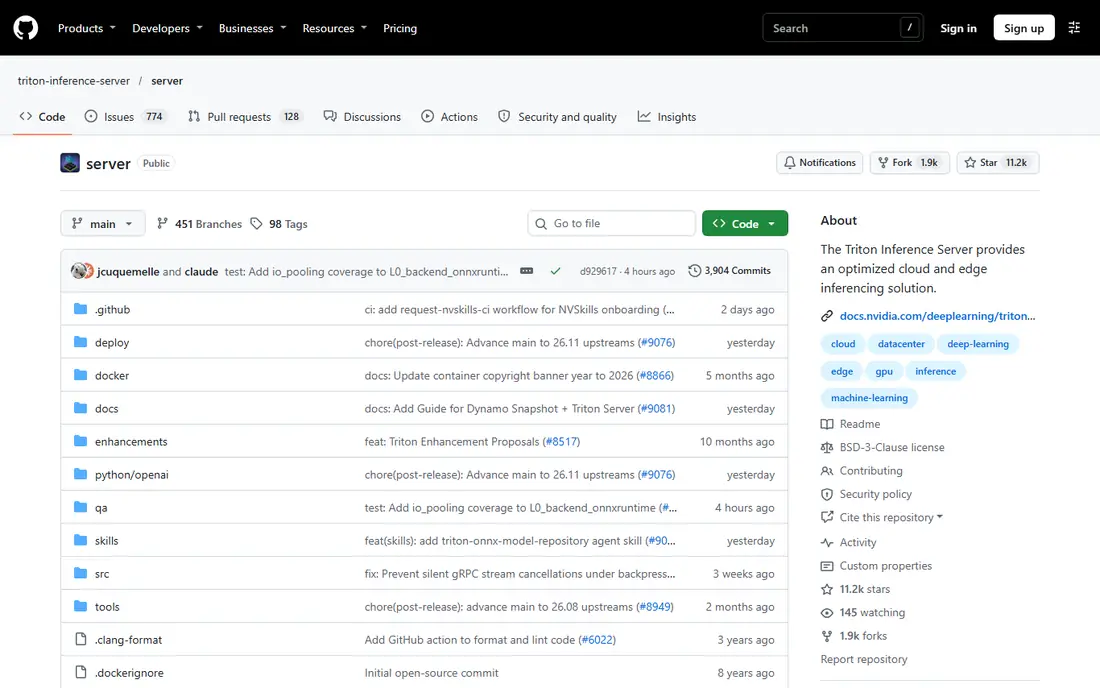
Pick Triton Inference Server if this describes you: multi-model serving fleets. Triton Inference Server, from NVIDIA, serves plenty of model types, not only LLMs, inside one fleet. For everyday use, configuration is hard, and its LLM-specific features trail SGLang and vLLM.
Teams serving only LLMs should pick SGLang or vLLM instead. For a single LLM, Triton is overkill. Starting cost for Triton Inference Server: Free, open source. Triton Inference Server includes a free tier.
Trade-offs to know: Overkill for one model.
- Multi-framework support
- Capable enterprise tooling
- Hard to configure

Think of Text Generation Inference for existing Hugging Face deployments. Text Generation Inference, known as TGI, was Hugging Face's production serving engine and remains quick to set up with an OpenAI-compatible API. It supports quantization formats for example GPTQ and AWQ, and it links deeply with the Hugging Face model hub.
In daily use, new projects should not pick TGI. For everyday use, the key fact is its status. Beyond that, TGI entered maintenance mode in December 2025, with only bug fixes accepted, and Hugging Face docs point new users toward vLLM, SGLang, llama.cpp, and MLX. What you pay to start with Text Generation Inference: Free, open source. Free access exists with Text Generation Inference.
Honest limits: Migrate for new projects.
- Deep Hugging Face ecosystem links
- OpenAI-compatible API
- In maintenance mode since late 2025

Ollama targets straightforward local model use. Ollama is the simplest way to run models locally. Its model library includes widely used open models, and it fits solo developers, prototyping, and private desktop workflows where data must stay on the machine.
For local use, nothing here is simpler. As for the details, teams that outgrow Ollama typically move to SGLang or vLLM for serving, whereas keeping Ollama for development. As for the details, multi-user serving is restricted, peak throughput trails vLLM and SGLang, and production controls like advanced batching and metrics are thinner. Ollama cost at the entry level: Free, open source. Ollama has a free plan.
Trade-offs to know: Restricted multi-user serving.
- Large model library
- Runs on CPU and major GPUs
- Fewer production controls
SGLang makes the most sense for production serving for agents. Its RadixAttention cache reuses shared prompt prefixes, which pays off for agents and retrieval workflows where numerous requests share a system prompt. It supports structured output, multi-LoRA serving, and Prometheus metrics, and it runs on NVIDIA, AMD, TPU, and Ascend hardware.
Drawbacks to consider: Tuning takes effort.
On top of that, the cost is complexity. SGLang setup and tuning take more effort than a local tool. Teams should benchmark it on their own prompts before switching, since the caching advantage shrinks for completely random queries. Guides report deployment on hundreds of thousands of GPUs worldwide. What you pay to start with SGLang: Free, open source. SGLang has a free plan.
- RadixAttention prefix caching
- Broad hardware support
- Newer than vLLM in some shops
Pick MLC LLM if this describes you: mobile, browser, and edge deployment. MLC LLM compiles models for on-device use across phones, browsers, smart TVs, and laptops, using Metal, Vulkan, WebGPU, and CUDA backends.
That makes it the pick for apps that must run inference without a server, keeping user data on the device. In daily use, performance varies widely by device, so teams must test on target phones. Entry price for MLC LLM: Free, open source. You can start on MLC LLM without paying.
Watch-outs: Mobile model range is narrower. Best features of MLC LLM: Metal, Vulkan.
- Runs on phones, browsers, TVs
- WebGPU backends
- Harder to set up
llama.cpp is a good fit for CPU and edge hardware. llama.cpp is the portability champion. The server mode is entry-level compared to SGLang or vLLM, and multi-user production needs additional work.
Trade-offs to know: Setup needs command-line comfort.
When hardware is unusual or weak, it is commonly the only engine that performs well. In daily use, written in C++, it runs on NVIDIA, AMD, Metal, Vulkan, and plain CPUs, with GGUF quantization that squeezes large models onto modest hardware. Its server mode supplies an OpenAI-compatible API with JSON schema output and grammar controls, plus opt-in Prometheus metrics. What you pay to start with llama.cpp: Free, open source. llama.cpp includes a free tier.
- GGUF quantization range
- Excellent CPU support
- Single-user focus
What went into this list
ProMapRanker used vendor pricing pages and product documentation as the base, then compared plans, free access and documented limits for 6 tools. Where a price is missing, the vendor does not list one publicly or ties it to a quote. Always confirm before budgeting. The order reflects how well each tool fits the most common buying scenario for vLLM, then price clarity, then free plan access. It is a starting point, not a verdict.
Before you commit
- Check the current price for Triton Inference Server, llama.cpp and the rest on each vendor page, since seats and billing terms change the total.
- Check what the free option really includes: Triton Inference Server, Text Generation Inference, Ollama and others offer a free plan, and usage caps differ.
- Read the limits listed for Triton Inference Server first: hard to configure.
- Confirm you can export your data from SGLang, so leaving later does not mean losing records.
- Before rolling out Text Generation Inference, verify the integrations your workflow depends on.
Frequently asked questions
Do these engines cost anything?
All eight are open source and free to use, with no license fees. Beyond that, managed hosting from cloud vendors is a separate product and is priced by those vendors, not by the engine projects.
How are the tools for vLLM ordered?
The order follows typical fit for vLLM, with Triton Inference Server first and llama.cpp last, then price clarity and free access. It is editorial judgement, not a score, so another team could rank the tools differently.
Do these tools publish their prices?
Yes. Every tool from Triton Inference Server to llama.cpp shows a starting price, though seats, add-ons and billing terms still change the final cost.
Is Triton Inference Server the right pick for everyone comparing vLLM?
No single tool suits every team. Triton Inference Server comes first because it fits multi-model serving fleets, while Text Generation Inference suits existing Hugging Face deployments and Ollama suits simple local model use. Match the tool to your own size, budget and workflow before deciding.
Is SGLang better than vLLM?
SGLang leads for agentic and multi-turn workloads with shared prefixes, thanks to RadixAttention caching, and it matches vLLM on structured output and metrics. For general production serving, both are capable, so benchmark on your own prompts before choosing.
Can I try these tools before paying?
Often, yes. Triton Inference Server, Text Generation Inference, Ollama and others have a free plan. Use your own data and a real task during the test, and check what the free tier or trial limits before you rely on it.
Sources
See where you really rank - block by block
ProMapRanker scans Google Maps across a grid of your service area. Simple monthly plans from $19, white-label on every plan.
Start freeKeep reading
 zscaler alternatives
Best Zscaler Alternatives in 2026
Looking for zscaler alternatives? We compare 9 SASE and zero trust platforms on architecture, data protection, pricing, and fit for your network and team.
Read → zapier alternatives free
Best Zapier Alternatives Free in 2026
Nine automation tools for zapier alternatives free in 2026, all with genuinely free tiers, plus free plan limits, starting prices and upgrade paths explained.
Read → which platform is best for online reputation
Which Platform Is Best for Online Reputation in 2026
Wondering which platform is best for online reputation? We compare 8 review, listing, and response tools for small and multi-location businesses and agencies.
Read →