 ProMapRanker
Vercel Alternatives in 2026

Key takeaways
- Netlify and Cloudflare Pages are the closest frontend swaps, with Git deploys and preview links, while Cloudflare offers the most generous bandwidth terms.
- Render, Railway and Fly.io suit apps that need databases, background jobs or long-running processes that frontend-only hosts handle poorly.
- Heroku and DigitalOcean App Platform suit teams that want a managed platform with less infrastructure work, and GitHub Pages suits free static docs.
- This guide lists alternatives only, not the named product itself, so compare each option against your framework, backend needs and budget.
Quick comparison
| Pick | Great for | Pricing starts at | Free tier | |
|---|---|---|---|---|
 Netlify | Frontend deploys | Free | Yes | Visit |
 Cloudflare Pages | Low-cost static sites | Free | Yes | Visit |
 Render | Full-stack apps | Free | Yes | Visit |
 Railway | Databases and services | See website | No | Visit |
 Fly.io | Global containers | See website | No | Visit |
 Heroku | Managed platform | See website | No | Visit |
 DigitalOcean App Platform | Predictable PaaS | Free | Yes | Visit |
 GitHub Pages | Free static docs | Free | Yes | Visit |
The best Vercel alternatives
We compared official pricing pages, documentation and feature lists for platforms that deploy web apps from Git. Each option below is an alternative to the named product, and none of the entries is that product itself.
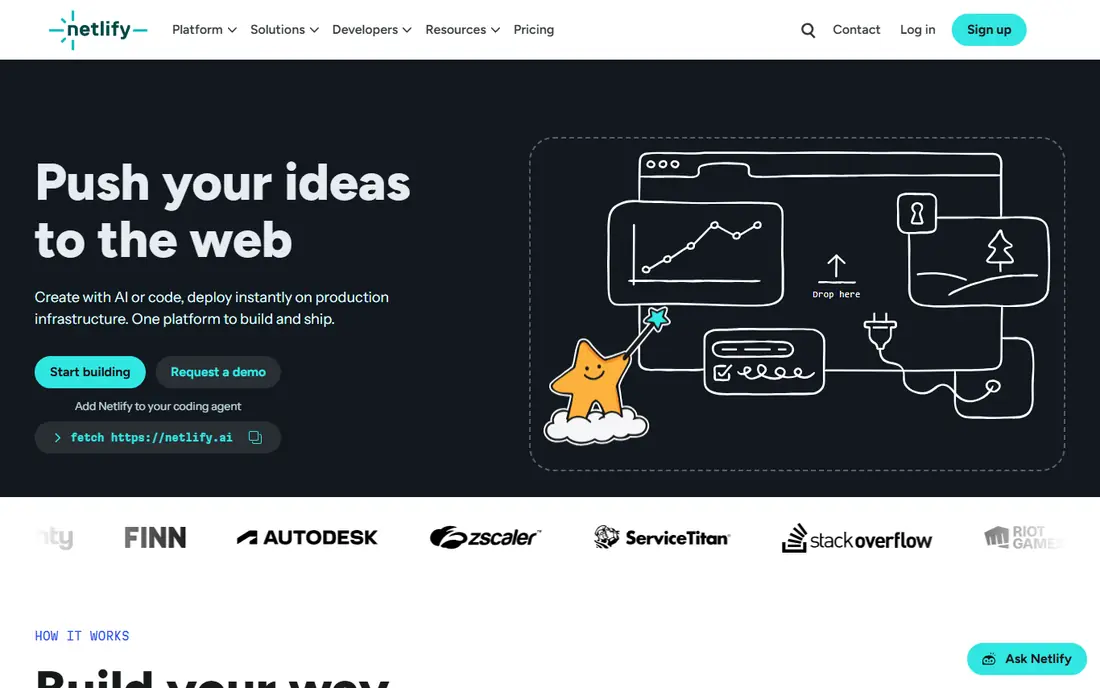
Netlify is the most familiar swap for frontend teams. Connect a Git repo, get preview deploys for pull requests, and ship static sites and serverless functions with custom domains and SSL. Build plugins, forms and edge functions cover many common site needs without extra services.
Free plans have bandwidth and build limits that have tightened over time, so high-traffic sites need a paid plan. For marketing sites, docs and Jamstack apps with a standard frontend workflow, Netlify remains the easiest move.
- Git deploys and preview links
- Build plugins
- Serverless functions and forms
- Bandwidth and build limits on free plans
- Costs rise with team size
Cloudflare Pages suits static sites with unpredictable traffic because bandwidth terms are far more forgiving than most rivals. Pair Pages with Workers for APIs, auth and dynamic logic, and use Cloudflare DNS and security tools in the same account. For blogs, docs and marketing sites, the free tier is hard to beat.
The trade-off is learning curve. Apps that need a traditional server, database or background worker fit less naturally here than on Render or Railway. Teams comfortable with edge functions will get the most value.
- Generous free bandwidth for static assets
- Global edge network
- Workers for backend logic
- Full-stack apps need Workers knowledge
- Dashboard can feel complex for beginners
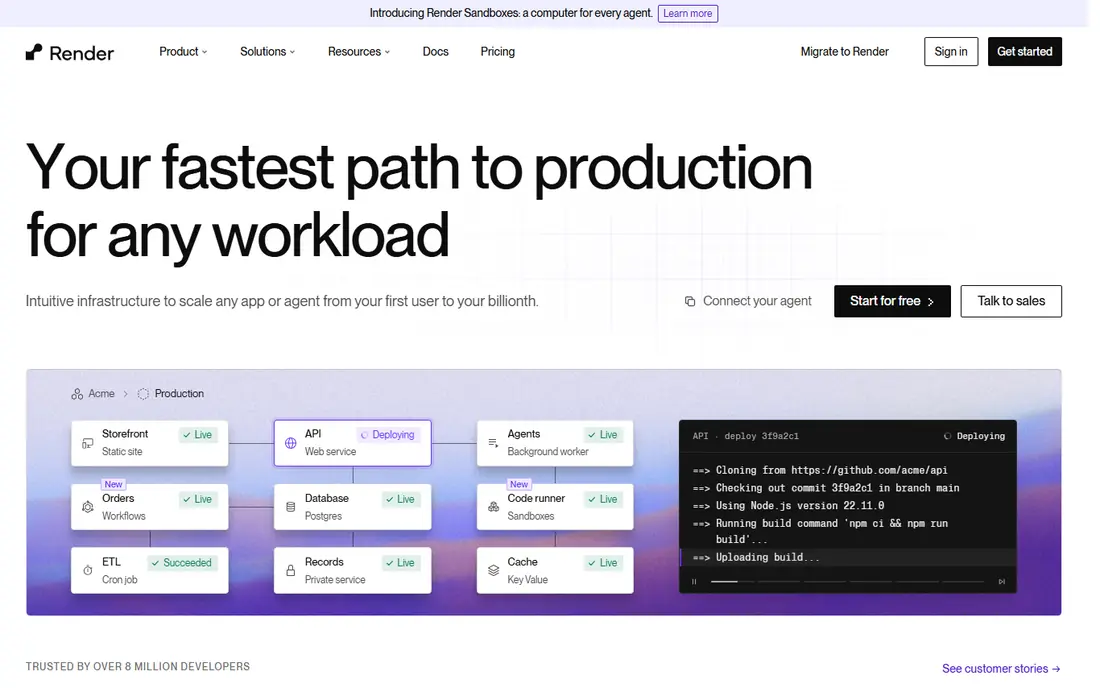
Render suits teams whose app outgrew a frontend-only host. Run a static frontend, a web service, a background worker and a managed Postgres database in one workspace, with Git deploys and preview environments. That mix covers many small SaaS apps without stitching several vendors together.
Free web services sleep after inactivity, so they suit staging and side projects more than production. Paid plans, listed from about $19 per user per month for Professional in public summaries, plus service costs, suit production use.
- Static sites, web services, workers and databases in one place
- Preview environments
- Autoscaling
- Free instances spin down
- Pooled bandwidth limits on free plans
Railway is built for full-stack projects where services reference each other. Deploy an app, add a database, schedule a cron job and preview pull requests from one dashboard. Developers often praise how fast a working backend comes together compared with assembling cloud services by hand.
Usage billing is the watch point. Hobby and Pro plans use credit-based pricing, so a runaway job or database can raise the bill. Set spending limits and alerts early, and use Railway where developer speed matters more than fixed monthly pricing.
- Fast full-stack deploys
- Postgres, MySQL, Mongo and Redis
- Cron jobs and PR environments
- Usage-based billing can surprise
- Free tier is trial credit only
Fly.io suits apps that must run close to users in several regions, handle websockets, or keep long-lived connections. Deploy containers globally, use private networking between services, and add managed Postgres for state. That control appeals to teams who outgrow serverless limits.
The cost is operational skill. Fly.io expects more comfort with containers, regions and scaling than a frontend host. Teams that want a simple Git push and nothing else may prefer Netlify or Render first.
- Containers close to users in many regions
- Private networking
- Managed Postgres
- More operational work than Netlify
- Pricing is usage-based
Heroku remains a solid managed platform for traditional web apps. Git deploys, pipelines, add-ons for databases, caching and monitoring, and a mature runtime make it easy to run a production app without managing servers. Teams with existing Heroku knowledge can move quickly.
Pricing is the main drawback. Costs are based on compute and add-ons, and there is no free tier for production use. Heroku suits teams that value a managed, well-documented platform and can budget for dynos and add-ons.
- Long-running managed platform
- Add-on marketplace
- Git deploys and pipelines
- Pricing is custom and can be high
- Free tier no longer available
DigitalOcean App Platform suits teams that want predictable PaaS pricing without full cloud complexity. Deploy static sites and container apps from Git, add databases, and scale services with clear per-service prices. A free tier covers static sites and basic testing.
Framework-specific features, such as deep Next.js optimization, are thinner than on frontend specialists. For straightforward apps, APIs and internal tools where cost clarity matters, App Platform is a practical alternative.
- Static and dynamic apps
- Git CI and autoscaling
- Clear service pricing
- Fewer framework-specific features than frontend specialists
- Smaller edge network
GitHub Pages is the simplest free option for docs, portfolios and project sites already hosted on GitHub. Publish from a repo branch, add a custom domain, and get SSL without a separate host. For open-source docs, it is often all a project needs.
The limit is clear: Pages serves static files only, with no server code, forms handling or databases. Move to Netlify, Cloudflare Pages or Render the moment a site needs dynamic features, auth or backend logic.
- Free for public repos
- Simple Jekyll support
- Custom domains and SSL
- Static only
- No server logic, forms or databases
How we picked these
We compared official pricing pages, documentation and feature lists, favoring platforms with live Git deploys in 2026 and a clear use case as a frontend host, full-stack platform or static host. We excluded the named product itself, as this is an alternatives guide, and we noted where free tiers are limited or trial-only. Prices marked See website reflect usage-based or custom pricing that varies by service size.
Choosing the right alternative
Split frontend and backend needs
Frontend-only hosts excel at static sites and serverless functions but handle long-running processes poorly. If your app needs websockets, workers, cron jobs or a persistent database, pick Render, Railway or Fly.io, or pair a frontend host with a backend platform. Trying to force one host to do both often causes the most migration pain.
Check framework support early
Next.js, Remix, Astro and other frameworks behave differently across hosts, especially for server rendering, caching and edge middleware. Test a preview deploy with your real framework and features before migrating, and check docs for any adapters or limits.
Model the bill at real traffic
Compare bandwidth, build minutes, function use, database costs and per-seat fees at your expected traffic, not at free-tier levels. Cloudflare Pages suits high static traffic, while usage-based platforms need alerts and caps to avoid surprises.
Run a trial deploy with your real project, not a starter template. Test preview links, environment variables, database connections and any background jobs your app needs. Measure build time, cold starts and the first bill under realistic use, and check how support responds to a question. A host that passes that trial is far more likely to hold up in production than one that only looks good on a pricing page.
Keep a short checklist for your next use so the tool keeps working for you. Note the settings that worked, the limits you hit and the cost of the next tier, and review that note before renewing or upgrading. Small notes like these prevent repeat mistakes, save money on unused plans and make it easier to switch tools later without losing the workflow you already built.
Frequently asked questions
What are the best alternatives to Vercel?
Netlify and Cloudflare Pages are best for frontend sites, Render and Railway are best for full-stack apps, and Fly.io is best for global containers. Heroku and DigitalOcean App Platform suit managed PaaS use, while GitHub Pages suits free static docs.
What is the best Vercel alternative for Next.js?
Netlify offers strong Next.js support with previews and serverless functions, while Cloudflare Pages and Render also support Next.js with different trade-offs. Test server rendering, caching and middleware on your chosen host before migrating a production app.
Is there a free alternative to Vercel?
Yes. Netlify, Cloudflare Pages, Render and GitHub Pages all offer free tiers for static or small projects, and DigitalOcean App Platform offers a free tier for static sites. Free tiers have limits on bandwidth, build minutes or sleeping services, so check terms for commercial use.
Which alternative is cheapest for a static site?
Cloudflare Pages is often cheapest for static sites because of generous free bandwidth, followed by GitHub Pages for public docs and Netlify for small sites. Compare bandwidth, build limits and commercial-use terms at your traffic level.
Should I use a frontend host or a backend platform?
Use a frontend host for static sites and serverless apps, and a backend platform for databases, workers and long-running services. Many teams use one of each: a frontend host for the site and Render, Railway or Fly.io for the API and jobs.
Sources
See where you really rank - block by block
ProMapRanker scans Google Maps across a grid of your service area. Simple monthly plans from $19, white-label on every plan.
Start freeKeep reading
 best veterinary software
Best Veterinary Software in 2026
We compared the best veterinary software for clinics of every size, from cloud practice tools to desktop systems, with detailed pricing and trade-offs.
Read → best truck gps app
Best Truck GPS App in 2026: 8 Apps Compared
Best truck GPS app picks for truckers, with truck routing, low bridge warnings, parking and fuel tools, plus current prices and free options for US drivers.
Read → best teleprompter app
Best Teleprompter App in 2026
Compare the best teleprompter app options for video, meetings and speeches, with voice scrolling, floating windows, free plans and prices for creators.
Read →