 ProMapRanker
8 VDI Alternatives in 2026 Compared

Key takeaways
- We read VDI as virtual desktop infrastructure, including cloud desktop services that deliver the same remote desktop job.
- Azure Virtual Desktop and Windows 365 suit Microsoft-centred teams, while Amazon WorkSpaces suits AWS-centred teams.
- Citrix DaaS and Omnissa Horizon suit large hybrid estates with strict policy control.
- Parallels RAS, Nutanix Frame and V2 Cloud suit smaller teams that want simpler management.
- Most enterprise pricing is quote-based, so get a total that includes licences, storage and support.
Quick comparison
| Pick | Great for | Pricing starts at | Free tier | |
|---|---|---|---|---|
 Citrix DaaS | Large regulated estates | See website | No | Visit |
 Omnissa Horizon | Hybrid and multi-cloud estates | See website | No | Visit |
 Azure Virtual Desktop | Microsoft-centred cloud teams | See website | No | Visit |
 Amazon WorkSpaces | AWS-centred managed desktops | See website | No | Visit |
 Windows 365 | Simple Cloud PCs for Microsoft teams | See website | No | Visit |
 Parallels RAS | Mid-size teams wanting simpler VDI | $10 per user per month | Free trial | Visit |
 Nutanix Frame | Browser-first app and desktop delivery | See website | No | Visit |
 V2 Cloud | Small businesses wanting simple cloud desktops | $35 per user per month | No | Visit |
The best VDI alternatives
Virtual desktop infrastructure lets staff open a full desktop and its apps from almost any device, while IT keeps data and policy control central. Some tools run on your own servers, some run in a public cloud, and some mix both. We compared vendor pages and recent desktop-as-a-service roundups in October 2026, and we list only tools that still sell a virtual desktop product today.
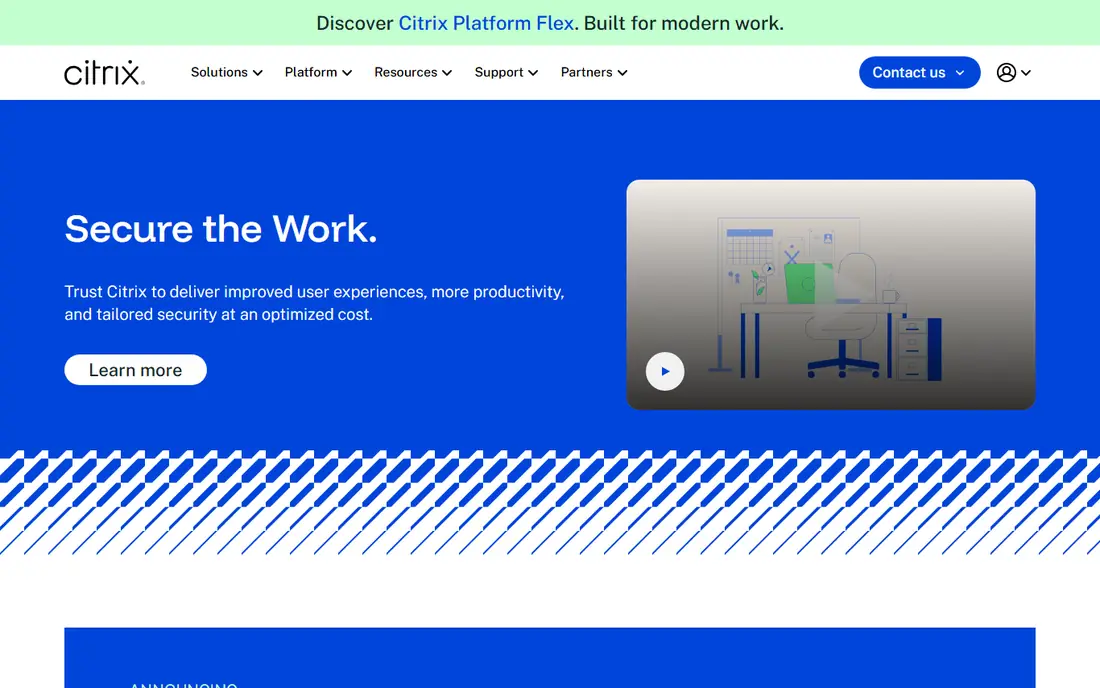
Citrix DaaS is the enterprise standard for a large team that needs strict control over apps, desktops and data. It delivers Windows desktops and apps to many device types, with policy controls, session handling and monitoring for regulated work. It suits banks, health teams and large firms with complex compliance needs.
Complexity is the cost. Architecture, licensing and infrastructure planning need skilled IT staff, and the service price is only part of the total. A small team will find it heavy. A large estate that needs that control will find few rivals as deep.
- Strong policy and security controls
- Broad app and desktop delivery
- Wide device support
- Complex to run
- Total cost includes infrastructure and licences beyond the service price
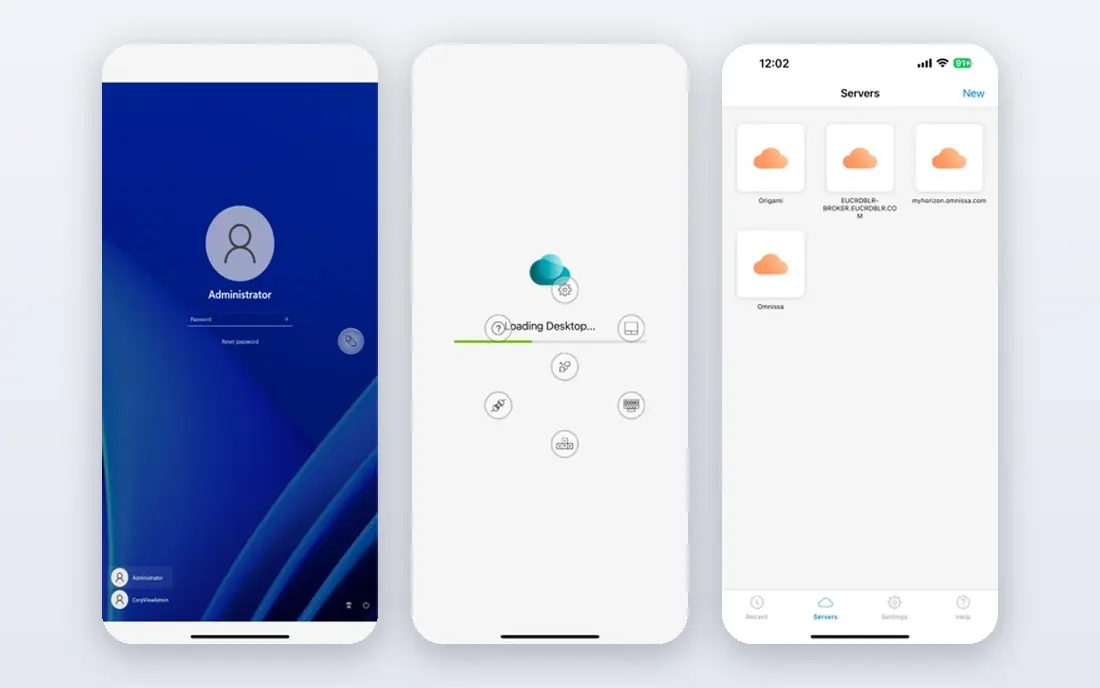
Omnissa Horizon, formerly VMware Horizon, suits a team that wants desktops on its own servers, in a cloud, or in both at once. One management view covers pools, apps and policies across those locations, which helps a firm moving to cloud in stages rather than all at once. It is a strong fit for large hybrid estates.
Pricing is quote-based, so budget planning needs a vendor quote that covers licences, infrastructure and support. Hybrid networking also needs care. For a team already invested in VMware-style infrastructure, Horizon offers a clear path forward.
- On-premises, cloud and hybrid delivery
- Single management view
- Strong app delivery
- Quote-based pricing
- Needs planning for hybrid networking and licences
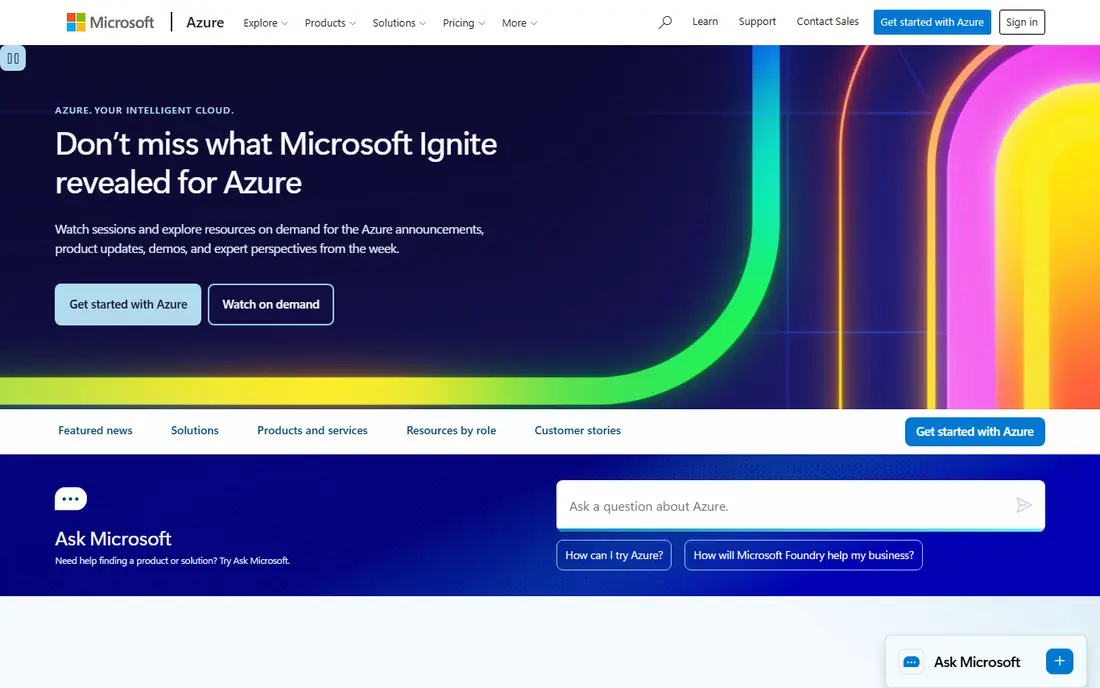
Azure Virtual Desktop suits a team already centred on Microsoft 365, Entra ID and Azure. It delivers Windows desktops and apps from Azure, with multi-session Windows 11 for shared pools and links to Microsoft security tools. Scaling up for seasonal staff is straightforward in a cloud model.
The catch is forecasting. Consumption pricing depends on VM size, storage, networking and usage hours, so a careless pool can cost more than expected. Azure skills are also needed to run it well. For a Microsoft shop, the integration value is high.
- Deep Microsoft 365 and Entra links
- Scalable cloud desktops
- Windows 11 multi-session
- Consumption pricing is hard to forecast
- Needs Azure skills to run well
Amazon WorkSpaces gives an AWS-centred team managed cloud desktops without running desktop servers. Each user gets a persistent desktop that keeps files and settings, and the service links to AWS identity, storage and security tools. Sources list entry bundles near 25 dollars per device per month, but bundles and regions vary, so we list See website.
It is built for desktop delivery first, so a team that mainly needs to publish single apps may prefer Citrix, Horizon or a lighter app tool. Bundle choice also matters, since storage and compute change the bill. For AWS teams that want simple managed desktops, it is a clean fit.
- Managed cloud desktops
- Persistent desktops
- AWS service links
- App-first delivery is weaker than desktop delivery
- Pricing varies by bundle and region
Windows 365 suits a team that wants a Cloud PC without building a virtual desktop estate. IT assigns a Cloud PC to a user, who opens a full Windows desktop from a browser or app, while data stays in the cloud. The per-user model is easier to explain to finance than consumption billing.
Flexibility is lower than Azure Virtual Desktop for custom images, pools and advanced policy work. Licence needs also add to the total, so check the full Microsoft bill. For standard office desktops at scale, Windows 365 is the simplest Microsoft path.
- Fixed per-user Cloud PC pricing model
- Easy assignment
- Familiar Windows experience
- Less flexible than Azure Virtual Desktop for custom pools
- Needs Microsoft licences
Parallels RAS suits a mid-size team that wants VDI without Citrix-level complexity. It delivers apps and desktops to Windows, Mac, Linux, iOS and Android devices from a central console, with load balancing and session controls. Sources list pricing near 120 dollars per year per concurrent user, which we show as 10 dollars per user per month.
It still needs Windows Server infrastructure, so it is not a pure cloud service. Very large regulated estates may also need deeper Citrix or Horizon controls. For a mid-size team that wants a lighter admin load, Parallels RAS is a practical alternative.
- Single licence model in sources
- Broad device support
- Central management console
- Still needs Windows Server infrastructure
- Less deep than Citrix for huge estates
Nutanix Frame suits a team that wants users to open apps and desktops from a browser with little client setup. Admins can publish apps quickly, scale capacity in a cloud, and support contract or seasonal staff without shipping managed laptops. It fits schools, contact centres and project teams.
Pricing is quote-based, so a trial and a written quote are needed before budgeting. The surrounding app and integration ecosystem is also smaller than Citrix or Microsoft. For browser-first access, Frame is refreshingly simple.
- Browser access without a heavy client
- Cloud and on-premises options
- Quick publishing
- Quote-based pricing
- App ecosystem is smaller than Citrix or Microsoft
V2 Cloud suits a small business that wants cloud desktops without an IT project. Setup is managed, desktops are delivered over the web, and pricing is listed near 35 dollars per user per month in recent sources. That clarity helps a small team budget without a quote cycle.
Enterprise depth is thinner than Citrix, Horizon or Azure, so a large regulated estate should look elsewhere. Custom app publishing and complex policy rules may also hit limits. For a small team that just needs reliable remote desktops, V2 Cloud is a friendly entry point.
- Simple cloud desktop setup
- Predictable per-user pricing in sources
- Managed hosting
- Less enterprise depth
- Custom app and policy needs may hit limits
How we picked these
We compared vendor pages and recent desktop-as-a-service roundups that cited vendor terms in October 2026. Where pricing was quote-based or varied by bundle, we wrote See website rather than inventing a single figure. We did not claim hands-on testing, and we weighted deployment style, device support, management effort and total cost.
A tool made the list only if it still sells a virtual desktop or cloud desktop product in October 2026 and can deliver a full desktop or published apps to remote users. This article covers VDI and cloud desktop services together, since buyers now compare them for the same remote desktop job.
How to choose a virtual desktop tool
Start with where your apps and identity already live. A Microsoft team should trial Azure Virtual Desktop and Windows 365, an AWS team should trial WorkSpaces, and a hybrid team should trial Citrix DaaS and Omnissa Horizon. A small team should trial V2 Cloud, Parallels RAS or Nutanix Frame first.
Next, trial with real apps and real network conditions. Test graphics-heavy apps, printing, USB devices and offline behaviour, and measure login times from home networks. Check how the tool handles a failed session, and confirm that data stays in the location your policy requires.
Finally, get a total cost in writing. Ask for licences, compute, storage, networking, support and any per-user fees, and model the cost at peak staff numbers, not average numbers. A cheap per-user price can hide a large infrastructure bill, and a quote-based tool needs that full model before signing.
Frequently asked questions
What does VDI mean in plain terms?
VDI means virtual desktop infrastructure, where desktops run on central servers or in a cloud and users open them from a device. Cloud desktop services such as Windows 365 and WorkSpaces do the same job in a managed cloud form, so buyers compare them together.
Which VDI alternative is simplest for a small business?
V2 Cloud and Windows 365 are the simplest starts in this list, with managed setup and per-user pricing. Parallels RAS is also simpler than Citrix or Horizon, though it still needs Windows Server infrastructure.
Is Azure Virtual Desktop cheaper than Windows 365?
It depends on usage. Azure Virtual Desktop uses consumption pricing, which can be cheaper for part-time pools and costlier for always-on desktops. Windows 365 uses a per-user model that is easier to forecast for full-time staff.
Do I need a managed laptop for VDI?
No, in most cases. Users can open a virtual desktop from a browser or a light client on a personal or thin device, though graphics, printing and USB needs should be tested before you rely on that setup.
Can VDI replace a VPN for remote work?
For many teams, yes for desktop access, because apps and data stay central and only screen, keyboard and mouse traffic travels to the device. Check your policy for printing, file downloads and local device rules before you remove VPN access.
Sources
- https://www.citrix.com/products/citrix-daas/
- https://www.omnissa.com/products/horizon/
- https://azure.microsoft.com/en-us/products/virtual-desktop
- https://aws.amazon.com/workspaces/
- https://www.microsoft.com/en-us/windows-365
- https://www.parallels.com/products/ras/
- https://www.nutanix.com/products/frame
- https://www.v2cloud.com
See where you really rank - block by block
ProMapRanker scans Google Maps across a grid of your service area. Simple monthly plans from $19, white-label on every plan.
Start freeKeep reading
 zyte alternatives
Best Zyte Alternatives in 2026
These zyte alternatives cover managed scraping APIs, proxy networks and no code tools for lawful collection from your own or consented sources only in 2026.
Read → zerto alternatives
Best Zerto Alternatives in 2026
Compare the best zerto alternatives for disaster recovery and replication, with recovery targets, cloud options and honest trade-offs for teams in 2026.
Read → zerofox alternatives
Best ZeroFox Alternatives in 2026
We compared 9 zerofox alternatives for brand protection, phishing takedowns, dark web monitoring, and social impersonation, with clear coverage notes.
Read →