 ProMapRanker
Best UserSnap Alternatives in 2026

Key takeaways
- Marker.io is the strongest all-round pick for web teams that need console logs, session replay and tracker integrations.
- BugHerd suits agencies and clients who need simple pin-to-page feedback without technical setup.
- Userback and Jam.dev offer free tiers that make them good starting points for small teams.
- Instabug is the specialist pick for mobile apps, while Pastel and Ruttl suit visual review work.
- Seat and project limits matter more than headline price, so check both before you commit.
Quick comparison
| Pick | Great for | Pricing starts at | Free tier | |
|---|---|---|---|---|
 Marker.io | Web bug reporting | $39 per month | No | Visit |
 BugHerd | Client pin feedback | $42 per month | No | Visit |
 Userback | Budget feedback inbox | $29 per month | Yes | Visit |
 Jam.dev | Developer bug reports | Free | Yes | Visit |
 Instabug | Mobile app bug reports | See website | No | Visit |
 Pastel | Visual website review | $35 per month | Yes | Visit |
 Ruttl | Live website editing review | $18 per user per month | Yes | Visit |
 Ybug | Flat-price bug reporting | $13 per month | Yes | Visit |
 Gleap | Support plus bug reports | $29 per month | No | Visit |
The best UserSnap alternatives
These nine tools cover visual bug reporting, client feedback and product feedback. We compared official pricing pages, free tiers and the integrations each vendor lists for trackers, chat and support tools.
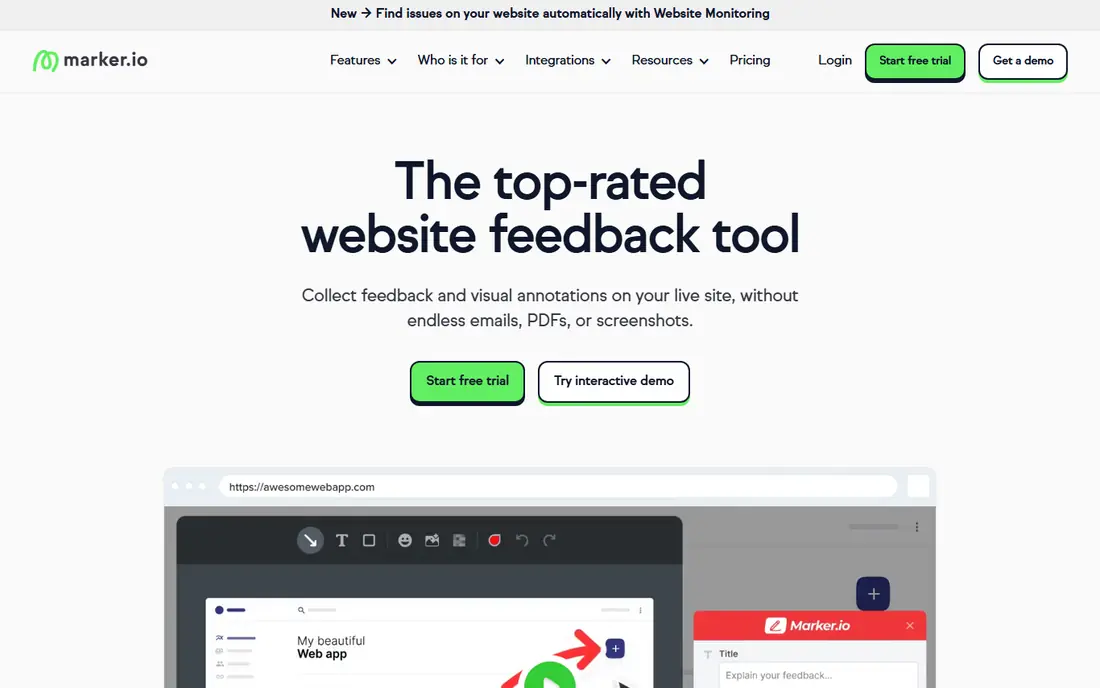
Marker.io is the tool most web teams should test first when replacing a visual feedback widget. Reporters use a browser extension or an on-site widget, and each report arrives with browser details, console logs and network data attached, which cuts the back-and-forth that usually follows a vague bug report. Session replay adds the steps that led to the issue, so developers can reproduce it faster.
The limits are price and plan gates. There is no free tier, and some tracker integrations sit on higher plans, so the headline price is not the full cost for every team. Pageview limits on entry plans also need checking for high-traffic sites. For teams that file bugs daily, the time saved on reproduction usually justifies the cost.
- Console logs, network requests and session replay
- Wide tracker integrations
- Guest reporter mode
- No free plan
- Higher tiers needed for some integrations
- Pageview limits on entry plans

BugHerd takes a different approach that suits agencies and non-technical clients. Reviewers click a pin onto the exact element they mean, write a comment, and the pin becomes a task on a Kanban board. Clients need no training and no account to leave feedback, which is why agencies have used BugHerd for client website reviews for years.
The trade is diagnostic depth. BugHerd captures browser and operating system details, but it does not capture console logs or network requests, and it has no session replay. For visual and content feedback, that is fine. For hard-to-reproduce technical bugs, Marker.io or Jam.dev will give developers more to work with.
- Pin feedback directly to page elements
- Built-in Kanban board
- Unlimited guest reviewers
- No console log or network capture
- No session replay
- Higher plans needed for some integrations
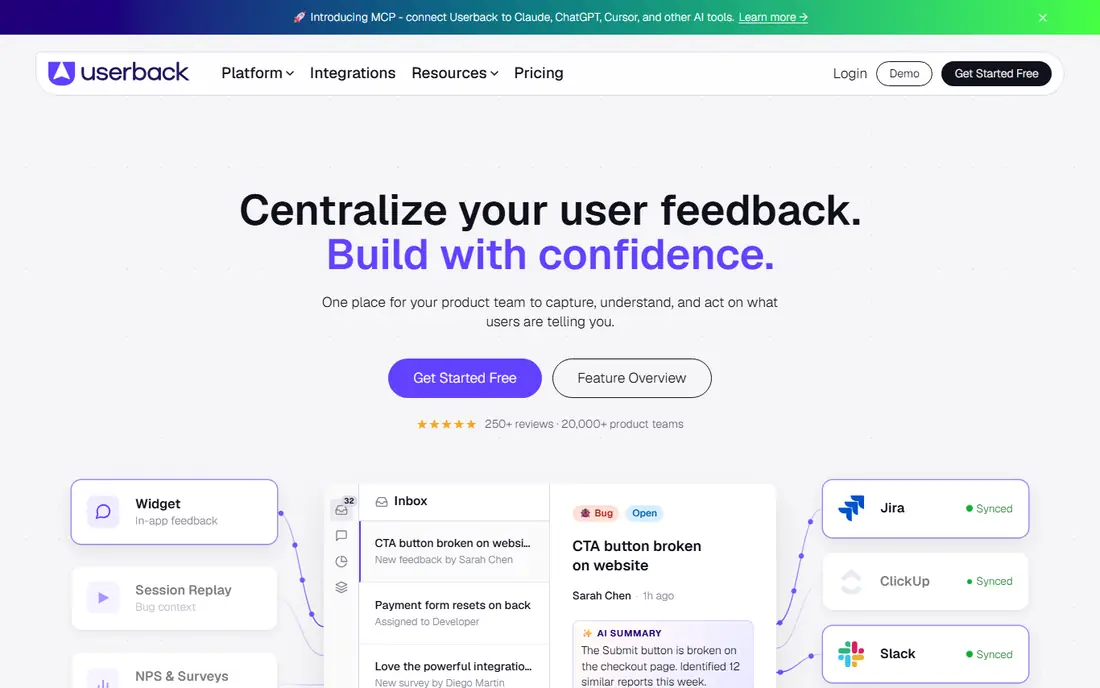
Userback is a strong budget alternative with a genuine free tier and a paid team plan that undercuts many rivals. It collects visual feedback, screenshots and video, and higher plans add surveys, session replay and deeper integrations with Jira, GitHub, Slack and Trello. For product teams that also want surveys, Userback covers more ground than a pure bug tool.
The catch is plan gating. Console logs, surveys and longer replay retention sit on higher plans, so a team that needs the full set should price the Business plan, not the entry plan. Still, the free tier is a fair way to test the widget and inbox before paying, and the team plan suits small product teams well.
- Free tier for small teams
- Feedback inbox plus surveys and session replay on higher plans
- Wide integrations
- Some features need higher plans
- Session replay limits apply
- Pricing changes with seat count
Jam.dev is built for developers and QA teams who want a bug report that reads like a reproduction script. One click captures a video replay, console logs, network requests and device details, and AI steps summarise what the reporter did. That package lands in Jira or Linear with little manual editing, which is why engineering teams like it.
Jam is less suited to client-facing review. It has no surveys and its strengths are internal, not in gathering broad product feedback from customers. Per-creator pricing also grows as the team grows, so a large QA team should model the cost at full size. For internal bug reporting, though, the free tier is unusually capable.
- Free tier with instant replay
- AI-written reproduction steps
- Jira and Linear integrations on free plan
- Per-creator pricing rises with team size
- No surveys
- Focused on internal teams, not client review
Instabug is the specialist here, and the right pick if your product is a mobile app rather than a website. Users shake the phone or tap a button to report a bug, and the report includes crash logs, device state, network requests and a screen recording. That mobile context is hard to get from a web widget, and it pairs with in-app surveys and support tools.
The downside is that Instabug is priced and built for app teams, not for simple website feedback. Pricing is not a simple public entry plan, so teams should request a quote and check what is included. Web-only teams should pick a web tool from this list instead, but app teams will find Instabug hard to match.
- Mobile-first bug reporting with crash logs
- Device state and network capture
- In-app surveys and support
- Enterprise-leaning pricing
- Web feedback is not its main strength
- Setup needs app integration work
Pastel suits designers, marketers and clients who need to comment on a live website, a PDF or an image without learning a bug tracker. Reviewers click, comment and resolve threads on a shared canvas, and the free tier covers small projects. That simplicity makes it a good fit for website redesigns and content reviews where the feedback is visual, not technical.
Pastel is not a developer bug tool. It captures less diagnostic data than Marker.io or Jam.dev, and its tracker integrations are thinner. Teams that need console logs and session replay should look elsewhere. Teams that need fast, clear visual sign-off will find Pastel easy to adopt.
- Simple visual commenting on live sites
- Free tier for small projects
- Works on PDFs and images too
- Per-user pricing grows with team size
- Less diagnostic data than Marker.io
- Limited tracker depth
Ruttl stands out because reviewers can suggest edits directly on the live website, changing text or styles in place rather than describing the change in a comment. That saves a round of interpretation for designers and developers, especially on marketing sites and landing pages. It also supports review on video and other formats, which widens its use beyond web pages.
The cost model needs care. Pricing is per user, so a team of ten pays far more than a team of two, and the free tier covers only one project and a small number of pages. For small design teams and agencies reviewing a few sites at a time, Ruttl is a strong pick. For large teams, a flat-rate tool may be cheaper.
- Edit live text and styles while reviewing
- Free tier for one project
- Visual comments on websites and video
- Per-user pricing adds up for larger teams
- Fewer developer diagnostics
- Some features need paid plans
Ybug is the value pick for small teams that want a straightforward bug widget without per-seat pricing. The entry plan is flat, integrations start early, and a free plan lets a team test the widget on a live site. For a freelancer or a small agency that files bugs for a handful of clients, that pricing is hard to beat.
The limits are scope. Ybug does not offer surveys, and its feature depth is thinner than larger rivals on session replay and product feedback. Teams that need surveys, announcements and a full feedback board should pair Ybug with another tool or pick Userback instead. For pure bug reporting on a budget, Ybug is a solid choice.
- Low flat monthly price
- Free plan available
- Tracker integrations from the entry plan
- No surveys
- Smaller integration range than Marker.io
- Limited session features on entry plans
Gleap combines bug reporting with an in-app support desk, which suits product teams that want user reports, crash data and support chats in one place. Users can report bugs, request features and talk to support without leaving the app, and the team triages everything from one inbox. That single home reduces tool sprawl for small product teams.
The trade is that Gleap is broader than a pure bug tool, and some teams will pay for support features they never use. Higher plans are also needed for the deepest tracker integrations. If your team already has a support desk, a focused bug tool may be cheaper. If you need both, Gleap is worth testing.
- Bug reports plus in-app support desk
- Crash reporting and user feedback in one tool
- Wide platform support
- No free plan
- Higher plans needed for full tracker sync
- Support features may be more than some teams need
How we picked these
We compared official pricing pages, free tiers and feature lists for visual feedback and bug reporting tools that are live in October 2026. We kept only tools with a working widget or SDK for web or mobile feedback, and we left out general project tools with no dedicated feedback capture. Prices are shown as listed by each vendor, with seat and project limits noted where they change the real cost.
What to check before you switch
Start with who reports and who fixes. Client reviewers need a tool with no account and no training, while developers need console logs, network data and reproduction steps. A tool that pleases one group and frustrates the other will fail, no matter how good its price looks. Run a trial with a real client and a real developer, not just with your own team.
Next, check integration depth, not just the logo list. Some tools send a basic ticket to Jira, while others sync comments both ways, attach replay links and update status automatically. If your team lives in Jira, Linear or GitHub, test the full round trip during the trial. Also check guest limits, project limits and pageview caps, since those limits often decide the true monthly cost.
Finally, check privacy and data handling. Bug reports can include screenshots, screen recordings and user data, so confirm where data is stored, how long recordings are kept, and whether you can blur sensitive fields. A tool that captures everything by default needs clear settings before you put it on a customer-facing site.
Matching the tool to the team
Agencies should favour BugHerd, Pastel or Ruttl for client-friendly review, with Marker.io as the developer-grade option for harder bugs. Product teams that want surveys and a feedback board should favour Userback or Gleap. Mobile teams should start with Instabug, and internal QA teams should start with Jam.dev. That split saves weeks of testing tools that were never built for your kind of feedback.
Also plan the migration. Export or archive old feedback before you remove the old widget, and keep the old tool running until the new one is live on every site and app. A gap in feedback collection during a launch is worse than a month of paying for two tools.
Frequently asked questions
What is a good alternative to UserSnap?
Marker.io is the closest all-round alternative for web teams, Userback is a strong budget option with a free tier, and BugHerd is best for client-facing website review. The right pick depends on whether you need developer diagnostics, client simplicity or product surveys.
Is there a free UserSnap alternative?
Yes. Userback, Jam.dev, Pastel, Ruttl and Ybug all offer free tiers, although each limits projects, seats or retention. Test the free tier on a real project before assuming it covers a full team.
Which tool is best for mobile app bug reports?
Instabug is the specialist pick for mobile apps, with crash logs, device state and in-app reporting. Web-focused tools on this list are better for websites, so mobile teams should not force a web widget into an app.
Do these tools work with Jira?
Most do, but depth varies. Marker.io, Userback, Jam.dev and Gleap list Jira integrations, while BugHerd needs a higher plan for Jira sync. Test the integration during a trial, including comment sync and status updates.
Can clients leave feedback without an account?
Yes, on several tools. BugHerd offers unlimited guest reviewers, Marker.io has a guest reporter mode, and Pastel and Ruttl support shared review links. Check guest limits on your chosen plan before inviting a large client group.
Sources
See where you really rank - block by block
ProMapRanker scans Google Maps across a grid of your service area. Simple monthly plans from $19, white-label on every plan.
Start freeKeep reading
 zscaler alternatives
Best Zscaler Alternatives in 2026
Looking for zscaler alternatives? We compare 9 SASE and zero trust platforms on architecture, data protection, pricing, and fit for your network and team.
Read → zapier alternatives free
Best Zapier Alternatives Free in 2026
Nine automation tools for zapier alternatives free in 2026, all with genuinely free tiers, plus free plan limits, starting prices and upgrade paths explained.
Read → which platform is best for online reputation
Which Platform Is Best for Online Reputation in 2026
Wondering which platform is best for online reputation? We compare 8 review, listing, and response tools for small and multi-location businesses and agencies.
Read →