 ProMapRanker
Best Uptime Robot Alternatives in 2026


Monitoring plus incident response · Pricing starts at: See website
Key takeaways
- Better Stack and HetrixTools give small teams fast checks and a real free tier without a complex setup.
- Uptime Kuma is the strongest choice for full control, but you host and maintain it yourself.
- Checkly and Site24x7 suit teams that need browser checks or full infrastructure monitoring, not just uptime pings.
- Status pages, SSL checks and alert channels matter more than raw monitor counts for most small sites.
Quick comparison
| Pick | Great for | Pricing starts at | Free tier | |
|---|---|---|---|---|
| Better Stack | Monitoring plus incident response | See website | Yes | Visit |
 Uptime Kuma | Self-hosted monitoring | Free | Yes | Visit |
 StatusCake | Simple bundled checks | See website | Yes | Visit |
 Pingdom | Established synthetic monitoring | See website | No | Visit |
 Checkly | Monitoring as code | $24 per month | Yes | Visit |
 Site24x7 | Full-stack monitoring | See website | Free trial | Visit |
 HetrixTools | Low-cost uptime and blacklist checks | Free | Yes | Visit |
 Cronitor | Cron and heartbeat monitoring | Free | Yes | Visit |
 Hyperping | Status pages with fast checks | Free | Yes | Visit |
The best uptime robot alternatives
These nine tools cover free monitoring, self-hosting, incident response and full-stack checks, so you can match the tool to the size of your site portfolio.
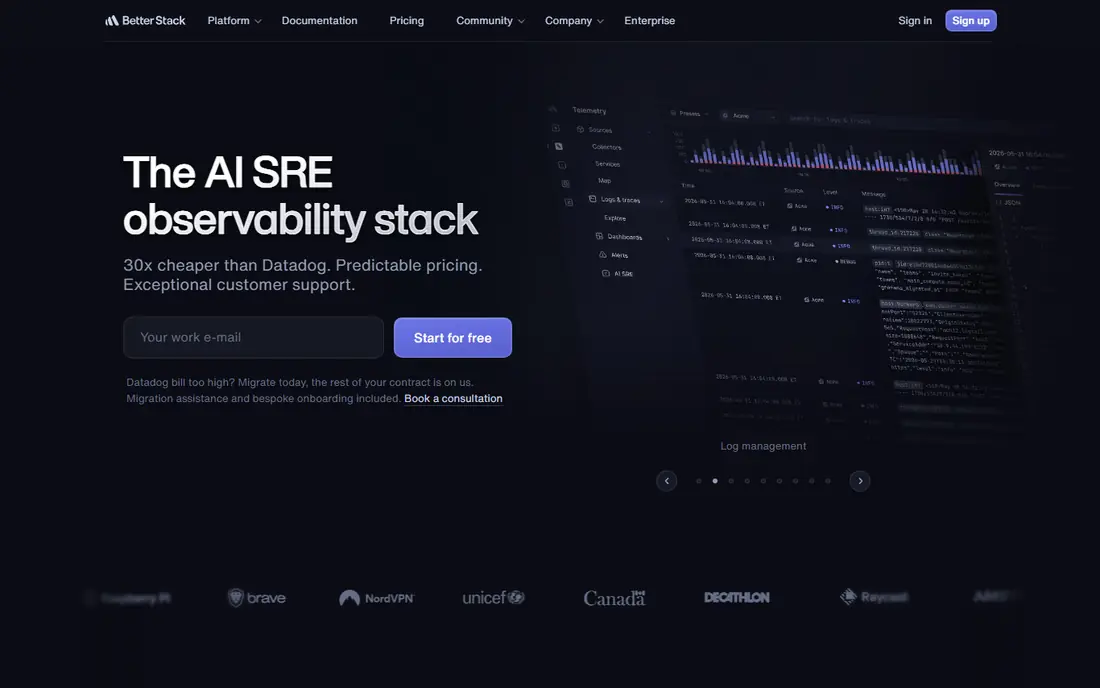
Better Stack is our pick for teams that want more than a green or red dot. It combines uptime checks, heartbeats, incident management and status pages, so an alert can move straight into an incident timeline without a second tool. The free tier covers small projects well, with 10 monitors and a status page, and the setup is clear enough for a small business owner who does not run a dedicated operations team.
The catch is pricing structure. Paid monitoring, incident responders and telemetry are priced as separate pieces, so a growing team should price its exact monitor count and responder seats before committing. If you only need simple pings for a handful of sites, that extra depth may be more than you need. For teams that already juggle alerts in chat and email, though, the combined view is a real time saver.
- Free tier with 10 monitors
- Incident management and status pages in one place
- Browser checks for key user flows
- Paid pricing is component-based and can be hard to model
- No self-hosted option

Uptime Kuma is the best fit when control matters more than convenience. It is free, open source software that you install on your own server, and it covers HTTP checks, TCP checks, ping, DNS and more, with a clean dashboard and status pages. There is no monthly fee and no vendor limit on monitors beyond what your server can handle, which makes it attractive for hobby projects and cost-conscious teams.
That freedom comes with responsibility. You handle updates, security, backups and uptime for the monitoring server itself, and a single instance checks from one location unless you run more. If your server goes down, your monitor may go down with it, so many users host it separately from their main sites. For teams comfortable with basic server care, it is hard to beat on value.
- Free and open source
- You control the data and check settings
- Status pages included
- You run, update and back up the server
- One instance gives one monitoring viewpoint
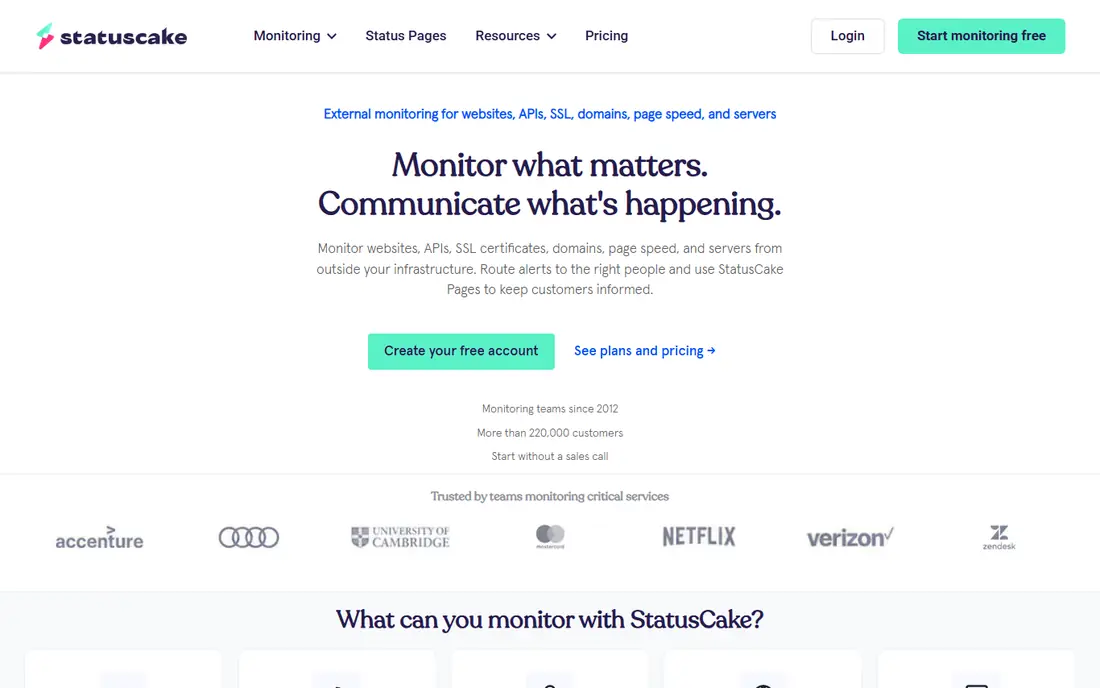
StatusCake is a straightforward choice for owners who want several check types in one account. The free tier includes 10 monitors, and paid plans add faster checks plus page speed, SSL expiry and domain monitoring. That bundle suits small agencies and site owners who want a quick health view without stitching together separate services.
The main limit is check speed on the free tier, which is five minutes. That is fine for a brochure site, but it may feel slow for a store where every minute of downtime costs sales. Paid plans close that gap, and the interface stays simple at every level. If you value one dashboard for uptime and related checks, StatusCake earns its place on the shortlist.
- Free tier with 10 monitors
- Uptime, page speed, SSL and domain checks together
- Easy setup
- Free checks run at five-minute intervals
- Status pages are basic compared with dedicated tools
Pingdom is the veteran option here, and that history shows in its reporting and check network. It covers uptime, page speed and real user monitoring, so you can see both whether a page loads and how it feels for visitors. For agencies and larger sites that already budget for monitoring, that depth is worth the paid-only model.
The downside is the lack of a free tier, which rules it out for a quick test on a tiny budget. Pricing depends on how many checks and page views you use, so request a quote based on your real traffic before you compare it with flat-rate tools. If you need trusted synthetic monitoring and detailed reports for clients, Pingdom remains a solid pick.
- Long track record in synthetic and real user monitoring
- Clear alerting and reporting
- Global check locations
- No free tier
- Pricing is based on check volume and page views, so costs need careful estimating
Checkly is built for development teams that want monitoring to live with their code. You can write API checks and Playwright browser checks, store them in version control and run them on a schedule, which makes failures easier to reproduce and fix. The free hobby tier is useful for small projects, and the Starter plan starts at 24 dollars per month on annual billing in recent vendor listings.
Non-developers may find the workflow less friendly than a simple click-to-add monitor. You also need to watch check volume, since browser checks consume runs faster than simple pings. For a team that already uses Playwright or treats infrastructure as code, Checkly fits naturally and gives deeper coverage than a basic ping.
- Free hobby tier
- Playwright browser checks
- Monitoring defined in code alongside the app
- Code-first workflow suits developers more than non-technical owners
- Costs rise with check runs
Site24x7 is the choice when uptime is only one part of the problem. It monitors websites, servers, networks, cloud services and applications from one console, which helps teams trace a slow page back to a server or database issue. That breadth makes it popular with IT teams that manage many systems and want one place for alerts.
That same breadth is the drawback for a small site owner. The product has many menus and options, and pricing is based on monitor types and counts, so a simple uptime job can feel over-engineered. Use the trial to test only the monitors you need, and ignore the rest at first. If your needs grow beyond website checks, Site24x7 scales without a tool change.
- Covers servers, networks, applications and websites
- Wide integration range
- Detailed reporting
- Large product scope can feel heavy for uptime-only needs
- Pricing depends on monitor count
HetrixTools stands out for the value of its free tier. It offers uptime monitors plus server monitors and adds IP and domain blacklist checks, which many free tools leave out. That extra check helps site owners spot email deliverability problems early, not just downtime, and the setup is quick.
The trade-off is polish. Status pages work but are simpler than those from Better Stack or Hyperping, and there is no built-in on-call system. For a solo owner or small team that wants dependable alerts at low cost, that is a fair exchange. Paid plans stay low cost, so upgrading for more monitors does not create a sudden jump.
- Free tier with uptime and server monitors
- IP and domain blacklist monitoring
- Fast one-minute checks on free plans in recent listings
- Status pages are basic
- No full incident management suite
Cronitor answers a different question from most tools here: did my scheduled job actually run. It monitors cron jobs, background tasks and heartbeats, and alerts you when a job runs late or fails, which is vital for backups, reports and data imports. The free tier includes 5 monitors, and paid pricing is usage-based from about 2 dollars per monitor per month in recent listings.
If you only need website uptime, Cronitor is not the best first pick, since its strength is job monitoring rather than page checks. Used alongside a basic uptime tool, though, it closes a gap that pings cannot see. Teams with nightly jobs or scheduled imports should put it near the top of the list.
- Free tier with 5 monitors
- Strong cron job and heartbeat coverage
- Usage-based paid pricing
- Small free tier
- General website monitoring is less deep than dedicated uptime tools
Hyperping combines fast monitoring with polished status pages, which makes it a good fit for SaaS teams and agencies that need to communicate outages clearly. The free tier is generous in recent listings, with 20 monitors, and paid plans add browser checks, more status pages and seats. Alerts and incident pages are built in, so customers see a clear status rather than a vague error.
The main gap is real user monitoring, which Hyperping does not offer, so you will not get visitor experience data from real browsers. Paid pricing also sits above basic ping tools, reflecting the browser checks and status page features. If public status communication matters to your business, Hyperping justifies that extra cost.
- Free tier with 20 monitors in recent listings
- Playwright-based checks
- Status pages on all plans
- No real user monitoring
- Paid Pro pricing is higher than simple ping tools
How we picked these
We compared official feature pages, pricing pages and public reviews for tools that offer website monitoring, alerts and status pages, and we kept only tools that are live and available in October 2026. We favoured a mix of free tiers, self-hosted options, developer tools and full-stack platforms, and we checked that each tool truly fits uptime monitoring rather than general analytics. Prices that could not be verified on a vendor page are shown as See website.
What to check before you switch
Start with the pages that matter most, not every page on your site. Add your homepage, checkout or signup page and any page that drives revenue, then set alert channels that you actually read, such as email plus a chat tool. Test an alert by taking a test page down or pausing a monitor, so you know the message arrives before a real outage.
Check frequency and locations
A five-minute check is fine for a brochure site, but a store or SaaS app benefits from one-minute or 30-second checks. Check from more than one location if your visitors are spread across regions, since a site can fail in one region while working in another. Balance speed against cost, because faster checks use more runs on usage-priced plans.
Status pages and SSL checks
A status page reduces support messages during an outage, so pick a tool that includes one on your plan rather than as a costly add-on. Add SSL expiry checks at the same time, since an expired certificate looks like downtime to visitors even when the server is fine. Keep the status page wording plain and update it when service returns.
Frequently asked questions
What are the best uptimerobot alternatives for a small site?
Better Stack, HetrixTools and StatusCake are strong starting points, since each offers a free tier and simple setup. Uptime Kuma is best if you want full control and no monthly fee, provided you can host it yourself.
Are there free uptime robot alternatives?
Yes. Uptime Kuma is free and open source, while Better Stack, StatusCake, HetrixTools, Cronitor and Hyperping all offer free tiers with limits on monitors or check speed. Read the free tier limits carefully before relying on one for a business-critical site.
Which alternative is best for cron job monitoring?
Cronitor is the clearest fit, since it is built around cron jobs and heartbeats rather than simple page pings. Better Stack also offers heartbeats, but Cronitor gives job timing and failure alerts more prominence.
Do these tools offer status pages?
Most do, including Better Stack, Uptime Kuma, Hyperping and StatusCake, though the features and branding options vary by plan. Check whether custom domains and subscriber alerts are included on the plan you intend to buy.
How often should uptime checks run?
Five minutes is a reasonable minimum for low-traffic sites, while one minute or faster suits stores and SaaS apps where downtime costs money. Faster checks catch outages sooner, but they can raise costs on usage-based plans.
Sources
See where you really rank - block by block
ProMapRanker scans Google Maps across a grid of your service area. Simple monthly plans from $19, white-label on every plan.
Start freeKeep reading
 zscaler alternatives
Best Zscaler Alternatives in 2026
Looking for zscaler alternatives? We compare 9 SASE and zero trust platforms on architecture, data protection, pricing, and fit for your network and team.
Read → zapier alternatives free
Best Zapier Alternatives Free in 2026
Nine automation tools for zapier alternatives free in 2026, all with genuinely free tiers, plus free plan limits, starting prices and upgrade paths explained.
Read → which platform is best for online reputation
Which Platform Is Best for Online Reputation in 2026
Wondering which platform is best for online reputation? We compare 8 review, listing, and response tools for small and multi-location businesses and agencies.
Read →