 ProMapRanker
Best UpKeep Alternatives in 2026


Mobile-first teams that need fast adoption · Pricing starts at: $20 per user per month
Key takeaways
- MaintainX and Fiix offer free tiers, so a small team can move work orders off paper before paying.
- Limble and eMaint suit teams where preventive maintenance schedules and asset history drive the work.
- Hippo CMMS, FMX and MaintenanceCare suit facilities, schools and multi-site operations with different pricing models.
- Fracttal suits teams that want AI-assisted planning and international coverage.
- EZOfficeInventory suits teams that track equipment and tools as much as they maintain them.
Quick comparison
| Pick | Great for | Pricing starts at | Free tier | |
|---|---|---|---|---|
| MaintainX | Mobile-first teams that need fast adoption | $20 per user per month | Yes | Visit |
 Fiix | Manufacturers that want asset intelligence | $45 per user per month | Yes | Visit |
 Limble | Teams where preventive maintenance is the core program | See website | Yes | Visit |
 eMaint | Mid-market teams needing a configurable system | See website | Free trial | Visit |
 Hippo CMMS | Facilities teams in healthcare, education and government | See website | No | Visit |
 FMX | Schools, municipalities and multi-facility operations | $35 per user per month | Free trial | Visit |
 Fracttal | International teams wanting AI-assisted maintenance planning | See website | No | Visit |
 MaintenanceCare | Facilities teams that want flat-rate pricing | $250 per month | Free trial | Visit |
 EZOfficeInventory | Teams that track equipment as much as they maintain it | See website | Free trial | Visit |
The best upkeep alternatives
UpKeep covers work orders, assets, preventive maintenance and mobile field work for maintenance teams. The tools below cover that same work, with different strengths in mobile use, manufacturing, facilities and pricing.
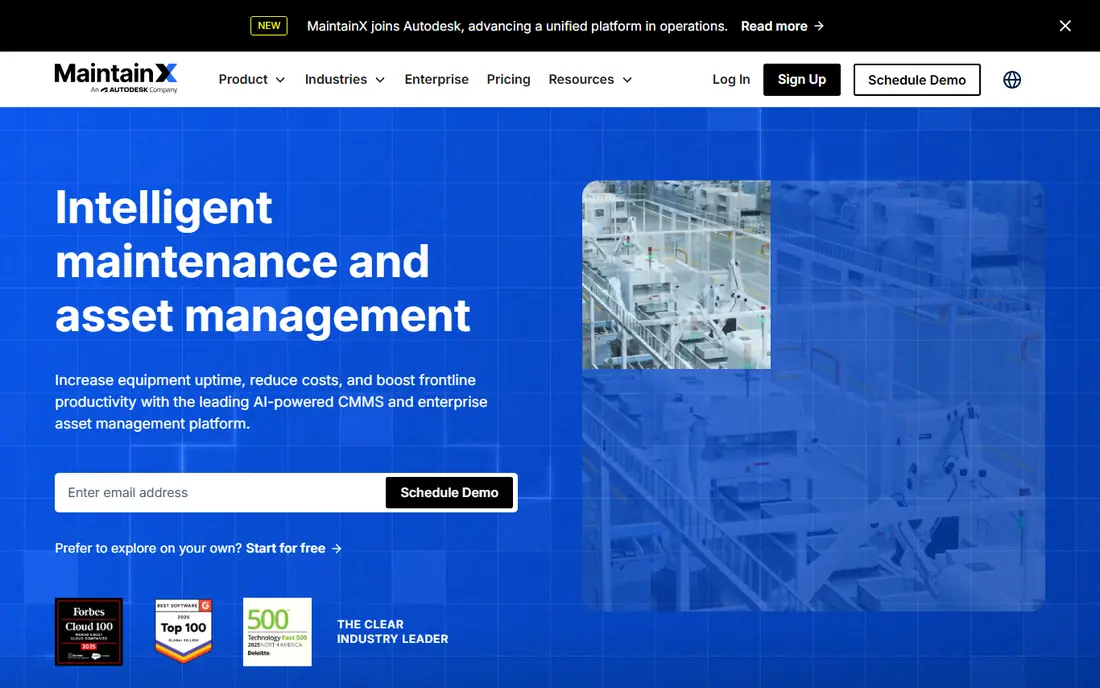
MaintainX was built phone-first, which matters because maintenance happens on the shop floor, not at a desk. Technicians create work orders, photograph faults, follow procedures and close jobs from a mobile app. The free tier is usable for a small team, and requester accounts let more staff report issues without a paid license.
Reporting and asset analytics are lighter than enterprise platforms, so large plants may need a higher tier or another tool for deep analysis. For a distributed team that needs adoption fast, MaintainX is the easiest start on this list.
- Free Basic tier
- Strong mobile app
- Unlimited free requester accounts on paid plans
- Reporting is lighter than enterprise tools
- Advanced features need higher tiers
- Asset depth varies
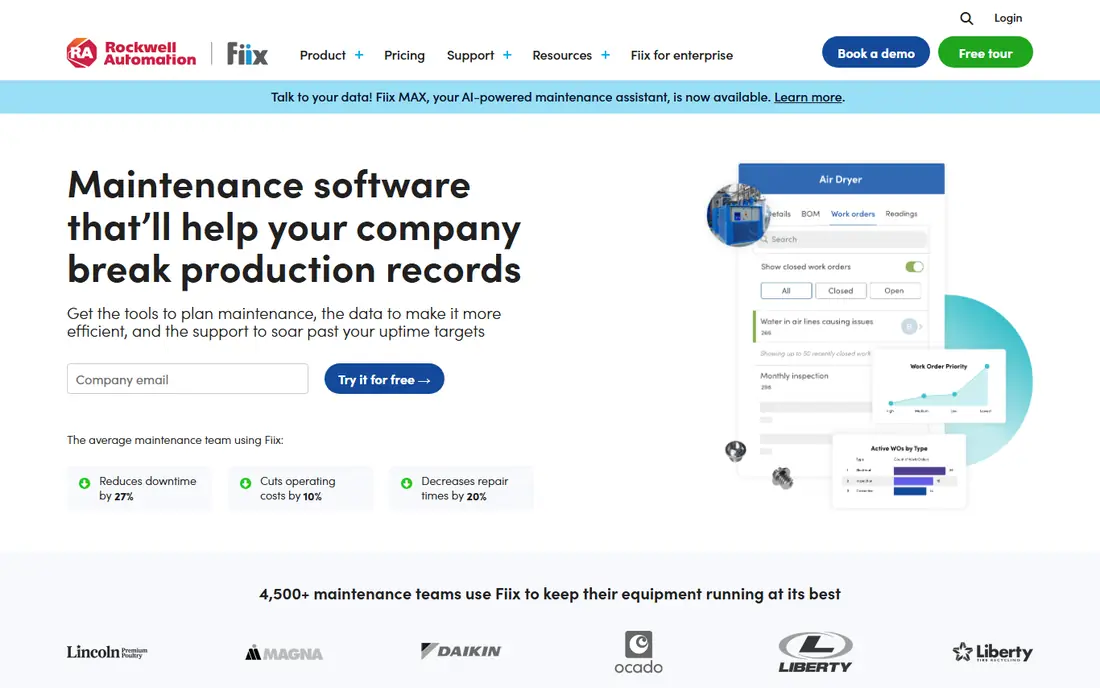
Fiix covers work orders, preventive maintenance, asset tracking and parts inventory, with analytics that show downtime, costs and asset health. Its published per-user pricing makes budgeting simple, and the free tier lets a small team test core workflows. Integrations with common industrial and business systems help manufacturers connect maintenance to operations.
The useful analytics and integrations sit more fully on higher tiers, and a clean asset register takes work to build. Teams moving from spreadsheets should allow time for asset and parts data entry. For manufacturers that want a clear upgrade path, Fiix is a strong pick.
- Free tier available
- Clear published pricing
- Integrations with industrial systems
- Professional tier costs more
- Setup needs asset data work
- Smaller teams may not need its depth
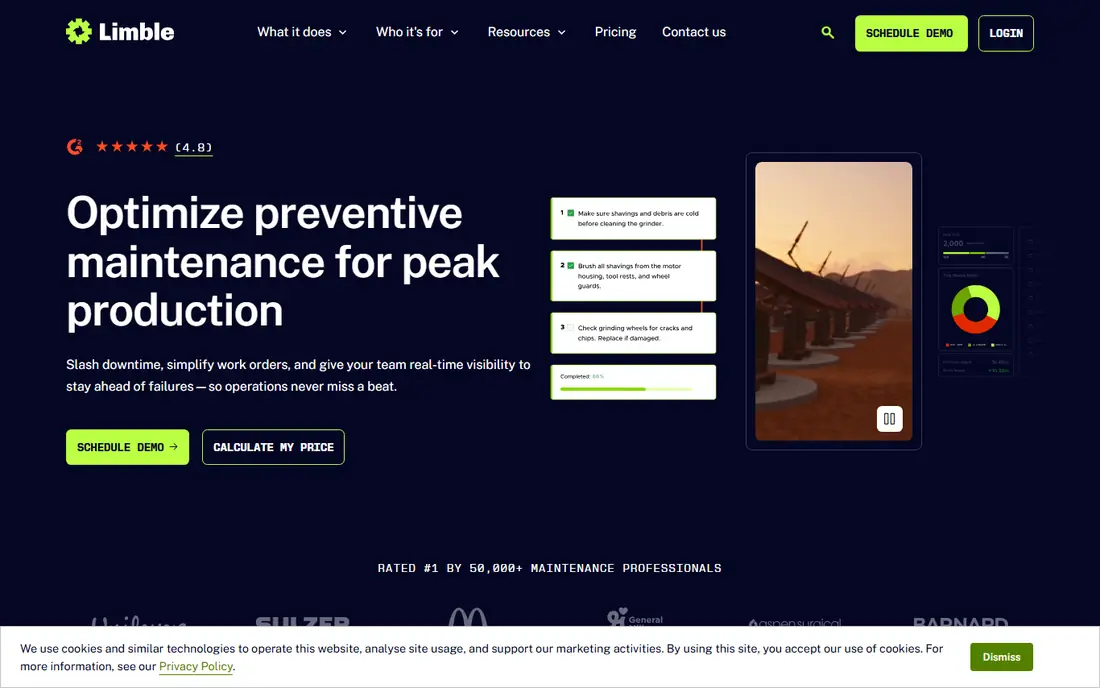
Limble focuses on getting a CMMS running quickly, with preventive maintenance schedules, asset hierarchies, work orders and parts tracking that a small team can learn in days. Its onboarding and interface consistently draw praise for ease of use. A free tier lets a team start before committing to a paid plan.
Current pricing on the vendor site directs buyers to calculate a price, so the total needs a quote rather than a simple list figure. Per-user pricing also means a large team pays more as adoption grows. For a small or mid-size team that wants preventive maintenance done well, Limble is a leading option.
- Easy setup
- Strong preventive maintenance scheduling
- Asset hierarchies
- Pricing is now quote-led on its site
- Per-user costs rise with team size
- Less suited to very large estates
eMaint, from Fluke, offers a configurable CMMS for work orders, preventive maintenance, assets, parts and condition monitoring. It suits manufacturing and facilities teams with regulated programs, multi-site operations or specific approval and reporting needs. Custom fields, forms and workflows let a team shape the system to its processes.
That flexibility needs setup time and a sales conversation for pricing. Smaller teams may find it heavier than MaintainX or Limble. For a mid-market team that needs a system shaped to its rules, eMaint is a dependable choice.
- Highly configurable workflows
- Condition monitoring support
- Strong for regulated programs
- Pricing is quote-based
- Configuration takes time
- Interface is functional rather than simple
Hippo CMMS serves facilities teams that manage buildings, equipment and work requests across sites. It covers work order management, preventive maintenance, asset tracking and parts inventory, with a request portal for staff to report issues. That facilities focus suits hospitals, schools and public sector teams better than a manufacturing-led tool.
Pricing is quoted, and manufacturing features are not the main strength. Teams should test request handling, asset hierarchies and reporting in a demo. For a facilities team that needs steady, practical maintenance control, Hippo CMMS is a solid fit.
- Work orders and preventive maintenance for facilities
- Equipment and parts tracking
- Unlimited requesters on some plans
- Quote-based pricing
- Manufacturing depth is limited
- Reporting varies by plan
FMX combines facilities maintenance, scheduling, work orders and asset management for schools, local government and multi-site operators. It also covers room and event scheduling, which helps education and municipal teams manage buildings as well as repairs. A published starting price helps smaller public sector teams budget.
Manufacturing depth is not the focus, and some modules sit outside the base plan. Teams should map sites, buildings and request workflows before rollout. For a multi-facility operator that needs maintenance plus scheduling, FMX is a practical pick.
- Facilities scheduling and work orders
- Community and multi-site tools
- Clear starting price
- Manufacturing features are limited
- Some tools are add-ons
- Setup needs site data
Fracttal One is a cloud CMMS with work orders, preventive maintenance, asset management and IoT connectivity, plus AI-assisted features for planning and analysis. It suits companies with sites in Latin America and Europe, or teams that want sensor data tied to maintenance decisions. Mobile tools support technicians in the field across languages and sites.
Pricing is quoted, and rollout for a large asset base needs planning. US teams should check support hours and integration coverage. For an international operation that wants modern planning tools, Fracttal is worth a demo.
- AI-assisted planning features
- IoT-connected asset support
- Strong international presence
- Quote-based pricing
- Implementation needs planning
- Smaller US support footprint than some rivals
MaintenanceCare prices by a flat monthly rate with unlimited users, which changes the math for a facilities team with many requesters and technicians. It covers work orders, preventive maintenance, asset tracking and reporting for buildings and facilities. That model avoids the per-user creep that hits broad adoption on other platforms.
A single-user team may pay more than on a low per-user plan, so the flat rate suits teams with several users. Feature depth should be tested against specific workflows. For a facilities team that wants everyone involved without counting seats, MaintenanceCare is a distinctive option.
- Unlimited users on its flat plan
- Work orders and preventive maintenance
- Facility-focused tools
- Flat price suits larger teams best
- Feature depth varies
- Smaller teams may find cheaper per-user tools
EZOfficeInventory
Great for: Teams that track equipment as much as they maintain it
EZOfficeInventory started as asset tracking software and now covers maintenance scheduling, work orders and equipment lifecycle alongside checkouts and reservations. That blend suits teams that lend tools, manage IT equipment or track vehicles as well as maintain them. Barcode and QR scanning help keep asset records accurate in the field.
Pure CMMS depth, such as advanced preventive maintenance analytics, is lighter than specialist tools. Pricing needs confirmation. For a team where knowing where equipment is matters as much as fixing it, EZOfficeInventory is a useful hybrid.
- Strong asset and equipment tracking
- Barcode and QR support
- Maintenance scheduling included
- CMMS depth is lighter than Fiix or eMaint
- Pricing needs a quote
- Reporting varies by plan
How we picked these
We compared official feature and pricing pages, plus public CMMS comparisons, to confirm each product is live in October 2026 and covers work orders, assets or preventive maintenance. We favored tools with mobile field access and real maintenance workflows, and we marked quote-only pricing as See website rather than guessing. We did not claim hands-on testing.
What to check before you switch
Start with your asset list, not the feature list. Import a sample of assets, locations, parts and open work orders, then run a preventive maintenance schedule, a reactive repair and a parts issue end to end. Check mobile use in the field, including photos, offline behavior and signature capture, since office demos hide field friction.
Check pricing at your real user count, including requesters who only report issues. Some tools charge only for technicians and managers, while others charge for every login. Confirm reporting, approval and integration needs, such as accounting, purchasing or sensor data, before you sign a contract.
Frequently asked questions
What is the cheapest UpKeep alternative?
MaintainX and Fiix both offer free tiers, and Limble offers a free tier as well. The cheapest paid total depends on how many technicians need full licenses and how many staff only submit requests.
Which alternative is best for manufacturing?
Fiix suits manufacturers that want asset analytics and industrial integrations, while eMaint suits mid-market plants with configurable and regulated programs. Test bills of materials, parts and downtime reporting with your own assets before choosing.
Which alternative is best for schools or facilities?
Hippo CMMS and FMX suit facilities, schools and multi-site operations, with request portals and building-focused tools. MaintenanceCare suits facilities teams that want flat-rate pricing for many users.
Can technicians use these tools on a phone?
Yes. MaintainX, Fiix, Limble, eMaint, Hippo CMMS, FMX, Fracttal, MaintenanceCare and EZOfficeInventory all offer mobile access. Test the exact field workflow, including photos and offline handling, since mobile depth varies.
How long does it take to move from UpKeep?
A small team can move in days if asset and work order data are clean. Larger teams should allow weeks for asset cleanup, preventive schedule setup, integration checks and staff training, and keep UpKeep running until work order counts match.
Sources
See where you really rank - block by block
ProMapRanker scans Google Maps across a grid of your service area. Simple monthly plans from $19, white-label on every plan.
Start freeKeep reading
 zoro.to alternatives
Best Zoro.to Alternatives in 2026
We compare the best zoro.to alternatives in 2026, listing only legal licensed anime streaming services, from Crunchyroll to free options for fans today.
Read → zip alternatives
Best Zip Alternatives in 2026
We compare the best zip alternatives for buy now, pay later in 2026, covering pay-in-4 plans, fees, spending limits, and credit reporting options today.
Read → yesware alternatives
Best Yesware Alternatives in 2026
Compare the best yesware alternatives for sales email tracking, templates, and sequences, with current pricing and honest tradeoffs for small sales teams.
Read →