 ProMapRanker
Best Uizard Alternatives in 2026

Key takeaways
- Figma is the best pick for design teams that want a full editor plus AI features in one place.
- Visily and Banani suit non-designers who want quick wireframes and UI flows from prompts or screenshots.
- Google Stitch suits free concept work, with limits on output quality and workspace features.
- Framer and Relume suit teams that want to move from wireframe to a live website faster.
- Check credit limits, Figma export, and editing depth before you pay, because AI output varies a lot.
Quick comparison
| Pick | Great for | Pricing starts at | Free tier | |
|---|---|---|---|---|
 Figma | Design teams, full editor | $16 per month | Yes | Visit |
 Visily | Collaborative wireframing | $11 per month | Yes | Visit |
 Banani | High-fidelity UI flows | See website | Yes | Visit |
 Google Stitch | Free UI concepts | Free | Yes | Visit |
 Framer | Prompt to live website | $10 per month | Yes | Visit |
 Relume | Marketing site wireframes | $18 per month | Yes | Visit |
 UX Pilot | Prompt flows and heatmaps | $14 per month | Yes | Visit |
 Miro | Workshop to prototype | $8 per month | Yes | Visit |
 Flowstep | Real UI, fast | $12 per month | Yes | Visit |
The best Uizard alternatives
Uizard turns prompts and sketches into wireframes and prototypes for non-designers. The tools below cover the same job in different ways, from full design editors to AI concept tools and website builders. Credit limits matter in this category, so check monthly generations before you commit.
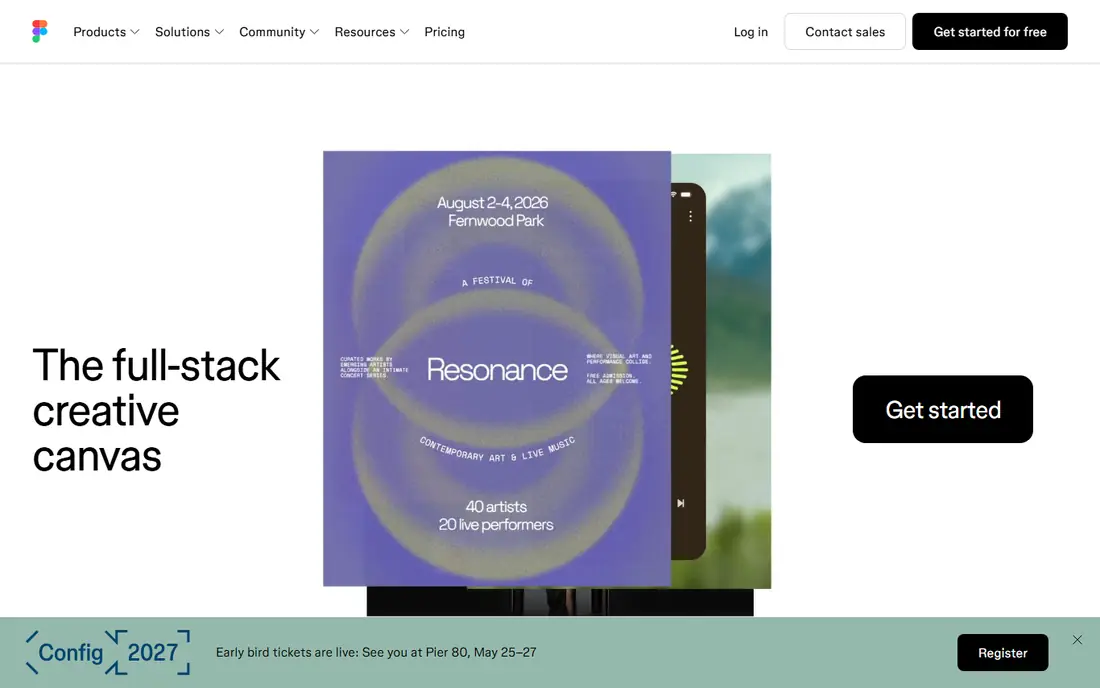
Figma is the full design tool that many alternatives export to, so using it directly removes an export step. Editors can draw, prototype, and collaborate in real time, while Figma AI and Figma Make add prompt-based UI generation inside the same file. That combination suits teams that start with AI concepts but need to refine them into production-ready designs.
The learning curve is real for non-designers. Figma has many features, and a new user can feel lost compared with a simple wireframe tool. AI credits are also capped, with daily and monthly limits depending on plan, so check the current Figma pricing page. For design-led teams, Figma is still the strongest overall alternative.
- Industry standard editor
- Figma AI and Figma Make
- Strong collaboration and plugins
- Learning curve for non-designers
- AI credits are capped on many plans
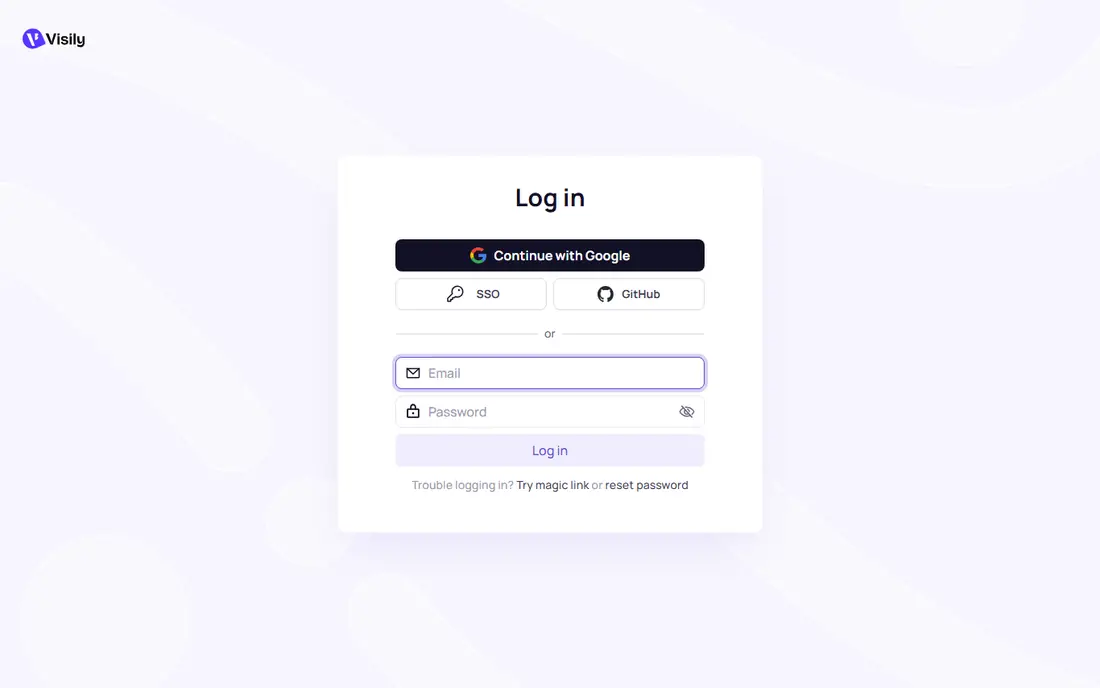
Visily is built for collaborative wireframing by non-designers and product teams. You can start from templates, screenshots, or sketches, then edit the result on a canvas and share it for feedback. Two-way Figma sync on paid plans helps teams that move between Visily and Figma, which is a useful bridge that Uizard lacks.
Free plan limits are the main constraint, with a limited number of AI credits and screens per month. That is enough to test the tool, but not enough for a large project. Visily suits workshops, early product work, and teams that need wireframes fast, rather than polished final designs.
- Screenshot and sketch to wireframe
- Templates
- Two-way Figma sync on paid plans
- Free plan limits screens and credits
- Not a full high-fidelity design tool
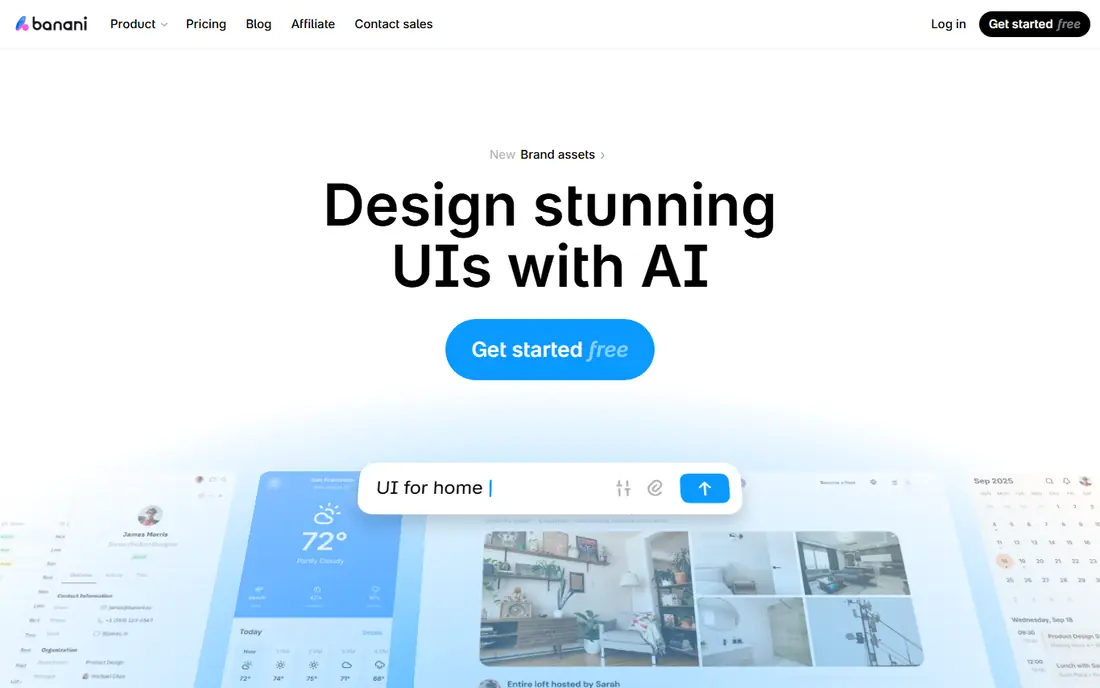
Banani focuses on high-fidelity UI and flow exploration, which goes a step beyond basic wireframes. You can generate screens, explore different flows, and export to Figma for further work. That makes it useful for founders and product managers who want to show stakeholders a realistic app flow, not only grey boxes.
Banani is not a full prototype builder, so complex interactions and logic still need another tool. Credit limits also apply, and pricing has changed over time, so check the current Banani pricing page before you plan a large project. For realistic UI concepts with flow thinking, Banani is a strong pick.
- High-fidelity UI generation
- Flow exploration
- Figma export options
- Not a full prototype builder
- Credit limits apply on free and paid plans
Google Stitch is a free AI UI design tool from Google, powered by Gemini. You can describe a screen or app, generate UI concepts, and copy the result into Figma for editing. There is no paid plan in the same way as rivals, which makes Stitch the best zero-budget option for early concept work.
Output can feel generic, and Stitch lacks the persistent workspace, team, and prototype depth of paid tools. It suits quick exploration, student work, and early stakeholder discussions, rather than a full product design process. If you need free concepts and already use Figma, Stitch is an easy first tool to try.
- Free to use
- Gemini powered UI generation
- Figma export by copy
- Generic output at times
- No persistent workspace depth of paid tools
Framer moves from prompt to a responsive live website, which suits landing pages and marketing sites more than app wireframes. You can generate a site, edit it visually, and publish it with hosting, analytics, and CMS options on higher plans. That end-to-end path helps small teams that want a live result, not only a mockup.
Framer is less suited to mobile app wireframes or complex app flows, where Figma or Visily fit better. Advanced features, such as more pages, CMS items, and team controls, sit on higher plans. For website concepts that need to go live quickly, Framer is a strong Uizard alternative.
- Prompt to responsive live site
- Strong design and publishing tools
- Free subdomain option
- Focus is websites, not app wireframes
- Advanced features need higher plans
Relume is built for marketing websites, with AI sitemap generation, wireframes, and a large component library. You can plan a site structure, generate wireframes for each page, and export to Figma or Webflow for design and build. That workflow suits agencies and marketing teams that produce many landing pages and company sites.
Relume is not an app design tool, so mobile app flows and product UI are outside its core strength. The free plan is limited to a small project, and paid plans start higher than simple wireframe tools. For marketing site work, though, Relume's sitemap to wireframe path is faster than starting from a blank canvas.
- AI sitemap and wireframe generation
- Large component library
- Figma and Webflow export
- Focus is marketing websites
- App UI coverage is limited
UX Pilot generates UI flows from prompts, with screens, flows, and predictive heatmaps for validation. That combination suits UX teams that want to test a flow and check where users may look or struggle, before building. Heatmaps add a validation angle that many wireframe tools lack, which helps in stakeholder reviews.
Generated screens still need editing for production use, and credit limits apply on free and paid plans. UX Pilot is best for early validation and flow exploration, rather than final design. For teams that value heatmaps alongside wireframes, it is a distinctive alternative to Uizard.
- Prompt-based flows
- Predictive heatmaps
- Screen generation
- Output needs editing for production
- Credit limits apply
Miro is a visual collaboration platform with an infinite canvas, sticky notes, diagrams, and workshop tools. AI features can turn notes and diagrams into structured UI concepts, and teams can move from a workshop session to a prototype in the same board. That flow suits product teams that plan together and want one place for discovery and early design.
Miro is not a dedicated UI editor, and AI prototyping is a paid add-on for many teams, so the full AI path costs more than the base plan. For teams that already run workshops in Miro, adding AI concepts is convenient. For teams that only need wireframes, a dedicated tool such as Visily may be simpler.
- Infinite canvas for workshops
- Collaboration
- AI prototype features on team plans
- AI prototyping is a paid add-on for many teams
- Not a dedicated UI editor
Flowstep generates real, multi-screen UI quickly, with an infinite canvas and native Figma paste for further editing. Full-screen code options help developers move from concept to build, which suits product teams that want more than a static mockup. The free plan lets teams test multi-screen generation before paying.
As a smaller vendor, Flowstep does not match Figma or Miro for ecosystem size, plugins, or hiring familiarity. Generated UI still needs design review, especially for spacing, hierarchy, and accessibility. For product teams that want fast, realistic multi-screen UI with a Figma handoff, Flowstep is a promising alternative.
- Multi-screen generation
- Native Figma paste
- Full-screen code options
- Smaller vendor than Figma or Miro
- Output still needs design review
How we picked these
We compared official pricing pages and recent AI UI tool comparisons from March to October 2026. We kept only tools that are live, that generate UI or wireframes from prompts, sketches, or templates, and that offer editing or export for further work. We included full editors, wireframe tools, free concept tools, and website builders, because Uizard users split across those needs. Credit limits and Figma export were key checks, since they affect real project cost.
How to choose an AI UI tool
Start with the output you need. If you need a polished design file, choose Figma, Banani, or Flowstep. If you need a quick wireframe for a workshop, choose Visily or Miro. If you need a live website, choose Framer or Relume. Matching the tool to the output saves rework, because a wireframe tool will not give you a production site, and a website builder will not give you a full app prototype.
Next, check credits, export, and editing. Count how many screens you need per month, and compare that with the free or paid credit limit, not only the headline price. Test Figma export or paste, because a tool that traps your work is costly to leave. Finally, review output for accessibility, spacing, and real content, not only for looks, because AI screens often need copy and hierarchy fixes before they are ready to share.
Frequently asked questions
What is the best Uizard alternative for non-designers?
Visily and Banani are the best non-designer picks, with templates, prompt generation, and Figma export. Google Stitch is the best free option for simple concepts. Figma is stronger overall, but it has a steeper learning curve for people who only need wireframes.
Is Google Stitch really free?
Yes, Google Stitch is free to use, with daily generation limits that reset. It offers Gemini powered UI generation and Figma export by copy, but it lacks the workspace depth of paid tools. For free concept work, it is a strong starting point.
Can I export Uizard alternatives to Figma?
Visily offers two-way Figma sync on paid plans, Banani and Flowstep offer Figma export or paste, and Google Stitch offers Figma export by copy. Figma itself needs no export. Check the export type on each vendor page, because a static image export is not the same as an editable Figma file.
Do AI UI tools replace designers?
No, AI tools speed up early concepts, wireframes, and exploration, but they do not replace design judgment. Generated screens need review for hierarchy, accessibility, copy, and brand fit. Designers add value by refining AI output into a coherent, usable product.
How do AI credits work in these tools?
Credits are not the same across tools. Some tools count screens, some count generations, and some count daily or monthly usage, with different caps after exhaustion. Compare usable output, reset rules, and options after credits run out, not only the largest credit number.
Which Uizard alternative is best for app prototypes?
Figma is best for full app prototypes, with interactive prototyping and a full editor. Visily and Banani suit early app wireframes and flows, while Flowstep suits multi-screen app concepts with code options. Choose Figma if the prototype must be interactive and production-ready.
Sources
See where you really rank - block by block
ProMapRanker scans Google Maps across a grid of your service area. Simple monthly plans from $19, white-label on every plan.
Start freeKeep reading
 zoro.to alternatives
Best Zoro.to Alternatives in 2026
We compare the best zoro.to alternatives in 2026, listing only legal licensed anime streaming services, from Crunchyroll to free options for fans today.
Read → zip alternatives
Best Zip Alternatives in 2026
We compare the best zip alternatives for buy now, pay later in 2026, covering pay-in-4 plans, fees, spending limits, and credit reporting options today.
Read → yesware alternatives
Best Yesware Alternatives in 2026
Compare the best yesware alternatives for sales email tracking, templates, and sequences, with current pricing and honest tradeoffs for small sales teams.
Read →