 ProMapRanker
TopBuilder CRM Alternatives Construction in 2026


Residential builders needing an all-in-one system · Pricing starts at: See website
Key takeaways
- Buildertrend, JobTread, and Buildern cover CRM plus estimating, scheduling, and client communication in one system for residential builders.
- Contractor Foreman and Buildxact give smaller contractors a lower entry price, but check which job-cost and scheduling features are included at that price.
- Procore and Fieldwire suit larger or field-heavy work better than a small residential CRM, so team size and project type should drive the shortlist.
- Houzz Pro adds lead generation and marketing tools that pure project platforms do not, which matters for remodelers who need a steady pipeline.
- Ask for a live demo with your own job types before signing, because pricing pages rarely show how leads, change orders, and payments connect.
Quick comparison
| Pick | Great for | Pricing starts at | Free tier | |
|---|---|---|---|---|
| Buildertrend | Residential builders needing an all-in-one system | See website | No | Visit |
 JobTread | Remodelers wanting clear estimating and job costing | See website | No | Visit |
 Houzz Pro | Remodelers and designers needing leads plus management | See website | Yes | Visit |
 Contractor Foreman | Budget-conscious contractors wanting broad features | See website | No | Visit |
 Procore | Large commercial and general contracting teams | See website | No | Visit |
 Buildxact | Small builders needing estimating and scheduling | See website | No | Visit |
 JobNimbus | Roofing and exterior contractors | See website | No | Visit |
 Buildern | Growing builders with office and field crews | See website | No | Visit |
 Fieldwire | Field teams needing plans, tasks, and punch lists | See website | Yes | Visit |
The best TopBuilder CRM alternatives for construction
We focused on tools that combine lead and client handling with real construction work, such as estimating, scheduling, change orders, and payments, rather than generic CRMs that need heavy setup for job costing.
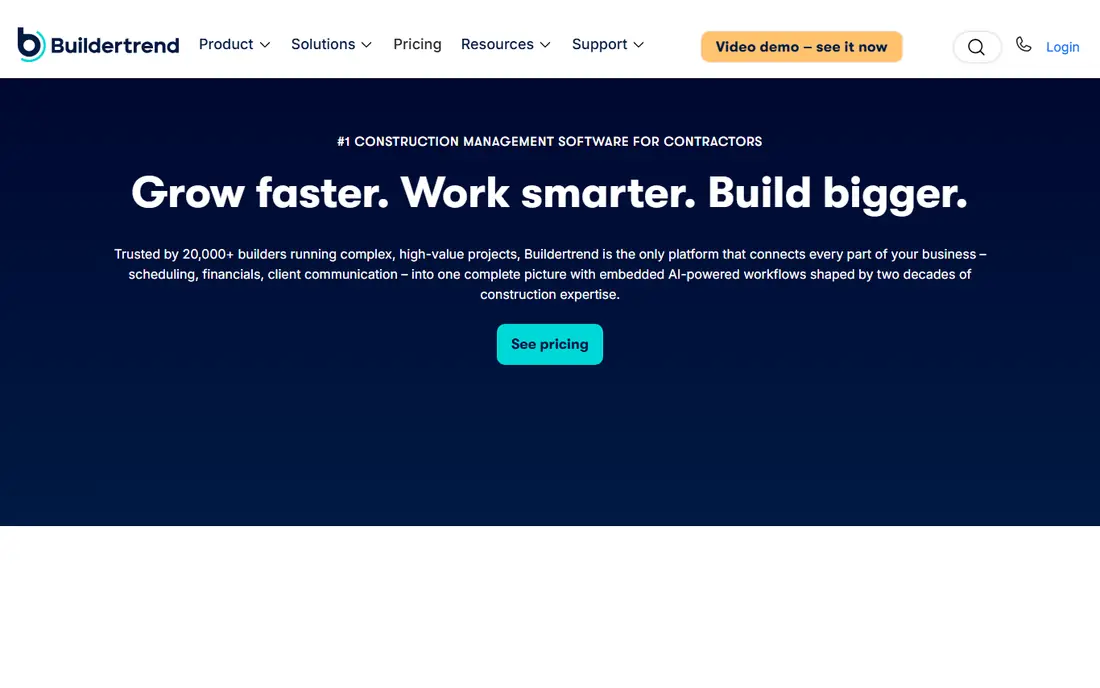
Buildertrend is the closest like-for-like replacement for a residential construction CRM, because it covers the full job from lead to closeout. Builders can track prospects, send estimates, schedule work, manage change orders, and give clients a portal for selections, messages, and payments. That breadth reduces the need to stitch together separate tools for sales and delivery.
The main drawback is pricing transparency. Buildertrend quotes by company size and needs, so two builders can pay different amounts for similar plans. Smaller teams should also check whether they will use the deeper financial and scheduling tools, or whether a simpler platform would cost less. For established residential builders running several projects at once, Buildertrend remains the benchmark in this list.
- Wide residential feature set
- Client portal and selections
- Scheduling, budgets, and change orders in one place
- Pricing is quote-based
- Can feel large for very small teams

JobTread stands out for remodelers who want estimating and job costing to stay connected. When an estimate changes, the budget and cost picture should follow, and JobTread is built around that link. It also covers leads, scheduling, invoicing, and client communication, so a small office can run sales and delivery without switching systems.
Its relative youth shows in integration depth. Larger platforms offer more accounting and marketplace connections, and teams with unusual workflows should test those links during a trial. For remodelers who care most about knowing margin on each job, JobTread is a strong, focused alternative.
- Estimating linked to budgets and costs
- Clear job-cost tracking
- Client portal and scheduling
- Newer than some rivals
- Fewer third-party integrations than the largest platforms
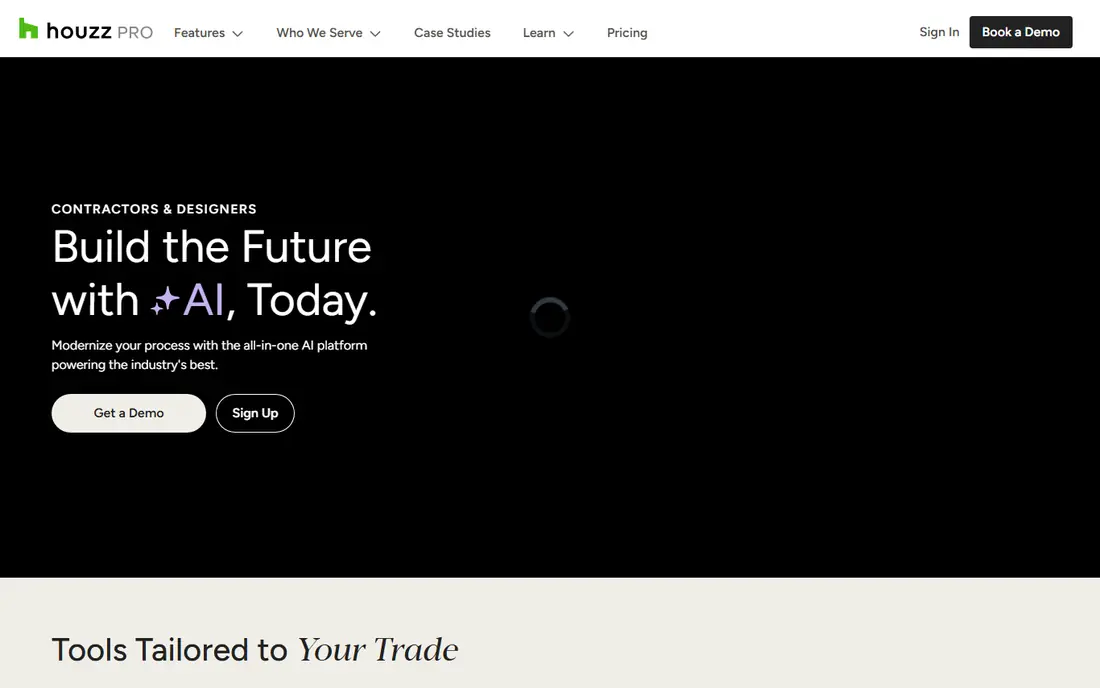
Houzz Pro differs from the other tools here because it starts with visibility. Remodelers and designers can present past work, collect leads from Houzz, and then manage estimates, schedules, and client messages in the same account. For firms that spend time chasing work, that combined pipeline and delivery view is a real advantage.
Lead volume and quality depend heavily on location and trade, so results will differ by market. Houzz Pro also offers a free plan with basic tools, while paid plans add more project and marketing features. Test it in your service area first, and compare how many leads turn into signed jobs before judging the price.
- Lead generation through Houzz
- Estimates, invoicing, and client tools
- Visual portfolio and marketing features
- Lead quality varies by market
- Paid plan pricing is not always simple to compare
Contractor Foreman
Great for: Budget-conscious contractors wanting broad features
Contractor Foreman appeals to small contractors who want many features without an enterprise bill. It covers estimates, scheduling, time tracking, invoices, daily logs, and client communication, with mobile access for crews on site. That breadth makes it a practical single system for firms that cannot afford separate sales, project, and field tools.
The trade-off is polish and depth. With so many features in one place, the interface can feel busy, and reporting does not match Procore or Buildertrend at the high end. For a small team that needs solid coverage at a lower price, Contractor Foreman is often the best value in this group.
- Broad feature set for the price
- Scheduling, estimates, and daily logs
- Mobile tools for field crews
- Interface packs in many features
- Reporting is simpler than enterprise platforms
Procore is the right alternative when projects involve many subcontractors, owners, and compliance steps. It handles drawings, RFIs, submittals, punch lists, safety, quality, and financial controls in a system designed for large commercial work. Field teams get mobile tools that stay connected to the office record, which matters when plans change on site.
That scale brings cost and setup effort. Procore prices by quote, and implementation usually needs training and process changes, not just a login. Small residential builders will likely find it too large and too costly. For general contractors running complex projects, it is the most complete platform here.
- Deep project, quality, safety, and financial tools
- Strong mobile field apps
- Wide integration options
- Quote-based enterprise pricing
- Implementation takes time and training
Buildxact suits small builders and remodelers who start from an estimate and want that estimate to drive the schedule and job record. Takeoffs, quotes, and scheduling sit close together, so a small office can move from a client request to a priced job without a long setup project. The learning curve is gentler than Procore or Buildertrend.
It is not primarily a sales CRM. Lead nurturing, marketing, and deep pipeline reporting are thinner here than in Houzz Pro or JobTread. If estimating accuracy and simple job tracking are your main needs, Buildxact fits well. If you need heavy lead management, pair it with a CRM or pick a more sales-focused tool.
- Straightforward estimating and takeoffs
- Scheduling and job tracking
- Simpler setup than enterprise tools
- Less CRM depth than sales-focused tools
- Fewer advanced financial features
JobNimbus is designed around the way roofing and exterior contractors actually work: fast estimates, insurance-related jobs, crews, photos, and material orders. Its CRM keeps contacts, jobs, tasks, and documents together, and its boards give managers a clear view of where each job stands. That trade focus makes setup faster for roofers than a generic construction platform.
Custom home builders may find the workflow less tailored to long selections and multi-phase builds. Pricing is also quote-based, so a demo and a written quote are needed for a fair comparison. For roofing, siding, and exterior firms, JobNimbus is one of the most relevant alternatives to TopBuilder.
- CRM built for roofing and exterior trades
- Job boards, photos, and documents
- Integrations for payments and suppliers
- Pricing is quote-based
- Less suited to custom home building workflows
Buildern covers the full path from CRM to estimating, project delivery, and accounting connections, which appeals to growing builders who want one system as they add staff. Its client portal, budgets, change orders, and scheduling give office and field teams a shared record, and some plans include field users at no extra seat cost.
As a newer platform, Buildern has less history than Buildertrend or Procore, and integration coverage should be tested with the accounting and supplier tools you already use. For a builder moving from spreadsheets and separate apps to a single system, Buildern offers a modern, well-priced path.
- CRM through to accounting links
- Client portal
- Field users can be included without extra seat costs on some plans
- Newer platform than Buildertrend
- Check integration coverage for your accounting system
Fieldwire is the field-first option in this list. Crews can view the latest plans, mark up drawings, complete checklists, and close punch items from a phone or tablet, even when connectivity is limited. The free Basic plan covers small teams and a limited number of projects, which makes it easy to test on a live job.
Fieldwire does not replace a construction CRM on its own. It lacks deep lead management and estimating, so most firms pair it with a CRM or a broader platform. If your main pain is site communication and punch-list chaos, Fieldwire fixes that problem directly and at a low entry cost.
- Free Basic plan for small teams
- Plan viewing and markups
- Tasks, checklists, and punch lists on mobile
- Not a full CRM or estimating system
- Paid plans are priced per user
How we picked these
We compared official product pages, pricing pages, and feature descriptions for construction tools that handle client relationships plus job delivery. We excluded generic CRMs that need major customization for estimating and job costing, and we favored tools with a clear construction focus and current availability in October 2026. Where pricing was quote-based, we wrote See website rather than repeating an unverified estimate.
How to choose a TopBuilder alternative for your firm
Start with your job type, not the feature list. Residential builders and remodelers need selections, change orders, and client portals. Roofers need fast job boards and photo records. Commercial general contractors need RFIs, submittals, and financial controls. A tool that excels in one of those jobs can still fail in another.
Count total cost, not just the headline price
Check whether pricing is per user, per project, or quoted by company size, and whether field staff, clients, and subcontractors need paid seats. Add payment processing, accounting integration, and training time to the total. A lower monthly price can cost more if your whole crew needs paid seats.
Test the handoff from lead to invoice
Run one real job type through a trial: enter a lead, build an estimate, convert it to a project, schedule work, record a change order, and send an invoice. Watch where data must be retyped or where a step breaks. That single test reveals more than a demo script, because it shows how sales and delivery connect in daily use.
Check client experience and mobile use
Clients judge your firm by the portal, messages, and payment steps they see. Field crews judge a tool by whether it works on a phone with gloves, dust, and weak signal. Test both before you commit, and ask how the vendor handles support during working hours in your time zone.
Frequently asked questions
What are the best alternatives to TopBuilder CRM for construction?
Buildertrend and JobTread are the strongest direct replacements for residential builders, while JobNimbus fits roofing and exterior trades and Procore fits large commercial work. Houzz Pro adds lead generation for remodelers, and Contractor Foreman offers broad features at a lower price. The best pick depends on job type, team size, and whether you need marketing, estimating, or field tools most.
Are there TopBuilder alternatives for construction with a free plan?
Yes, but free plans are limited. Houzz Pro offers a free plan with basic tools, and Fieldwire offers a free Basic plan for small teams and a limited number of projects. Most full construction platforms, including Buildertrend, JobTread, and Procore, use trials or quoted pricing instead of a free plan. Check project and user limits before relying on a free tier for live jobs.
Which construction CRM is best for small builders?
Contractor Foreman and Buildxact are good starting points for small builders, because they cover estimating, scheduling, and job tracking without enterprise pricing. JobTread also suits small remodelers who want strong job costing. Small firms should test mobile use and accounting links, since those two areas often decide whether a low-price tool stays useful as work grows.
Is Procore a good TopBuilder alternative?
Procore is a strong alternative for large general contractors and commercial teams, but it is usually too large and too costly for small residential builders. It excels at drawings, RFIs, submittals, safety, quality, and financial controls across many parties. Residential firms that mainly need CRM, selections, and client portals will likely prefer Buildertrend, JobTread, or Buildern.
Can I switch from TopBuilder without losing job history?
In most cases, yes, but the effort varies. Export contacts, jobs, documents, estimates, and financial records before you cancel, and ask the new vendor what it can import directly. Plan a cutover date, keep the old system read-only for a period, and test imported jobs before your team relies on the new system for live work.
Sources
See where you really rank - block by block
ProMapRanker scans Google Maps across a grid of your service area. Simple monthly plans from $19, white-label on every plan.
Start freeKeep reading
 zscaler alternatives
Best Zscaler Alternatives in 2026
Looking for zscaler alternatives? We compare 9 SASE and zero trust platforms on architecture, data protection, pricing, and fit for your network and team.
Read → zapier alternatives free
Best Zapier Alternatives Free in 2026
Nine automation tools for zapier alternatives free in 2026, all with genuinely free tiers, plus free plan limits, starting prices and upgrade paths explained.
Read → which platform is best for online reputation
Which Platform Is Best for Online Reputation in 2026
Wondering which platform is best for online reputation? We compare 8 review, listing, and response tools for small and multi-location businesses and agencies.
Read →