 ProMapRanker
Which Software for Team Coding Fits You? 6 Tools Compared

Direct answer
If you need browser based web coding, CodeSandbox is the first tool to look at here. Look at JetBrains Code With Me for JetBrains pair programming, and at GitLab for team coding and DevOps. The remaining 3 options are covered below with prices and limits.
Key takeaways
- Top of the list is CodeSandbox, which targets browser based web coding.
- For real time pair programming, Visual Studio Live Share is worth a look.
- Expect to ask for a quote from CodeSandbox, GitHub Codespaces and CodeTogether; the other tools show a starting price.
- A fair warning about GitLab: live editing is thinner.
- Free plans exist at 5 of 6 tools (CodeSandbox, JetBrains Code With Me, GitLab, GitHub Codespaces, Visual Studio Live Share).
Quick comparison
| Pick | Great for | Pricing starts at | Free tier | |
|---|---|---|---|---|
 CodeSandbox | Browser based web coding | See website | Yes | Visit |
 JetBrains Code With Me | JetBrains pair programming | Free | Yes | Visit |
 GitLab | Team coding and DevOps | Free | Yes | Visit |
 GitHub Codespaces | Cloud dev environments | See website | Yes | Visit |
 CodeTogether | Live editing in editors | See website | Free trial | Visit |
 Visual Studio Live Share | Live pair programming | Free | Yes | Visit |
Every option for software for team coding explained
ProMapRanker compared 6 tools for software for team coding. The goal is a practical shortlist: published prices, free plan facts, best-fit use cases and honest limits for every entry.
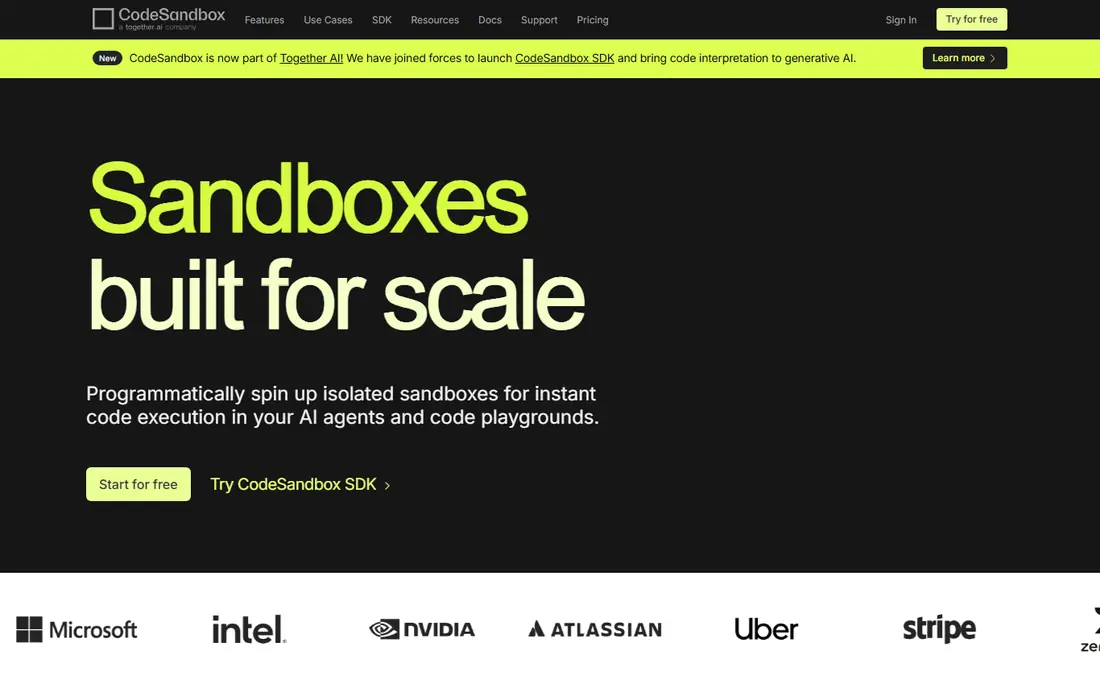
CodeSandbox serves browser based web coding. CodeSandbox offers browser based web development with live collaboration, templates for React, Vue, and other frameworks, and instant previews that update as the team codes.
From a buyer's view, the focus is web projects, so backend or mobile teams need other tools, and team pricing scales with seats. The free level covers personal projects and testing. No starting price is listed for CodeSandbox here; confirm pricing on the vendor site. CodeSandbox offers a free plan.
The main drawbacks: Pricing for teams.
- Live collaboration
- Web project templates
- Web focus
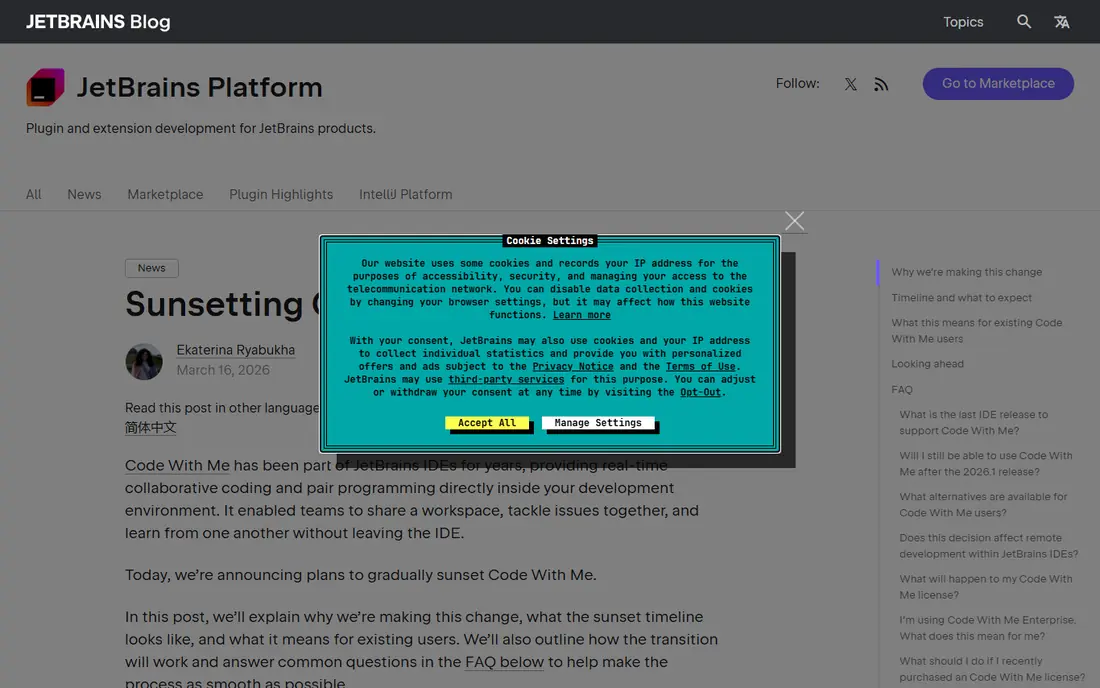
JetBrains Code With Me was built for JetBrains pair programming. The integration feels native for IntelliJ, PyCharm, and other JetBrains tools.
Limits to weigh: Performance varies on large projects.
The focus is JetBrains IDEs, and performance varies on very large projects, though recent versions improved speed. Price to start with JetBrains Code With Me: Free. JetBrains Code With Me includes a free tier.
- Live editing
- JetBrains integration
- JetBrains focus

GitLab works best for team coding and DevOps. Live co editing is thinner than Live Share or Code With Me, since GitLab concentrates on review workflows instead of live pairing.
As for the details, the single product fits teams that want coding plus DevOps together. What you pay to start with GitLab: Free. GitLab offers a free plan.
Drawbacks to consider: Interface is dense.
Reasons to shortlist it: CI in one; Web IDE.
- Code, review
- Collaboration
- Live editing is thinner
Pick GitHub Codespaces if this describes you: cloud dev environments. GitHub Codespaces gives you cloud dev environments tied to repos, with dev container configs that provide every developer the same tools, extensions, and dependencies. For a GitHub team that wants consistent, instant dev environments, Codespaces supplies the smoothest path.
Drawbacks to consider: Usage costs.
Environments scale by machine size, and prebuilds speed startup for large repos. Worth adding: a new team member starts coding in minutes from a browser or VS Code, without local setup struggles. Usage costs grow with team size and machine hours, and the workflow assumes GitHub hosting. GitHub Codespaces does not show a starting price in this comparison, so check the vendor site for current pricing. GitHub Codespaces has a free plan.
- Dev containers
- Instant setup
- Needs GitHub workflow
CodeTogether makes the most sense for live editing in editors. Guests join without cloning the repo, hosts control access, and shared editing, terminals, and previews support pairing and reviews. For a mixed editor team that pairs across IDEs, CodeTogether provides a rare cross product choice.
The main drawbacks: Smaller brand.
The brand is smaller than Microsoft or JetBrains tools, and pricing follows seats, so teams should test compatibility with their editors. The cross editor support sets it apart from single editor tools. Check the vendor site for CodeTogether pricing; none is listed in this comparison. Free access: Free trial.
- No repo clone for guests
- Cross editor support
- Pricing by seats
For live pair programming, Visual Studio Live Share is a natural candidate. Visual Studio Live Share lets developers share a VS Code or Visual Studio session in live, with co editing, shared terminals, shared debugging, and voice chat through extensions.
The tool fits pair programming, mentoring, and code reviews. Visual Studio Live Share starts at: Free. You can start on Visual Studio Live Share without paying.
Trade-offs to know: VS Code focus.
- Live editing
- Shared debugging
- Session limits apply
Selection criteria
ProMapRanker used vendor pricing pages and product documentation as the base, then compared plans, free access and documented limits for 6 tools. Figures are shown as the vendors publish them. Billing terms, seat minimums and add-ons can change the real cost. The ranking is editorial: typical fit first, then clear pricing, then free access. If your needs are unusual, read the profiles rather than relying on position.
A buyer's checklist
- Get a written quote from CodeSandbox, GitHub Codespaces and CodeTogether; the list shows no starting price for them.
- Check what the free option really includes: CodeSandbox, JetBrains Code With Me, GitLab and others offer a free plan, and usage caps differ.
- Take the trial from CodeTogether and push a live task through it before you pay.
- Before choosing CodeSandbox, weigh its main limit: web focus.
- Confirm the exact JetBrains Code With Me plan that includes your must-have features.
- See whether GitLab offers onboarding or training, and whether it is included in the price.
Frequently asked questions
What is the best team coding tool for beginners?
CodeSandbox is the pick this page puts first, mainly for browser based web coding. If your situation differs, JetBrains Code With Me suits JetBrains pair programming, and GitLab suits team coding and DevOps. Compare price and limits before you decide.
Do these tools publish their prices?
Not all of them. CodeSandbox, GitHub Codespaces and CodeTogether publish no starting price, so expect a quote request for those. The rest, JetBrains Code With Me included, show a starting price, though seats and billing terms still change the final cost.
Which options for software for team coding have a free plan?
On this list, CodeSandbox, JetBrains Code With Me, GitLab, GitHub Codespaces and Visual Studio Live Share include a free plan. Caps on seats, usage or features are common, so test the free plan against your real workload. One other tool offers a trial instead.
Is CodeSandbox the right pick for everyone comparing software for team coding?
No single tool suits every team. CodeSandbox comes first because it fits browser based web coding, while JetBrains Code With Me suits JetBrains pair programming and GitLab suits team coding and DevOps. Match the tool to your own size, budget and workflow before deciding.
How do team coding tools handle security?
Review who joined sessions and environments on a regular basis, and never share credentials through chat or shared terminals. Security relies on habits as much as tool features.
Can I try these tools before paying?
Often, yes. CodeSandbox, JetBrains Code With Me, GitLab and others have a free plan and CodeTogether offers a free trial. Use your own data and a real task during the test, and check what the free tier or trial limits before you rely on it.
Sources
See where you really rank - block by block
ProMapRanker scans Google Maps across a grid of your service area. Simple monthly plans from $19, white-label on every plan.
Start freeKeep reading
 zoho inventory alternatives
6 Alternatives to Zoho Inventory, Compared on Price and Fit
Zoho Inventory alternatives: 6 tools compared on price, free plans and fit. Katana leads the list for manufacturers. Fit and flaws are laid out for each entry.
Read → zoho crm alternatives
Best Zoho CRM Alternatives (2026)
Need Zoho CRM alternatives? We compare 7 tools on cost, free access and who each suits. Every pick gets a straight assessment. Built for quick decisions.
Read → zelle alternatives
Best Zelle Alternatives in 2026
Compare the best Zelle alternatives for sending money to friends, paying sellers and moving funds abroad, with honest notes on fees, speed and safety in 2026.
Read →