 ProMapRanker
Top Software for In-App Notifications in 2026

Key takeaways
- MagicBell and Knock are the fastest route to a polished notification inbox with preferences and batching.
- Courier and Novu suit teams that send across push, email, SMS and in-app from one workflow.
- OneSignal suits teams that also need push and email at scale, with a generous free tier.
- Firebase Cloud Messaging is free for raw delivery, but you build the inbox, preferences and history yourself.
- Pricing is charged by different units, so compare costs at your real monthly volume, not at the headline tier.
Quick comparison
| Pick | Great for | Pricing starts at | Free tier | |
|---|---|---|---|---|
 OneSignal | Push, in-app and email at scale | Free | Yes | Visit |
 MagicBell | A prebuilt notification inbox | Free | Yes | Visit |
 Knock | Cross-channel workflows and preferences | Free | Yes | Visit |
 Courier | Orchestration across providers | Free | Yes | Visit |
 Novu | Open source notification infrastructure | Free | Yes | Visit |
 Pusher Beams | Developer-friendly push delivery | $29 per month | Yes | Visit |
 Firebase Cloud Messaging | Free raw push delivery | Free | Yes | Visit |
 Ably | Realtime infrastructure with push | Free | Yes | Visit |
 Pushwoosh | Lifecycle campaigns on a budget | Free | Yes | Visit |
 Braze | Enterprise cross-channel engagement | See website | Free trial | Visit |
The best software for in-app notifications
We compared tools that deliver messages inside an app, either as a dedicated inbox or as part of a wider messaging system. Some tools give you a ready-made inbox component, while others give you an API and leave the interface to your team. That distinction matters more than any single feature, so we grouped the list by what each tool actually does best.
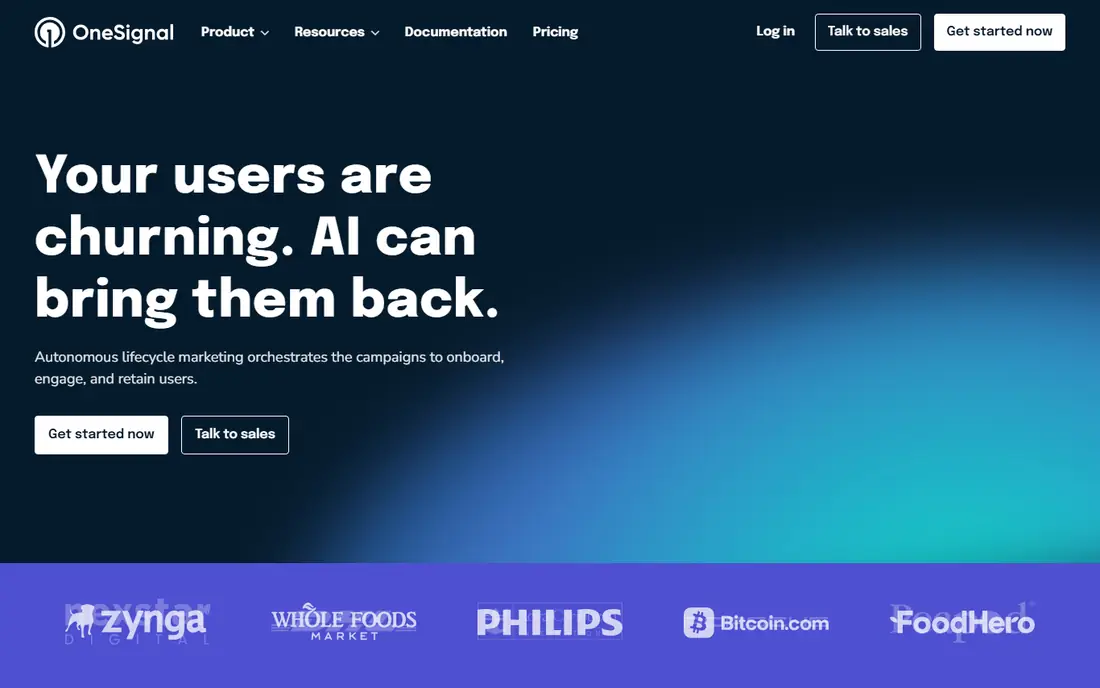
OneSignal is the broadest tool on this list, covering mobile push, web push, in-app messages, email and SMS from one dashboard. A small app can start free, segment users, schedule messages and run simple journeys without paying. As an app grows, paid plans add advanced in-app messaging, personalisation and delivery tools.
The trade-off is focus. OneSignal is excellent for reaching users, but a team that wants a full notification centre with read states, archiving and fine-grained preferences may need to build more on top. Cost also needs care, since paid pricing scales with monthly active users and message volume. For a team that needs reach first and an inbox second, it is a strong start.
- Free tier with unlimited mobile push
- In-app messages, email and SMS in one place
- Segmentation and journeys
- In-app messaging depth varies by plan
- Pricing by monthly active users can rise fast
- Inbox is not its main focus
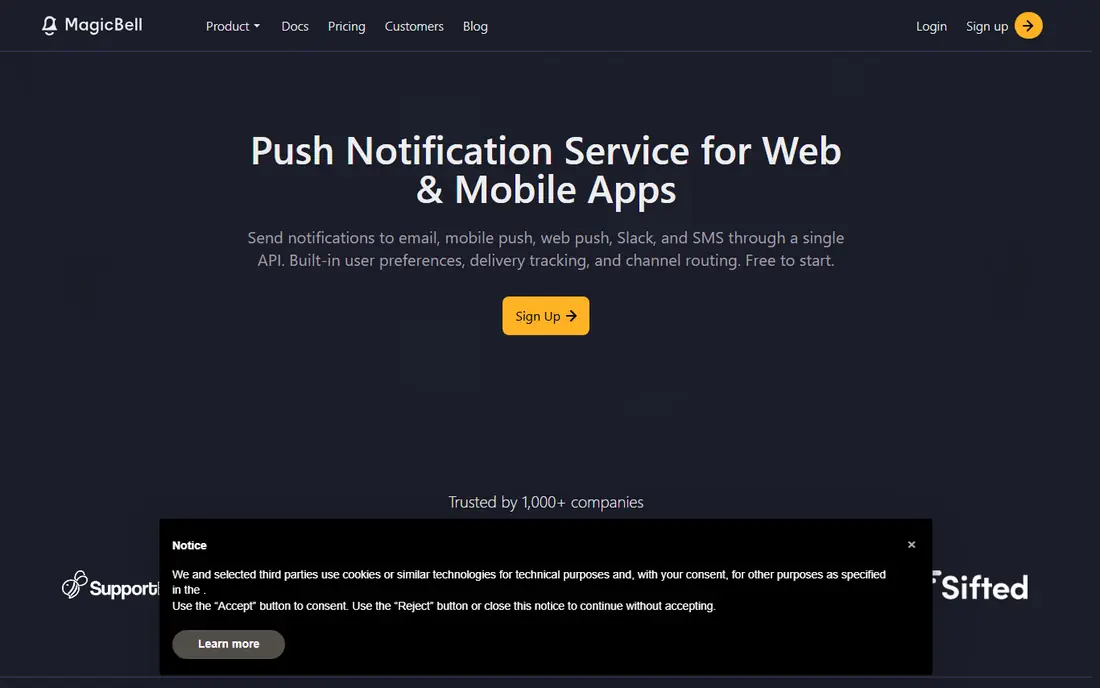
MagicBell gives product teams a notification inbox without building one from scratch. You get a bell icon, a feed of notifications, read and unread states, preferences and batching, all wired to an API. That saves weeks of work for a team that wants users to catch up on activity inside the app rather than only by push.
The cost curve is the catch. The free builder tier covers small use, but paid plans start at a higher monthly figure than simpler push tools, and charges scale with deliveries. Teams with very high notification volume should model costs at real traffic levels. For a SaaS product that needs a polished inbox quickly, MagicBell is still one of the fastest routes.
- Ready-made inbox component
- User preferences and batching
- Real-time delivery
- Paid plans start higher than some rivals
- Pricing scales with deliveries
- Custom design needs developer time

Knock is built for product teams with complex notification logic. Workflows can batch related events, delay messages, respect quiet hours, deduplicate repeats and route each message to the channel a user prefers. The in-app feed component gives users a place to read past notifications, while preferences let them turn channels on or off per topic.
That power comes at a price. The free developer tier is generous for testing, but the paid starter plan is a step up from consumer-priced tools. Small teams with simple needs may find MagicBell or OneSignal cheaper. Teams drowning in notification logic across email, push and in-app will find Knock's workflow engine worth the cost.
- Workflow engine with batching and dedup
- Per-user channel preferences
- In-app feed component
- Paid plan starts at $250 per month
- Overage charges apply
- Setup needs developer involvement
Courier sits between your app and your delivery providers, so one API can send push, email, SMS, chat and in-app messages. Templates, branding and routing rules live in one place, and you can switch providers without rewriting app code. Failover helps when a provider has an outage, since messages can route to a backup.
Courier is an orchestration layer, not a finished inbox product, so a team that wants a ready-made feed will need to build the interface or pair it with another tool. Per-send pricing also means high-volume apps should compare total cost against a flat-tier tool. For teams juggling several providers, the central control is the main win.
- One API for many providers
- Templates and routing in code
- Failover between providers
- Per-send pricing adds up at scale
- Inbox requires extra work
- Learning curve for template design
Novu is an open source notification platform that teams can self-host or run on Novu Cloud. It provides workflows, templates, digesting and delivery across push, email, SMS, chat and in-app channels. The open source model appeals to teams that want control over data and hosting, or that want to avoid lock-in to a single vendor.
Self-hosting is not free in effort, since your team owns updates, scaling and monitoring. The cloud option removes that burden at a monthly price. Novu's inbox is serviceable, but a team that wants a highly polished, branded feed out of the box may prefer MagicBell or Knock. For developer-led teams that value openness, Novu is a solid pick.
- Open source and self-hostable
- Workflow builder for many channels
- Free cloud tier for testing
- Self-hosting needs operations time
- Paid cloud plans start at $30 per month
- Inbox component is less polished than MagicBell
Pusher Beams handles push delivery for mobile and web apps, wrapping the platform push services in a simpler API. Developers get interests, device management and delivery reporting without managing tokens and platform quirks directly. The free tier covers small development use, with paid tiers scaling by subscriber count.
Beams is a delivery tool, not a notification centre. If your users need an in-app inbox with history and preferences, you will build that layer yourself or add another product. For a team whose main need is reliable transactional and marketing push, Beams keeps the integration simple.
- Simple SDKs for mobile and web
- Reliable delivery via platform providers
- Free tier for development
- Push-focused rather than a full inbox
- Pricing scales with subscribers
- In-app centre needs separate work
Firebase Cloud Messaging, known as FCM, is the free transport layer behind many Android and iOS apps. There is no per-message cost, and it works well for teams already using Firebase for authentication, databases or analytics. For a startup with a developer on staff, FCM keeps messaging costs at zero while the app finds its footing.
The catch is everything around delivery. FCM sends messages, but it does not give you an inbox, user preferences, batching or a history view. Your team builds and maintains those pieces, plus token handling and retry logic. If you have developer time and a tight budget, FCM is hard to beat. If you need a finished product quickly, a managed tool will save more time than FCM saves money.
- No per-message charge
- Standard for Android and iOS apps
- Integrates with the wider Firebase suite
- No built-in inbox or preferences
- You manage tokens, queues and retries
- Analytics need extra setup
Ably is realtime infrastructure first, with push notifications as one use of its message network. It suits apps that already need live updates, chat or collaborative features, since notifications can ride on the same connection. Reliability, scaling and global delivery are its strengths, and the free tier lets a team test without paying.
A team that only needs notifications may find Ably broader than necessary. There is no ready-made inbox, preference centre or workflow engine of the kind Knock offers. For a realtime app, though, using one backbone for live data and notifications keeps the architecture simpler.
- Realtime messaging backbone
- Push notifications on top
- Strong reliability and scaling
- Infrastructure-first, not a notification product
- Inbox and preferences need building
- Pricing by messages and connections
Pushwoosh is a budget-friendly lifecycle tool that covers push, email, SMS and in-app messages. The free tier supports small apps, and paid plans scale by monthly active users with a low entry point for push-only use. Segmentation, scheduling and journey tools help a small marketing team run campaigns without enterprise pricing.
The in-app side is more campaign-oriented than inbox-oriented, so a SaaS product needing a full notification centre may still want MagicBell or Knock. For a mobile app focused on retention campaigns, Pushwoosh gives a lot of reach for the price, and the free tier makes it easy to test.
- Free tier up to 1,000 monthly active users
- Push, email and in-app messaging
- Segmentation and journeys
- In-app inbox is basic
- Pricing by monthly active users
- Enterprise features need higher plans
Braze is an enterprise customer engagement platform that covers in-app messages, content cards, push, email and SMS in one system. Content cards act as a persistent in-app feed, while journeys tie messages to user behaviour across channels. Analytics, testing and segmentation are deep, which suits large consumer apps with dedicated lifecycle teams.
Pricing is by quote and sits at enterprise level, and implementation is a project rather than an afternoon setup. A small team will find it heavy and costly. A large app that needs coordinated campaigns across every channel, with strict testing and reporting, will find Braze's breadth hard to match.
- Deep cross-channel journeys
- In-app messages and content cards
- Strong analytics and testing
- Enterprise pricing by quote
- Implementation takes time
- More tool than a small app needs
How we picked these
We compared official pricing pages, product documentation and public comparisons for notification tools live in October 2026. We kept tools that support in-app delivery directly or as part of a cross-channel system, and we excluded pure email or SMS tools. Where pricing is charged by different units, we reported the vendor's own starting tier and noted the unit, rather than forcing a false like-for-like price.
How to choose without overpaying
Start by deciding what users should see. If they need a place to catch up on missed activity, shortlist inbox-first tools such as MagicBell and Knock. If they only need timely alerts, a push and campaign tool such as OneSignal, Pusher Beams or Pushwoosh may be enough. If your app already sends across many channels, an orchestration tool such as Courier or Novu will reduce provider sprawl.
Then model cost at three volumes: today, six months from now, and a busy month. Check whether pricing is per user, per send, per delivery or per subscriber, and ask what counts as a billable event. A tool that looks cheap at 1,000 users can become costly at 50,000. Finally, test the preference and quiet-hours behaviour with real users, since a notification system that cannot be tuned will drive people to mute your app entirely.
Frequently asked questions
What is the best app for in-app notifications?
MagicBell and Knock are strong inbox-first picks, while OneSignal is a strong all-round pick for push plus in-app. The best app depends on whether users need a history feed, preferences, or just timely alerts. Test the inbox experience as a user, not just as a developer.
What are the best apps for in-app notifications for a small team?
OneSignal and Pushwoosh both offer free tiers that suit a small app, and Novu offers a free cloud tier for developer-led teams. Start free, measure volume, and upgrade only when a paid feature is actually needed. Avoid enterprise tools until volume justifies them.
How do in-app notifications differ from push notifications?
Push notifications reach a user outside the app, on the lock screen or in a browser, while in-app notifications appear inside the app itself. An inbox lets users catch up on messages they missed, while push is better for time-sensitive alerts. Most mature apps use both, with preferences controlling each channel.
Do I need a separate inbox tool if I use Firebase?
Firebase Cloud Messaging handles delivery for free, but it does not include an inbox, preferences or history. You can build those pieces yourself, or add a tool such as MagicBell or Knock on top of your existing stack. The choice is a trade-off between developer time and monthly cost.
Sources
See where you really rank - block by block
ProMapRanker scans Google Maps across a grid of your service area. Simple monthly plans from $19, white-label on every plan.
Start freeKeep reading
 zscaler alternatives
Best Zscaler Alternatives in 2026
Looking for zscaler alternatives? We compare 9 SASE and zero trust platforms on architecture, data protection, pricing, and fit for your network and team.
Read → zapier alternatives free
Best Zapier Alternatives Free in 2026
Nine automation tools for zapier alternatives free in 2026, all with genuinely free tiers, plus free plan limits, starting prices and upgrade paths explained.
Read → which platform is best for online reputation
Which Platform Is Best for Online Reputation in 2026
Wondering which platform is best for online reputation? We compare 8 review, listing, and response tools for small and multi-location businesses and agencies.
Read →