 ProMapRanker
Top Smartphone Software for Performance in 2026

Key takeaways
- Files by Google is a strong starting point for many teams, while the other options cover different budgets and work styles.
- CCleaner suits readers who already use its wider ecosystem or need its particular strengths.
- Free plans are useful for a trial, but paid plans usually add the limits, controls, and support that larger groups need.
- Check pricing on the vendor site before you commit, since plans and limits change during the year.
Quick comparison
| Pick | Great for | Pricing starts at | Free tier | |
|---|---|---|---|---|
 Files by Google | Safe storage cleanup on Android | Free | Yes | Visit |
 CCleaner | Junk cleanup and system monitoring | Free | Yes | Visit |
 Avast Cleanup | Junk removal and app hibernation | Free | Yes | Visit |
 SD Maid 2/SE | Detailed maintenance for advanced users | Free | Yes | Visit |
 AccuBattery | Battery health and charging habits | Free | Yes | Visit |
 Greenify | Hibernation for background apps | Free | Yes | Visit |
 Battery Guru | Battery stats and charging alerts | Free | Yes | Visit |
 AVG Cleaner | Cleanup from a security brand | Free | Yes | Visit |
 All-In-One Toolbox | Cleanup plus small utilities | Free | Yes | Visit |
The best smartphone software for performance
We compared official feature pages, pricing pages, and app store listings for this list. The options below cover different budgets, team sizes, and work styles, so start with the fit for your group rather than the longest feature list.
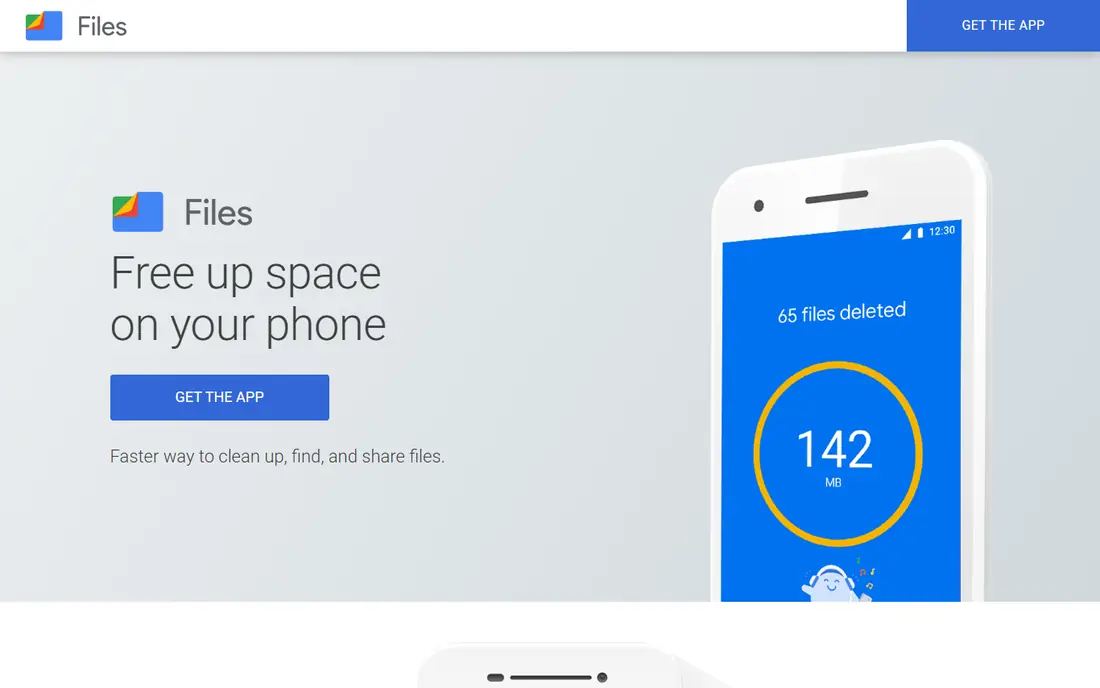
Files by Google is the safest first step for most Android users, because it shows where storage is going and suggests safe cleanups. It can spot old screenshots, large videos, duplicates, and chat media, and it lets a user review each item before deleting it.
That caution is a strength, since it avoids deleting files a user still needs. The limit is that it is Android only, and it does not tune system settings in depth. For freeing space without risk, though, it is the tool we would start with.
- Smart cleanup suggestions
- Duplicate finder
- Offline file sharing
- Android only
- No deep system tuning
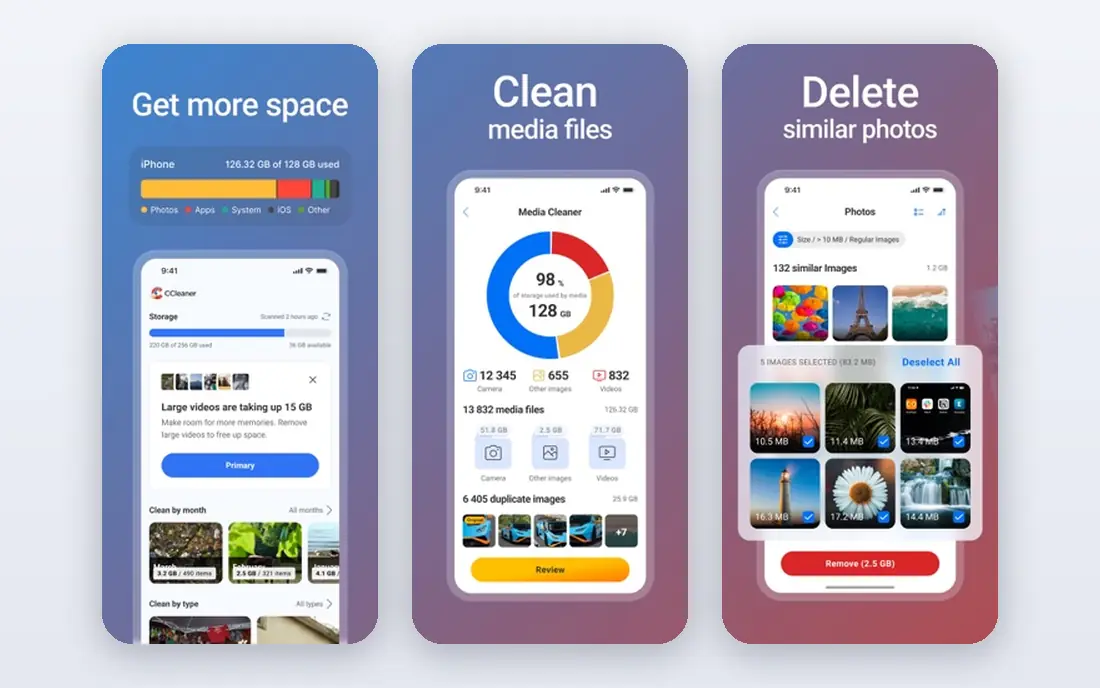
CCleaner for Android combines junk cleanup with a clear view of storage, battery, and CPU use. A user can see which areas take the most space, review what will be removed, and then confirm the cleanup, which keeps the process safer for beginners.
Some deeper features need a paid plan, and setup screens ask about data options that a user should read carefully. For a polished, all-round cleaner from a known brand, CCleaner remains a solid choice.
- Junk and cache cleanup
- Storage analysis
- Battery and CPU views
- Some features need a paid plan
- Setup asks about data options
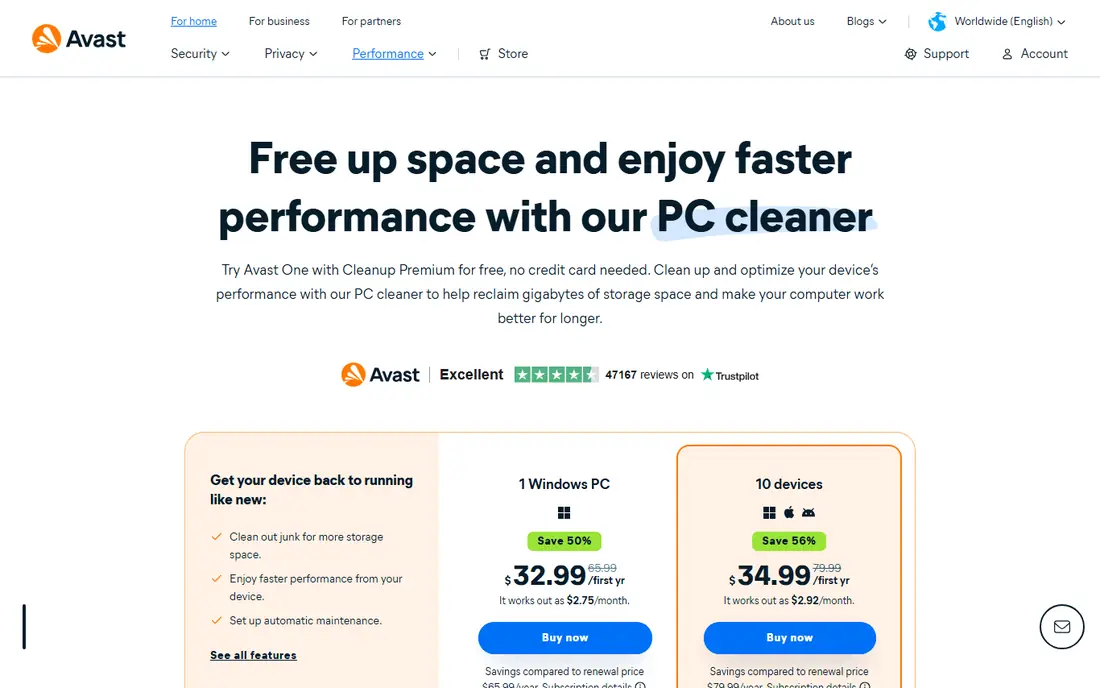
Avast Cleanup focuses on junk removal, photo tidying, and hibernation for apps that drain resources in the background. Hibernation can help battery life, since apps that are not in use stop using resources until they are opened again.
The free version covers basic cleanup, while deeper features need a subscription. It is Android only, so iPhone users need a different approach. For Android users who want cleanup plus battery help in one app, it is worth a look.
- Junk cleanup
- Photo organization
- Hibernation for unused apps
- Full features need a subscription
- Android only
SD Maid 2/SE is a detailed maintenance tool for users who want more control than a one-tap cleaner gives. It scans for leftovers from uninstalled apps, finds duplicates, and helps tidy app databases, which can free space that simple cleaners miss.
The interface is more technical, and some features need extra setup on newer Android versions, so it suits advanced users rather than beginners. Used with care, it is one of the most thorough Android maintenance tools available.
- Leftover file scanning
- Duplicate finder
- Database tidy options
- Technical interface
- Some features need setup on newer Android versions
AccuBattery helps performance in a different way, by showing battery health and charging habits. It estimates capacity, tracks discharge, and can sound an alarm at a chosen charge level, which helps users avoid habits that wear a battery faster.
Estimates improve over several charge cycles, so the first days give only a rough picture. It is Android only. For users who want to understand why a phone dies early, AccuBattery gives clearer data than a generic cleaner.
- Capacity estimates
- Charge alarms
- Discharge history
- Android only
- Estimates improve over time, not at once
Greenify hibernates apps that run in the background, which can cut idle drain and keep a phone feeling responsive. It is light on resources itself, which matters for a tool that is meant to save battery rather than use it.
Newer Android versions already manage background apps more strictly, so Greenify adds less value than it once did, and full effect needs setup. For older phones or apps that misbehave in the background, it can still help.
- Hibernates background apps
- Simple controls
- Low resource use
- Needs setup for full effect
- Newer Android limits some actions
Battery Guru gives detailed battery statistics, charging alarms, and health estimates for Android users who want more than a simple percentage. It can show which apps draw power and when charging patterns change, which helps a user spot a problem app.
The interface is dense, so beginners may prefer a simpler tool first. For users who like data and are willing to spend a few minutes learning the screens, Battery Guru is a strong, low-cost option.
- Detailed battery stats
- Charging alarms
- Health estimates
- Android only
- Interface is dense for beginners
AVG Cleaner, from the same family as AVG security software, covers cache cleanup, duplicate photos, and battery analysis in one Android app. Its familiar brand and simple flow suit users who want a cleaner without a steep learning curve.
As with other cleaners, deeper features need a paid plan, and it is Android only. For basic cleanup and a quick battery check, the free version covers the main jobs well.
- Cache cleanup
- Duplicate photos
- Battery analysis
- Premium features need a subscription
- Android only
All-In-One Toolbox bundles junk cleanup with small utilities such as an app manager and a CPU view. That bundle suits users who want one app for several small jobs rather than installing a separate tool for each one.
The free version shows ads, and some utilities are basic compared with dedicated tools. For a free, broad toolbox on Android, it is a practical pick, as long as a user reviews each cleanup before confirming it.
- Junk cleanup
- CPU cooler view
- App manager
- Ads in free version
- Some tools are basic
How we picked these
We started with products that exist and work in October 2026 and that fit the topic directly, not products that only touch it in passing. We checked each vendor site for current plans and free tiers, and we left a price as See website where we could not confirm it from the vendor page during this review. We favored a mix of widely used leaders and smaller options with a clear purpose, and we noted an honest drawback for each pick.
We did not claim hands-on testing that did not happen. Our comparison rests on official feature pages, pricing pages, app store listings, and public documentation. That approach keeps the focus on facts a reader can check again before buying, rather than on claims about a private trial.
How to choose smartphone performance software
Start by finding the real problem, since storage, battery, and background apps need different tools. Check storage in phone settings first, then battery use, then the apps that run most in the background. That order stops a user from installing a cleaner for a battery problem, or a battery tool for a storage problem.
Next, use only known apps, review deletions, and back up photos before a large cleanup. Avoid force-closing every app, since Android manages memory on its own and aggressive closing can waste battery. Finally, update the phone software, remove apps that are no longer used, and keep at least some free storage, since a nearly full phone tends to slow down.
Frequently asked questions
What is the best smartphone software for performance?
For Android, start with Files by Google for safe storage cleanup, then add AccuBattery if battery life is the main problem. A cleaner helps most when storage is full, while a battery tool helps when a phone dies early. The two jobs are different, so match the tool to the symptom.
Do phone cleaner apps really speed up a phone?
They help mainly by freeing storage and stopping wasteful background apps, not by changing the processor. If storage is nearly full, cleanup can make a real difference. If storage is fine and the phone is still slow, check updates, old apps, and battery health instead.
Are cleaner apps safe?
Stick to known apps from Google, CCleaner, Avast, or AVG, and review every deletion before confirming it. Avoid unknown cleaners that ask for broad permissions, promise large speed gains, or show aggressive ads, since those are common warning signs.
Can iPhone users use these apps?
Most Android cleaners cannot run the same way on iPhone, because iOS limits what third-party apps can clean. iPhone users should use built-in storage settings, offload unused apps, and manage photos through iCloud or a computer, rather than installing a cleaner.
How often should I clean my phone?
Once a month is enough for most users, or when storage warnings appear. Cleaning too often, especially by force-closing apps, can hurt battery life, since Android already manages memory and will reopen apps it needs.
Sources
See where you really rank - block by block
ProMapRanker scans Google Maps across a grid of your service area. Simple monthly plans from $19, white-label on every plan.
Start freeKeep reading
 zoro.to alternatives
Best Zoro.to Alternatives in 2026
We compare the best zoro.to alternatives in 2026, listing only legal licensed anime streaming services, from Crunchyroll to free options for fans today.
Read → zip alternatives
Best Zip Alternatives in 2026
We compare the best zip alternatives for buy now, pay later in 2026, covering pay-in-4 plans, fees, spending limits, and credit reporting options today.
Read → yesware alternatives
Best Yesware Alternatives in 2026
Compare the best yesware alternatives for sales email tracking, templates, and sequences, with current pricing and honest tradeoffs for small sales teams.
Read →