 ProMapRanker
Best Recording Software for Podcasters in 2026
Direct answer
Our first pick is GarageBand, best for free recording on Mac and iPhone. Listed starting prices: GarageBand from $0, Podcastle from $11.99 a month and Riverside from $24 a month. Podcastle fits all-in-one recording and AI cleanup; Zencastr fits free remote recording with hosting. Details, prices and limits for the rest of the 6 tools are below.
Short on time? The summary and table above give the quick view of 6 recording software for podcasters, and the profiles that follow give the detail behind each entry.
Key takeaways
- Number one here is GarageBand, a fit for free recording on Mac and iPhone.
- Before buying Podcastle, weigh this: essentials caps remote recording at 2 hours per month.
- Starting prices begin at $11.99 per month with Podcastle.
- Adobe Audition fits Pro audio repair and multitrack editing.
Quick comparison
| Pick | Great for | Pricing starts at | Free tier | |
|---|---|---|---|---|
 GarageBand | Free recording on Mac and iPhone | $0 | Yes | Visit |
 Podcastle | All-in-one recording and AI cleanup | $11.99 a month (billed yearly) | Yes | Visit |
 Zencastr | Free remote recording with hosting | Quote only | Yes | Visit |
 Riverside | Remote video and audio interviews | $24 a month (billed yearly) | Yes | Visit |
 Descript | Text-based editing after recording | $16 per person/month (billed yearly) | Yes | Visit |
 Adobe Audition | Pro audio repair and multitrack editing | $22.99 per month (billed yearly) | Free trial (7 days) | Visit |
The best recording software for podcasters
GarageBand is a good fit for free recording on Mac and iPhone. You can record two microphones on two tracks with an audio interface and export the finished episode as MP3. Skip it if you work on Windows or you need remote guests.
Beyond that, GarageBand is free on Mac, iPhone, and iPad, and it is already on most Mac computers. So a Mac owner can start recording without a download or a subscription. It records several tracks and contains reverb, visual EQ, volume controls, and stereo panning, with up to 255 audio tracks on a Mac and 32 tracks on iOS. GarageBand starts at: $0. GarageBand includes a free tier.
Trade-offs to know: music-first design needs additional setup for spoken-word presents.
- Up to 255 audio tracks on Mac
- Built-in EQ, compression, effects
- Mac and iOS only, with no Windows or Linux version
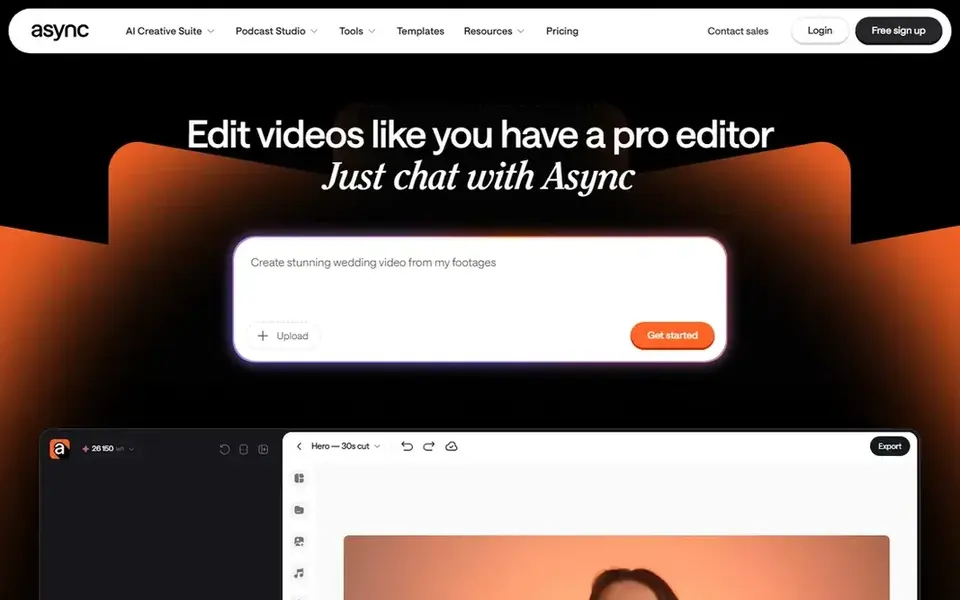
Podcastle makes the most sense for all-in-one recording and AI cleanup. The trade-off: the Essentials recording cap is tight for a weekly display, since 2 hours per month spans about two 60-minute sessions and no retakes. Skip it if you record long interviews every week, since the Essentials cap will push you to Pro in the first month.
Also, the free plan costs $0 and bundles 1 hour of remote recording in total and 2 GB of storage. Essentials costs $11.99 a month billed yearly and contains 450 AI credits per month, 20 GB of storage, 10 hours of transcription, and 2 hours of remote multitrack recording per month. Price to start with Podcastle: $11.99 per month. Podcastle has a free plan.
Drawbacks to consider: Essentials caps remote recording at 2 hours per month.
- 450 AI credits per month on Essentials
- Remote multitrack recording plus hosting in one account
- Free plan caps remote recording at 1 hour in total
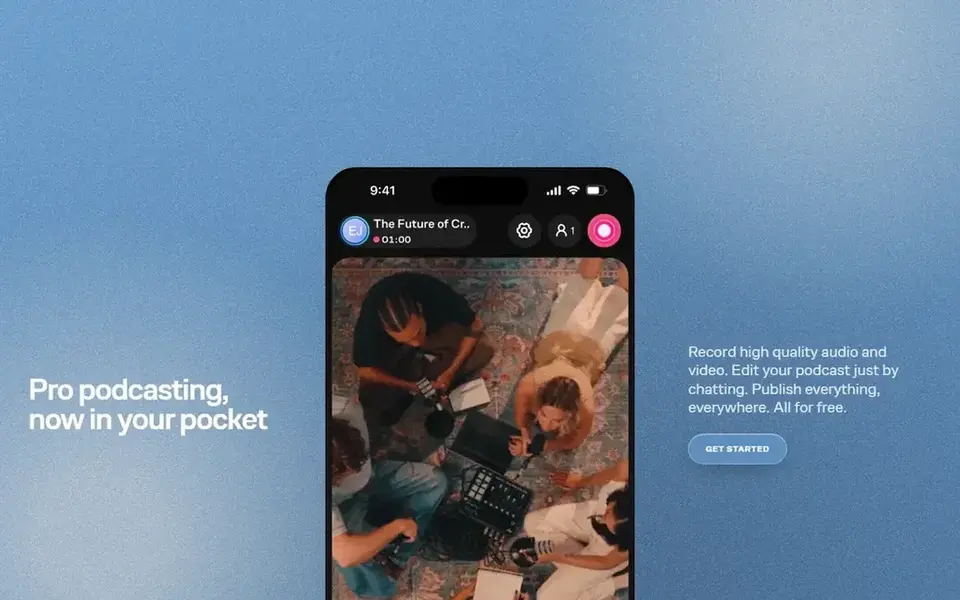
Zencastr targets free remote recording with hosting. One limit: a present that outgrows the free caps has no mid-price plan to step up to, since the old Standard, Grow, and Business levels are gone.
Trade-offs to know: free plan caps displays at 5 and seats at 4.
In practice, the free Vibecastr plan bundles up to 6 participants, 4K video on desktop and mobile, 48 kHz WAV recording, unlimited separate-track recording and download, unlimited transcription in 11 languages, unlimited hosting, and up to 5 displays and 4 seats. Worth adding: skip it if you need a clear upgrade path with a listed monthly price. Pricing for Zencastr is quote based, so budget talks start with the vendor. Zencastr has a free plan.
- Unlimited separate-track recording and download
- Unlimited hosting
- No fixed-price subscription plan is listed, so the next step above free is a custom Enterprise quote
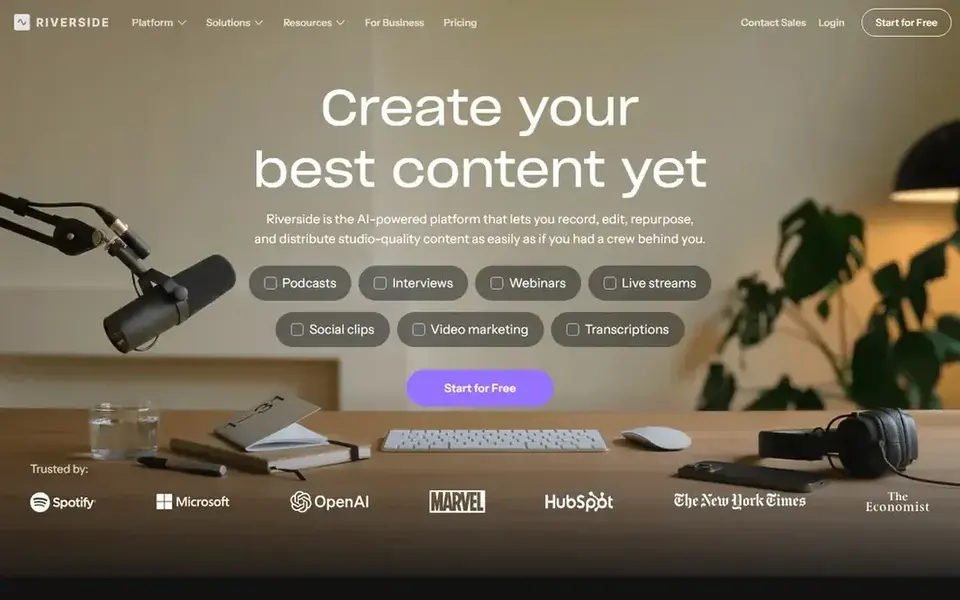
Riverside makes the most sense for remote video and audio interviews. Riverside records each guest locally on their own device, then uploads the separate audio and video tracks. So a shaky connection does not leave you with a shaky recording.
Limits to weigh: additional editor seats cost more as an add-on on Pro.
From a buyer's view, skip it if you only record solo audio in one room, since a free desktop editor does the same job for $0. Choose Riverside if you record remote guests on video and you want clean tracks to edit later. More specifically, one limit: recording itself is unlimited on Riverside. But the download cap is what counts, since you can only download 15 hours of separate tracks Worth adding: grow costs $34 a month billed yearly and brings a second studio and live streaming. The starting price for Riverside: $24 per month. Riverside has a free plan.
- Up to 4K video and 48 kHz audio
- Local recording on each guest track
- Free plan provides 2 hours of multi-track recording as a one-off allowance
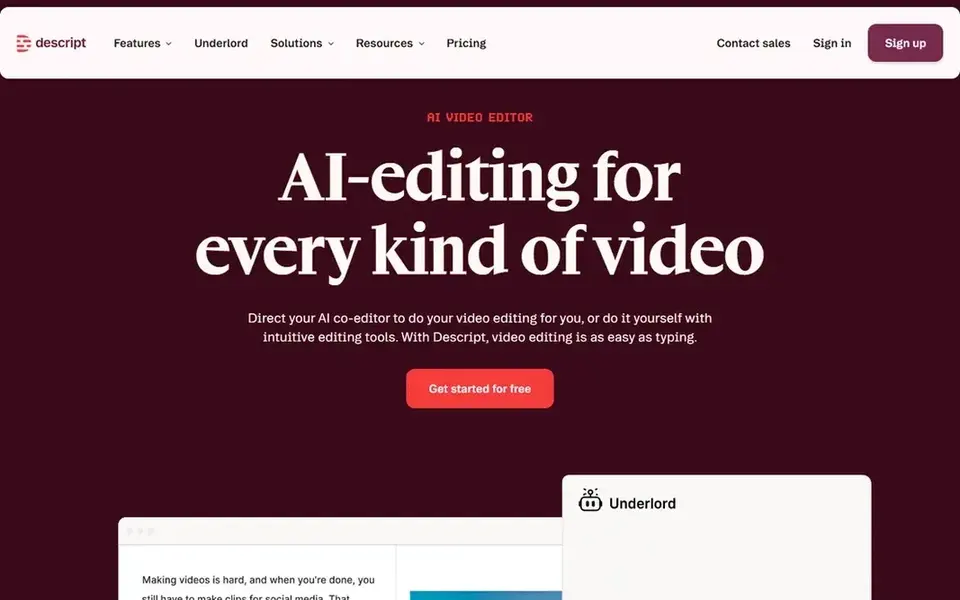
Descript makes the most sense for text-based editing after recording. Descript records audio and video, transcribes the result, and lets you cut words from the transcript to cut them from the recording, which is quicker than cutting waveforms by ear.
On top of that, choose Descript if you want to record and edit in one place and you like working from text. What you pay to start with Descript: $16 per person/month. You can start on Descript without paying.
Limits to weigh: top-ups are only sold on Creator and Business.
- Edit audio and video by editing the transcript
- 30 media hours per month on Creator
- Hobbyist caps media hours at 10 per month
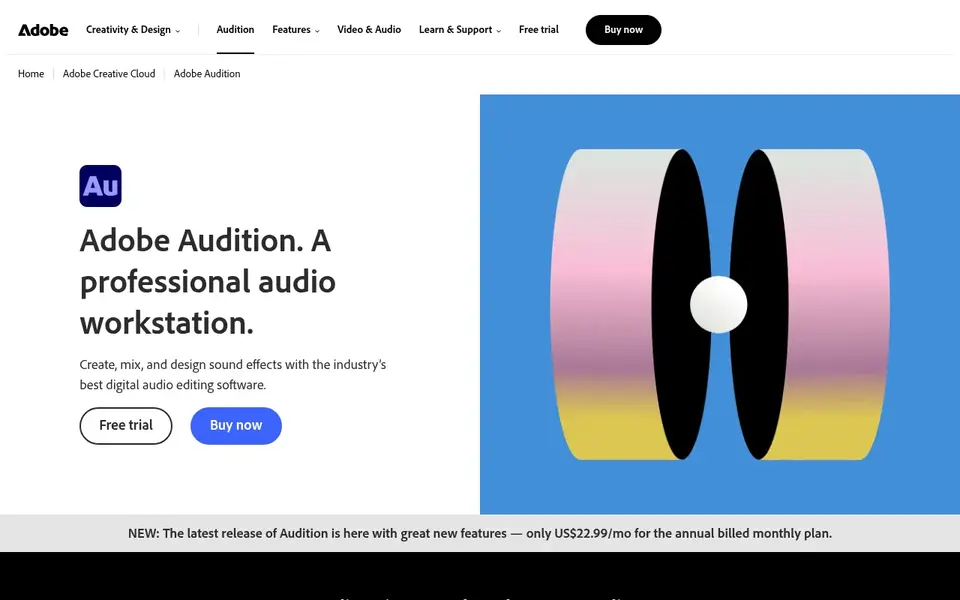
Think of Adobe Audition for Pro audio repair and multitrack editing. Adobe Audition is a desktop audio workstation for hosts who record locally and spend live on sound quality, with multitrack recording, waveform editing, spectral display, and tools to repair clicks, hum, and background noise. In practice, the single-app plan costs $22.99 a month on an annual plan billed monthly, and Audition is also included in the Creative Cloud all-apps plan at $69.99 a month on an annual plan billed monthly.
There is no free plan and no one-time purchase. One limit: Audition has no built-in remote guest studio and no hosting, so a remote present still needs a separate recording tool and a separate host. The trial lasts 7 days and needs an Adobe account and a payment method. The starting price for Adobe Audition: $22.99 per month. On free options: Free trial (7 days).
What to check first: no one-time purchase, subscription only.
- Works with Premiere Pro
- Solid noise repair and audio cleanup
- No free plan
How these tools were picked
We compared the tools on published pricing, free plan or trial availability, feature coverage for recording software for podcasters, and the limits each vendor documents. Where a price is missing, the vendor does not list one publicly or ties it to a quote. Always confirm before budgeting. The ranking is editorial: typical fit first, then clear pricing, then free access. If your needs are unusual, read the profiles rather than relying on position.
Pre-purchase checklist
- Get a written quote from Zencastr; the list shows no starting price for them.
- Read the fine print on the free plans from GarageBand, Podcastle, Zencastr and others; seat, project and feature caps differ.
- Use real work to test the free trial from Adobe Audition, rather than a demo project.
- Before choosing GarageBand, weigh its main limit: Mac and iOS only, with no Windows or Linux version.
- Look at the renewal terms for Zencastr: auto-renewal, notice periods and price changes can matter more than the first-year price.
- Check the integration list for GarageBand against the tools you run today, and note which ones need a higher plan.
Frequently asked questions
Is GarageBand the right pick for everyone comparing recording software for podcasters?
No single tool suits every team. GarageBand comes first because it fits free recording on Mac and iPhone, while Podcastle suits all-in-one recording and AI cleanup and Zencastr suits free remote recording with hosting. Match the tool to your own size, budget and workflow before deciding.
What is the best recording software for podcasters?
The first pick on this list is GarageBand, because it suits free recording on Mac and iPhone. Podcastle is better for all-in-one recording and AI cleanup, and Zencastr for free remote recording with hosting. Check price and limits against your own needs before choosing.
Do these tools publish their prices?
Not all of them. Zencastr publishes no starting price, so expect a quote request for it. The rest, GarageBand included, show a starting price, though seats and billing terms still change the final cost. All 6 picks in this recording software for Podcasters comparison list a starting price, free plan details and the main limits on their cards above.
What is the cheapest option for recording software for podcasters in this list?
On published monthly entry prices, Podcastle is the lowest here at $11.99 per month. Entry price is only part of the cost, because seats, add-ons and billing terms can change the total.
How are the tools for recording software for podcasters ordered?
GarageBand sits first and Adobe Audition last because the order follows typical fit for recording software for podcasters, then price clarity and free access. It is a judgement call, so read each profile for fit and limits.
Sources
See where you really rank - block by block
ProMapRanker scans Google Maps across a grid of your service area. Simple monthly plans from $19, white-label on every plan.
Start freeBrowse all guides
← White Label Video Conferencing Software: Best Picks of 2026Auto Webinar platform: 6 Options Compared in 2026 →
 best video webinar software
Best Video Webinar Software (2026)
6 options for the best video webinar software, with entry costs, free tiers and the buyer each one serves. Every tool lists pros and cons. Checked this month.
Read → best video content creation software
2026 Guide to the Best Video Content Creation Software
7 options for the best video content creation software, with entry costs, free tiers and the buyer each one serves. Short verdicts, no fluff. No filler.
Read → best ugc video creation services for small teams
Best UGC Video Creation Services for Small Teams in 2026
Best UGC video creation services for small teams: 5 contenders ranked by fit, with entry costs and free tiers. Each tool gets a one-line verdict. Choose faster.
Read → best prank call app
Best Prank Call Apps in 2026: 8 Apps Compared
We compared the best prank call apps for lawful jokes with friends, checking free calls, voice options, and the consent and harassment rules to follow.
Read → best prayer app free
Best Prayer App Free in 2026: 9 Apps Compared
We compared the best prayer app free options for daily prayer, guided audio and prayer lists, with free tiers and paid prices checked in October 2026.
Read → best video analytics software
Video Analytics Software
Compare 5 picks for the best video analytics software, with prices, free plans and who each fits. Weak spots flagged for every entry. Budget notes included.
Read →More in Video, Audio & Podcasts · All guides A to Z by date · Latest guides