 ProMapRanker
Top-Rated Platforms for Software Documentation in 2026

Key takeaways
- The best software documentation platform depends on the reader: developers need API references, customers need guides, and staff need internal wikis.
- GitBook, Mintlify and ReadMe lead for product and API docs, while Docusaurus and MkDocs suit teams that want full control in code.
- Notion and Confluence work well for internal docs, but they are weaker for public API portals than dedicated documentation platforms.
- Check Git sync, versioning, search, custom domains and AI search features before you choose, since those decide whether docs stay current.
Quick comparison
| Pick | Great for | Pricing starts at | Free tier | |
|---|---|---|---|---|
 GitBook | Modern product and developer docs | See website | Yes | Visit |
 ReadMe | Interactive API docs | $99 per month | No | Visit |
 Mintlify | API-first startup docs | $150 per month | No | Visit |
 Docusaurus | Open source docs sites | Free | Yes | Visit |
 MkDocs | Lightweight Markdown docs | Free | Yes | Visit |
 Confluence | Internal wikis for Jira teams | Free | Yes | Visit |
 Notion | Internal docs for non-technical teams | $10 per user per month | Yes | Visit |
 Document360 | Customer knowledge bases | See website | No | Visit |
 Theneo | AI-assisted documentation hubs | See website | Yes | Visit |
The top-rated platforms for software documentation
Software documentation covers API references, user guides, tutorials and internal runbooks, and no single tool handles all of them equally well. The platforms below are rated for how they publish, version, search and maintain docs over time. We compared them on editing, API support, hosting, search and price.
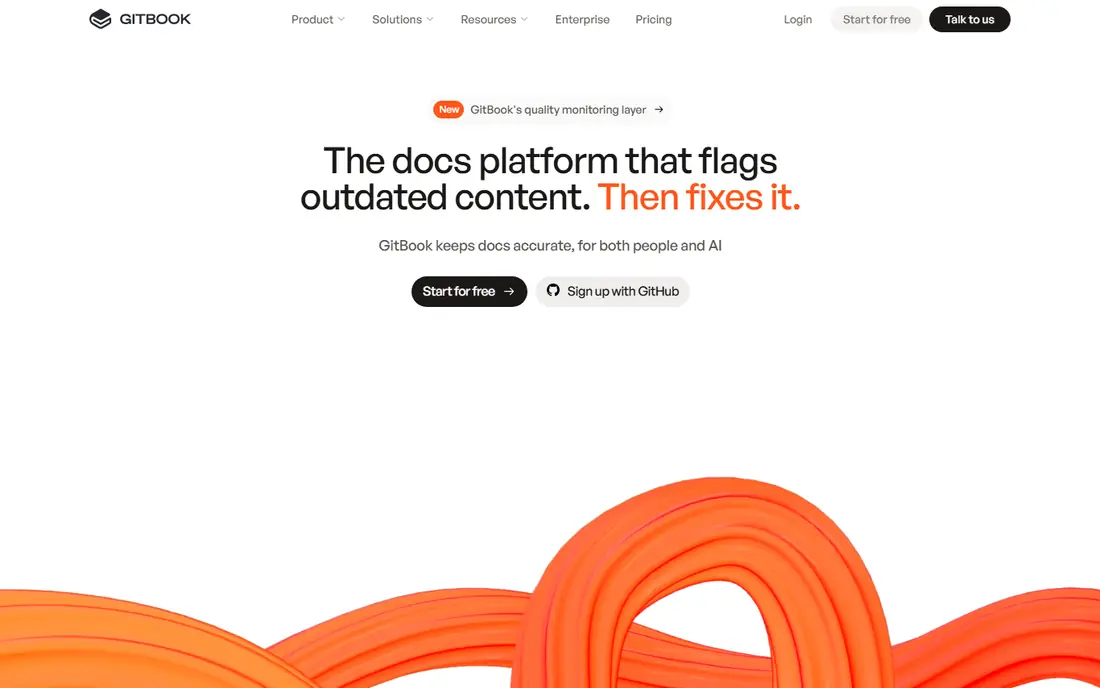
GitBook suits teams that want polished product docs without building a docs site from scratch. Writers edit visually, developers sync content with Git, and readers get search, navigation and versioned pages. Public docs and internal guides can live side by side with different access rules.
The main friction is pricing clarity, since site and user costs combine on some plans. Teams that only need a small internal wiki may also find it more than they need. For product and developer docs that must look professional and stay in sync with code, GitBook is a strong default.
- Visual editor plus Git sync
- Custom domains and access controls
- AI-assisted writing and search
- Pricing tiers can confuse small teams
- Advanced governance needs higher plans
- Less suited to simple internal notes
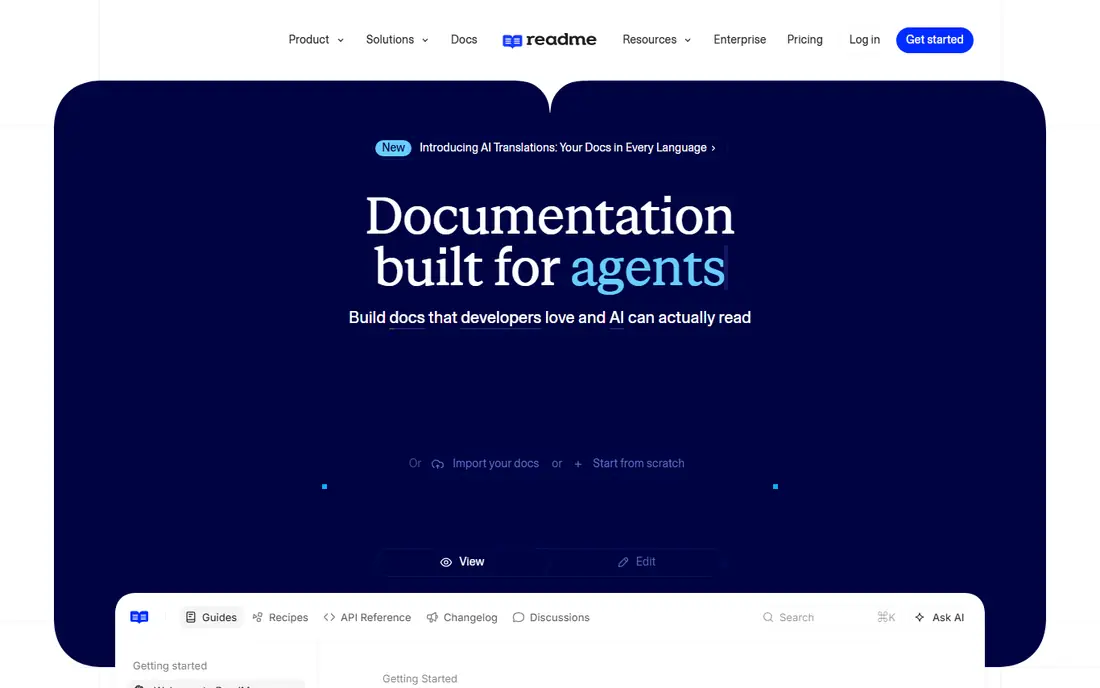
ReadMe is built for developer portals where API docs are the product. Interactive references let developers test endpoints, guides explain workflows, and changelogs keep users informed about changes. Analytics show which endpoints and guides get used, which helps teams improve the docs that matter most.
Small open source projects may find the starting price steep, and teams that need a general wiki will need another tool. For a company whose API drives revenue, ReadMe turns documentation into a usable, measurable part of the product.
- Interactive API reference with try-it-now features
- Guides and changelogs in one hub
- Good analytics on API use
- Starting price is high for tiny projects
- Free trial rather than a free plan
- Less suited to internal wikis

Mintlify appeals to startups that want beautiful docs fast. Teams write in Markdown, connect a repository, and publish a polished site with API references, guides and search. The result looks like a large-company docs site without a dedicated docs engineering team.
The price reflects that polish. A solo developer or tiny startup may prefer Docusaurus or MkDocs for free, then move to Mintlify when docs become a sales and support asset. For API-first startups that need to impress developers quickly, Mintlify is a compelling choice.
- Clean docs from Markdown with fast setup
- Strong API reference support
- Good search and analytics
- Starting price is high for hobby projects
- Customization needs care
- Free trial rather than a free plan
Docusaurus, from Meta, powers many open source documentation sites. It turns Markdown files into a fast docs website with versioning, search, navigation and blogging. Teams that keep docs in Git get review, history and branching for free, alongside their code.
The cost is engineering time. Setup, hosting and theme changes need a developer, and non-technical writers may find the workflow less friendly than a hosted editor. For open source projects and engineering-led teams that want full control, Docusaurus is hard to beat on price and flexibility.
- Free and open source
- Markdown and React-based docs sites
- Versioning and search built in
- Needs developer setup and hosting
- Non-technical writers may need help
- Maintenance is on the team
MkDocs is a lighter static site generator for Markdown docs. It suits small teams, internal guides and project docs that need a clean site without a large framework. The Material theme adds search, navigation and a polished look with modest effort.
As with Docusaurus, hosting and maintenance sit with the team, and hosted features such as analytics and access controls need extra work. For a small project that wants a fast, free docs site from Markdown files, MkDocs is a practical and proven pick.
- Free and open source
- Simple Markdown workflow
- Popular Material theme for polished sites
- Needs setup and hosting
- Fewer hosted features than GitBook
- Plugins vary in quality
Confluence works well for internal software documentation, such as architecture notes, runbooks and team handbooks. Pages organize into spaces, templates cover specs and retrospectives, and Jira links tie docs to tasks. The free tier for up to 10 users helps small teams start.
Public API docs are not its strength, and readers outside the team will get a wiki feel rather than a polished portal. For Jira teams that need durable internal docs, Confluence is a natural and low-cost choice.
- Free tier for up to 10 users
- Page trees and templates
- Tight Jira integration
- Less suited to public API portals
- Editing feels heavier than Docs
- Search needs care at scale
Notion suits internal software docs written by mixed teams of product, design and support staff. Pages, databases and templates help teams keep specs, decisions, roadmaps and handbooks in one place. Comments and sharing make review simple for non-technical contributors.
It is weaker for public API portals, where interactive references and versioned API docs matter more. Large workspaces also need structure to stay fast. For internal docs that many roles must read and edit, Notion is friendly and flexible.
- Flexible pages, wikis and databases
- Easy editing and comments
- Large template library
- Limited offline access
- Less suited to public API references
- Large workspaces can slow down
Document360 suits customer-facing software documentation, such as user guides and help centers. Hosted publishing, search, feedback and analytics help support teams see which articles resolve questions and which ones need work. Versioning helps when a product ships new releases.
Teams that need a full interactive API portal may prefer ReadMe or Mintlify. Pricing also needs a quote for many plans. For a company that wants a polished, searchable customer docs site without hosting it, Document360 is a strong option.
- Hosted knowledge base with AI search
- Versioning and analytics
- Markdown and visual editors
- Pricing is not published on all tiers
- Free trial rather than a free plan
- API portal features are limited
Theneo is an AI-assisted documentation platform that covers API docs, user guides, tutorials and knowledge bases in one hub. Its documentation-focused AI helps draft, update and search content, which can speed up work for small teams without a dedicated technical writer. A free tier helps teams test it.
The ecosystem is smaller than older rivals, so integrations and community templates are fewer. Teams should test API import, search quality and publishing on a real doc set before committing. For teams that want AI help across a whole docs hub, Theneo is worth a trial.
- AI-assisted drafting and search for docs
- API and guide support in one hub
- Free tier for small projects
- Smaller ecosystem than GitBook or ReadMe
- Pricing needs checking for larger teams
- Features change as the product grows
How we picked these
We compared official feature and pricing pages, documentation and public reviews for software documentation platforms, and we kept only platforms that are live in October 2026 and support publishing, search and versioning for software docs. We favored platforms with Git sync or Markdown workflows, custom domains and clear reader access controls, and we wrote See website where pricing was quote-based.
How to choose a documentation platform
Start with the reader. Developers need API references, code samples and changelogs. Customers need guides, tutorials and troubleshooting. Staff need runbooks and architecture notes. A platform that serves one reader well may serve another poorly, so list your top two readers before you shortlist.
Next, check the writing workflow. Can writers edit in a browser, or must they use Git. Can reviewers comment without learning Markdown. Can you version docs for each product release. Test those steps with a real page, including a code sample and a screenshot, before you migrate a whole doc set.
Finally, check discovery. Search quality, navigation, AI answers and analytics decide whether readers find help or file a support ticket. Publish a small set, watch search terms and feedback for two weeks, then fix structure before you scale. Good docs are maintained, not just launched.
Frequently asked questions
What is the top-rated software documentation tool for API docs?
ReadMe and Mintlify lead for interactive API docs, with GitBook close behind for product docs that include API references. ReadMe suits developer portals with analytics, while Mintlify suits startups that want fast, polished docs from Markdown.
What are the top-rated software documentation platforms for internal docs?
Confluence and Notion suit internal docs, especially for teams that already use Jira or need flexible wikis. GitBook also works for internal guides with access controls, but Confluence and Notion are simpler for mixed, non-technical teams.
Is there a free platform for software documentation?
Yes. Docusaurus and MkDocs are free and open source, GitBook and Notion offer free tiers, and Confluence is free for up to 10 users. Free options suit small teams, but budget hosting and maintenance time for open source tools.
Should docs live in Git or in a hosted editor?
Docs in Git suit engineering teams that want review, branching and versioning alongside code. Hosted editors suit mixed teams that need fast browser editing and review. GitBook offers a middle path, with a visual editor plus Git sync.
How do I keep software docs current?
Assign an owner to each section, link docs to release notes, and review search and feedback data each month. A platform with versioning, analytics and easy editing helps, but a regular review habit matters more than any single feature.
Sources
See where you really rank - block by block
ProMapRanker scans Google Maps across a grid of your service area. Simple monthly plans from $19, white-label on every plan.
Start freeKeep reading
 zscaler alternatives
Best Zscaler Alternatives in 2026
Looking for zscaler alternatives? We compare 9 SASE and zero trust platforms on architecture, data protection, pricing, and fit for your network and team.
Read → zapier alternatives free
Best Zapier Alternatives Free in 2026
Nine automation tools for zapier alternatives free in 2026, all with genuinely free tiers, plus free plan limits, starting prices and upgrade paths explained.
Read → which platform is best for online reputation
Which Platform Is Best for Online Reputation in 2026
Wondering which platform is best for online reputation? We compare 8 review, listing, and response tools for small and multi-location businesses and agencies.
Read →