 ProMapRanker
Top Rated Automation Software in DevSecOps in 2026

Key takeaways
- DevSecOps automation works best when security checks run in the pipeline, not as a separate review at the end.
- Start with what your host already includes, such as GitLab security or GitHub Advanced Security, before buying a separate scanner.
- The strongest tools combine code, dependency, container and secret scanning, with fixes that developers can act on in a pull request.
- Free tiers and open source scanners are enough for small teams to start, while large teams need central policy and reporting.
Quick comparison
| Pick | Great for | Pricing starts at | Free tier | |
|---|---|---|---|---|
 GitLab | All-in-one DevSecOps platform | Free | Yes | Visit |
 GitHub | GitHub-native security and automation | Free | Yes | Visit |
 Snyk | Developer-first security scanning | Free | Yes | Visit |
 Jenkins | Self-hosted pipeline automation | Free | Yes | Visit |
 Trivy | Open source container and config scanning | Free | Yes | Visit |
 SonarQube | Code quality and security analysis | Free | Yes | Visit |
 Checkmarx | Enterprise application security | See website | No | Visit |
 Harness | Delivery and pipeline automation | See website | Free trial | Visit |
 StackHawk | API security testing in CI | See website | Yes | Visit |
The top rated automation software in DevSecOps
We compared platforms that automate security inside development and delivery, from code scanning to pipeline gates. The list includes all-in-one platforms, developer scanners and specialist tools, so teams can build a pipeline that checks code early without slowing releases to a halt.
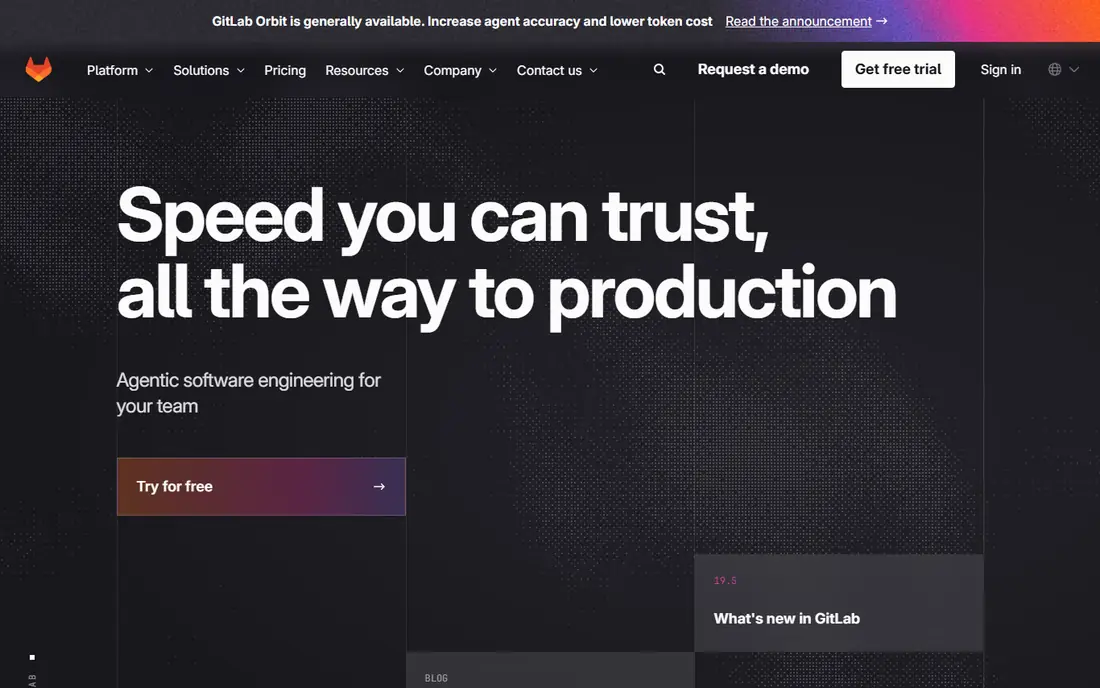
GitLab is the broadest pick in this list, because it combines source control, CI and CD, container registry and security scanning in one application. Teams can run static analysis, dependency scanning, container scanning and secret detection as pipeline jobs, with results shown beside the code that caused them. That single-platform view helps security and development teams work from the same findings.
The trade-off is commitment. Deeper security and compliance features sit on Premium and Ultimate plans, and moving to GitLab means adopting its pipeline and project model. For teams that already use GitLab, though, turning on its built-in security checks is the fastest DevSecOps win available.
- Source, CI, security scanning and compliance in one platform
- Free tier
- Strong pipeline controls
- Premium plan at $29 per user per month for deeper features
- Platform commitment is high
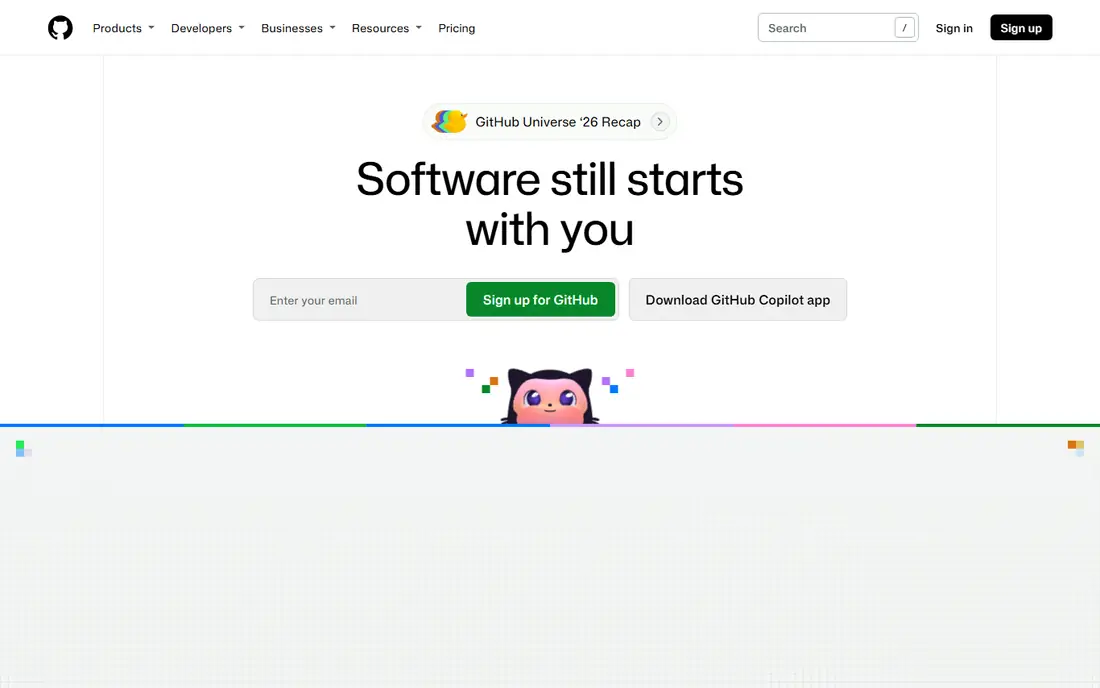
GitHub suits teams whose code already lives on GitHub, because Actions, code scanning and secret scanning work close to the pull request. Developers can run tests and security checks on every change, see findings in the pull request, and use thousands of community actions for common pipeline steps. Public repositories get free Actions minutes, which helps open source teams.
The limits are cost and tiering. Advanced Security features and larger private usage need paid plans, with Team and Enterprise pricing per user. Teams should also watch Actions minute and storage usage at scale. For GitHub-native teams, the workflow fit usually outweighs those costs.
- Actions for pipeline automation
- Code scanning and secret scanning
- Huge action ecosystem
- Advanced Security features need paid plans
- Usage costs grow with private repo volume

Snyk is built for developers, with scanning for code, open source dependencies, containers and infrastructure as code, plus fix pull requests that upgrade a vulnerable library in one step. IDE plugins and a CLI let developers check code before it reaches a pipeline, which reduces the number of findings that block a release later. That developer focus is why many teams adopt it first.
Pricing is the watch point. Paid plans are priced per contributing developer, with a minimum team size, so costs grow as more developers commit code. Tuning is also needed, because broad scanning can produce many low-priority findings. Teams that prioritise fix rate over finding count will get the most from Snyk.
- Code, dependency, container and infrastructure scanning
- Fix pull requests
- IDE and CLI tools
- Paid pricing per contributing developer can rise at scale
- Needs tuning to reduce noise
Jenkins is the long-standing open source automation server, and it remains a strong choice for teams that want full control over pipelines. It can pull code from any Git host, run builds, tests and security scanners, and deploy to any target, using a vast plugin library. There is no licence fee and no requirement to host code on a particular platform.
The cost is operational. The team must maintain the controller and agents, patch plugins, manage credentials and secure the installation. For small teams, a hosted pipeline may be simpler, while large teams with strict hosting rules often prefer Jenkins control. It is a tool, not a managed service, and that distinction matters.
- Free and open source
- Huge plugin ecosystem
- Runs on any infrastructure
- Maintenance and security patching fall on the team
- Setup takes real engineering time
Trivy, from Aqua Security, is a lightweight open source scanner that checks container images, filesystems, Git repositories and Kubernetes configs for known vulnerabilities and misconfigurations. It runs as a single binary or container in any CI system, which makes it easy to add to an existing pipeline in minutes. SBOM generation helps teams track what is inside an image.
On its own, Trivy lacks the central dashboards, policy controls and fix workflows of a paid platform. Teams should pair it with a pipeline gate that fails on critical findings and a tracker for fixes. For a free, fast scanner that covers the basics well, it is hard to beat.
- Fast single-binary scanner
- Covers images, filesystems and configs
- SBOM generation
- Reporting is basic compared with paid platforms
- No central policy dashboard alone
SonarQube, from SonarSource, analyses code for bugs, vulnerabilities and code smells, and it can block a merge when a quality gate fails. That gate is useful in DevSecOps, because it stops known issues from reaching production while giving developers a clear explanation and a fix path. Support for many languages helps teams with mixed codebases.
The free Community edition covers core analysis, but branch analysis, enterprise reporting and some security rules need paid plans. Rule tuning also takes time, because default rules may flag patterns a team accepts. For teams that want code quality and security in one gate, SonarQube is a proven choice.
- Static analysis for many languages
- Quality gates in pipelines
- Clear issue explanations
- Full features and branch analysis need paid plans
- Setup needs language and rule tuning
Checkmarx is an enterprise application security platform covering static analysis, software composition analysis and related checks, with central policy and reporting for large organisations. It suits regulated teams that need audit trails, custom rules and coverage across many applications and languages. Integration with pipelines lets findings appear early, rather than only in a periodic audit.
Pricing is by quote, and implementation is a project, not a quick signup. Teams need staff to tune rules, handle false positives and manage the platform. For large enterprises with compliance needs, that investment is justified, while smaller teams will find Snyk or GitLab built-in checks simpler.
- Broad SAST, SCA and related AppSec coverage
- Enterprise policy and reporting
- Strong for regulated teams
- Quote-based pricing
- Implementation and tuning need dedicated effort
Harness focuses on delivery automation, orchestrating pipelines that build, test, secure and deploy software with governance controls. Security checks can be built into delivery stages, and deployment features such as canary and rollback help teams ship safely. That delivery focus complements scanners, which find problems but do not deploy fixes.
The platform is modular, so pricing depends on which modules a team uses, and learning the full system takes time. Teams that only need a simple CI pipeline may find it more than they need. For organisations standardising delivery across many services, Harness gives control and visibility that ad-hoc scripts cannot match.
- Pipeline orchestration for delivery
- Security and governance controls
- Cloud cost and deployment features
- Pricing varies by module
- Learning curve for full platform use
StackHawk fills a gap that many DevSecOps pipelines miss, which is dynamic testing of APIs. It tests a running API for common vulnerabilities, reports findings in the pull request, and uses config as code so tests can be versioned with the service. That makes API security a developer habit, not a separate pen test at release time.
It does not replace static or container scanning, so it should sit beside tools such as Snyk or Trivy. It also works best when API specs are clear and test environments are stable. For API-first teams, StackHawk closes a real gap at a clear, developer-friendly price point.
- Dynamic API testing in pipelines
- Findings in pull requests
- Config as code
- Covers API testing only, not full code or container scanning
- Needs API specs to work best
How we picked these
We compared official pricing and feature pages and recent DevSecOps platform comparisons, and we favoured tools live in October 2026 that automate security inside a pipeline. We checked free tiers, published pricing and whether a tool covers code, dependencies, containers, secrets or APIs. We did not claim hands-on testing, and we used See website where pricing is quote-based or module-dependent.
What to check before you buy
Start with what you already have. Turn on GitLab security scanning or GitHub code and secret scanning first, and measure how many findings developers actually fix. Buying a new scanner before the existing one is used well only adds noise and cost.
Next, gate on new findings only, at least at first. Blocking every historic issue will stall releases and push teams to bypass checks. A new-findings gate, with a plan to clear older critical issues over time, keeps security moving without breaking delivery.
Finally, track fix rate, not only finding count. A tool that finds many issues but produces few fixes is not improving security. Check how findings appear in pull requests, whether fix guidance is clear, and whether security and development teams share the same dashboard and priorities.
Frequently asked questions
What is the best DevSecOps automation software for a small team?
GitHub or GitLab built-in security, plus Trivy for container scanning, is a strong free start for a small team. Snyk adds developer-friendly fixes when the team is ready to pay. Avoid buying an enterprise platform before the built-in checks are used well.
What is the difference between DevOps and DevSecOps automation?
DevOps automation covers building, testing and deploying software, while DevSecOps adds security checks into those same pipelines. A DevSecOps pipeline runs code, dependency, container and secret scans automatically, and can block or flag a release when a critical issue appears.
Is there free DevSecOps software?
Yes. Jenkins, Trivy and SonarQube Community are free and open source, and GitLab, GitHub and Snyk all offer free tiers. Free tools cover core scanning and pipelines, while paid plans add central policy, reporting and advanced rules for larger teams.
Which tool is best for API security in DevSecOps?
StackHawk is the specialist pick in this list, because it tests running APIs in CI and reports findings in pull requests. It should sit beside static and container scanners, not replace them, because it covers dynamic API testing only.
How do I stop security scans from slowing down releases?
Gate on new critical findings only, tune rules to reduce false positives, and show fix guidance in the pull request. Run fast scans on every change and deeper scans on a schedule, and track fix rate weekly. That balance keeps security checks useful without blocking every release.
Sources
See where you really rank - block by block
ProMapRanker scans Google Maps across a grid of your service area. Simple monthly plans from $19, white-label on every plan.
Start freeKeep reading
 zscaler alternatives
Best Zscaler Alternatives in 2026
Looking for zscaler alternatives? We compare 9 SASE and zero trust platforms on architecture, data protection, pricing, and fit for your network and team.
Read → zapier alternatives free
Best Zapier Alternatives Free in 2026
Nine automation tools for zapier alternatives free in 2026, all with genuinely free tiers, plus free plan limits, starting prices and upgrade paths explained.
Read → which platform is best for online reputation
Which Platform Is Best for Online Reputation in 2026
Wondering which platform is best for online reputation? We compare 8 review, listing, and response tools for small and multi-location businesses and agencies.
Read →