 ProMapRanker
Top PDF Summary Software in 2026


quick summaries and questions for single PDFs · Pricing starts at: See website
Key takeaways
- Chat-based tools suit questions about a document, while summary tools suit a fast overview
- Page citations matter: they let you check a summary against the original
- Accuracy drops on scanned pages, complex tables, and math-heavy documents
- Free tiers suit occasional papers, while heavy users need page or question allowances
- Never trust a summary alone for legal, medical, or financial decisions
Quick comparison
| Pick | Great for | Pricing starts at | Free tier | |
|---|---|---|---|---|
| ChatPDF | quick summaries and questions for single PDFs | See website | Yes | Visit |
 Humata Humata | citation-based answers across documents | $9.99 per month | Yes | Visit |
 Scholarcy Scholarcy | academic paper summaries and flashcards | See website | Yes | Visit |
 NotebookLM NotebookLM | research notes from your own sources | Free | Yes | Visit |
 Adobe Acrobat AI Assistant Adobe Acrobat AI Assistant | summaries inside a full PDF editor | See website | Free trial | Visit |
 Smallpdf AI Smallpdf AI | summaries plus everyday PDF tools | See website | Yes | Visit |
 Sharly AI Sharly AI | cross-document summaries for teams | See website | Yes | Visit |
 AskYourPDF AskYourPDF | quick chat summaries with sharing | See website | Yes | Visit |
 PDFelement AI PDFelement AI | summaries inside a desktop PDF editor | See website | Free trial | Visit |
The best PDF summary software
We compared tools that summarize or answer questions from PDFs, and we weighed summary quality controls, citations, multi-document handling, free tiers, and price. We favored tools that link answers back to source pages, since that makes checking possible.
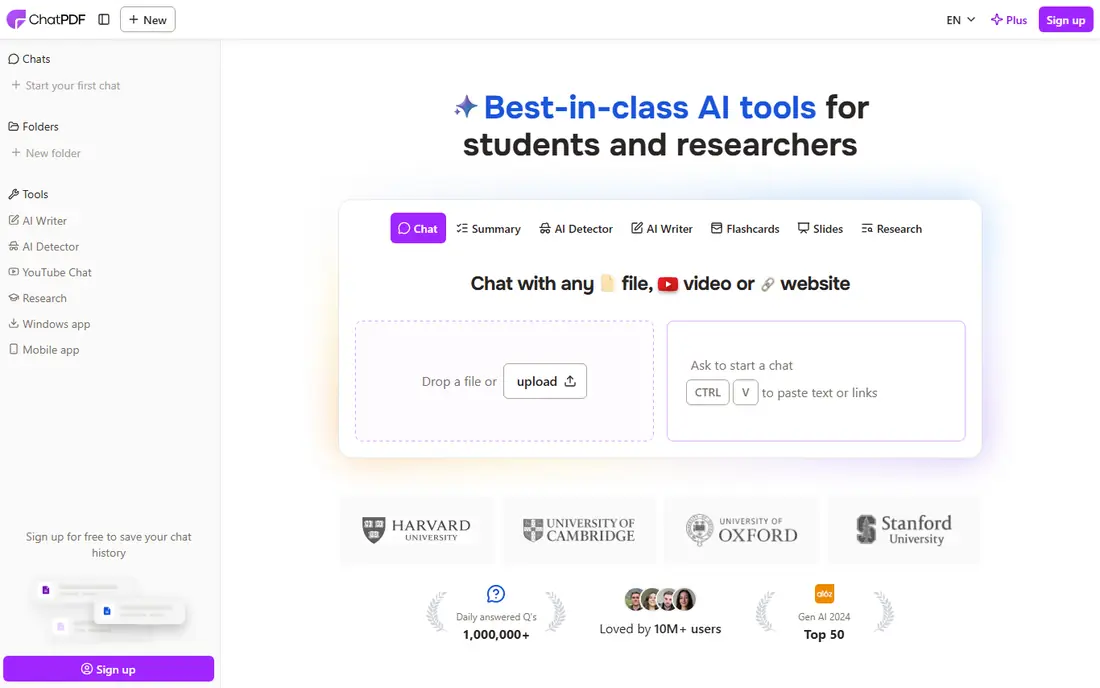
For quick summaries and questions for single PDFs, ChatPDF is a practical first choice. It lets you upload a PDF, ask questions in plain language, and get answers linked to source pages for checking. Its main strengths are simple chat interface; page citations; free tier for occasional use. For many readers, that combination covers the most common jobs without adding extra steps or a steep learning curve.
In daily use, the workflow stays short for repeat jobs, and most settings are easy to find without a manual. On the other side, free tier limits pdfs per day; accuracy varies on complex layouts. The catch is worth weighing before you commit, especially if you work with sensitive files every day.
- Simple chat interface
- Page citations
- Free tier for occasional use
- Free tier limits PDFs per day
- Accuracy varies on complex layouts
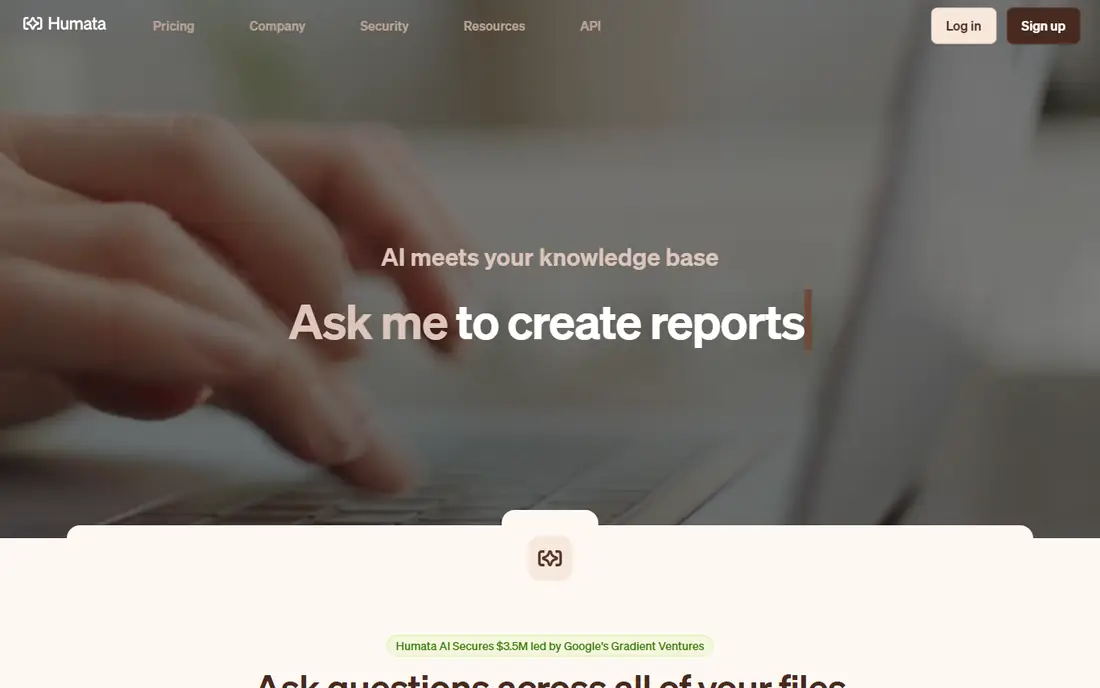
If citation-based answers across documents describes your work, Humata deserves a close look. It focuses on document-grounded answers with cited passages, which suits researchers who must trace every claim back to the source. Its main strengths are page-cited answers; multi-document comparison; free page allowance. For many readers, that combination covers the most common jobs without adding extra steps or a steep learning curve.
In daily use, the workflow stays short for repeat jobs, and most settings are easy to find without a manual. On the other side, page allowances shape heavy use; overage fees apply on paid plans. That balance of strength and limits is what should drive your choice, not the headline feature list.
- Page-cited answers
- Multi-document comparison
- Free page allowance
- Page allowances shape heavy use
- Overage fees apply on paid plans
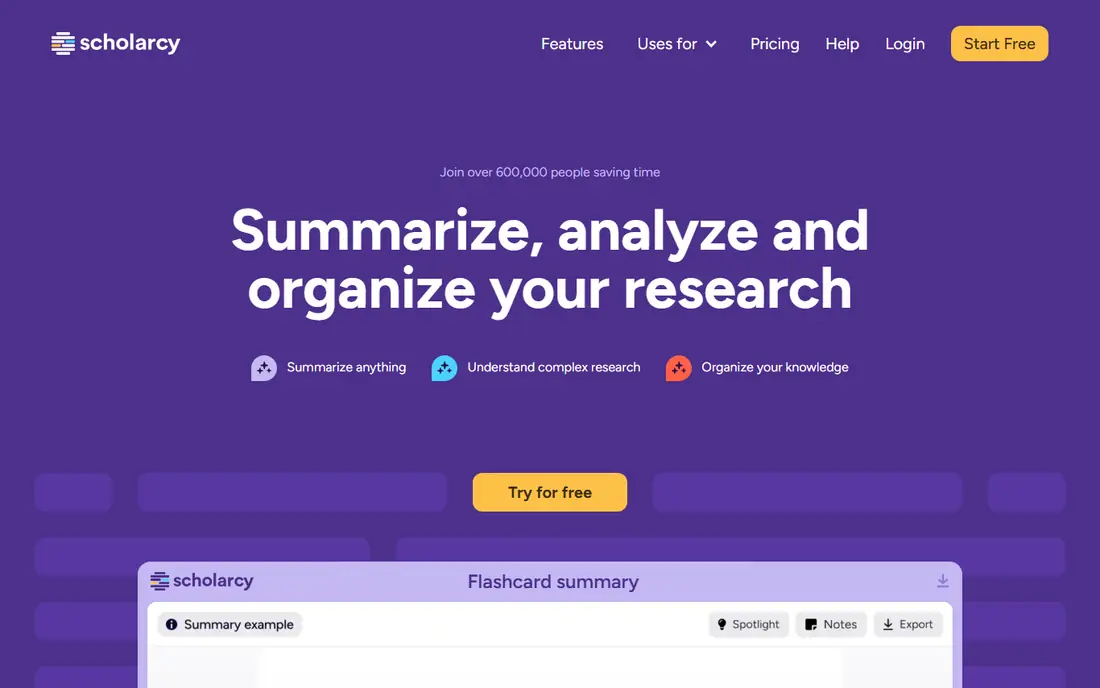
Scholarcy stands out for academic paper summaries and flashcards, and it is easy to see why. It breaks academic papers into sections, key findings, and references, which helps students and researchers triage reading lists fast. Its main strengths are structured paper summaries; reference extraction; flashcard export. For many readers, that combination covers the most common jobs without adding extra steps or a steep learning curve.
In daily use, the workflow stays short for repeat jobs, and most settings are easy to find without a manual. On the other side, best for research papers, less for general business files. Check the current plan details before you pay, since limits and included tools change over time.
- Structured paper summaries
- Reference extraction
- Flashcard export
- Best for research papers, less for general business files
People who need research notes from your own sources often land on NotebookLM after comparing a few options. It builds answers and summaries only from sources you upload, which reduces drift and makes it useful for study notes and briefings. Its main strengths are free to use; grounded in uploaded sources; audio overview option. For many readers, that combination covers the most common jobs without adding extra steps or a steep learning curve.
In daily use, the workflow stays short for repeat jobs, and most settings are easy to find without a manual. On the other side, google account required; best inside google ecosystem. If that trade-off fits your daily work, it is a solid pick; if not, another tool below may fit better.
- Free to use
- Grounded in uploaded sources
- Audio overview option
- Google account required
- Best inside Google ecosystem
Adobe Acrobat AI Assistant is built with summaries inside a full PDF editor in mind, rather than as an afterthought. It adds summaries and document questions to a full PDF editor, so you can summarize, edit, and sign without switching apps. Its main strengths are summaries and questions inside acrobat; full editing suite; cited answers. For many readers, that combination covers the most common jobs without adding extra steps or a steep learning curve.
In daily use, the workflow stays short for repeat jobs, and most settings are easy to find without a manual. On the other side, needs a paid acrobat plan for full ai features; cost is high for summaries alone. The catch is worth weighing before you commit, especially if you work with sensitive files every day.
- Summaries and questions inside Acrobat
- Full editing suite
- Cited answers
- Needs a paid Acrobat plan for full AI features
- Cost is high for summaries alone
Among tools for summaries plus everyday PDF tools, Smallpdf AI keeps the workflow short and clear. It pairs an AI summary tool with compression, conversion, and signing, which suits readers who already use Smallpdf for other PDF jobs. Its main strengths are browser-based summaries; conversion and editing tools in one account; simple workflow. For many readers, that combination covers the most common jobs without adding extra steps or a steep learning curve.
In daily use, the workflow stays short for repeat jobs, and most settings are easy to find without a manual. On the other side, free use is limited; summary depth varies by document type. That balance of strength and limits is what should drive your choice, not the headline feature list.
- Browser-based summaries
- Conversion and editing tools in one account
- Simple workflow
- Free use is limited
- Summary depth varies by document type
For cross-document summaries for teams, Sharly AI is a practical first choice. It summarizes across several documents at once, which helps teams compare reports, contracts, or research papers without reading each one fully. Its main strengths are multi-document chat; many file types; summary and question modes. For many readers, that combination covers the most common jobs without adding extra steps or a steep learning curve.
In daily use, the workflow stays short for repeat jobs, and most settings are easy to find without a manual. On the other side, pricing varies by plan; free tier has limits. Check the current plan details before you pay, since limits and included tools change over time.
- Multi-document chat
- Many file types
- Summary and question modes
- Pricing varies by plan
- Free tier has limits
If quick chat summaries with sharing describes your work, AskYourPDF deserves a close look. It gives a fast chat interface for a PDF plus a share link, which suits readers who want a quick answer and a way to share the document. Its main strengths are chat with pdfs; shareable document links; simple setup. For many readers, that combination covers the most common jobs without adding extra steps or a steep learning curve.
In daily use, the workflow stays short for repeat jobs, and most settings are easy to find without a manual. On the other side, free tier limits use; accuracy depends on document quality. If that trade-off fits your daily work, it is a solid pick; if not, another tool below may fit better.
- Chat with PDFs
- Shareable document links
- Simple setup
- Free tier limits use
- Accuracy depends on document quality
PDFelement AI stands out for summaries inside a desktop PDF editor, and it is easy to see why. It adds AI summaries to a desktop editor with annotation and form tools, which suits office teams that work with PDFs all day. Its main strengths are desktop editing plus ai summary; annotation tools; offline-friendly workflow. For many readers, that combination covers the most common jobs without adding extra steps or a steep learning curve.
In daily use, the workflow stays short for repeat jobs, and most settings are easy to find without a manual. On the other side, paid product; ai features need a suitable plan. The catch is worth weighing before you commit, especially if you work with sensitive files every day.
- Desktop editing plus AI summary
- Annotation tools
- Offline-friendly workflow
- Paid product
- AI features need a suitable plan
How we picked these
We compared vendor feature and pricing pages for each tool, and we favored tools that explain citation, source grounding, and limits clearly. We marked prices we could not verify as See website, and we did not treat third-party price roundups as vendor prices.
How to choose PDF summary software
Pick summary or chat first
Summary tools give a fast overview. Chat tools answer follow-up questions. If you need both, pick a chat tool with a good summary mode rather than buying two products.
Demand citations
A summary without page links is hard to trust. Pick tools that cite pages, then spot-check three claims against the original before you rely on the rest.
Count pages and questions
Free tiers often limit pages, documents, or questions per day. Estimate your monthly reading load, then pick a plan with room to spare.
Keep sensitive files in mind
Avoid uploading confidential contracts or medical files to a tool your organization has not approved. Check its privacy terms and data retention rules first.
Frequently asked questions
What is PDF summary software?
It is software that reads a PDF and produces a shorter summary, or answers questions about it. Some tools summarize only, while others let you chat with the document.
How accurate are AI PDF summaries?
They are usually good for text-heavy documents, but accuracy drops on scanned pages, complex tables, and equations. Always check cited pages for important claims.
Can PDF summary tools handle long documents?
Many can, but free tiers often limit pages or questions. For books and long reports, check page limits and multi-document support before you pay.
Is ChatPDF free?
Yes, ChatPDF offers a free tier with daily limits, plus a paid Plus plan for higher limits. Check its current pricing page for the latest allowances.
Should I trust a summary for legal or medical decisions?
No. Use summaries to find relevant sections faster, then read the original text and get qualified advice for decisions that carry legal, medical, or financial risk.
Sources
See where you really rank - block by block
ProMapRanker scans Google Maps across a grid of your service area. Simple monthly plans from $19, white-label on every plan.
Start freeKeep reading
 oilfield software alternatives
Oilfield Software Alternatives in 2026
Oilfield software alternatives compared: we review 8 tools for rentals, field ticketing, drilling reports and service operations, with honest limits noted.
Read → dedicated server alternatives
Dedicated Server Alternatives in 2026
Dedicated server alternatives compared: we review 8 VPS, cloud and managed hosting options that replace a dedicated server, with pricing and limits now.
Read → best used car app
Best Used Car App in 2026: 7 Apps Compared
Compare the best used car apps in 2026 for dealer listings, private sellers, price checks, and buying online, from CarGurus to Carvana today, with pricing.
Read →