 ProMapRanker
8 Top PDF Remediation Software Options Compared (2026)


Remediation software plus done-for-you services · Pricing starts at: See website
Direct answer
Start with GrackleDocs if you need Remediation software plus done-for-you services. MadeToTag fits creating accessible PDFs straight from InDesign; CommonLook by Allyant fits Remediation inside Adobe Acrobat workflows. Details, prices and limits for the rest of the 8 tools are below.
Key takeaways
- The list opens with GrackleDocs, aimed at Remediation software plus done-for-you services.
- Before buying Adobe Acrobat Pro, weigh this: manual process is laborious for complicated documents, less guided than specialists, full compliance needs expertise or plugins.
- No starting price is published for GrackleDocs, MadeToTag, CommonLook by Allyant and others; expect a quote.
- PDFix is the one to check for developers building remediation into applications.
- Just one of the 8 tools, PAC, has a free plan.
Quick comparison
| Pick | Great for | Pricing starts at | Free tier | |
|---|---|---|---|---|
| GrackleDocs | Remediation software plus done-for-you services | See website | Demo available | Visit |
 MadeToTag | Creating accessible PDFs straight from InDesign | See website | Free trial | Visit |
 CommonLook by Allyant | Remediation inside Adobe Acrobat workflows | See website | Demo available | Visit |
 Adobe Acrobat Pro | Everyday accessibility fixes without additional software | See website | Free trial | Visit |
 axesPDF | Dedicated PDF remediation professionals | See website | Free trial | Visit |
 CrawfordTech AccessibilityNow | Automating remediation across high document volumes | See website | Demo available | Visit |
 PAC | Free, authoritative PDF accessibility checking | Free | Yes | Visit |
 PDFix | Developers building remediation into applications | See website | Free trial | Visit |
The full PDF remediation software list
ProMapRanker compared 8 tools for PDF remediation software. The goal is a practical shortlist: published prices, free plan facts, best-fit use cases and honest limits for every entry.
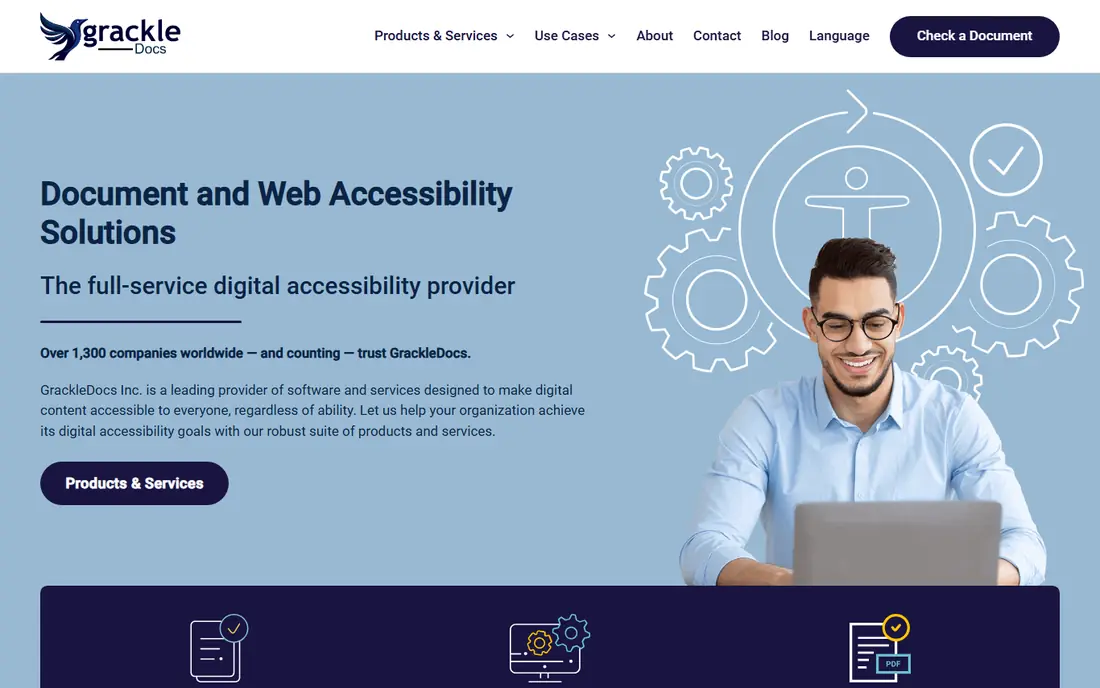
GrackleDocs is built with Remediation software plus done-for-you services in mind. Organizations with more documents than staff use the hybrid model pragmatically.
Limits to weigh: Service pricing brings up at volume.
As for the details, the rebrand from AbleDocs is recent enough that older references still use the former name. Pricing for GrackleDocs is not stated here, so ask the vendor for current figures. As for free access: Demo available.
- Grackle PDF tool for practical work
- Clear per-page service pricing
- Software less known than axesPDF, rebrand still propagating
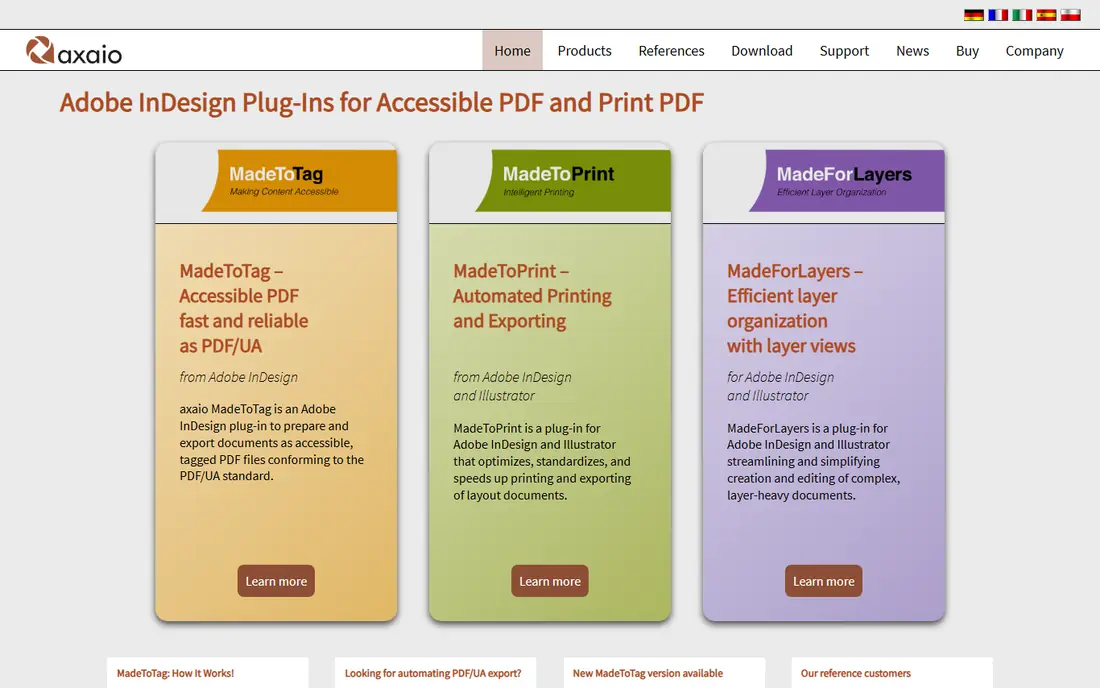
In short, MadeToTag is for creating accessible PDFs straight from InDesign. Structure, reading order, and alt text get defined where the document is designed.
Main advantages: produces properly tagged PDFs from the source.
In practice, the approach needs designers to learn accessibility basics, which is an investment that pays across every document they produce. MadeToTag shows no starting price here, so confirm the cost on the vendor site. As for free access: Free trial.
Downsides: InDesign-only.
- Builds accessibility into the InDesign workflow
- Cuts post-export remediation
- Needs designer training on tagging, quote-based pricing
In short, CommonLook by Allyant is for Remediation inside Adobe Acrobat workflows. CommonLook has long been the go-to Acrobat plugin for serious PDF remediation, and it now operates under Allyant after the acquisition. In daily use, the plugin layers on structured testing, guided repair, and compliance reporting to Acrobat, walking remediators through a methodical process that produces fully compliant documents.
Limits to weigh: Requires Acrobat as the host, quote-based pricing.
Best features of CommonLook by Allyant: solid compliance reporting.
As for the details, the acquisition by Allyant consolidated two accessibility leaders; evaluate the current Allyant branding and packaging when requesting a demo. For regulated industries with Acrobat everywhere, it remains the reference option. This comparison lists no price for CommonLook by Allyant; ask the vendor. As for free access: Demo available.
- Long track record in government and enterprise
- Methodical guided remediation process
- Allyant acquisition means evaluating under the new brand
Adobe Acrobat Pro
Great for: Everyday accessibility fixes without additional software
In short, Adobe Acrobat Pro is for everyday accessibility fixes without additional software. Acrobat Pro bundles genuine accessibility tooling: the Accessibility Checker finds issues, the Tags pane lets you fix structure and reading order. The Reading Order tool takes care of scanned content.
In daily use, most serious remediation teams use Acrobat as the foundation and add CommonLook or axesPDF for the hard parts. As for the details, if your needs are occasional and straightforward, start here before buying more. More specifically, complicated documents expose its limits: manual tagging of long reports is slow and error-prone compared to guided specialist tools. No starting price is listed for Adobe Acrobat Pro here; confirm pricing on the vendor site. Trial and free access: Free trial.
Trade-offs to know: less guided than specialists.
- Deals with entry-level remediation competently
- Connects with document workflows
- Full compliance needs expertise or plugins
axesPDF serves dedicated PDF remediation professionals. axesPDF, from the Swiss accessibility specialists at axes4, is designed specifically for remediating PDFs to PDF/UA, WCAG, and Section 508 standards. It finds tagging errors, reading order problems, and structural issues, then fixes numerous of them with guided or one-click repairs.
Main advantages: clear validation against standards.
Points against: Specialized tool with a ramp-up time, pricing is quote-based.
For teams doing remediation as a discipline instead of an occasional task, axesPDF's focused workflow beats general tools. More specifically, the same team maintains PAC, the free accessibility checker, which speaks to their standards expertise. It is a specialist's instrument instead of a general PDF editor; most professionals pair it with Acrobat. Check the vendor site for axesPDF pricing; none is listed in this comparison. Free options: Free trial.
- From the team behind the free PAC checker
- Purpose-built for PDF/UA and WCAG remediation
- Complements instead of replaces Acrobat for general editing
CrawfordTech AccessibilityNow
Great for: Automating remediation across high document volumes
CrawfordTech AccessibilityNow is designed for automating remediation across high document volumes. Banks, insurers, and government agencies with millions of customer documents depend on it. This is infrastructure for document factories, not a desktop tool for occasional fixes.
Watch-outs: Enterprise pricing and implementation.
Where CrawfordTech AccessibilityNow stands out: proven at massive volumes; deals with transactional and batch documents. Implementation is an enterprise project. But when accessibility must apply to every document an organization produces, automation is the only viable answer, and AccessibilityNow is the established leader. This comparison lists no price for CrawfordTech AccessibilityNow; ask the vendor. Trial and free access: Demo available.
- Capable for banks, insurers, government
- Enterprise-scale automatic remediation
- Overkill for occasional documents, needs IT involvement
PAC makes the most sense for free, authoritative PDF accessibility checking. PAC, the PDF Accessibility Checker from Switzerland's Access for All foundation, is the free tool every remediation workflow should bundle. It tests PDFs against PDF/UA and WCAG standards with in-depth technical reports, and its screen reader simulation displays how assistive technology experiences the document.
The main drawbacks: Checker only.
It checks; it does not fix. As for the details, use it to audit before and after remediation, regardless of which remediation tool you buy. Price to start with PAC: Free. A free plan is available with PAC.
Best features of PAC: trusted audit standard.
- Screen reader simulation preview
- Thorough checking against PDF/UA and WCAG
- Not a remediation tool, Windows-only desktop app, interface is technical
PDFix makes the most sense for developers building remediation into applications. Teams generating PDFs from systems, reports, invoices, statements, get accessibility at the source instead of as a post-process. The desktop application spans manual work, but the real value is programmatic.
What to check first: documentation assumes technical users.
PDFix takes the developer's approach to PDF accessibility: a SDK and automation tools that let engineering teams build remediation into their own document pipelines. Rather than remediating documents one by one, you program the fixes into the workflow that creates them. PDFix does not show a starting price in this comparison, so check the vendor site for current pricing. As for free access: Free trial.
- SDK and automation-friendly architecture
- Adaptable licensing
- Developer-oriented with less hand-holding
Notes on PDF remediation software
Millions of PDFs are invisible to the people who require them most. Accessibility laws in the US, EU, and elsewhere increasingly treat that as a legal problem, not just a moral one. PDF remediation software fixes these documents: adding tags, setting reading order, describing images, and verifying compliance with standards like PDF/UA and WCAG.
Our selection method
The comparison looks at four things: starting price, free access, how well the feature set matches PDF remediation software, and the main limit of each tool. Prices and plan limits come from vendor pages and can change, so confirm them on the vendor site before you buy. The ranking is editorial: typical fit first, then clear pricing, then free access. If your needs are unusual, read the profiles rather than relying on position.
A buyer's checklist
- Get a written quote from GrackleDocs, MadeToTag, CommonLook by Allyant and others; the list shows no starting price for them.
- Look at the free plan from PAC closely: its caps decide whether it is usable for real work.
- Use real work to test the free trial from MadeToTag, Adobe Acrobat Pro, axesPDF and PDFix, rather than a demo project.
- Read the limits listed for GrackleDocs first: service pricing brings up at volume, software less known than axesPDF, rebrand still propagating.
- Make sure MadeToTag lets you export your data in a format another tool can read.
- Test how quickly GrackleDocs answers a pre-sales question; it hints at how support will feel later.
Frequently asked questions
Which options for PDF remediation software have a free plan?
PAC is the only tool in this list with a free plan. Free plans usually cap users, projects or features, so check the limits on the vendor page. Several others offer a trial instead.
Can I try these options before paying?
Often, yes. PAC has a free plan and MadeToTag, Adobe Acrobat Pro, axesPDF and PDFix offer a free trial. Use your own data and a real task during the test, and check what the free tier or trial limits before you rely on it.
Do these tools publish their prices?
Not all of them. GrackleDocs, MadeToTag, CommonLook by Allyant and others publish no starting price, so expect a quote request for those. The rest, PAC included, show a starting price, though seats and billing terms still change the final cost.
How are the tools for PDF remediation software ordered?
The order follows typical fit for PDF remediation software, with GrackleDocs first and PDFix last, then price clarity and free access. It is editorial judgement, not a score, so another team could rank the tools differently.
Sources
See where you really rank - block by block
ProMapRanker scans Google Maps across a grid of your service area. Simple monthly plans from $19, white-label on every plan.
Start freeKeep reading
 zoho inventory alternatives
6 Alternatives to Zoho Inventory, Compared on Price and Fit
Zoho Inventory alternatives: 6 tools compared on price, free plans and fit. Katana leads the list for manufacturers. Fit and flaws are laid out for each entry.
Read → zoho crm alternatives
Best Zoho CRM Alternatives (2026)
Need Zoho CRM alternatives? We compare 7 tools on cost, free access and who each suits. Every pick gets a straight assessment. Built for quick decisions.
Read → zelle alternatives
Best Zelle Alternatives in 2026
Compare the best Zelle alternatives for sending money to friends, paying sellers and moving funds abroad, with honest notes on fees, speed and safety in 2026.
Read →