 ProMapRanker
Choosing PDF Editing Software in 2026


Firms replacing Acrobat across the organization · Pricing starts at: See website
Direct answer
This list puts Nitro first for firms replacing Acrobat across the organization. Look at Smallpdf for fast PDF tasks without installing software, and at Sejda for straightforward online PDF editing with an ample free level. The full list of 6 tools follows, with prices and free plan facts.
Key takeaways
- Nitro sits first on this list: businesses replacing Acrobat across the organization.
- 3 of 6 tools offer a free plan: Smallpdf, Sejda, PDF-XChange.
- For Nitro, Adobe Acrobat and Master PDF Editor, you have to request a quote because no starting price is shown.
- Master PDF Editor is the one to check for budget-friendly PDF editing across Windows, Mac, and Linux.
Quick comparison
| Pick | Great for | Pricing starts at | Free tier | |
|---|---|---|---|---|
| Nitro | Firms replacing Acrobat across the organization | See website | Free trial | Visit |
 Smallpdf | Fast PDF tasks without installing software | Free; premium plans available | Yes | Visit |
 Sejda | Straightforward online PDF editing with an ample free level | Free; premium plans available | Yes | Visit |
 PDF-XChange | A quick, light desktop PDF editor | Free; premium plans available | Yes | Visit |
 Adobe Acrobat | Anyone who needs the definitive PDF tool | See website | Free trial | Visit |
 Master PDF Editor | Low-cost PDF editing across Windows, Mac, and Linux | See website | Free trial | Visit |
Every option for PDF editing software explained
If you are comparing PDF editing software, this page covers 6 tools in one place: what each is best for, what it costs to start, whether it has a free plan, and the main limit to know about.
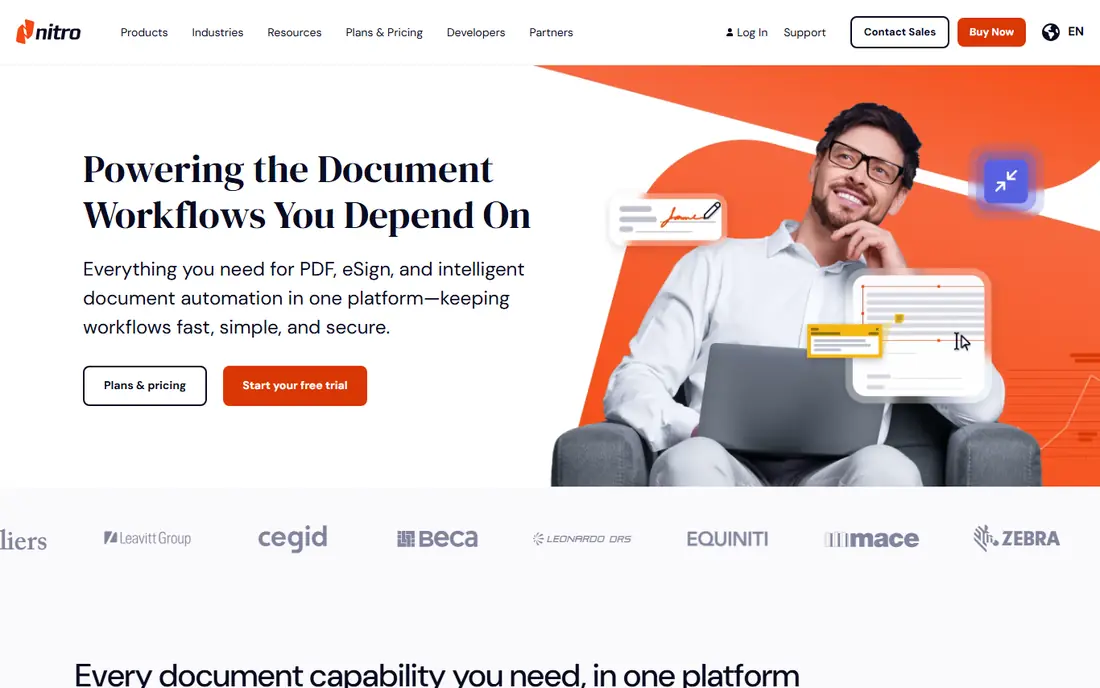
In short, Nitro is for companies replacing Acrobat across the organization. Nitro targets the Acrobat replacement sale: editing, conversion, and e-signatures with analytics showing how the software is actually used. Pure feature depth trails Acrobat, and the interface presents its age.
Trade-offs to know: Interface dated.
But as a business-focused alternative with usage analytics IT appreciates, Nitro holds its own. The analytics answer the question every CIO asks about PDF software: who actually uses the advanced features we are paying for? From a buyer's view, the analytics dashboard is genuinely handy for license optimization: most organizations discover they are paying for advanced features few employees touch. No starting price is listed for Nitro here; confirm pricing on the vendor site. Free access: Free trial.
- Analytics on usage
- Solid editing and signing
- Feature depth less than Acrobat
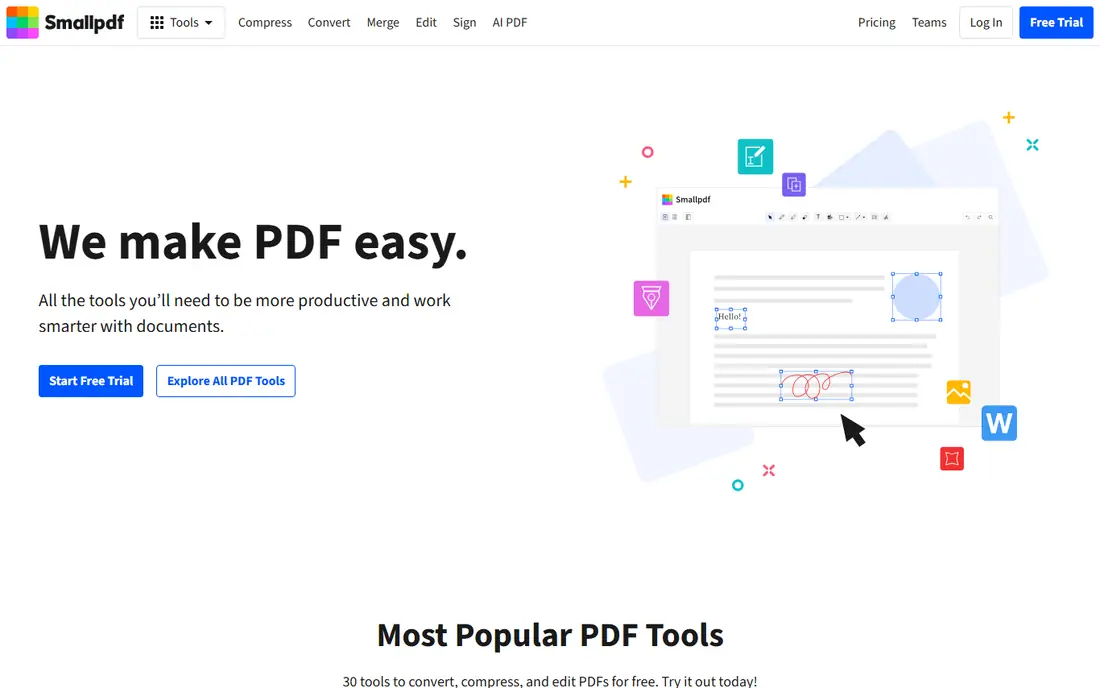
Smallpdf targets fast PDF tasks without installing software. The free tier handles a handful of tasks daily, and the interface is the cleanest in the category.
More specifically, heavy editing needs a desktop tool, and the free limits frustrate regular users. Price to start with Smallpdf: Free. Smallpdf has a free plan.
Where it falls short: Needs internet.
- Clean interface
- Decent compression
- Advanced editing thin
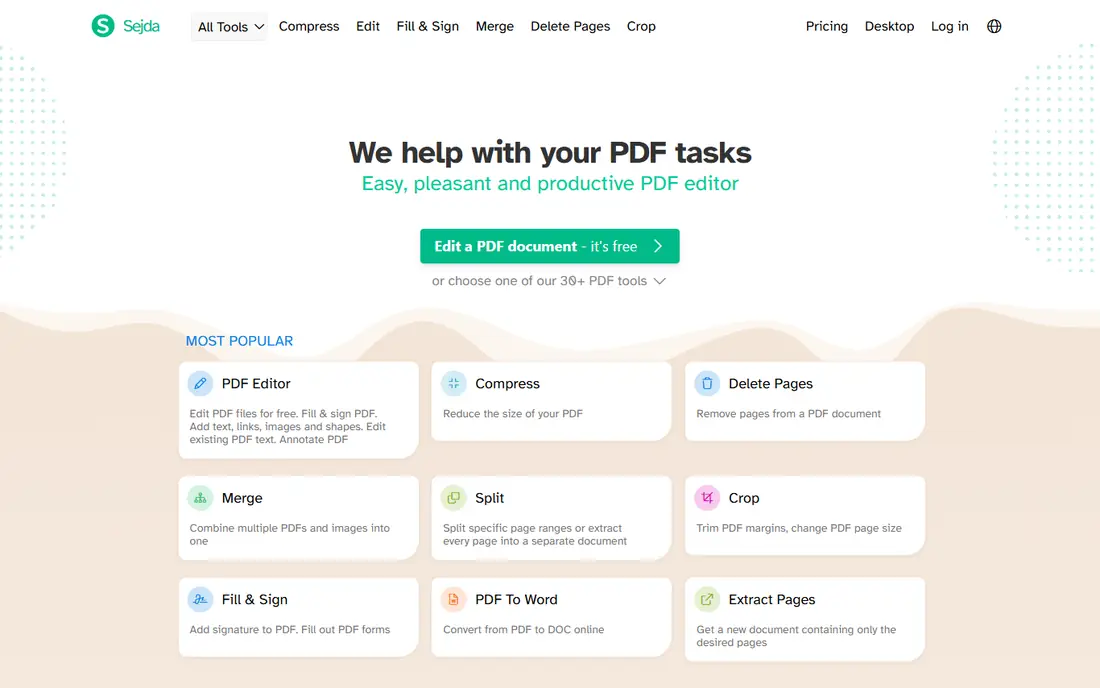
Sejda targets straightforward online PDF editing with a generous free level. Sejda provides straightforward online PDF editing: add text, annotate, merge, and convert without accounts or installs for entry-level use. Worth adding: power users hit the daily limits and need the desktop version.
Trade-offs to know: Smaller company.
But for straightforward edits without commitment, Sejda's frictionless model wins. More specifically, the editor runs entirely in the browser, so nothing uploads to a server for entry-level tasks, which privacy-conscious users appreciate. Sejda starts at: Free. Sejda includes a free tier.
What works well: Ample free usage.
- Clean design
- No signup for basics
- Daily limits on free
PDF-XChange is aimed squarely at a quick, light desktop PDF editor. PDF-XChange is the light champion: a quick desktop editor that opens immediately and sips resources. The free version deals with viewing and annotation well, and the Pro upgrade layers on editing at modest prices.
But for the Windows user who wants speed over style, PDF-XChange's performance is refreshing. Large documents that choke heavier editors open immediately, which matters for anyone working with thousand-page files. What you pay to start with PDF-XChange: Free. PDF-XChange has a free plan.
Honest limits: Mac version restricted.
- Good annotation
- Low resource use
- Advanced features need Pro
Adobe Acrobat is aimed squarely at anyone who needs the definitive PDF tool. Acrobat is the PDF standard since Adobe created the format: edit text and images straight, convert to and from Office formats, collect e-signatures, redact sensitive content, and compare documents. Beyond that, legal, finance, and government professionals seldom consider alternatives, since document fidelity in those fields is non-negotiable.
Drawbacks to consider: Subscription pricing.
Compatibility is total, since every PDF tool targets Acrobat's behavior. But when PDFs are central to your work, Acrobat's depth and reliability justify the price. No starting price is listed for Adobe Acrobat here; confirm pricing on the vendor site. On free options: Free trial.
- Deepest feature set
- Solid mobile apps
- Can feel heavy
Master PDF Editor
Great for: Low-cost PDF editing across Windows, Mac, and Linux
Master PDF Editor works best for budget-friendly PDF editing across Windows, Mac, and Linux. Master PDF Editor is the cross-platform value pick: full PDF editing on Windows, Mac, and Linux, where Linux users have few decent choices. In practice, Linux professionals in engineering and academia, who live in PDFs but lack native Adobe tools, are the core audience.
The one-time license keeps costs down, and the feature set includes editing, forms, and signing. But for the price-conscious user, particularly on Linux, it is the sensible choice. Pricing for Master PDF Editor is not stated here, so ask the vendor for current figures. On free options: Free trial.
Watch-outs: Fewer integrations.
Where it shines: One-time license.
- Budget-friendly
- True cross-platform including Linux
- Smaller company
Worth knowing about PDF editing software
The PDF is the document format that refuses to die: contracts, reports, forms, manuals. It persists since it preserves layout exactly across devices, which matters for anything official. The tools below include the full range, from the industry standard to free web utilities.
So you can match the tool to how seriously you take PDFs.
What went into this list
ProMapRanker used vendor pricing pages and product documentation as the base, then compared plans, free access and documented limits for 6 tools. Figures are shown as the vendors publish them. Billing terms, seat minimums and add-ons can change the real cost. Order on the page follows fit for the typical buyer first, then price transparency and free access. Your own requirements should decide the final pick.
Things to verify first
- Get a written quote from Nitro, Adobe Acrobat and Master PDF Editor; the list shows no starting price for them.
- Look at free plan limits closely: Smallpdf, Sejda and PDF-XChange have one, and the caps decide whether it is usable for real work.
- Use real work to test the free trial from Nitro, Adobe Acrobat and Master PDF Editor, rather than a demo project.
- Read the limits listed for Nitro first: feature depth less than Acrobat.
- Ask whether Master PDF Editor integrates with your current software, and whether that comes standard or as an add-on.
- Check whether the features you need in Adobe Acrobat sit on the entry plan or only on higher tiers.
Frequently asked questions
Which options for PDF editing software have a free plan?
On this list, Smallpdf, Sejda and PDF-XChange include a free plan. Caps on seats, usage or features are common, so test the free plan against your real workload. Several others offer a trial instead.
How are the tools for PDF editing software ordered?
The order follows typical fit for PDF editing software, with Nitro first and Master PDF Editor last, then price clarity and free access. It is editorial judgement, not a score, so another team could rank the tools differently.
Do these tools publish their prices?
Not all of them. Nitro, Adobe Acrobat and Master PDF Editor publish no starting price, so expect a quote request for those. The rest, Smallpdf included, show a starting price, though seats and billing terms still change the final cost.
Can I try these options before paying?
Often, yes. Smallpdf, Sejda and PDF-XChange have a free plan and Nitro, Adobe Acrobat and Master PDF Editor offer a free trial. Use your own data and a real task during the test, and check what the free tier or trial limits before you rely on it.
Sources
See where you really rank - block by block
ProMapRanker scans Google Maps across a grid of your service area. Simple monthly plans from $19, white-label on every plan.
Start freeKeep reading
 zscaler alternatives
Best Zscaler Alternatives in 2026
Looking for zscaler alternatives? We compare 9 SASE and zero trust platforms on architecture, data protection, pricing, and fit for your network and team.
Read → zapier alternatives free
Best Zapier Alternatives Free in 2026
Nine automation tools for zapier alternatives free in 2026, all with genuinely free tiers, plus free plan limits, starting prices and upgrade paths explained.
Read → which platform is best for online reputation
Which Platform Is Best for Online Reputation in 2026
Wondering which platform is best for online reputation? We compare 8 review, listing, and response tools for small and multi-location businesses and agencies.
Read →