 ProMapRanker
Top Invoice Features in Accounting Software in 2026


Invoicing plus full accounting · Pricing starts at: See website
Key takeaways
- QuickBooks Online has the deepest invoicing tied to full accounting, including batch invoices, progress billing, and industry templates.
- Xero at $27 per month is the strongest pick for multi-user teams and international invoicing, with unlimited users on every plan.
- Zoho Invoice and Wave both offer free invoicing, and Zoho Invoice is the stronger free option for recurring billing.
- The invoice features that save the most time are recurring invoices, automatic reminders, and online payment links, so check those three before comparing anything else.
Quick comparison
| Pick | Great for | Pricing starts at | Free tier | |
|---|---|---|---|---|
| QuickBooks Online | Invoicing plus full accounting | See website | Free trial | Visit |
 Xero | Multi-user and international invoicing | $27 per month | Free trial | Visit |
 FreshBooks | Service billing and time-based invoices | See website | Free trial | Visit |
 Zoho Invoice | Free invoicing with recurring billing | Free | Yes | Visit |
 Wave | Free invoicing for tiny businesses | Free | Yes | Visit |
 Square Invoices | Fast payment collection | Free | Yes | Visit |
 Zoho Books | Free accounting with invoicing | Free | Yes | Visit |
 Sage Accounting | Simple invoicing and cash flow | See website | Free trial | Visit |
 Stripe Invoicing | Online and recurring invoice billing | See website | No | Visit |
The best invoice features in accounting software
Invoicing looks simple until a business grows: recurring charges, partial payments, late fees, multi-currency bills, and payment reminders all pile up, and a weak invoicing tool turns billing into a weekly chore. The nine tools below are judged on their invoice features first: templates, recurring billing, reminders, payment options, and how invoices connect to the rest of the books. Prices change often in this category, so confirm the current rate on the vendor site before buying.
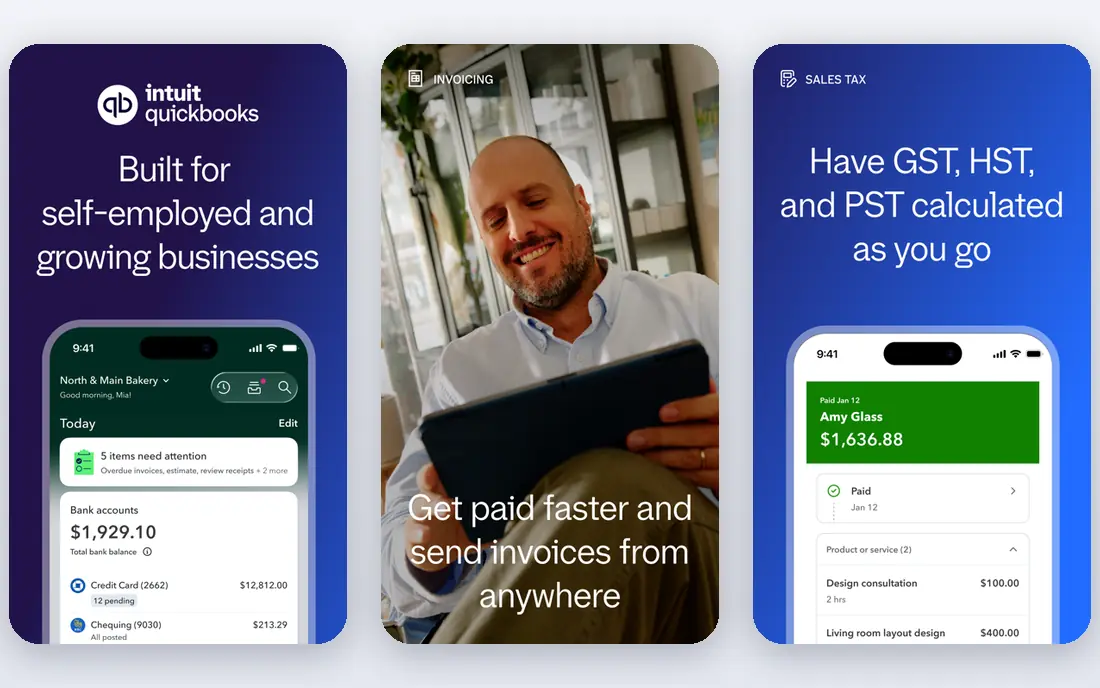
QuickBooks Online sets the standard for invoicing inside full accounting. Templates cover industries from construction to retail, invoices can be sent in batches, and progress billing lets contractors bill against an estimate in stages. Recurring invoices, automatic reminders, and payment links for cards and bank transfers shorten the time between work done and money received.
The connection to the ledger is the real advantage: an invoice updates accounts receivable, sales tax, and customer balances without retyping, and most accountants already know the system. The cost is the drawback, since pricing has risen more than once and extra users add fees. For businesses that want invoicing and accounting in one place, QuickBooks Online remains the deepest option.
- Industry invoice templates
- Batch and recurring invoices
- Progress billing and payment links
- Pricing has risen repeatedly
- Per-user fees add up on higher plans
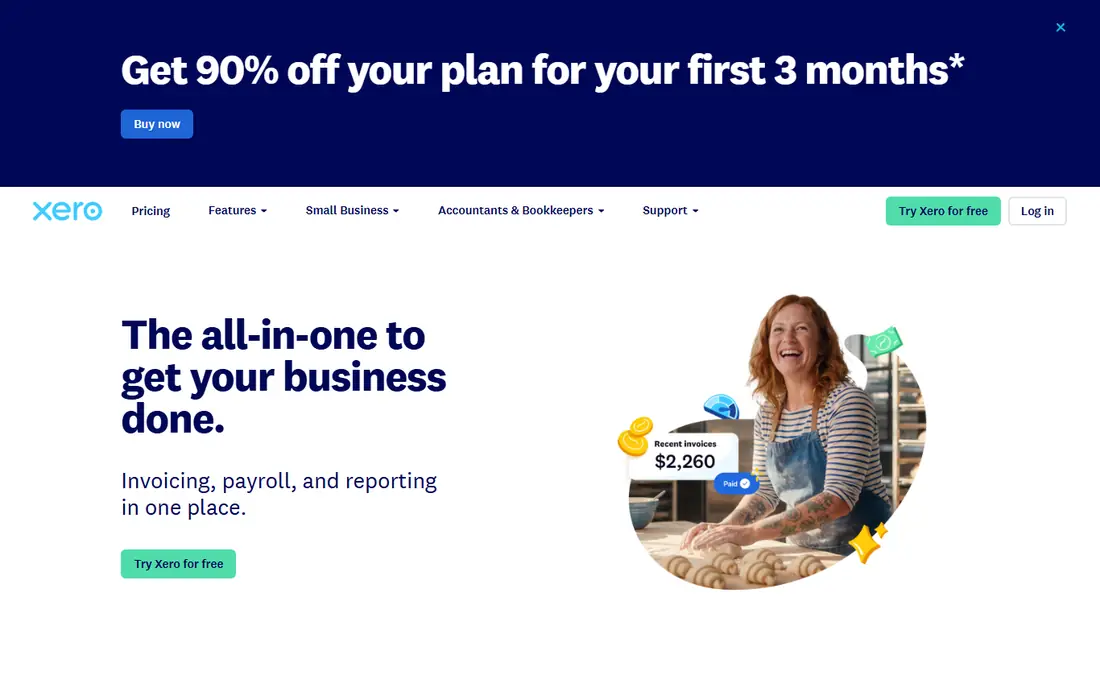
Xero stands out for teams and international sellers. Every plan includes unlimited users, which removes the per-seat math that makes QuickBooks expensive for growing firms, and multi-currency invoicing handles exchange rates and foreign customers cleanly. Invoices support recurring schedules, online payment links, automatic reminders, and payment reconciliation that matches bank feeds to open bills.
The entry plan starts at $27 per month, reflecting a price rise that took effect on 1 October 2026. Invoice approval workflows are simpler than some rivals, so firms with strict sign-off chains should test that flow during the trial. For multi-user teams with international clients, Xero is the strongest invoicing pick here.
- Unlimited users on every plan
- Strong multi-currency invoicing
- Automatic reminders and payment reconciliation
- Invoice approval workflows are basic
- Project tracking sits on higher plans
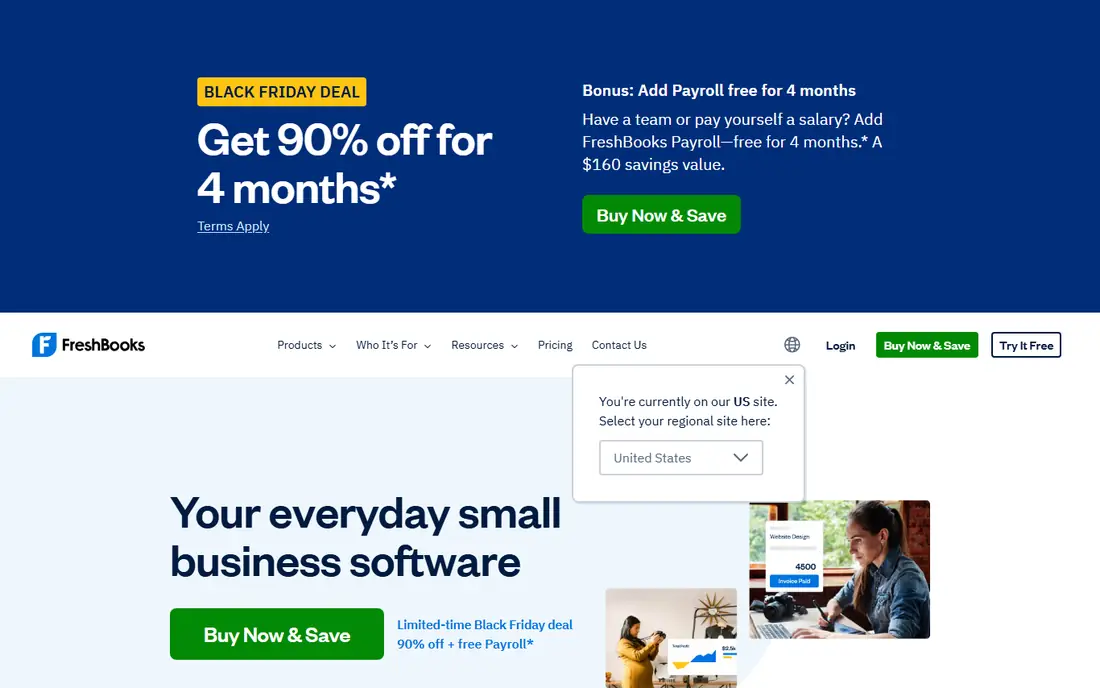
FreshBooks is built around billing clients for services, and its invoices show it. Templates look clean, time entries convert to invoice lines in a few clicks, and clients get a portal where they can view, approve, and pay bills. Automated reminders, late fee settings, and recurring invoices cover the follow-up work that freelancers and service firms usually forget.
Accounting depth is lighter than QuickBooks Online, especially for inventory-heavy businesses, and extra seats add to the monthly cost. For freelancers and service businesses whose main need is professional, time-based invoicing that gets paid fast, FreshBooks is the most polished option here.
- Polished client-facing invoices
- Time tracking feeds invoices directly
- Automated reminders and late fees
- Advanced accounting is lighter than QuickBooks
- Extra seats cost more
Zoho Invoice is the best free invoicing tool for small businesses that bill regularly. The free plan covers recurring invoices, customizable templates, expense tracking, a client portal, and payment links through Stripe, PayPal, and other gateways. That combination is unusual at zero cost, and it covers the full billing cycle for a solo operator or tiny team.
The limits are scope and scale: Zoho Invoice is invoicing, not full accounting, and the free plan caps users and annual invoice volume. Businesses that outgrow it can move to Zoho Books, which shares the same family. For a new business that needs proper invoices without a subscription, Zoho Invoice is the first tool to try.
- Free for up to 2 users and 500 invoices a year
- Recurring invoices
- Client portal and payment links
- No full accounting included
- Free plan caps users and invoice volume
Wave offers free invoicing bundled with basic bookkeeping, which suits very small businesses and solo operators. Invoices are easy to create and customize, recurring billing is included, and clients can pay by card or bank transfer. Income and expense tracking sits beside invoicing, so a tiny business can run its books without a monthly subscription.
The trade-offs are thinner integrations, paid support on the free tier, and payroll as a separate paid add-on. Businesses that need deep reporting or many integrations will outgrow Wave. For a micro-business that wants free, honest invoicing with basic books attached, Wave is hard to argue against.
- Free core invoicing and accounting
- Simple setup
- Card and bank payment options
- Payroll costs extra
- Fewer integrations than larger rivals
- Support is paid on the free tier
Square Invoices suits businesses that already take payments through Square, such as retailers, salons, and field services. Invoices are free to send, clients can pay online or in person, and features like deposits, milestone schedules, and payment reminders help service businesses collect staged payments. Estimates convert to invoices without retyping, which saves time on quotes that become jobs.
Square Invoices is a billing tool, not a full accounting system, so businesses that need ledgers, inventory, and tax reporting will pair it with accounting software or move to a fuller platform. For fast payment collection with minimal setup, it is one of the quickest tools here to start using.
- Free invoicing with no monthly fee
- Deposits and milestone billing
- In-person and online payments
- Not a full accounting system
- Advanced features need paid tiers
Zoho Books is the strongest free route to full accounting with invoicing included. The free plan covers businesses under $50,000 in annual revenue with invoicing, banking, expenses, and double-entry books, plus recurring invoices, payment reminders, and multi-currency support on paid tiers. Automation handles recurring billing and follow-ups without manual chasing.
The free plan limits users, so growing teams move to paid plans, and integrations are strongest inside the Zoho suite. For a cost-conscious business that wants real accounting, not just invoices, Zoho Books offers more at zero cost than any other tool here. It is the value pick for small firms that plan to grow into paid accounting.
- Free plan for businesses under $50,000 revenue
- Full double-entry accounting
- Recurring invoices and automation
- Free plan limits users
- Ecosystem is strongest inside Zoho apps
Sage Accounting keeps invoicing simple and ties it closely to cash flow. Invoices, quotes, and bank reconciliation live in one place, and cash flow views show which bills are outstanding and when money is expected. That clarity helps small businesses that care more about getting paid on time than about elaborate invoice design.
Template customization is lighter than FreshBooks, and pricing varies by plan, so check the current page for the tier that includes the invoice features you need. For product-based small businesses that want dependable invoicing with cash flow insight and without QuickBooks pricing, Sage is a steady alternative.
- Straightforward invoicing
- Cash flow views tied to bills
- Bank reconciliation included
- Template customization is lighter than FreshBooks
- Pricing varies by plan
Stripe Invoicing is different from the rest of this list: it is a billing layer for online businesses rather than an accounting system. There is no monthly fee, and invoices support recurring schedules, international currencies, automatic tax calculation, and payment links that customers can pay by card or bank. Hosted invoice pages look professional and work well for software, agencies, and subscription businesses.
The cost is per paid invoice rather than a subscription, and bookkeeping still needs an accounting tool, though Stripe connects to several. For online businesses that bill globally and want billing infrastructure rather than a bookkeeping suite, Stripe Invoicing is the most capable option here.
- No monthly fee
- Strong recurring and international billing
- Automatic tax and payment handling
- Not an accounting system
- Per-invoice fees apply to paid invoices
How we picked these
We compared official pricing pages, feature documentation, and public reviews for accounting and invoicing tools, judging each one on invoice templates, recurring billing, reminders, payment options, and ledger integration. Tools that only send simple bills without accounting or payment features were left out, as were enterprise billing platforms priced for large companies. Prices are published starting rates where confirmed, and we wrote "See website" where pricing varies by plan or has changed recently.
What to check before you buy
Test the three features that save the most time
Before comparing anything else, set up a recurring invoice, an automatic reminder sequence, and an online payment link in the trial. Those three features decide whether billing runs itself or becomes a weekly task, and their quality varies more between tools than template design does.
Check how invoices handle tax and partial payments
Confirm that sales tax or VAT calculates correctly for your region, that partial payments and deposits record cleanly, and that credit notes are easy to issue. Businesses that bill in stages or across borders should test those exact cases, not just a simple one-off invoice.
Confirm the invoice data reaches your books
An invoice that does not update receivables, revenue, and customer balances creates reconciliation work later. Check that paid invoices reconcile against bank feeds, that reports show aging by customer, and that your accountant can access the data without a separate export routine.
Frequently asked questions
What are the best invoice features in accounting software?
The most valuable invoice features are customizable templates, recurring invoices, automatic payment reminders, online payment links, and partial payment support. QuickBooks Online and Xero cover all of them inside full accounting, while Zoho Invoice covers them free for small volumes. Prioritize reminders and payment links, since those two features most directly shorten payment times.
What is the best invoice features accounting software for small businesses?
QuickBooks Online is the deepest all-around choice, Xero is the best for multi-user and international teams, and Zoho Books is the best free accounting option. For invoicing alone, Zoho Invoice and Wave both offer strong free plans. Match the pick to whether you need full accounting, multi-user access, or just billing.
Is there free accounting software with good invoicing?
Yes. Zoho Books offers free full accounting with invoicing for businesses under $50,000 in revenue, Wave offers free invoicing with basic books, and Zoho Invoice offers free invoicing with recurring billing. Free plans cap users or volume, so check those limits against your business size.
Can accounting software send recurring invoices automatically?
Yes, all the full platforms here support recurring invoices, including QuickBooks Online, Xero, FreshBooks, Zoho Books, and Zoho Invoice. Set the schedule, the customer, and the line items once, and the system generates and sends each invoice on time. Automatic reminders then chase unpaid bills without manual follow-up.
How do clients pay invoices from accounting software?
Most tools offer payment links for cards and bank transfers, and several add PayPal, Apple Pay, or Google Pay. QuickBooks Online, Xero, FreshBooks, Wave, and Square Invoices all let clients pay from the invoice itself, which is faster than a separate payment step. Processing fees vary by provider and payment method, so check the rate before choosing.
Sources
See where you really rank - block by block
ProMapRanker scans Google Maps across a grid of your service area. Simple monthly plans from $19, white-label on every plan.
Start freeKeep reading
 zoro.to alternatives
Best Zoro.to Alternatives in 2026
We compare the best zoro.to alternatives in 2026, listing only legal licensed anime streaming services, from Crunchyroll to free options for fans today.
Read → zip alternatives
Best Zip Alternatives in 2026
We compare the best zip alternatives for buy now, pay later in 2026, covering pay-in-4 plans, fees, spending limits, and credit reporting options today.
Read → yesware alternatives
Best Yesware Alternatives in 2026
Compare the best yesware alternatives for sales email tracking, templates, and sequences, with current pricing and honest tradeoffs for small sales teams.
Read →