 ProMapRanker
Top Git Alternatives for Source Control in 2026

Key takeaways
- Mercurial is the closest like-for-like Git replacement, with a simpler command set and a distributed model that many teams find easier to teach.
- Apache Subversion still fits teams that want one central server, strict folder permissions, and simple handling of large binary files.
- Fossil packs version control, a wiki, ticket tracking, and a web interface into a single file, which suits small self-hosted projects.
- Perforce Helix Core is the enterprise pick for game studios and hardware teams with huge binary assets, while Sapling and Jujutsu suit large codebases and newer workflows.
- Every alternative trades away part of Git's ecosystem, so check hosting, IDE support, and CI tooling before you move a team.
Quick comparison
| Pick | Great for | Pricing starts at | Free tier | |
|---|---|---|---|---|
 Mercurial | Simpler distributed version control | Free | Yes | Visit |
 Apache Subversion | Centralized control and permissions | Free | Yes | Visit |
 Fossil | All-in-one project hosting in one file | Free | Yes | Visit |
 Perforce Helix Core | Large binary assets at enterprise scale | See website | Free trial | Visit |
 Pijul | Patch-based merging with fewer conflicts | Free | Yes | Visit |
 Darcs | Flexible patch-based history editing | Free | Yes | Visit |
 Sapling | Large scalable repositories | Free | Yes | Visit |
 Jujutsu | Modern workflow on top of Git repos | Free | Yes | Visit |
The best Git alternatives for source control
Git dominates modern development, so choosing an alternative is a deliberate trade. The systems below are all actively maintained in October 2026 and each solves a problem Git handles less well, from central control to simpler commands to patch-based history. We left Git itself off the list, since this article is about replacing it.
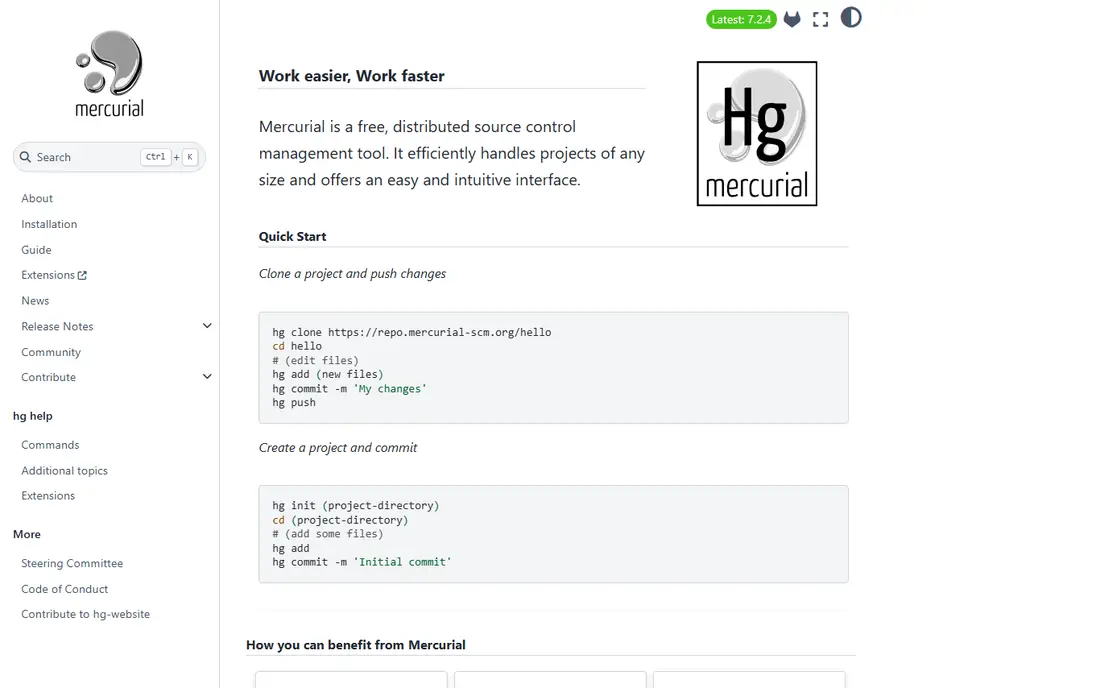
Mercurial, often called hg, is the most natural Git alternative for a team that likes distributed version control but not Git's command quirks. You clone a full repository, commit locally, and push when ready, just as with Git. The difference is in the details: Mercurial's commands tend to be more consistent, its named branches are built into the model, and many developers find it easier to explain to newcomers.
The cost is ecosystem size. GitHub, GitLab, and most CI tools assume Git, so a Mercurial team needs to check hosting and tooling first. Some teams run Mercurial with a Git bridge or host their own servers. If your team values a calmer command line over the widest tool support, Mercurial is the first alternative to test.
- Distributed model like Git
- Simpler and more consistent commands
- Strong large-repository support
- Smaller ecosystem than Git
- Fewer hosting and tool integrations
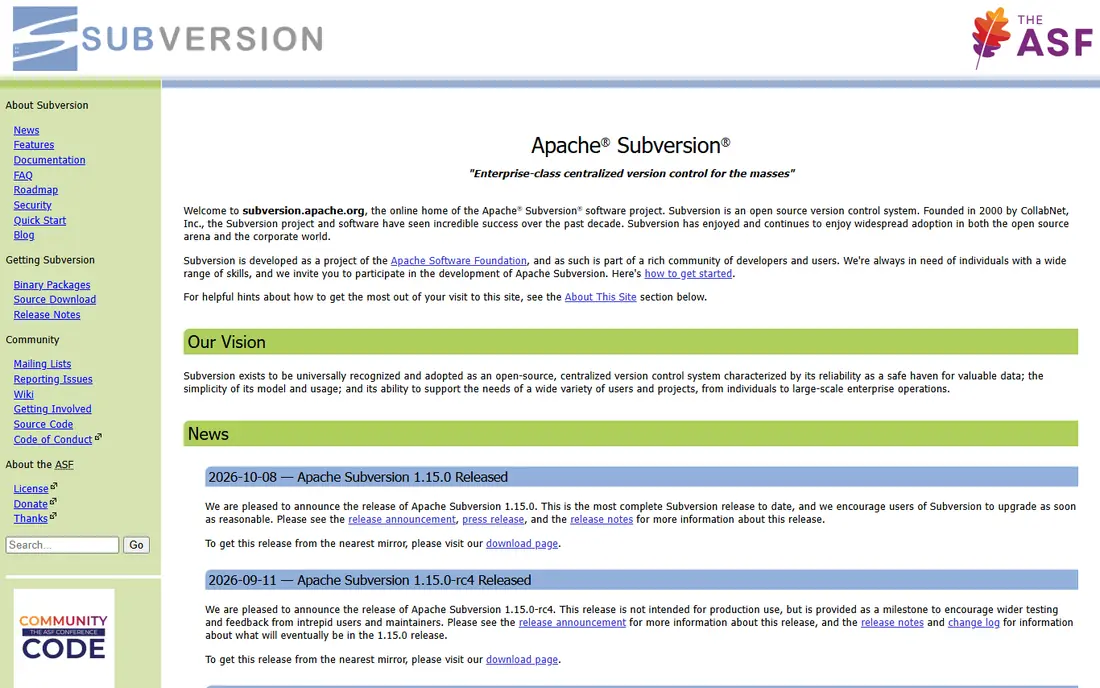
Apache Subversion, known as SVN, is the classic centralized system, and it is still actively maintained, with a new release in October 2026. You check out a working copy from the server, edit, and commit straight back to the server. That linear model is easy to reason about, and administrators can set permissions per folder, which suits regulated documents, hardware designs, and game assets.
Subversion gives up offline work. Without a server connection, you cannot commit, and branching feels heavier than in a distributed system. Teams that work offline or branch constantly will feel that limit fast. Teams that want central control, a clear audit trail, and simple permissions often prefer it anyway.
- Single central source of truth
- Path-based access control
- Good large-file handling
- No offline commits
- Branching and merging are heavier than in Git
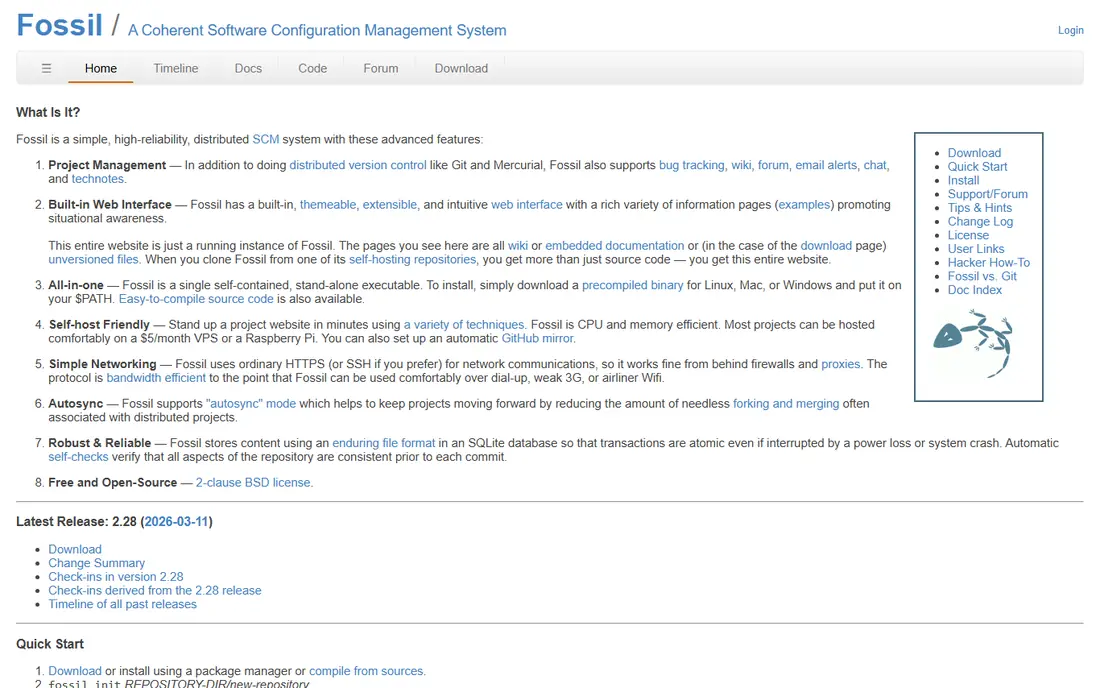
Fossil is the odd one out in the best way. It is a distributed version control system, and it also includes a wiki, ticket tracking, a forum, and a web server in a single executable. The entire repository, including history, tickets, and wiki pages, lives in one SQLite file that you can copy, back up, or move with ease. That makes it a strong fit for small projects, personal tools, and self-hosted teams that want GitHub-style features without a separate server stack.
The trade is community size. Fewer developers know Fossil, fewer hosts support it, and fewer CI tools integrate with it out of the box. If your project is small and self-contained, and you like the idea of one file holding the whole project, Fossil is hard to beat for simplicity.
- Version control, wiki, tickets, and forum in one binary
- Whole repository in a single file
- Built-in web interface
- Smaller community than Git
- Hosting options are fewer
Perforce Helix Core, often called P4, is the standard choice in game studios and hardware teams that version gigabytes of binary assets. It handles large files, file locking, and partial checkouts in ways Git struggles with, even with extensions. Access control is fine grained, and the audit trail suits teams that need to prove who changed what and when.
Perforce is commercial software with quoted pricing, and it needs more setup than a free distributed tool. Small open-source projects will not need it. Large teams with heavy assets, strict permissions, and a need for speed on huge repositories will find it worth the cost and the learning curve.
- Built for huge repositories and binary files
- File locking
- Enterprise access control and audit
- Commercial pricing
- Heavier setup than open-source tools
Pijul takes a different approach to history. Instead of snapshots, it treats changes as patches that can commute when they do not depend on each other. In theory, that makes merging cleaner, because the system understands which changes truly conflict and which can simply be reordered. Developers who have fought repeated Git merge conflicts often find the idea appealing.
Pijul is newer and smaller than Mercurial or Subversion, so hosting, IDE support, and CI integration are thinner. It suits experimental teams and developers who want to try a genuinely different model. Teams that need broad tool support today should test it on a side project before betting a main codebase on it.
- Patch-based model aims to cut merge conflicts
- Sound handling of change dependencies
- Open source
- Smaller ecosystem
- Tooling and hosting are still maturing
Darcs is the older patch-based system that inspired much of the later work in this area. Its interactive mode lets you pick individual patches to apply, revert, or move, which gives fine control over history. That control suits developers who like to shape a clean change set before sharing it, and it works well for small to mid-size projects.
Darcs can be slower than Git or Mercurial on very large repositories, and its community is small. Hosting and tooling are limited compared with mainstream systems. It remains a good pick for a team that values patch-level control and is happy to self-host.
- Patch theory allows flexible history changes
- Interactive patch selection
- Open source
- Performance can lag on very large repositories
- Small community
Sapling comes from Meta's work on scaling source control for huge monorepos, and it draws on Mercurial ideas while staying compatible with Git repositories. It is designed to keep commands fast even when a repository holds millions of files, with features such as lazy fetching and smart checkouts. Teams at very large companies have used its predecessors in production for years.
Sapling is newer as a standalone product, so its ecosystem is still growing, and getting the most from it can involve server-side setup. It fits best when repository size is the problem: if Git feels slow on your monorepo, Sapling is worth a serious trial before you split the repository or change workflows.
- Built for very large repositories
- Git compatible
- Fast status and checkout operations
- Newer ecosystem
- Server setup is more involved for full features
Jujutsu, known as jj, is a version control system that works on top of Git repositories while changing the workflow. The working copy itself is a commit, so your edits are recorded automatically as you work, and you describe them when you are ready. Conflicts can be committed and resolved later, even collaboratively, which removes the pressure to fix every conflict before moving on.
Jujutsu is still newer than the other tools here, and its command set takes learning, even for experienced Git users. Graphical tool support is thinner. It suits developers who like Git's storage and hosting but want a calmer, more forgiving daily workflow, and it is a good way to try a new model without leaving Git repositories behind.
- Working copy is a commit that updates automatically
- Conflicts can be committed and resolved later
- Works with Git repos
- Newer tool with a learning curve
- Fewer graphical tools than Git
How we picked these
We compared official project pages, documentation, and release activity for each system, and we kept only systems that are actively maintained in October 2026 and that genuinely replace Git as a source control tool. We left out discontinued systems and pure Git hosts, since hosting Git is not an alternative to Git itself. We also left out systems whose maintenance status was unclear, rather than recommending a tool a team could not rely on.
How to choose and migrate safely
Start with your repository shape. A central team with strict permissions points to Subversion. A distributed team that wants simpler commands points to Mercurial. A small self-hosted project points to Fossil. A huge binary-heavy codebase points to Perforce. A very large monorepo points to Sapling, while a team that wants a new workflow without leaving Git points to Jujutsu. Patch-based merging fans should try Pijul or Darcs on a side project first.
Migration deserves a trial run. Convert a copy of a real repository, not a toy example, and measure checkout speed, log speed, and merge behaviour on your actual history. Check that your CI system can fetch the new format, that your IDE shows history and blame correctly, and that your code review flow still works. Keep the old repository read-only for a while, so the team can fall back if the trial finds a blocker.
What to check before you commit
Confirm hosting first, since it decides much of the daily experience. Confirm backup and restore for the new format, and confirm how access control maps to your team structure. Confirm how binary files, large files, and partial checkouts behave, since those details often decide the choice for game, hardware, and media teams. Finally, budget training time: even a simpler system feels slow in the first two weeks while habits change.
Frequently asked questions
Is Mercurial still maintained in 2026?
Yes. Mercurial remains an active open-source project with regular releases, and it is used by teams that prefer its simpler command set. Its ecosystem is smaller than Git's, so check hosting and tooling for your stack before you switch.
Can I use Jujutsu with my existing Git repository?
Yes. Jujutsu works with Git repositories and can sit alongside Git, which makes it easier to trial than a full migration. You can keep Git hosting and tooling while you test the new workflow.
Which Git alternative is best for large binary files?
Perforce Helix Core is the strongest pick for very large binary assets at enterprise scale, thanks to file locking and partial checkouts. Subversion also handles large files well for central teams, while Git with extensions is a middle option if you stay on Git.
Is Subversion outdated?
No. Subversion is actively maintained and suits teams that want a central server and path-based permissions. It is less popular for new open-source projects, but that is a question of fashion and ecosystem, not of maintenance.
What is the difference between distributed and centralized version control?
In a distributed system, every developer holds a full copy of the history and can commit offline. In a centralized system, one server holds the history and developers commit to it directly. Distributed systems suit offline work and branching, while centralized systems suit strict control and a single source of truth.
Should a new project pick a Git alternative?
For most new projects, Git remains the practical default because of its ecosystem, hosting, and hiring pool. Pick an alternative only when you have a concrete reason, such as central permissions, huge binaries, or a simpler workflow for a specific team.
Sources
See where you really rank - block by block
ProMapRanker scans Google Maps across a grid of your service area. Simple monthly plans from $19, white-label on every plan.
Start freeKeep reading
 zscaler alternatives
Best Zscaler Alternatives in 2026
Looking for zscaler alternatives? We compare 9 SASE and zero trust platforms on architecture, data protection, pricing, and fit for your network and team.
Read → zapier alternatives free
Best Zapier Alternatives Free in 2026
Nine automation tools for zapier alternatives free in 2026, all with genuinely free tiers, plus free plan limits, starting prices and upgrade paths explained.
Read → which platform is best for online reputation
Which Platform Is Best for Online Reputation in 2026
Wondering which platform is best for online reputation? We compare 8 review, listing, and response tools for small and multi-location businesses and agencies.
Read →