 ProMapRanker
Top Digital Display Software in 2026


Small businesses on a budget · Pricing starts at: $8 per screen per month
Key takeaways
- Yodeck and OptiSigns are the lowest-friction starts for small businesses, with free tiers for one and three screens respectively.
- ScreenCloud suits larger workplaces that need permissions, SSO, and governance across many screens.
- Rise Vision is the education pick, with school communication and emergency alert features.
- Per-screen pricing looks small, but the total at 10 or 50 screens is the number to budget.
- Xibo suits IT-led teams that prefer open source and self-hosting, with added maintenance work.
Quick comparison
| Pick | Great for | Pricing starts at | Free tier | |
|---|---|---|---|---|
| Yodeck | Small businesses on a budget | $8 per screen per month | Yes | Visit |
 ScreenCloud | Workplace comms and governance | $20 per screen per month | Free trial | Visit |
 OptiSigns | Lots of apps and human support | $10 per screen per month | Yes | Visit |
 Rise Vision | Schools and emergency alerts | $12 per display per month | Free trial | Visit |
 NoviSign | Drag-and-drop signage for non-designers | $14 per screen per month | Free trial | Visit |
 TelemetryTV | Live data dashboards | $8 per device per month | Free trial | Visit |
 Xibo | Open source self-hosting | Free | Yes | Visit |
 Play Digital Signage | Simple cloud signage on a budget | $8 per screen per month | Yes | Visit |
 PosterBooking | Very small shops with tight budgets | Free | Yes | Visit |
The best digital display software
Digital display software, also called digital signage software, manages what appears on screens in shops, offices, schools, and lobbies. It handles scheduling, remote updates, playlists, and monitoring from one dashboard. The tools below differ mainly in price per screen, hardware support, and governance.
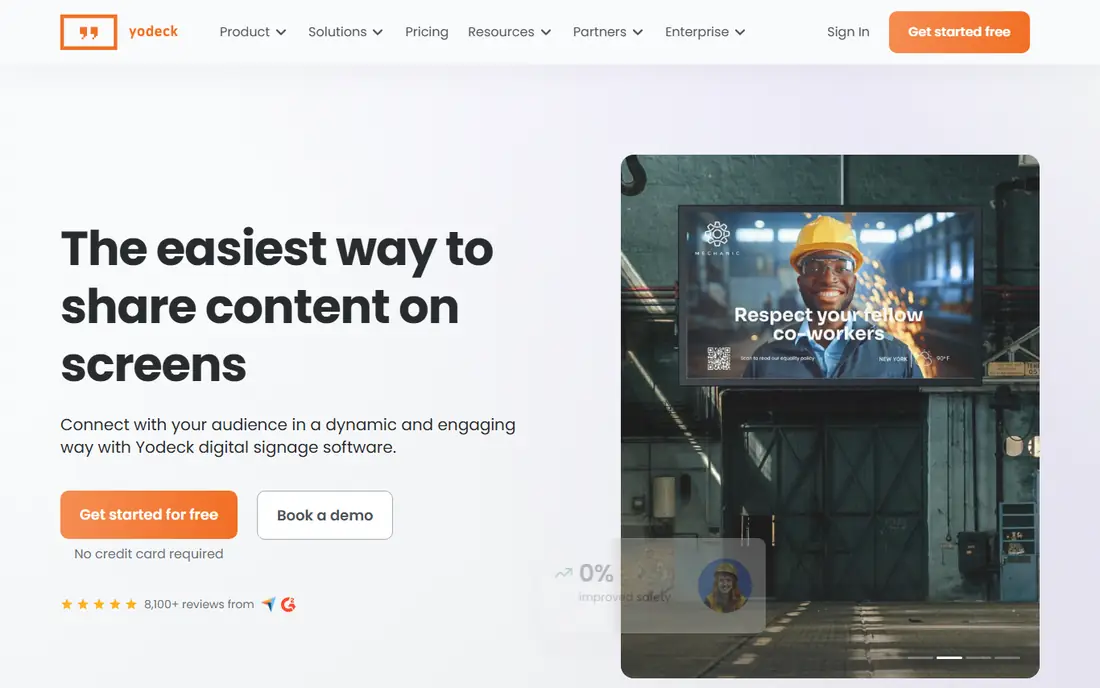
Yodeck is our pick for most small businesses starting with signage. One screen is free forever, and paid plans start at $8 per screen per month on annual billing in the pricing we reviewed. Setup centers on Raspberry Pi players, with a free player offer on some annual plans, and content can be scheduled and updated remotely. That combination keeps the first project cheap and simple.
The trade-off appears at larger scale, where enterprise controls and support tiers add cost. Yodeck still works well for multi-location small chains, but a large corporate rollout may need the governance tools of ScreenCloud or a similar enterprise platform. For a shop, cafe, or office with a handful of screens, Yodeck is hard to beat on value.
- Free for one screen
- Simple setup with Raspberry Pi players
- Remote management and scheduling
- Advanced enterprise features sit on higher tiers
- Player hardware is an added cost at scale
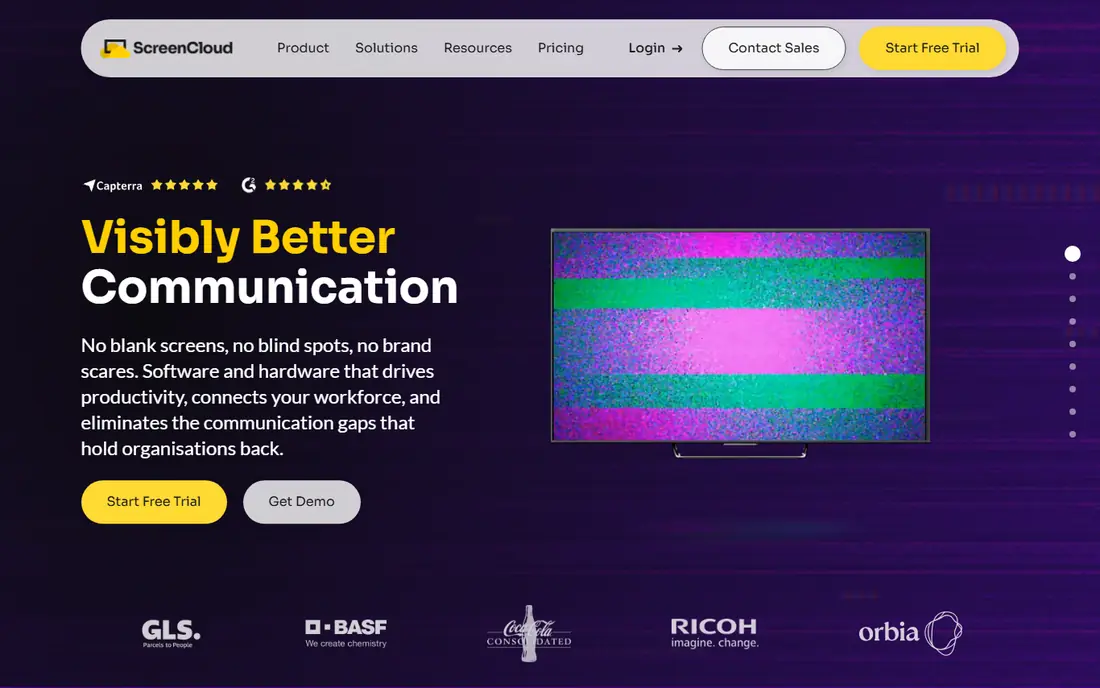
ScreenCloud suits companies that need control over who publishes what, and where. Permissions, approval workflows, and SSO support help internal communications teams manage screens across offices without letting every location publish unchecked content. Dashboards, calendars, and business apps can feed live content to screens, which works well for offices, factories, and franchise networks.
The price is higher than Yodeck or OptiSigns, at $20 per screen per month on annual billing in the pricing we reviewed. That cost is justified when governance, security, and multi-location control matter. For a single screen in a small shop, ScreenCloud is more than you need.
- Strong permissions and SSO options
- Dashboard and app integrations
- Reliable multi-location management
- Higher per-screen price
- No permanent free tier, trial only
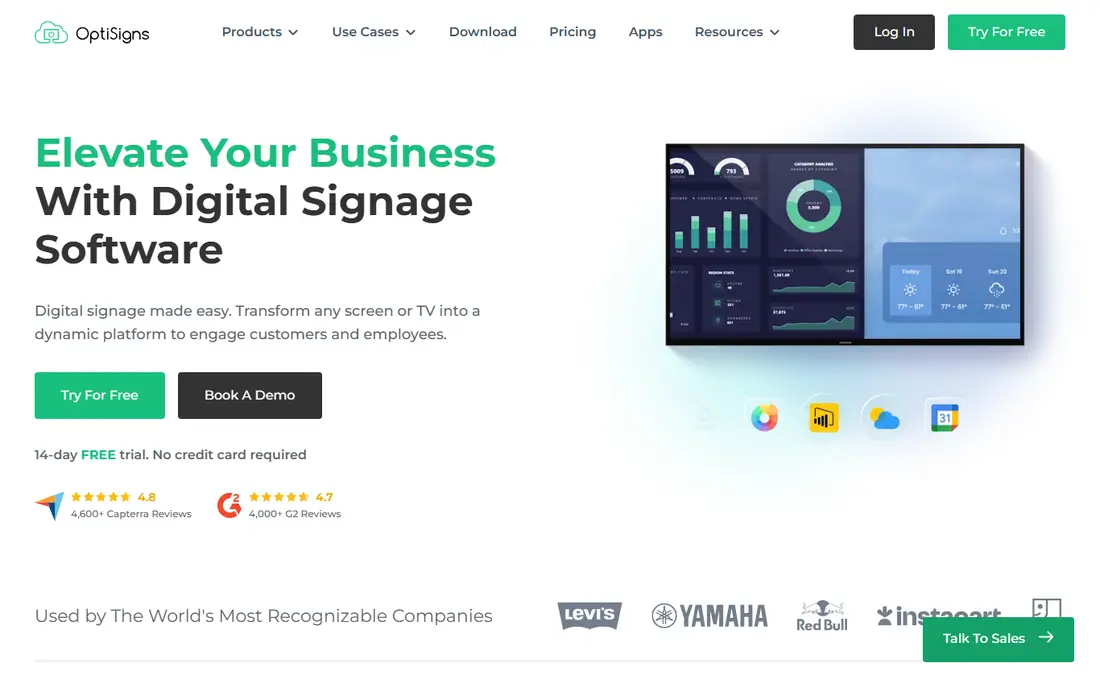
OptiSigns balances price, apps, and support for offices, restaurants, and retail shops. The free tier covers up to three screens, with branding on screen, and paid plans start at $10 per screen per month. The app library connects screens to calendars, spreadsheets, social feeds, menus, and dashboards, so content stays fresh without manual uploads. Support is a selling point for teams without an IT specialist.
Check add-on costs before you budget a complex setup. Video walls and background music are priced separately in vendor listings. For a typical office or restaurant rollout, OptiSigns gives a strong mix of ease, apps, and help when you need it.
- Free for up to three screens with branding
- Large app library for data and social content
- Responsive human support reported by users
- Free tier carries OptiSigns branding
- Video walls and some features cost extra
Rise Vision is designed for schools, districts, and nonprofits that need hallway, lobby, and classroom screens. Templates cover announcements, events, lunch menus, and schedules, and emergency messaging features help schools push urgent alerts to screens quickly. Wireless screen sharing adds a classroom use that general signage tools do not emphasize.
Pricing in the sources we reviewed is $12 per display per month on monthly billing, with lower annual rates reported in some guides. Confirm the education rate for your district before you budget. For a school, Rise Vision is the most purpose-built pick on this list. For a retail chain, a general tool such as Yodeck or OptiSigns may fit better.
- Built for K-12 schools
- Emergency messaging and alerts
- Screen sharing and templates for school communication
- Monthly price is higher than some annual rates quoted elsewhere
- Education focus is less relevant for retail chains
NoviSign suits teams where the person updating screens is not a designer. The drag-and-drop editor, templates, and AI help make it possible to build a clean layout without design software. Interactive kiosk and touch options also help retail and hospitality sites that want customers to browse, check in, or explore offers on a screen.
The starting price of $14 per screen per month on annual billing is above the budget tier. That premium buys ease of design and interactive features, not just a playlist. If your screens only show a simple menu or slideshow, a cheaper tool will do. If design quality and touch interaction matter, NoviSign earns the extra cost.
- Drag-and-drop editor with AI help
- Interactive kiosk and touch display options
- Good for retail and hospitality
- Higher starting price than budget tools
- Trial only, no permanent free tier
TelemetryTV is the pick for screens that must show live data. Operations teams, warehouses, and offices can display metrics, KPIs, and dashboards that update automatically, alongside announcements and video. The platform supports a range of devices and players, which helps when screens are spread across sites with different hardware.
TelemetryTV starts at $8 per device per month in the pricing we reviewed, with higher tiers for advanced features. It is less focused on school alerts or retail menu boards than specialists in those areas. Choose TelemetryTV when the screen is a working dashboard first, and a poster second.
- Strong live data and dashboard apps
- Good for operations rooms and offices
- Flexible device support
- Less school-specific tooling than Rise Vision
- Pricing rises with higher tiers and features
Xibo is the open source option for IT-led teams. The self-hosted CMS is free, with no per-screen license, and it supports layouts, scheduling, and multi-screen management. That model suits schools, councils, and companies that already run servers and want full control over data and updates. A cloud option exists for teams that prefer hosted management, priced per display.
Self-hosting is not free in effort. You own updates, backups, security, and player maintenance. Below a certain scale, a cloud tool can be cheaper overall once staff time is counted. Xibo fits teams with IT capacity and a clear reason to self-host, such as data control or a large screen count.
- Open source CMS with no per-screen license for self-hosting
- Flexible layouts and scheduling
- Cloud option for teams that do not self-host
- Self-hosting needs server, backup, and security work
- Support depends on community or paid cloud plans
Play Digital Signage is a lean cloud option for teams that want simple signage without a complex platform. The first screen is free, and paid plans start at $8 per screen per month in the pricing we reviewed. Setup is straightforward, and the platform runs on a broad range of hardware, including smart TVs and common players. That simplicity suits small offices, gyms, and shops.
The trade-off is depth. Governance, advanced integrations, and enterprise controls are lighter than on ScreenCloud or Scala-style platforms. For a small rollout with straightforward content, Play Digital Signage keeps costs and admin time low. For a large corporate network, test its permissions and reporting before committing.
- First screen free
- Simple cloud setup
- Broad hardware compatibility
- Fewer enterprise governance features than ScreenCloud
- Advanced apps are more limited
PosterBooking is the cheapest way to test signage. The free tier covers up to 10 screens in vendor listings, which is generous for a tiny shop, cafe, or community space. Setup is simple: create an account, add screens, upload images or video, and schedule content. That low barrier makes it a good trial before spending on a paid platform.
Free does not mean unlimited. Check current free tier limits, branding, and feature caps before you build a business-critical display on it. PosterBooking fits a first project or a very small rollout. If you need governance, live data, or interactive kiosks, move to a paid tool on this list.
- Free for up to 10 screens on the free tier
- Very simple setup
- Good for a first signage test
- Free tier limits and branding in some listings
- Fewer advanced features than paid rivals
How we picked these
We compared vendor pricing pages and 2026 digital signage guides, and we favored tools that are live in October 2026 and manage screens from a cloud dashboard or a self-hosted CMS. We included budget, workplace, education, data dashboard, and open source options, so the list covers different screen jobs. Where pricing varies by billing period, we note the basis we used and recommend confirming the current rate on the vendor page.
What to check before you buy
Screen software is only part of the cost, so budget the full project before you sign.
Count screens, players, and mounts together
Add the per-screen software cost to player hardware, displays, mounts, and cabling. A $8 per screen plan at 10 screens is $960 a year in software alone, before hardware. A free software tier can still need a player per screen, so the project total is the number to compare.
Test offline playback and remote updates
Check how long a screen keeps playing if the internet drops, and how fast a remote update reaches every screen. Offline caching matters for shops and schools with unreliable connections. Test a content change on one screen, then confirm it appears on all screens before you roll out to every site.
Check who can publish, and how fast
Set roles so only approved staff can publish to public screens, and check the approval flow for urgent changes. A simple tool with clear roles beats a powerful tool where anyone can push content to every screen. Also check proof-of-play reporting if you sell advertising or need to show that a message ran.
Frequently asked questions
What is the best digital display software?
Yodeck is best for most small businesses on a budget, OptiSigns is best for app variety and support, ScreenCloud is best for workplace governance, and Rise Vision is best for schools. The best digital display platform depends on screen count, content type, and who manages publishing.
What is the best digital display platform for a small business?
Yodeck with one free screen, OptiSigns with up to three free screens, or PosterBooking with a free tier for small rollouts are strong starts. Test one screen with your real content for two weeks, then scale. Budget the full per-screen cost at your target screen count, not just the first screen.
How much does digital display software cost per screen?
Published cloud rates in 2026 guides run from free tiers to about $20 per screen per month for mainstream tools, with enterprise tools quote-based. Yodeck starts at $8, OptiSigns at $10, Rise Vision at $12 monthly, NoviSign at $14, and ScreenCloud at $20 per screen per month on annual billing in the sources we reviewed. Hardware is extra.
Do I need special hardware for digital signage?
Not always. Many platforms run on a smart TV browser or a low-cost signage player, while dedicated players improve reliability at scale. Yodeck centers on Raspberry Pi players, and other tools support Android, Windows, and smart TV platforms. Check the hardware list for your chosen tool before you buy displays.
Is there free digital display software?
Yes, with limits. Yodeck is free for one screen, OptiSigns is free for up to three screens with branding, PosterBooking offers a free tier for small rollouts, and Xibo is free when self-hosted. ScreenCloud, NoviSign, and Rise Vision offer trials rather than permanent free tiers in current listings.
Sources
See where you really rank - block by block
ProMapRanker scans Google Maps across a grid of your service area. Simple monthly plans from $19, white-label on every plan.
Start freeKeep reading
 zscaler alternatives
Best Zscaler Alternatives in 2026
Looking for zscaler alternatives? We compare 9 SASE and zero trust platforms on architecture, data protection, pricing, and fit for your network and team.
Read → zapier alternatives free
Best Zapier Alternatives Free in 2026
Nine automation tools for zapier alternatives free in 2026, all with genuinely free tiers, plus free plan limits, starting prices and upgrade paths explained.
Read → which platform is best for online reputation
Which Platform Is Best for Online Reputation in 2026
Wondering which platform is best for online reputation? We compare 8 review, listing, and response tools for small and multi-location businesses and agencies.
Read →