 ProMapRanker
Top CRM Software Companies in 2026

Key takeaways
- Salesforce leads for large, complex sales teams that need deep customization and a huge app ecosystem.
- HubSpot and Zoho CRM give small and mid-sized teams strong value, with free tiers to start.
- Pipedrive and Freshsales suit teams that want a clear pipeline and fast setup without a long project.
- Microsoft Dynamics 365 Sales is the natural pick for companies already built on Microsoft 365.
Quick comparison
| Pick | Great for | Pricing starts at | Free tier | |
|---|---|---|---|---|
 Salesforce | Large and complex sales teams | $25 per month | Free trial | Visit |
 HubSpot | Growing teams that want one system | Free | Yes | Visit |
 Zoho CRM | Value and automation for small teams | $14 per month | Yes | Visit |
 Microsoft Dynamics 365 Sales | Microsoft 365 companies | See website | Free trial | Visit |
 Pipedrive | Visual pipeline selling | $14 per month | Free trial | Visit |
 Freshsales | Simple setup and AI help | $9 per month | Yes | Visit |
 monday CRM | Team boards and workflows | $12 per month | Free trial | Visit |
 Capsule | Small teams and simple contacts | $18 per month | Yes | Visit |
The best CRM software companies
The top CRM software companies differ in who they serve best. Some are platforms you can shape to almost any sales process, while others win by being easy to learn and quick to set up. We compared the best CRM tool options on pricing, free plans, pipeline tools, automation, and how much admin work each one needs.

Salesforce remains the default choice for large companies with complex territories, approval rules, and reporting needs. Sales Cloud covers contacts, deals, forecasting, and service in one platform, and the AppExchange adds thousands of integrations. Its AI tools can summarize records and help prioritize work, though the best AI features sit on higher tiers.
The trade-off is total cost and effort. Entry pricing looks modest, but serious deployments often need an admin, a partner, or both, plus add-ons for advanced features. If your team is small and your process is simple, Salesforce may be more platform than you need.
- Deep customization
- Huge AppExchange ecosystem
- Strong reporting and AI tools
- Costs rise with higher tiers
- Setup often needs an admin or partner
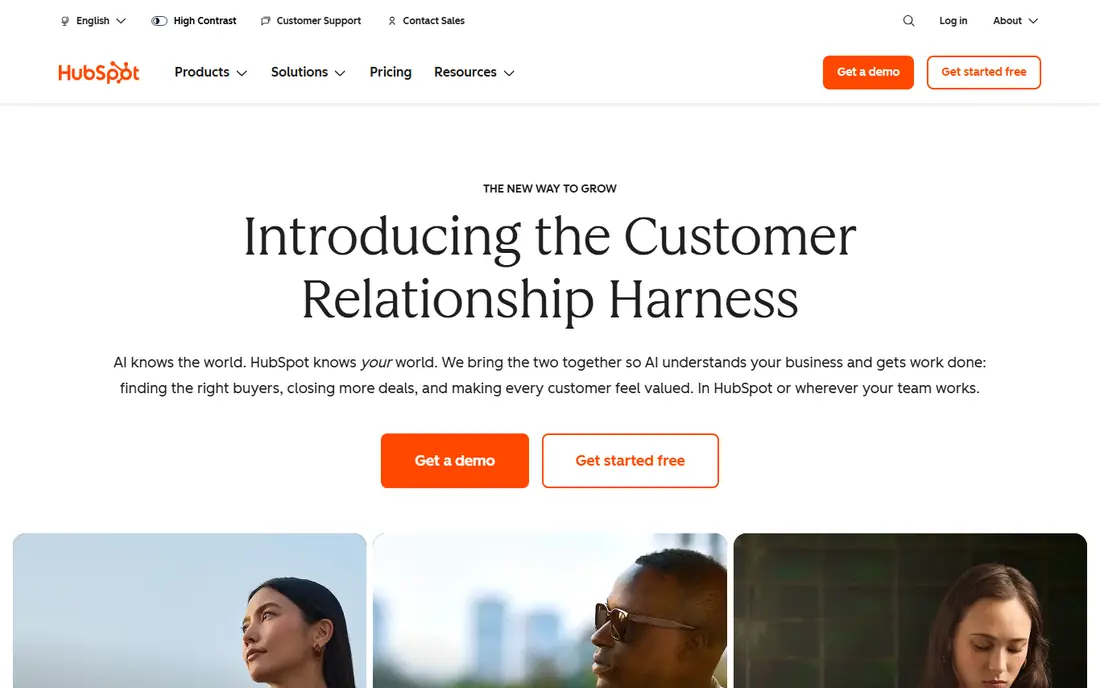
HubSpot is our pick for most growing teams because the free CRM is genuinely useful, not just a demo. Contacts, deals, tasks, email tracking, and basic reporting work without a contract, and paid Sales Hub tiers add automation, sequences, and deeper forecasting. Teams that also run marketing and service get more value from the shared system.
Watch the jump to paid tiers. Professional plans cost much more than Starter, and some plans add onboarding fees. Start free, prove your pipeline process, and move up only when automation or reporting limits start to slow the team down.
- Generous free CRM
- Marketing, sales, and service in one system
- Easy to learn
- Costs rise fast on Professional and Enterprise tiers
- Onboarding fees on some plans
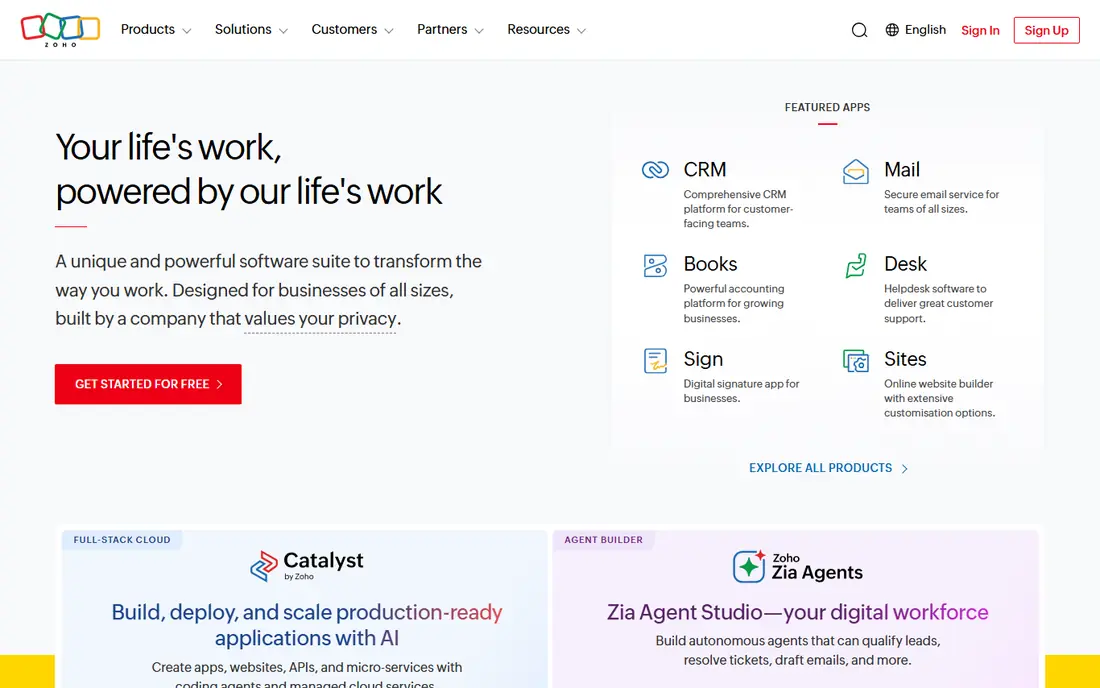
Zoho CRM gives small teams automation at a price rivals struggle to match. The free tier covers up to three users, and paid plans add workflows, Blueprint process controls, and Zia AI assistance. It also fits well with the wider Zoho suite, from email and books to projects and support.
The interface is less polished than HubSpot for some users, and setup takes a bit of care if you use many custom fields. For budget-conscious teams that want real automation without enterprise pricing, Zoho CRM is hard to beat on value.
- Low starting price
- Free tier for up to 3 users
- Automation and AI on paid tiers
- Interface takes some learning
- Advanced features need higher tiers
Microsoft Dynamics 365 Sales makes most sense when your company already lives in Outlook, Teams, and Office. Deals, emails, and meetings connect naturally, and Copilot can summarize records and draft follow-ups inside tools staff already use. Enterprise controls and security also suit larger, regulated organizations.
Pricing depends on the edition, and Professional, Enterprise, and Premium tiers differ in AI and automation depth. Smaller teams without IT support may find setup heavier than HubSpot or Pipedrive. For Microsoft-centered companies, though, the fit often outweighs that setup cost.
- Deep Microsoft 365 and Teams integration
- Strong enterprise controls
- Copilot AI
- Pricing varies by edition
- Setup can be complex without IT support
Pipedrive wins on clarity. Sales managers see deals by stage at a glance, reps see their next actions, and forecasts follow from the pipeline without complex reports. Setup takes hours, and most teams need little training to start using it well.
It is a sales CRM first, not a full marketing and service suite. Teams that want email marketing, service tickets, and deep automation in the same system may need add-ons or a second tool. For pipeline-focused selling, Pipedrive remains one of the easiest CRMs to run well.
- Clear visual pipeline
- Fast setup
- Good activity and deal tracking
- No free plan
- Marketing and service tools are limited
Freshsales, from Freshworks, suits teams that want a CRM running quickly with sensible defaults. Contacts, deals, email, and phone tools work together, and Freddy AI can summarize conversations and score deals on higher tiers. The low starting price makes it easy to test with a small team.
The ecosystem is smaller than Salesforce or HubSpot, so check integrations before you commit if you rely on niche tools. For straightforward sales teams that want speed and value, Freshsales is a strong, low-risk choice.
- Low entry price
- Free tier available
- Freddy AI summaries and scoring
- Smaller ecosystem than Salesforce or HubSpot
- Advanced features need higher tiers
monday CRM appeals to teams that already think in boards, lists, and timelines. Deals, contacts, and activities can be viewed as tables, Kanban boards, or timelines, and automations move work forward without code. That flexibility helps teams that manage projects alongside sales.
It is less of a classic sales CRM than Salesforce or Pipedrive at the low end, so check pipeline, email, and reporting limits on the tier you plan to buy. Teams that value shared visibility and simple automation will like it, while teams that need deep sales forecasting may prefer a more sales-focused tool.
- Flexible boards and views
- Good team collaboration
- Easy automation setup
- Pricing is per seat with minimums
- CRM depth varies by plan
Capsule suits small teams that mainly need shared contacts, deal tracking, and a clear history of emails and tasks. Setup is quick, the interface stays out of the way, and the free tier lets a tiny team start without paying. It is a good step up from spreadsheets without the weight of an enterprise CRM.
Larger teams will outgrow it. Automation, advanced reporting, and complex pipeline rules are limited compared with HubSpot, Zoho, or Salesforce. For a small team that wants a CRM people will actually use every day, Capsule's simplicity is its main strength.
- Simple and fast to learn
- Free tier for small teams
- Clean contact history
- Less automation than larger CRMs
- Fewer advanced sales features
How we picked these
We compared official pricing pages, feature descriptions, and public reviews, and we favored companies whose CRM products are live and supported in October 2026. We looked for pipeline tools, automation, integrations, free or trial access, and a realistic setup effort for each team size. We did not claim hands-on testing, and we left out tools that are mainly marketing or support platforms without a core sales CRM.
What to check before you buy
Start with your sales process, not the feature list. Write down how a lead becomes a deal, who approves discounts, and what reports managers need each week. Then test each CRM with that exact flow. A tool that looks rich in a demo can still slow your team down if its pipeline stages, permissions, or email tools do not match how you sell.
Next, add up total cost. Seat prices multiply fast, and some vendors add onboarding, support, or AI usage fees. Check seat minimums, annual versus monthly billing, and what happens when you add or remove users. A free tier is valuable, but only if its contact, deal, and user limits fit your real team.
Finally, plan for data and adoption. Import a sample of real contacts and deals, test duplicate handling, and check how hard it is to export your data later. The best CRM is the one your reps update every day, so choose the tool your team finds easiest to keep current, not just the one with the longest feature list.
Frequently asked questions
What are the top CRM software companies for small business?
HubSpot, Zoho CRM, Pipedrive, and Freshsales lead for small business, with free tiers or low entry prices and fast setup. HubSpot suits teams that want marketing and service together, while Pipedrive suits teams that mainly need a clear sales pipeline.
Which CRM is best, Salesforce or HubSpot?
Salesforce fits large, complex teams that need deep customization and a huge ecosystem, while HubSpot fits growing teams that want faster setup and a generous free tier. Choose Salesforce for scale and customization, and HubSpot for speed and ease of use.
What is the best CRM tool for a team on Microsoft 365?
Microsoft Dynamics 365 Sales is the natural fit, with Outlook, Teams, and Office integration plus Copilot AI features. Check the edition carefully, since AI and automation depth differ across Professional, Enterprise, and Premium tiers.
Is there a free CRM that is actually useful?
Yes. HubSpot offers a generous free CRM, Zoho CRM is free for up to three users, Freshsales has a free tier, and Capsule offers a free plan for small teams. Each free tier has limits, so check contacts, users, and automation before you rely on it.
How much does CRM software cost?
Entry prices on this list range from free to $25 per user per month, with HubSpot free, Freshsales from $9, monday CRM from $12, and Zoho CRM and Pipedrive from $14. Enterprise tiers and add-ons cost much more, so confirm total seat and onboarding costs before signing.
Sources
See where you really rank - block by block
ProMapRanker scans Google Maps across a grid of your service area. Simple monthly plans from $19, white-label on every plan.
Start freeKeep reading
 zscaler alternatives
Best Zscaler Alternatives in 2026
Looking for zscaler alternatives? We compare 9 SASE and zero trust platforms on architecture, data protection, pricing, and fit for your network and team.
Read → zapier alternatives free
Best Zapier Alternatives Free in 2026
Nine automation tools for zapier alternatives free in 2026, all with genuinely free tiers, plus free plan limits, starting prices and upgrade paths explained.
Read → which platform is best for online reputation
Which Platform Is Best for Online Reputation in 2026
Wondering which platform is best for online reputation? We compare 8 review, listing, and response tools for small and multi-location businesses and agencies.
Read →